Home > Filters > Creative >
Barcode Color Art
This effect was generated in Filter Forge, a Photoshop plugin that allows you to create your own filters.
Author: jffe
Filter Details
Description
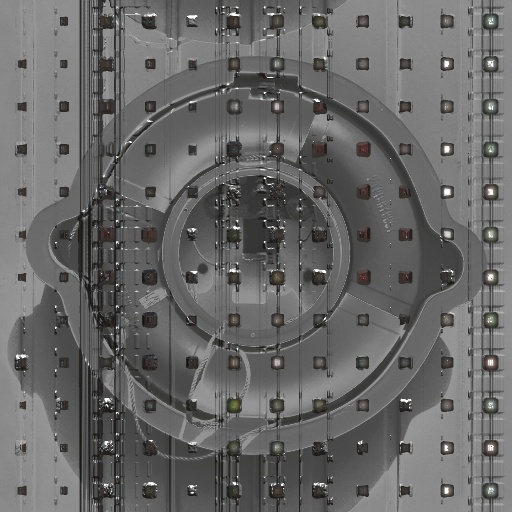
Barcode Color Art is a *quick rendering* "dirty art" picture altering filter. The results are grungy and smeared shapes and lines, of light/dark and color/black&white, along with some square or round rivet looking bits. Think abstrakt art I guess, it's easier to just try it out than explain it ultimately. Note : This V2 update adds a *Row Shift* control checkbox, to turn on some extra shiftular distortion, and supplies a slider control for both *Smoothing*, and *Surface Shine* (Formerly called *Double Blur*, and *Double Reflec/Metal*). *Noise Grad* controls names are now *Color Grad*, and a *Color Grad Range* slider control has been added. This filter remains 97% how it was looks-wise, and the render time has not changed. All presets have been adjusted to incorporate the new controls, and the lighting settings have also been adjusted for variety. Note: Reset the lighting to *Church* and 100/100/20 for the original lighting looks on all presets.
Keywords
grunge,
dirt,
industrial,
graffiti,
art,
artwork,
damage,
decay.
Rewards
This filter has earned its author one of our rewards. They are given to the authors of popular filters and include a free copy of Filter Forge.
Filter Controls
- Color Grad Lightener
- Grad Angle Rotate
- Black - White
- Tile Edges Sq-Circle
- Row Shift
- Tile Size
- Tiles # Vertical
- Tiles # Horizontal
- MODE
- Color Grad Range
- Color Grad Vert
- Color Grad Sm-Lg
- Smoothing
- Invert Height Map
- Surface Shine Adjust