Login - Create Account

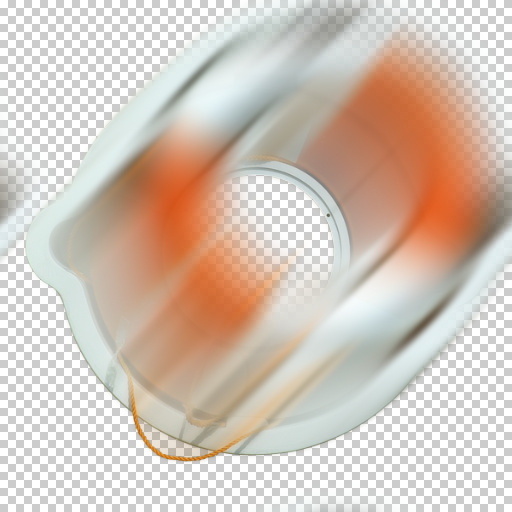
Wind Blur

This effect was generated in Filter Forge, a Photoshop plugin that allows you to create your own filters.

Author: Crapadilla

Filter Details

Description

This filter applies a wind blur effect to your selection. In contrast to a bi-directional motion blur, the wind blur is uni-directional, blurring and fading your selection out along your chosen vector.

New Feature:
- Added channel masking functionality.

TIPS:
- The 'Blur Source' option will also blur your selection according to the blur strength set with the 'Sample Blur' control.
- Increase the 'Sample Blur' value to get rid of step artifacts. The higher this value, the less visible any steps will be at high 'Blur Lengths' and 'Opacity' values, but the smoother the overall blur effect.
- The 'Composite Result' option controls whether the effect will be composited over the source layer contents or not.
- The 'Channel Masked' option further constrains the blur to a mask derived from the currently selected color channel. Use 'Show Mask' to view and 'Mask Threshold' to tweak it. Color models available for masking are: (1) HLS, (2) HSB, (3) HSY, (4) Lab, (5) RGB.

Keywords

blur blurry gaussian warp smooth soft focus camera lens motion movement speed wind directional trail tail streak

Rewards

This filter has earned its author one of our rewards. They are given to the authors of popular filters and include a free copy of Filter Forge.

Filter Controls

  • Composite Result
  • Gaussian
  • Blur Length
  • Blur Angle
  • Opacity
  • Sample Blur
  • Blur Source
  • Channel Masked
  • Mask Model
  • Mask Channel
  • Mask Threshold
  • Show Mask