Login - Create Account

Add Atmosphere

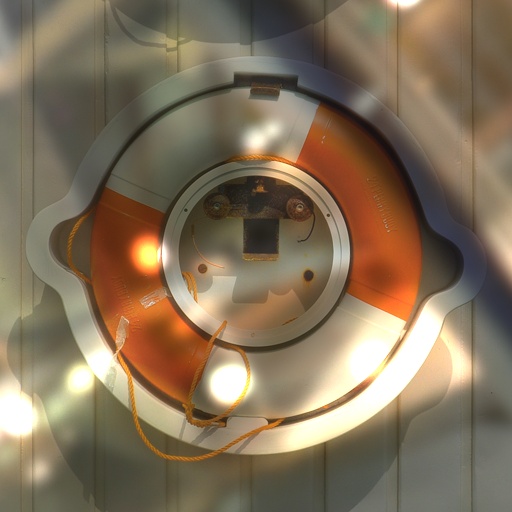
This is one of over 4276 effects generated by Filter Forge, a Photoshop plugin that allows you to create your own filters.

This effect:

  • can be easily altered;
  • offers up to 30,000 variations;
  • can be applied to any source image in Photoshop.

Only 7 Days Left!

Get a personal discount on Filter Forge – 40% off!
Buy today – save up to $160!

To open this filter, you must have Filter Forge 1.0 or higher installed on your computer. If you don't have it installed yet, click here to download Filter Forge

Author: ronviers

Filter Details

  • Downloads: 2813
  • Submitted: Nov 19, 2007
  • Usage Rank: High
  • Comments (45)

Description

This filter changes the mood or feel of a photo.Light, shadows and color are added and controled using Filter Forge's HDRI lighting environment.Moving the environment ball and selecting new environments controls what light will fall on the photo.Most photos will look best with the Height slider set to maximum.The Rotate Shadows slider is used to rotate the scene in the in the FF environment ball. At position 135 the scene will be up-side up and at 225 the scene will be up-side down.Most photos will look best with the Height slider set to maximum.Non-square images can be used by first changing the canvas size to square then cropping after the filter has been applied.Thanks to uberzev for the 'Any Angle Gradient' snippet.

Keywords

atmosphere, mood, feel, shadows, lighting, stylize, ambiance, cast

Rewards

This filter has earned its author one of our rewards. They are given to the authors of popular filters and include a free copy of Filter Forge.

Filter Controls

  • Rotate Shadows
  • Ambiance