Login - Create Account

Midtone Enhancer

Bookmark and Share

This is one of over 4594 effects generated by Filter Forge, a Photoshop plugin that allows you to create your own filters.

This effect:

  • can be easily altered;
  • offers up to 30,000 variations;
  • can be applied to any source image in Photoshop.

Get a 60% discount on any edition!
Only 2 Days Left!
Buy today – save up to $240!

To open this filter, you must have Filter Forge 1.0 or higher installed on your computer. If you don't have it installed yet, click here to download Filter Forge

Author: ThreeDee

Filter Details

  • Downloads: 2085
  • Submitted: Mar 31, 2009
  • Usage Rank: High
  • Comments (3)

Description

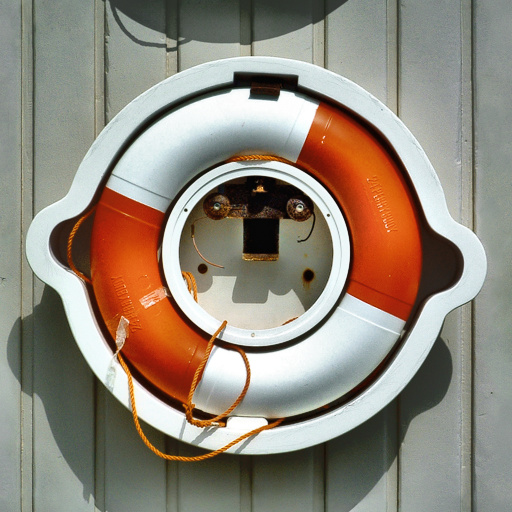
This fairly innocent-looking filter can be a good addition to your photo-enhancement arsenal. It increases contrast and detail in the midtones or shadows where they have disappeared into low-contrast insignificance.It almost seems to create new lighting and shadows in areas where there is just blandness in the original.Try it on your poorly exposed photos – or even well-exposed ones for that additional "kick". Works miracles in bringing out detail where it has been lost. It works almost anywhere where there is lack of contrast in an image.Use the Gamma control to determine which midtone areas are affected the most: low Gamma affects light midtones (light shadows) most, high Gamma low midtones (dark shadows).

Keywords

enhance, midtones, shadows, details, increase, lighting, improve, fix, correct, contrast, brighten, auxiliary, fill

Rewards

This filter has earned its author one of our rewards. They are given to the authors of popular filters and include a free copy of Filter Forge.

Filter Controls

  • Effect Level
  • Gamma
  • Radius
  • Gaussian