Search Results
This filter requires Filter Forge 2.0 or higher.

Sketchy Painting by emme
#8847. Turns your images into sketchy oil / acrylic / watercolor paintings. Keywords: oil, painting, sketchy, sketch, paint, painter, painterly, artistic, art, acrylic, brush, stroke, natural, canvas, watercolor. Controls: Main Repeat, Main Density, Highlight Repeat, Highlight Density, Shadow Density, Shadow Repeat, Lowest Details, Highest Details, Brightness, Contrast, Main Details, Highlight Area, Shadow Area, Highlight Details, Shadow Details, Vibrance, Brush Curviness, Brush Curve Scale, Brush ...
This filter requires Filter Forge 1.0 or higher.
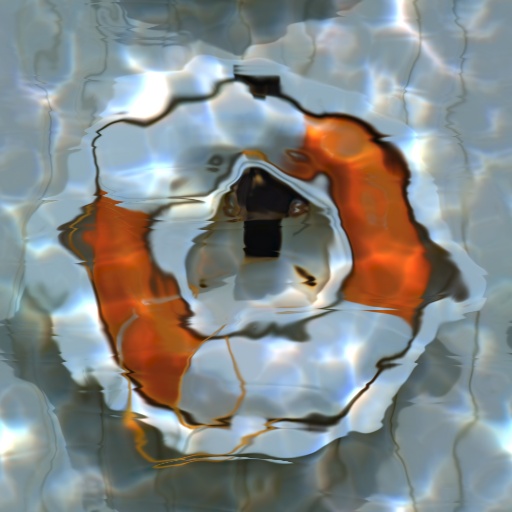
Water Caustics by Indigo Ray
#7651. A filter designed to submerge your image beneath the sea. Keywords: water, caustics, liquid, ocean, sea, refraction, wave, highlights, depth. Controls: Water Tint, Depth, Highlights, Color Highlights
This filter requires Filter Forge 1.0 or higher.

Animal Fur by Lily
... making animal fur with patterns of some wildlife animals like tigers. It is based on the fur filters: Catz and Tigress as well as Grass. Keywords: animal fur hair long skin nature wild tiger giraffe lion grass stripe. Controls: Fur Center, Fur Center Highlight, Fur Edge, Fur Edge Highlight, Stripe Color, Stripe Highlight, Fur Wavy, Gradient position, Gradient Warp, Haircontrast, Haircurls, Hairdensity, Hairlength, Scale, Stripe Blending, Stripe Density, Stripe Scale, Stripe Wave, Stripe Wiggle, Surface,...
This filter requires Filter Forge 1.0 or higher.
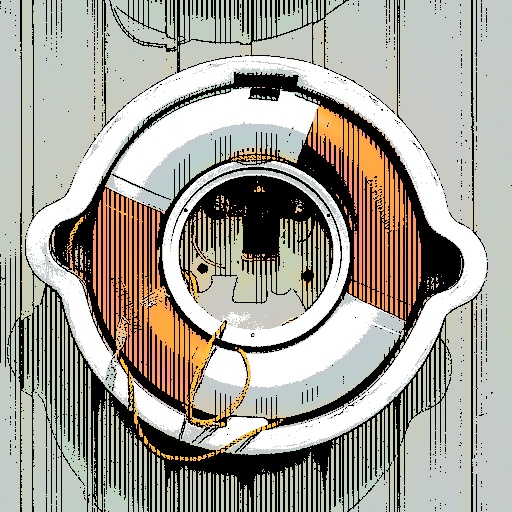
Technical Drawing by Northernshadow
... the Size/Pixel slider. Try settings of 400, 600, 800 or 1200, (or multiples of 400), this seems to correct the problem. Keywords: photoart, artistic, drawing, pen and ink, line, tech. Controls: Paper Color, Add Color Wash, Line Color, Detail Amount, Highlight Amount, Highlight Opacity, Highlight Lines, Line 1 Horizontal, Line 2 Horizontal, Line 3 Vertical, Shadow Amount, Shadow Lines
This filter requires Filter Forge 1.0 or higher.
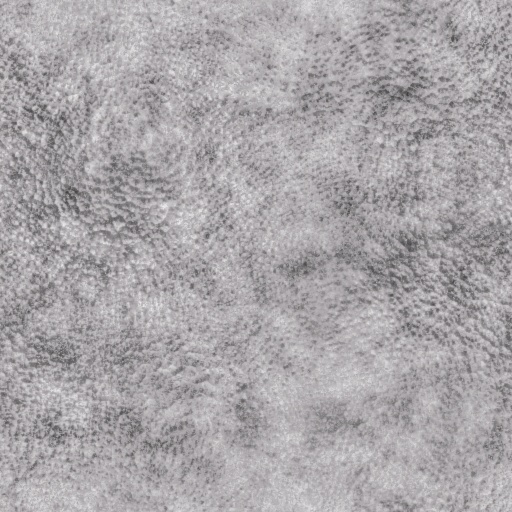
Creature Skin by pixel8ted
#7463. This is a simpe filter that creates a texture that resembles a thick coarse skin texture. This filter comes with a "Quick Skin Option". When this option is checked, the Highlight Optional and Shadow Optional setting swatches are unavailable as they are preset to off white and nearly black. With this option selected, the user need only select a midtone color. When the "Quick Skin Option" is not checked,...
This filter requires Filter Forge 1.0 or higher.
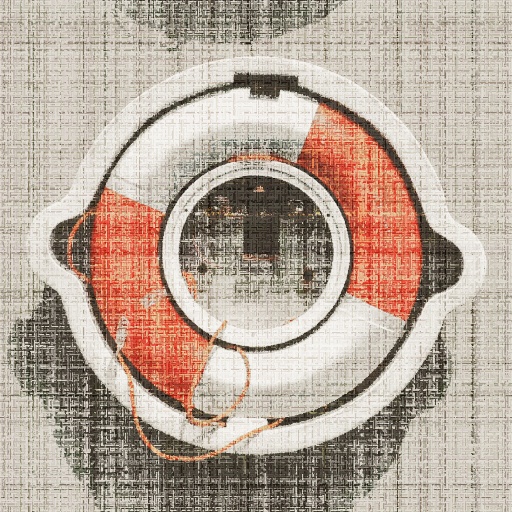
Color My Canvas by Northernshadow
... image look like it was printed on, or woven into a rough canvas fabric. Keywords: woven, fabric, canvas, artistic, photoart. Controls: Canvas Color, Color 1 (dye), Canvas Color Opacity, Color 2 (print), Canvas Scale, Color Print Scale, Canvas Contrast, Highlight Opacity
This filter requires Filter Forge 2.0 or higher.
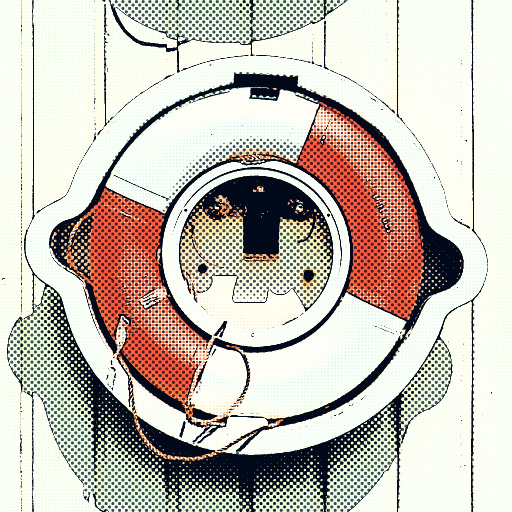
Edge And Tones by inujima
#9558. This is filter that makes a cartoon and comic style image by controlling three tones (highlight, midtone, shadow) and adding edges. Keywords: edge cartoon tone manga halftone. Controls: White Color, Black Color, Edge Width, Edge Level, Edge Threshold, EraseHilightEdge, EdgeOpacity, Only Edge, Shadow Level, Shadow Tone, Midtone Level, Midtone,...
This filter requires Filter Forge 10.0 or higher.
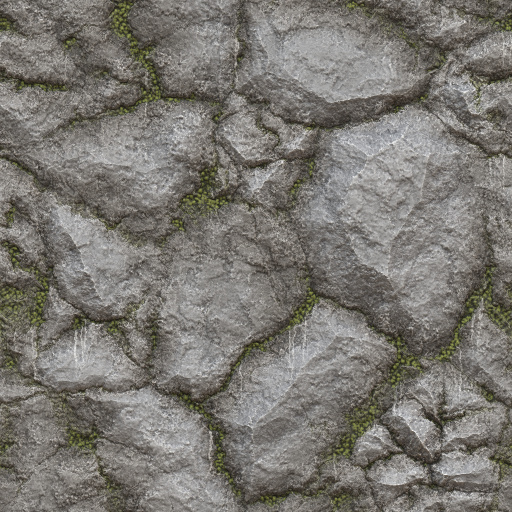
Veggie Rock by Vanblam
... details that really bring out the effects of the normal map. I added water streaks for extra detail. Hope you enjoy. :). Keywords: Rock, Vegetation, Stone, Moss, Wall. Controls: Rock Color, Veggie Color, Dirt Color, Surface Height, Rock Shine, Edge Highlights, Edge Darks, Extra AO, Water Streak Opacity, Water Streak Density, Edge Dirt Opacitry
This filter requires Filter Forge 1.0 or higher.

Coin Stack by Professor Fate
.... A dramatic light effect includes the optional use of a lighting cookie (not to be confused with a browser cookie) that provides additional atmosphere. Keywords: coin, coins, money, gold, silver. Controls: Color, Color Range, Coin Thickness, Highlight, Ridge Opacity, Ridge Width, Horz. Scratches, Random Scratches, Grime, Metallic, Reflection Blur, Inner Reflection, Inner Shadow, Dramatic Light Color, Dramatic Lighting, Cookie Strength, Cookie Angle, Cookie Variation
This filter requires Filter Forge 1.0 or higher.
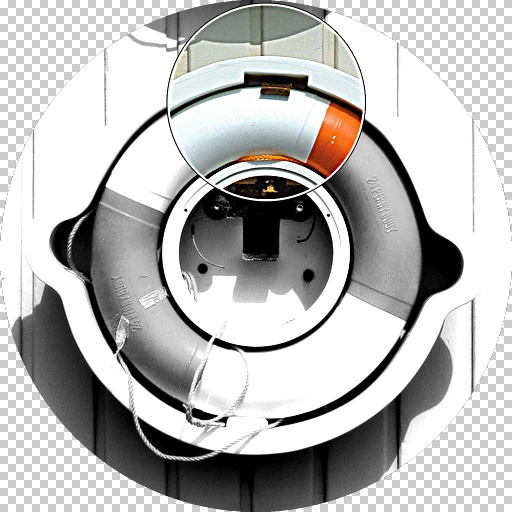
Image Detail Highlight by Revelation
#4017. This filter will desaturate your original image and allow a focused highlight "window" over a point of interest that you wish to highlight. Some effects can be achieved with this image, such as offsetting the display location from the original highlighted spot. Controls include: Highlight ...
This filter requires Filter Forge 1.0 or higher.
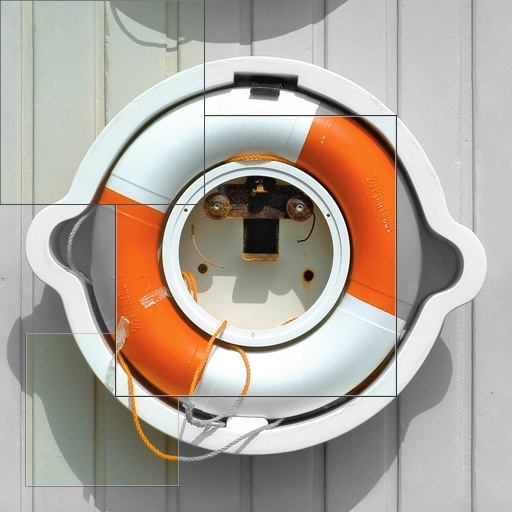
Rubik's Cube by Revelation
... so desired. The original image, desaturated, makes up the background for the final result. The panels can be placed at there original location, or displaced for an abstract effect. Controls include one each for four individual panels: Highlighted Spot-H Display Location-H Highlighted Spot-V Display Location-V Highlight Size Thank you!. Keywords: Panel Rubik Rubik's Cube Abstract Isolate Grid. Controls: Highlighted Spot-H1, Display Location-H1, Highlighted Spot-V1,...
This filter requires Filter Forge 3.0 or higher.
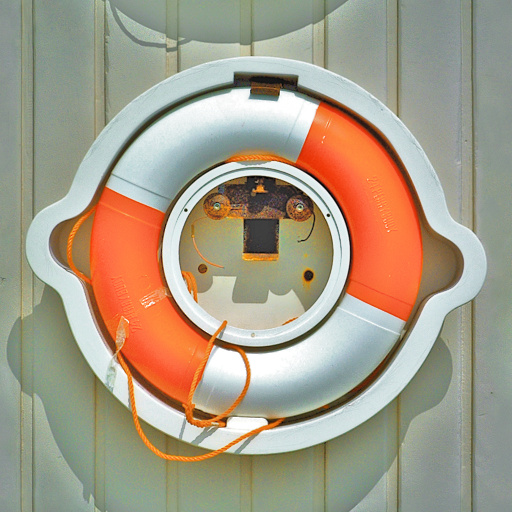
M_Shadows and Highlights by Morgantao
#10515. This filter lets the user control the shadows and highlights of an image independently. Designed to work like Photoshop's Highlights and Shadows adjustment. Controls are super simple: Mask - Set the highlights and shadows apart. Mask Softness - Allow 'bleed' between highlights and shadows....
This filter requires Filter Forge 3.0 or higher.
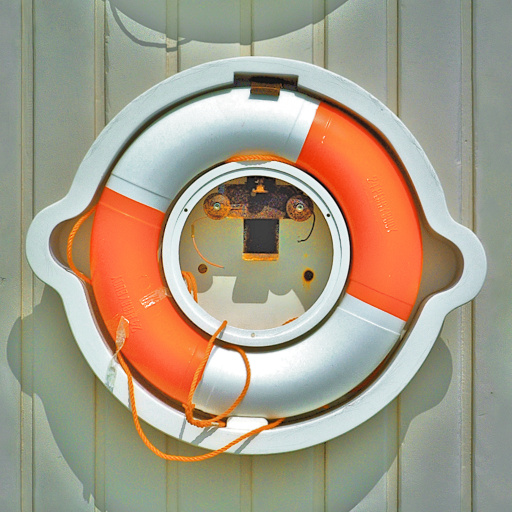
M_Shadows and Highlights Advanced by Morgantao
#10545. This filter is similar to M_Shadows and Highlights, but let's you have more control over the output. It lets you control the shadows and highlights of an image independently, the saturation and the overall tone. Designed to work like Photoshop's Highlights and Shadows adjustment. Controls ...
This filter requires Filter Forge 1.0 or higher.
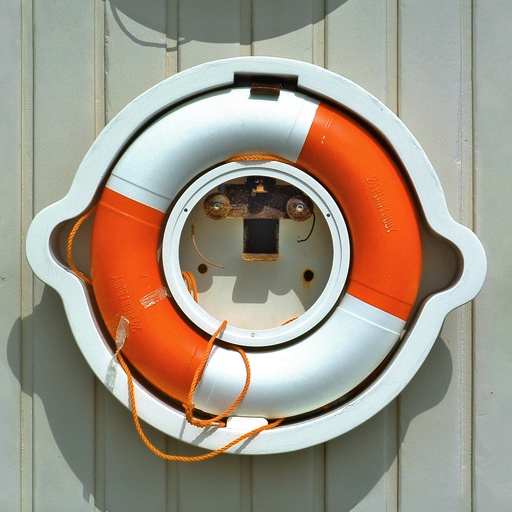
ShadowHighlight Controlled by Dave C. Schneider
#1176. This filter helps restoring information from too dark shadows or too light highlights, two quite common problems in digital photography. It is similar to Photoshop's Shadow/Highlight adjustment. However, this filter gives more feedback about its operation and thus more control. Use of the "Select view" ...
This filter requires Filter Forge 1.0 or higher.
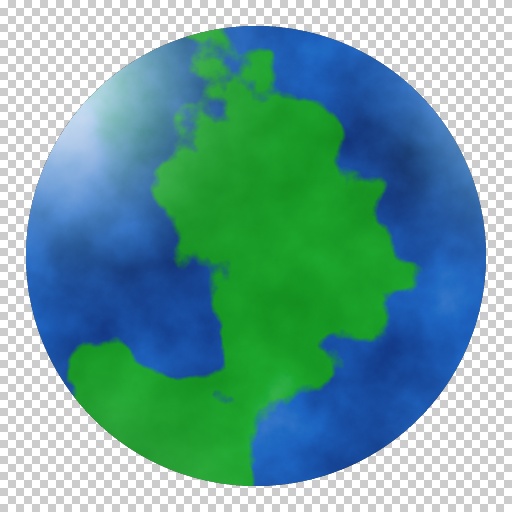
Planet and Orb FX by pixel8ted
#4945. This is a simple filter that creates planets or orbs. Use the "Sphere Size" slider to scale the planet/orb. This filter includes three color swatches to adjust the color of highlights, "land", and "water". The "Blend Masses" slider allows the user to soften the edge transitions to create either solid land area or gaseous clouds. The "Coastal Edges" controls edge characteristics....
This filter requires Filter Forge 2.0 or higher.
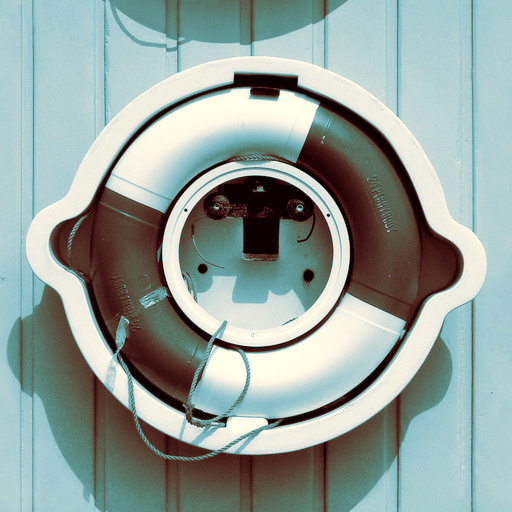
Split Tone by temporalvistasquash
#9193. Applies a Split Toning effect to the image by converting it to monochrome and applying different colors to the highlight and shadow areas of the image. Additionally the highlight and shadow color areas can be shifted, the black intensity of the monochrome image can be changed and the frequency of the highlight/shadow curve waves can be doubled. The Alt. Curve ...
This filter requires Filter Forge 2.0 or higher.
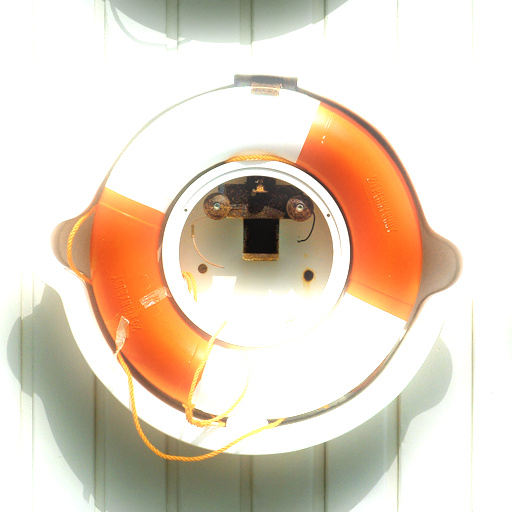
Dreamy by Vladimir Golovin
#5076. This filter gives your photos a sunny, dreamy, somewhat ethereal look. It works best on images that have sunlit areas contrasted with shadows. Keywords: dreamy, ethereal, highlights, light bloom, sunny, sunlit. Controls: Highlight Coverage, Highlight Strength, Highlight Radius, Dreamy Colors
This filter requires Filter Forge 10.0 or higher.
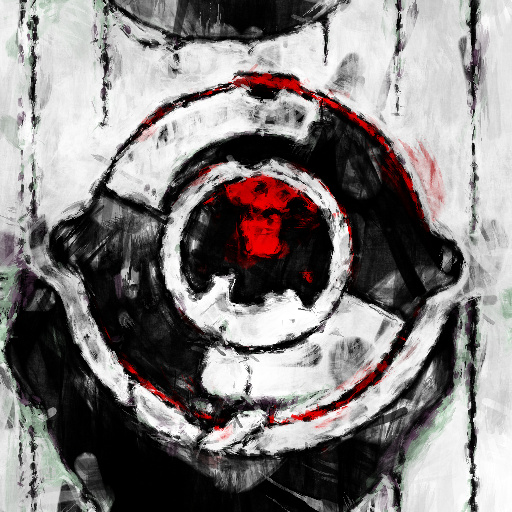
DKS-SKTriRED by Myrrdraal
... version of combined filters with added controls and function mods. Keywords: oil, painting, sketchy, sketch, paint, painter, painterly, artistic, art, acrylic, brush, stroke, natural, canvas, watercolor, red, dark, scary, dks. Controls: Main Repeat, Main Density, Highlight Repeat, Highlight Density, Shadow Density, Shadow Repeat, Lowest Details, Highest Details, Brightness, Contrast, Main Details, Highlight Area, Shadow Area, Highlight Details, Shadow Details, Vibrance, Brush Curviness, Brush Curve Scale, Brush ...
This filter requires Filter Forge 4.0 or higher.
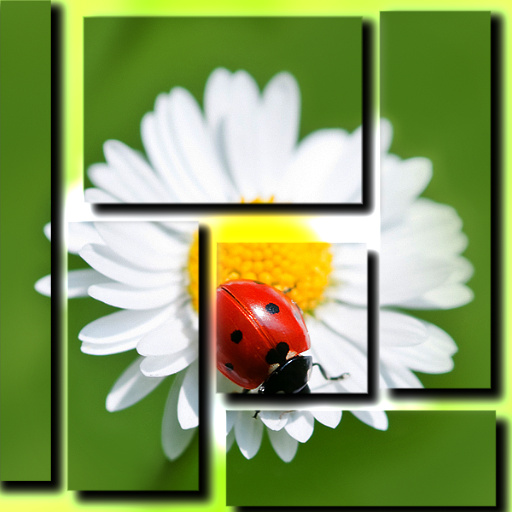
Pop-Out by tobesedated
#12278. A simple filter that blurs the image in the background and pops out different parts highlighting them. Keywords: blur, background, highlight, highlighting, pop, popout, pop-out, image, photo,. Controls: Color, Opacity
This filter requires Filter Forge 7.0 or higher.
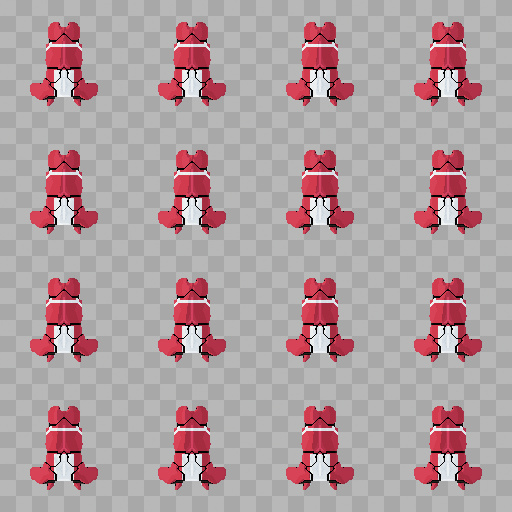
Starfighter Spritesheet by Mike Blackney
... placeholder art, or use them for inspiration when coming up with your own spaceship designs. Keywords: Space, sprite, spaceship, game, concept, pixel. Controls: Light, Shadow, Paint, Machinery, Base, Fat/Skinny, Angle Warp, Angle Step, Fill In Gaps, Highlight Contrast, Push Up Center, Lighting Strength, Highlight Opacity, Highlight Base Max, Paint Scheme, Highlight Variation, Pipes Variation, Armour Plate Pattern, Highlight Stretch, Scan Height, BG Type, Dividend, __Height, Upside Down, Symmetry,...
This filter requires Filter Forge 2.0 or higher.
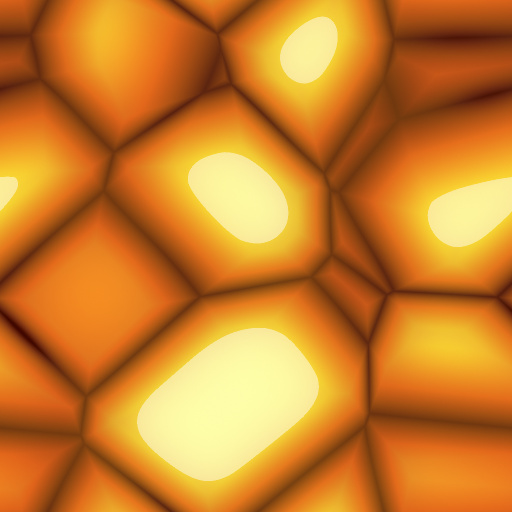
Cartoony Cobblestone by BrianDP1977
#9937. A simple filter used to create cartoonesque stones. A few highlight and/or shadow adjustments allow the user to produce a wide range of results. Keywords: stone stones rock rocks cobblestone toon cartoon plastic. Controls: Color 1, Color 2, Stone Size, Distort, Gap, Highlight Brightness, Highlight Size, Highlight ...
This filter requires Filter Forge 1.0 or higher.
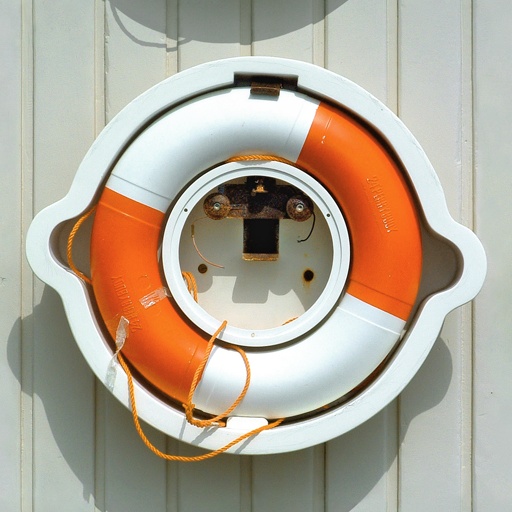
StevieJ's ToneRanger by StevieJ
#4975. This filter provides seven different methods by which to photographically correct and adjust image tones. Enjoy :) NOTE: The Highlights, Midtones, and Shadows controls of the lead preset are set to image defaults (no effect on image). Keywords: Balance Balanced Balancing Correct Correction Highlight Highlights imbalance imbalanced Level Levels Midtone Midtones Shadow Shadows ...
This filter requires Filter Forge 1.0 or higher.
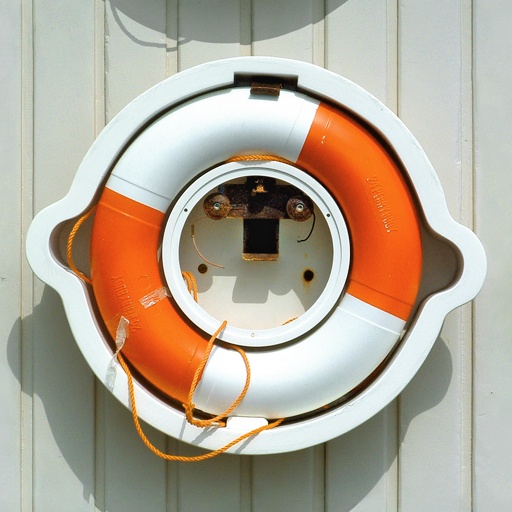
StevieJ's ToneCorrect-EZ by StevieJ
#4974. This filter is designed for quick and easy corrections and artistic manipulation of image tone by normal and smooth methods. Enjoy :) NOTE: Highlights, Midtones, and Shadows controls of the lead preset are set to image defaults (no effect on image). Keywords: Balance Balanced Balancing Correct Correction Highlight Highlights imbalance imbalanced Level Levels Midtone Midtones Shadow Shadows ...
This filter requires Filter Forge 3.0 or higher.
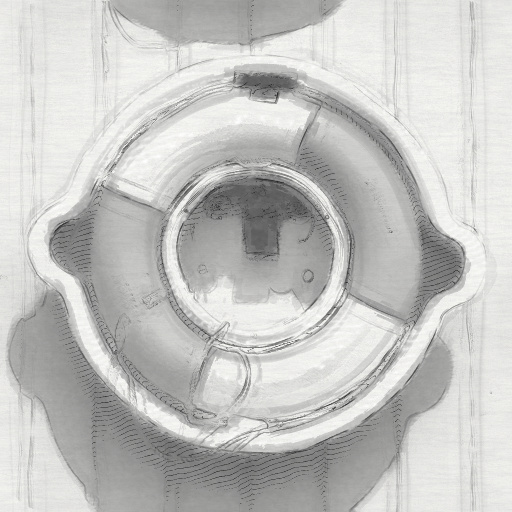
Charcoal and Graphite by Arcade Fiction
#10771. This filter emulates an artistic rendering using a mixture of graphite, charcoal, and white chalk. I tried to give it a loose and sketchy quality. Keywords: graphite charcoal chalk sketch drawing. Controls: Hatch Brightness, Hatch Contrast, Highlight Brightness, Highlight Contrast, Charcoal Detail, Charcoal Shading, Charcoal Strength, Charcoal Threshold, Hatch Frequency, Hatch Strength, Highlight Frequency, Highlight Strength, MidCharcoal Detail, MidCharcoal Strength, Outline Strength, Textured ...
This filter requires Filter Forge 6.0 or higher.
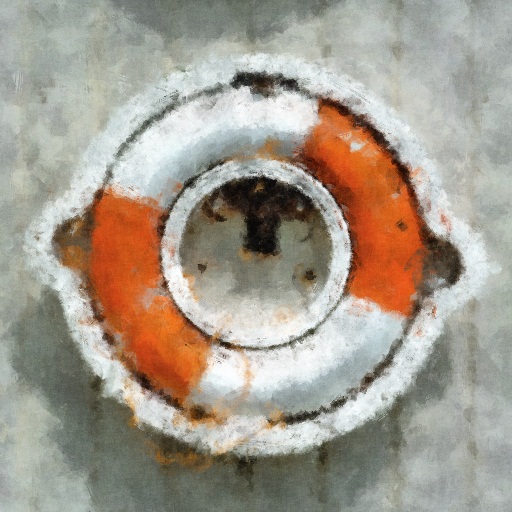
Brush strokes by skisouth
... For skies, backgrounds a higher value seems to work, detail work demands a smaller size. Keywords: oil, painting, sketchy, sketch, paint, painter, painterly, artistic, art, acrylic, brush, stroke, natural, canvas, watercolor. Controls: Main Repeat, Main Density, Highlight Repeat, Highlight Density, Shadow Density, Shadow Repeat, Lowest Details, Highest Details, Main Details, Highlight Area, Shadow Area, Highlight Details, Shadow Details, Brush Curviness, Brush Curve Scale, Brush Hardness, Brush Hair Scale, Main ...
This filter requires Filter Forge 9.0 or higher.
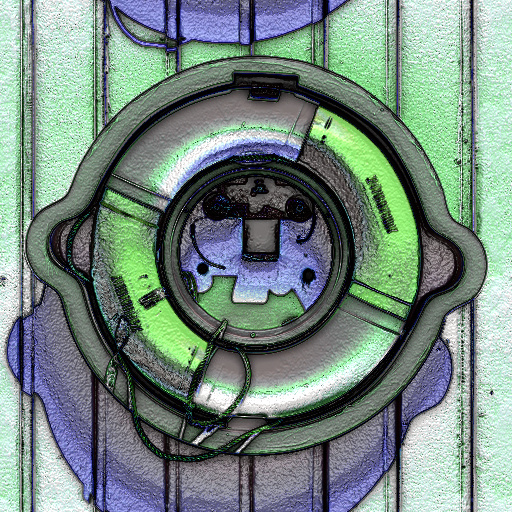
Colorizer Texturizer by Boogie Jack
#15649. Select your own color tints for shadows, midtones and highlights in your images. Besides colorizing your images, you can textureize/metalize them as well. Keywords: texturize, texturizer, metalize, metalizer, colorize, colorizer, edit shadows, edit midtones, edit highlights, metal, plastic, texture. Controls: ...
This filter requires Filter Forge 2.0 or higher.

Colorizer by Kochubey
#5073. This filter applies separate color tints to shadows, midtones and highlights of the source image, with adjustable colorization strength. Additionally, you can adjust the contrast of the result. Keywords: colorize, colorizer, colorization, shadows, midtones, highlights. Controls: Shadows, Midtones, Highlights, Colorization,...
This filter requires Filter Forge 4.0 or higher.

Concrete Blocks by Ikarus67
#12521. A filter to create concrete breeze or cinder type blocks. Controls allow you to change the colour of the block and mortar, the coursing or bond type and the quantity. By changing the highlight and highlight opacity you can simulate worn or faded paint on the block. Keywords: block, cinder, breeze, concrete, wall, floor, brick, pattern, paint, mess, slate, slabs, modern, urban, worn. Controls: Mortar Noise, Mortar Background, Block ...
This filter requires Filter Forge 1.0 or higher.
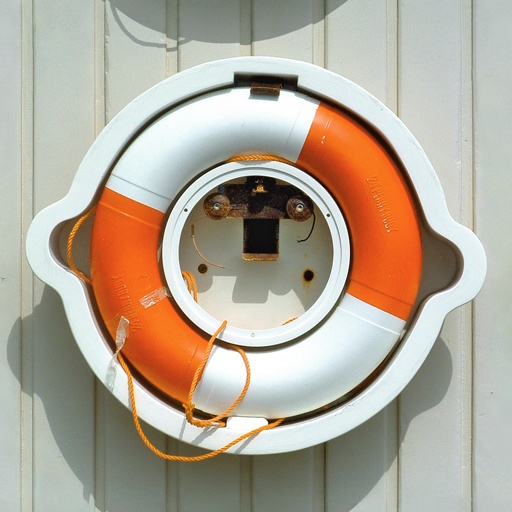
StevieJ's ColorCorrect - Advanced by StevieJ
#5008. This filter is designed for advanced color correction and manipulation by highlights, midtones, and shadows control of each RBG channel. Enjoy :) NOTE: Lead preset controls are at image defaults (no effect on image). Keywords: Balance Balanced Balancing Color Correct Correction Correcter Corrector imbalance imbalanced ...
This filter requires Filter Forge 4.0 or higher.
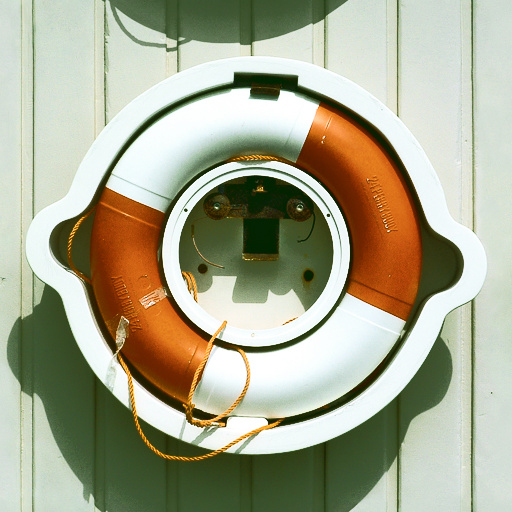
Waxy Rose Leaf by tobesedated
#12164. This filter applies separate color tints to shadows, midtones and highlights of the source image, with adjustable colorization strength. Additionally, you can adjust the contrast of the result. Keywords: colorize, colorizer, colorization, shadows, midtones, highlights. Controls: Midtones, Highlights, Colorization, Conrast,...
This filter requires Filter Forge 6.0 or higher.
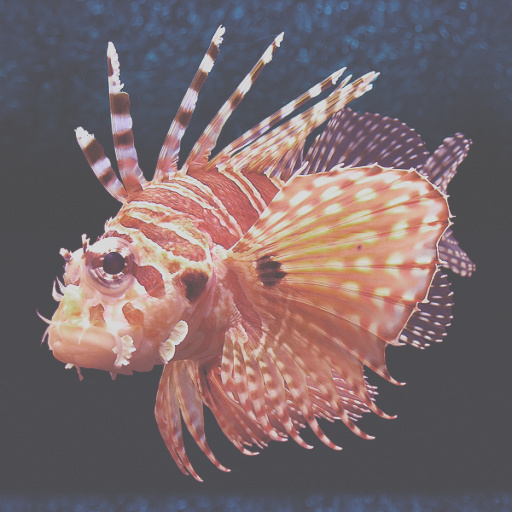
Insta-Hipster by OnlyOneKenobi
... your photos that "Instagram-Retro" look with this filter. You can apply various matte looks to your images by raising the black point and lowering the white point to your taste. You can also apply colour grading to your images by using the highlights and shadows colour toning options. Keywords: Retro, Vintage, Filter, Instagram, Hipster, Film, Matte, insta, hipster, toning, highlights, shadows, photo, saturation, contrast, Francois, Linde,. Controls: Shadows, Highlights, Contrast, Lower ...
This filter requires Filter Forge 3.0 or higher.
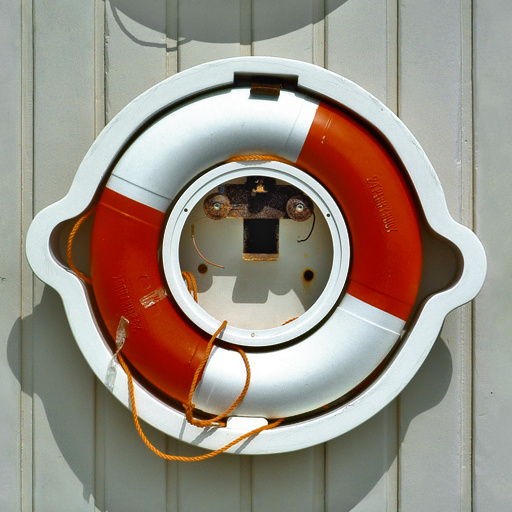
Dan Margulis' Bigger Hammer by jrp
#11707. Implementation of Dan Margulis' filter for compressing an image's shadows and highlights ("Bigger Hammer"). The contrast enhancement can be based on the R, G, B, H, S, B or L channels. Keywords: contrast, shadow, shadows, highlight, highlights, effect, effects. Controls: Blur Radius, Strength %, Selector RBGHSYL,...
This filter requires Filter Forge 2.0 or higher.
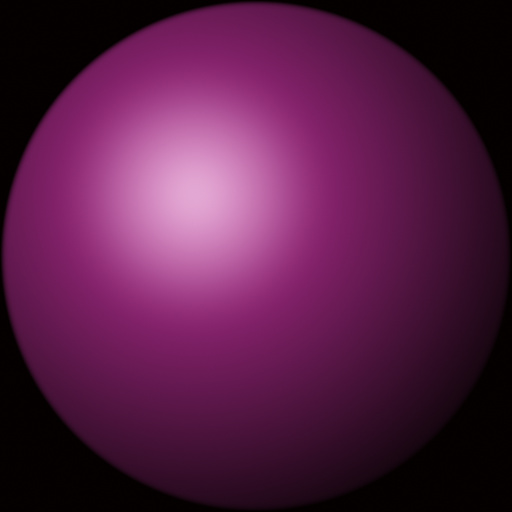
Simple Sphere Maker by Gene S Morgan
... freeware sculpting program Skulptris. There is a great filter in the collection by Mike Blackney called Materialiser. It is a cool filter which I use, but I wanted something simpler and a little faster. Mine uses a different approach and focuses on highlight control and adding a second color to allow a more varied patina on sculptures. The finishes tend to be matt to satin surfaces depending on how the highlight is used. There is no high gloss stuff here. I also added some grainy texture for folks ...
This filter requires Filter Forge 3.0 or higher.
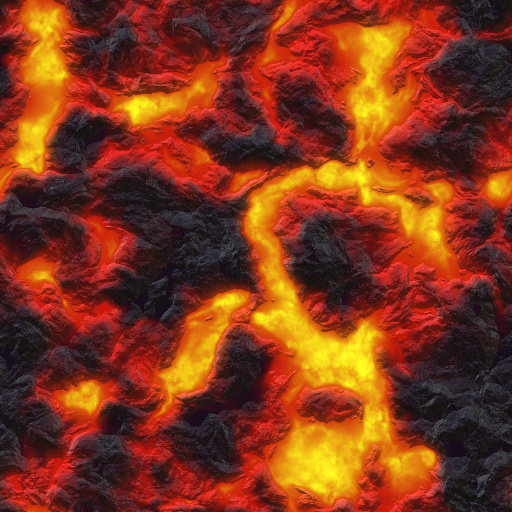
DLI_LavaFlow 2.0 by Scazzino
#11140. Highly customizable and animatable lava flow texture by Michael Scaramozzino of DreamLight.com. This filter has independent controls for highlights, lava, glow and crust along with a fully editable distribution curve and new time and flow controls. Keywords: lava flow hot volcano magma sun animate animated animation crust customizable molten rock alien crystals gemstones gems alien skin ...
This filter requires Filter Forge 1.0 or higher.
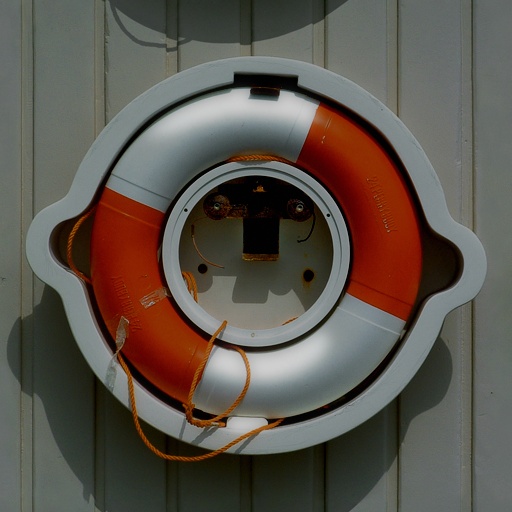
GlowingHiglight by Dragan Stiglic
#2898. Glowing Highlight allows artists to quickly select bright area of the image, create a glowing highlight from it, and then superimpose it back on the original image. Keywords: Glow, Highlight, Shine, Lighter, Softness, Difuse. Controls: Selective Gamma, Selective ...


