Search Results
This filter requires Filter Forge 1.0 or higher.
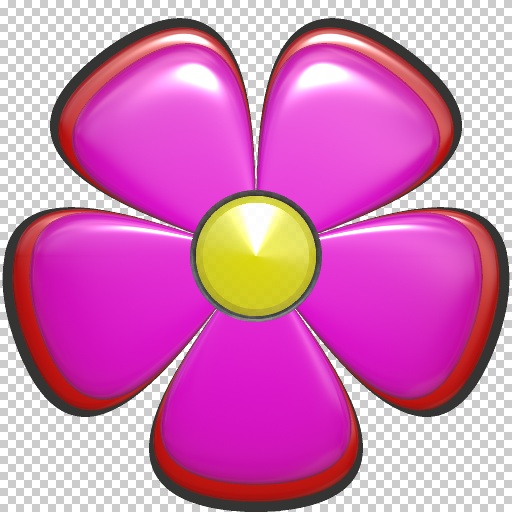
Foxxee's Flower Power by Foxxee
... you'll be surprised what sort of unusual flowers you might turn out!. Keywords: Flower, petals, hippy, colorful, flora, scrap, cutout, 60's, 70's. Controls: Flower Center, Flower Pattern Color, Flower Solid Color, Shininess, Soft Blur, Super Shine, Number of Petals, Pattern Selector, Pattern Size
This filter requires Filter Forge 4.0 or higher.
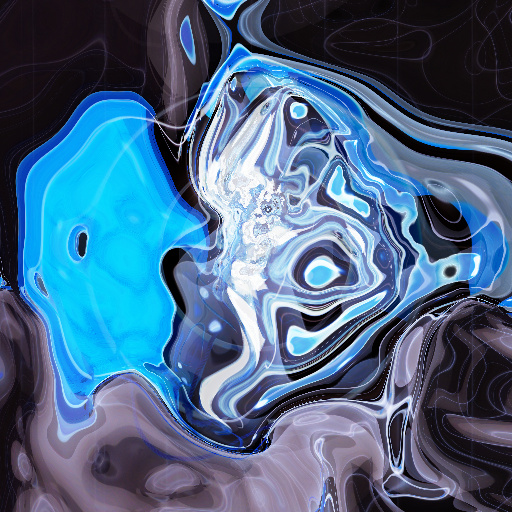
smokein! by qbert
#13169. This filter creates nebula-like structures from images, which can look like water, fire, smoke or fog, depending on settings and image. All I use is a single black line. How to use it: The number of iterations will increase brightness, you will need to reduce Gamma. Invert if the image detail is lost. When rotating the image may fall off the edge, if the canvas is to small, use the XY Anchor to center. Use the Radius or Black & White ...
This filter requires Filter Forge 3.0 or higher.
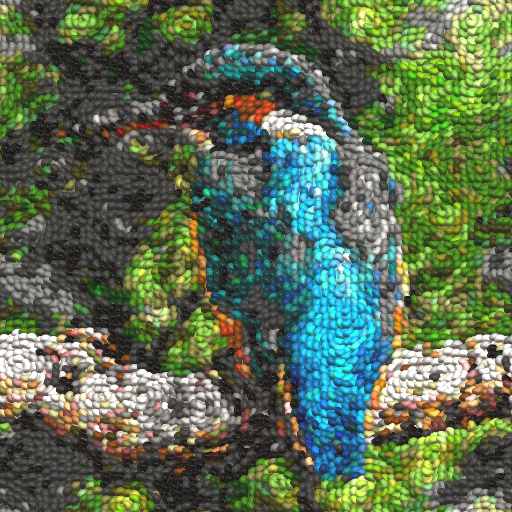
Jelly Bean Art (No Script) by Mongoose King
#11742. Create pictures fr om brightly coloured and extra yummy Jelly Beans. You can lim it the number of bean colours available in various ways to create a genuine beany feel to the picture and mix up the colours to make it even more vibrant. Please note, beans not eatable. Now with no script, so should work ok on Mac. Keywords: ...
This filter requires Filter Forge 2.0 or higher.
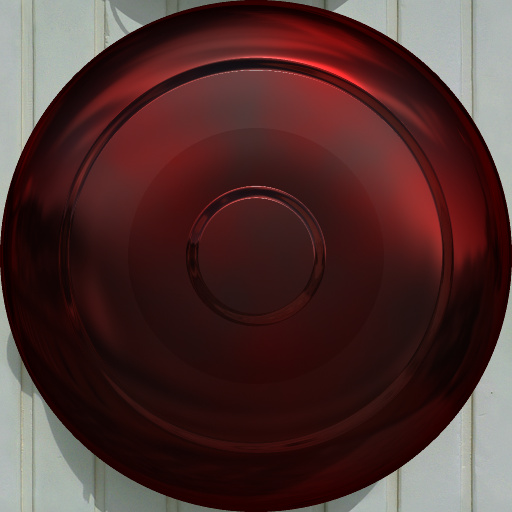
Color Metal Discs by Fortunas
#9253. This filter will allow you to make assorted discs for your enjoyment! By default, it makes round discs with a number of bands. Adjust the shape, size, repeats, color, background (or use with an image), plus all the more usual stuff. You can also change the disc opacity to make for a good gem or plate. Saturation down for shiny silvers, bump up brightness for ...
This filter requires Filter Forge 1.0 or higher.
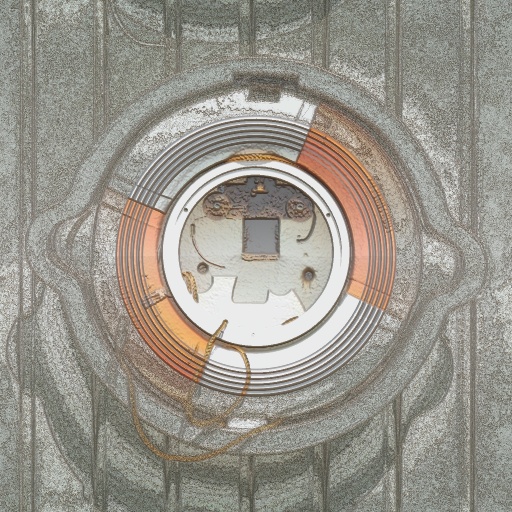
Image Noise Adjust by infiniview
#4263. In creating this filter I was going after a noise to image blend to combine various effects to a wall or floor design. The included controls allow for a surprising number of different looks while remaining mostly at a tolerable rendering speed. However 'Roughness' will slow things down a bit. You can achieve effects from concrete and cement to metalics to rusty worn looks as well as many other. Keywords: ...
This filter requires Filter Forge 1.0 or higher.

Gold Star! by ChrisP
... Uses elements of 'Fast spiral' by Sjeiti. N.B. 'Factory Presets' are not to be sold as your own textures. Keywords: shiny, gold, star, stars, metal, decoration, decorations, christmas, colorful, colourful. Controls: Star Colour, Metallic, Point Number, Reflection Blur, Soften more>, Thin>Fat, Points: Round>Sharp, Star Shape
This filter requires Filter Forge 1.0 or higher.
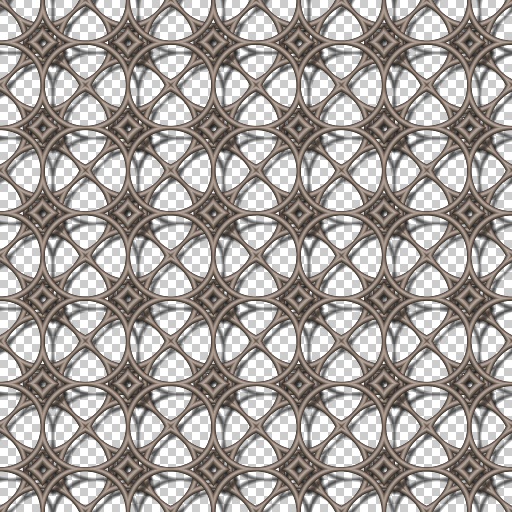
Metal Works by David Scheffert
... textures: smooth polished, weathed rust, pitted metal, and hammered finish. "Bend" is best used between 20 and 70 when attempting to make grids / screens ... below 20 for 8 pointed stars and above 70 for independent circles. (these numbers are estimates as "Bar Roundness" and "Bar Repeat" effect the "Bend". "Bend" is very powerful so a little goes a long way (don't forget to use decimals to make finer adjustments. Includes 20 pesets....
This filter requires Filter Forge 4.0 or higher.
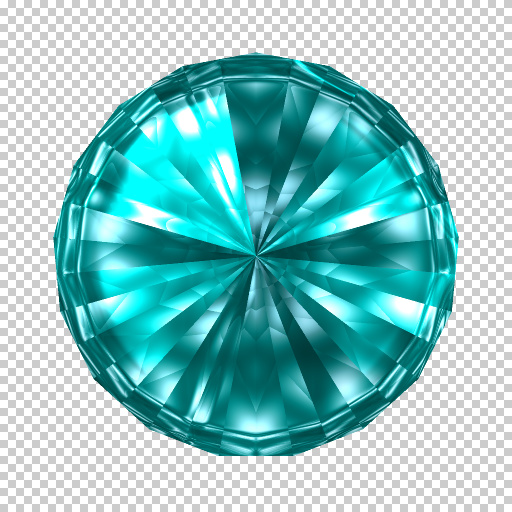
Rawn's Gems, Polished by CaliCoastReplay
... mirror shine. My favorite filter to date...though all I did was remix it, and fix the sides to be perfectly geometric at lower side counts. Add 2 to the side count to get what you actually want - limitations in Filter Forge prevent using the natural number. Check out Variation 2, my favorite - it's gorgeous! Thanks to Rawn for the original filter and uberzev for the early snippets that allowed this remix!. Keywords: gem, jewel, stone, ruby, diamond, emerald, sapphire, topaz, amethyst,...
This filter requires Filter Forge 1.0 or higher.
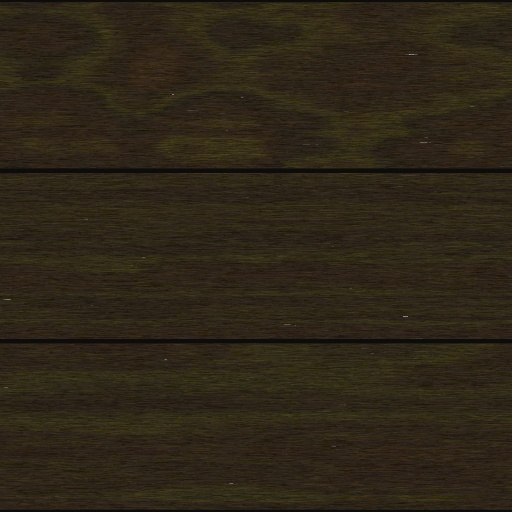
lacquered wooden floors by Totte
#7672. This filter generates textures of different, clear lacquered, wooden floors. Setting to control number of planks (3 or 5), the wear of the floor and some tree structure parameters. A Checkbox to make different planks to made out of another kind of wood, for a more random look. Checkbox to add stair shadows. Checkbox to swap to vertical ...
This filter requires Filter Forge 1.0 or higher.
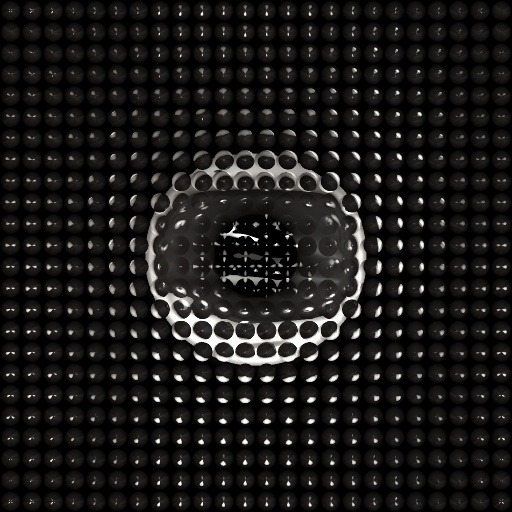
Metal Grating by jffe
#1585. Metal Grating is a texture generating filters that makes grate style patterns with various metallic looks to them. The controls are pretty simple, a couple of shaper controls, and horizontal and vertical controls for the number of sections in your grates. Try experimenting with lighting, since the images are often pretty dark, adjusting the lighting controls can bring out some very cool shadow, and high-lite effects. Note : V2 update changes. Preview render time optimized ...
This filter requires Filter Forge 2.0 or higher.
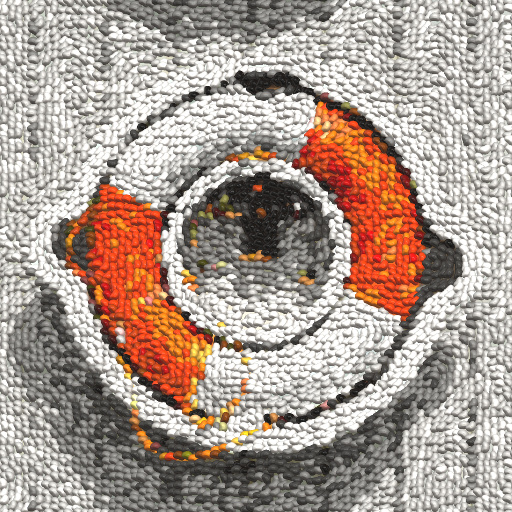
Jelly Bean Art by Mongoose King
#10393. Create pictures fr om brightly coloured and extra yummy Jelly Beans. You can lim it the number of bean colours available in various ways to create a genuine beany feel to the picture and mix up the colours to make it even more vibrant. Please note, beans not eatable. With special mention to Darrell Plank's Van Gogh Flow ...
This filter requires Filter Forge 1.0 or higher.
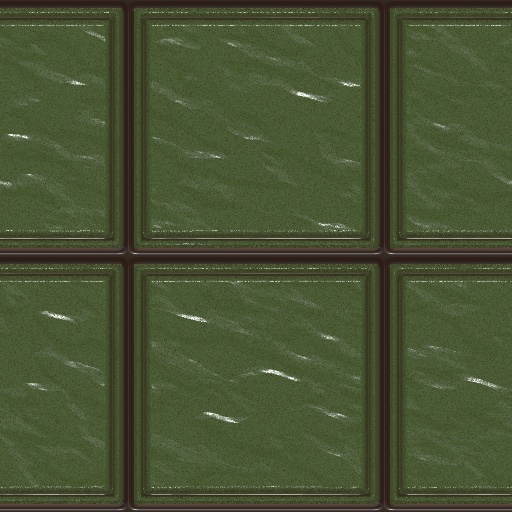
Chris' Complex Ceramic Tiles by Chris Camera
... ceramic tile effect. Some of the thinner designs make a great floor laminate. Keywords: Tile, Tiles, Laminate, Building, Ceramic, Glazed. Controls: Tile Color, Motar Color, Preset Designs, Mortar Tile Contrast, Texture Depth, Invert Textures, Bevel Shape, Number of Ridges, Custom Pattern, Tile Width, Mortar Width, Roundness, 1 Mode, 1 Shape Size, 1 Offset V, 1 Offset H, 1 Repeat V, 1 Repeat H, Custom Pattern 2, 2 Mode, 2 Shape Size, 2 Offset V, 2 Offset H, 2 Repeat V, 2 Repeat H
This filter requires Filter Forge 8.0 or higher.

Confetti Frame by Jedaa
#14968. This is my first filter. Edited a filter to create this frame. Credit to LeoLion. I have not figured out how to make them from scratch yet. This instructions below I think might be his I am not sure. 1) Chance sliders will increase the number of squares. 2) Offset will allow Color 3 to 'bleed' through and give a more random Confetti effect. Try setting 50 and up for best effect. 3) Opacity Chaos gives greater overall depth. 4) Rotation Chaos is self explanatory. 5) Tint ...
This filter requires Filter Forge 5.0 or higher.
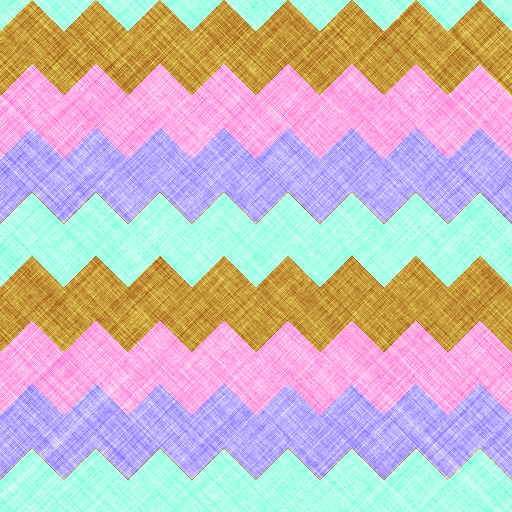
JKJ-Chevrons by JKJohnson
... controls. Colors – Enter 1 for 2 colors, 2 for 3 colors, or 3 for 5 colors. Color 1 through Color 5 – Experiment with using different color combinations. Set two controls to the same color to make it more prominent. Vert Repeat - Number of times to repeat the color bands vertically. Pattern 1 & Pattern 2 - These controls vary the horizontal pattern. Experiment with various settings to achieve different shapes and sizes. Stagger - Additional shape changes. When displaying ...
This filter requires Filter Forge 1.0 or higher.

Gaudy Floor Tiles by CFandM
... like it can be futher shaped with these. Just click and move the cursor around in the Color Picker.. Also when using the "Next Variants" When you find something that you like and if the pattern is to blured set the Divisions to a number below 10 and lower the Swirl Amount. Also set the Size, Pixels to 600. Keywords: patterns, tiles, floor, swirly, swirl. Controls: Color 1, Color 2, Color 3, Color 4, Color 5, Background Blend, Color Shift, Rotate, Shape V, Shape H, Swirl Motion,...
This filter requires Filter Forge 9.0 or higher.
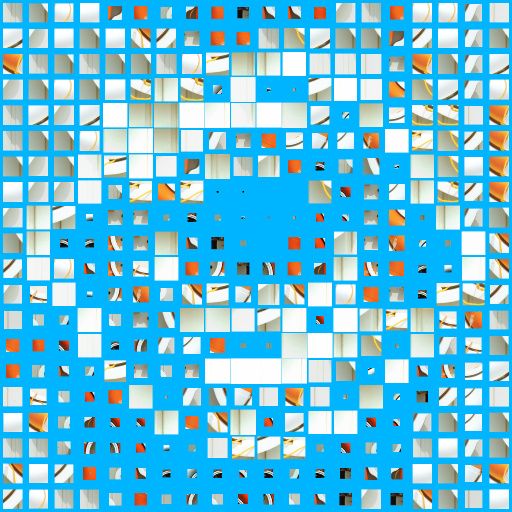
Luminosity Photo Mosaic v1.0 by Mehmet Sensoy
... tiles randomly. (I.E. 10x10 Contact Sheet). Load your internal image from filter settings and set your columns&rows amount same as your contact sheet image. Please also read the comments section. Additional Options : - Custom Column and Row Number Inputs - Auto Levels - Add Glow (Thanks to Emme&Ramlyn, IndigoRay SpaceRay who made this filter possible with their support and solutions). Keywords: mosaic, tile, grid, photomosaic, contact sheet, sprite sheet, square, populate, image. Controls: ...
This filter requires Filter Forge 1.0 or higher.

Ultimate Starfield by tigerAspect
... L1 Glow, L1 Glow Brightness, L1 Color, L1 Color Saturation, L1 Color Deviance, L1 Variation, –-Large Stars 2–-, L2 Amount, L2 Size, L2 Glow, L2 Glow Brightness, L2 Color, L2 Color Saturation, L2 Color Deviance, L2 Variation, –-Flared Stars–-, F Number, F Length, F Brightness, F Size Variation, F Variation, –-Nebula–-, N Light Color, N Dark Color, N Scale, N Clear Area, N Distortion, N 0 Dis. Roughness, N Dis. Scale, N Soften, N Soft. Radius, N Soft. Strength, Variation
This filter requires Filter Forge 2.0 or higher.
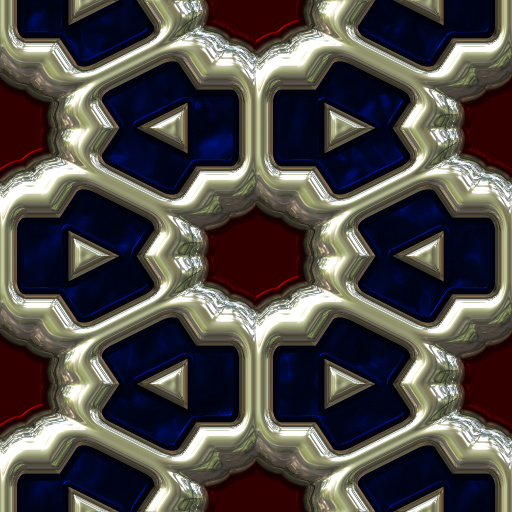
Ornamented metallic glass by Fortunas
... extensive controls to help in making pretty glass to go in this. Color, opacity, roughness, and brightness all can have a good effect on the glass. The pattern tinting adds a tone to the space in between the settings. You can get some good looks with a number of colors there. There are four modes for the metal settings. Each gives a different look to your jewelry type textures. Enjoy!. Keywords: glass jewelry gem gems metal shiny polished seamless 3d pretty colorful tiling jewels silver gold platinum ...
This filter requires Filter Forge 1.0 or higher.
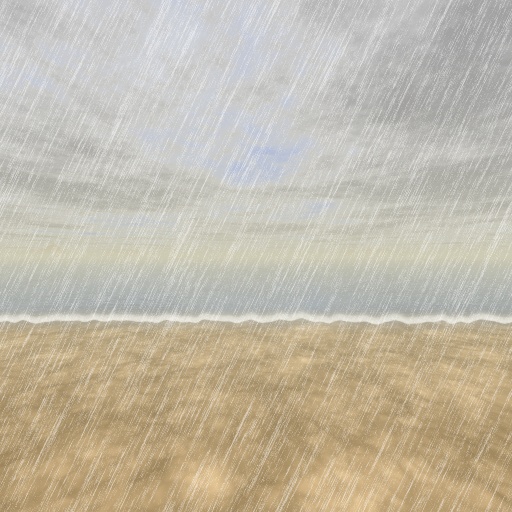
3d landscape by Indigo Ray
... weather, beach. Controls: Ground/Water/Both, Ground A, Ground B, Ground Contrast, Ground Roughness, Water, Water Reflection, Shore Crispness, Shore Position, Front/Back Shore, Sea Foam, Day/Night, Sky, Clouds Lining, Clouds Center, Clouds Cover Sun, Number of Stars, Sun/Moon?, Sun/Moon Halo, Sun/Moon, Sun Azimuth, Sun Altitude, Distant Mountains, Haze, Haze Size, Cloud Fuzziness, Cloud Cover, Rain
This filter requires Filter Forge 5.0 or higher.
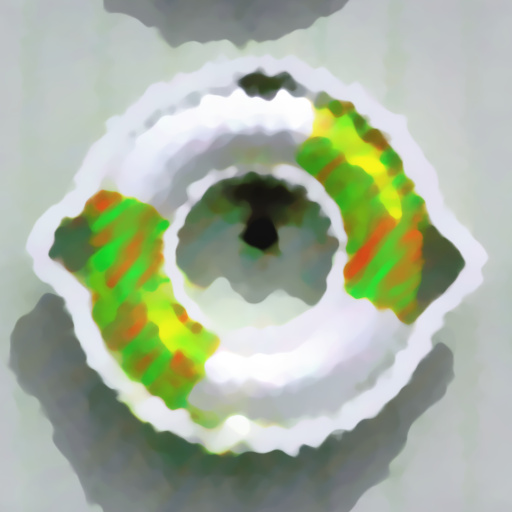
Artistic : 4 Layers Paint by Ramlyn
... customized, changing color (Hue), angle of the strokes (Angle), stretch strength (Stretch), etc. Source Select allows to choose among plain image, softened and various levels of distortion. The Result control allows to use all layers or reduce their number, and to soften or sharpen the result. Keywords: Layers, Paint, Art, Artistic, Modern. Controls: Result, Source Select, 01 Hue, 01 Saturation, 01 Lightness, 01 Roughness, 01 Contrast, 01 Scale, 01 Stretch, 01 Angle, 02 Hue, 02 Saturation, 02 Lightness,...
This filter requires Filter Forge 4.0 or higher.
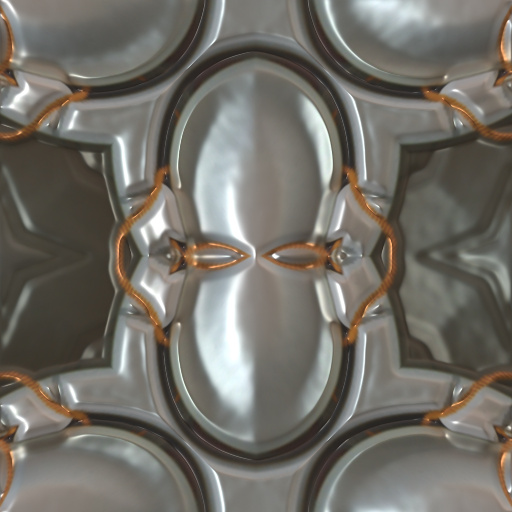
IKS-Pattern by jhantares
... formulas and alter formula parameters by four sliders. Additionally the image can be altered by two kaleidoscopes also using another four sliders to alter the resulting image. Every control ist named by Sxxxx- there xxxx will be replaced by one or more numbers. There is one selection control that uses four inputs. If one control is marked as S13- it means, that this control takes effect for input 1 and 3 of the selection control. This naming of the controls simplifies using them. Keywords: pattern, kaleidoscope,...
This filter requires Filter Forge 5.0 or higher.
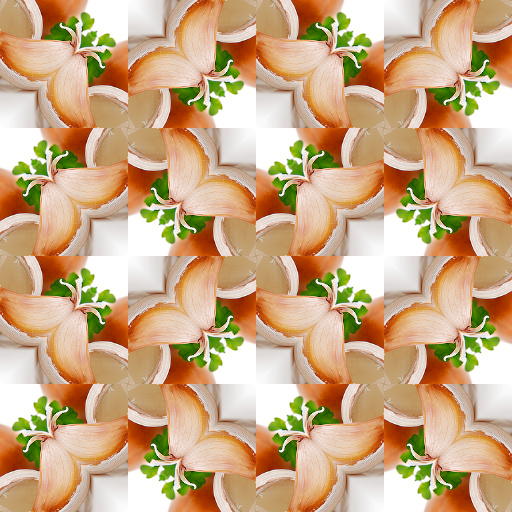
Wallpaper Group 12 p4mg by Rachel Duim
#13421. A tiling filter with kaleidoscope like effects. This is number 12 of the 17 Wallapaper Groups. The full Crystallographic Name for this wallpaper is p4mg. To use, set the # of Tiles to 1, then turn on the View Tile Seed? checkbox. This will show the shape of the seed and the part of the image it will ...
This filter requires Filter Forge 5.0 or higher.
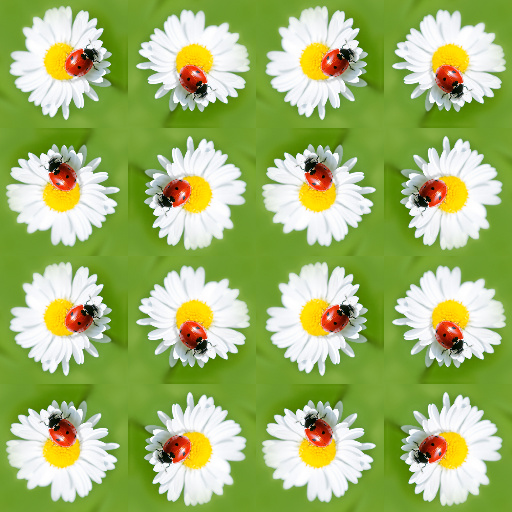
Wallpaper Group 10 p4 by Rachel Duim
#13420. A tiling filter with kaleidoscope like effects. This is number 10 of the 17 Wallapaper Groups. The full Crystallographic Name for this wallpaper is p4. To use, set the # of Tiles to 1, then turn on the View Tile Seed? checkbox. This will show the shape of the seed and the part of the image it will ...
This filter requires Filter Forge 5.0 or higher.
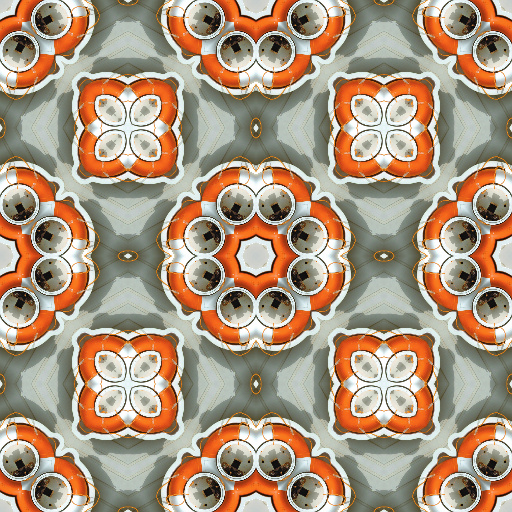
Wallpaper Group 11 p4mm by Rachel Duim
#13366. A tiling filter with kaleidoscope like effects. This is number 11 of the 17 Wallapaper Groups. The full Crystallographic Name for this wallpaper is p4mm. To use, set the # of Tiles to 1, then turn on the View Tile Seed? checkbox. This will show the shape of the seed and the part of the image it will ...
This filter requires Filter Forge 2.0 or higher.
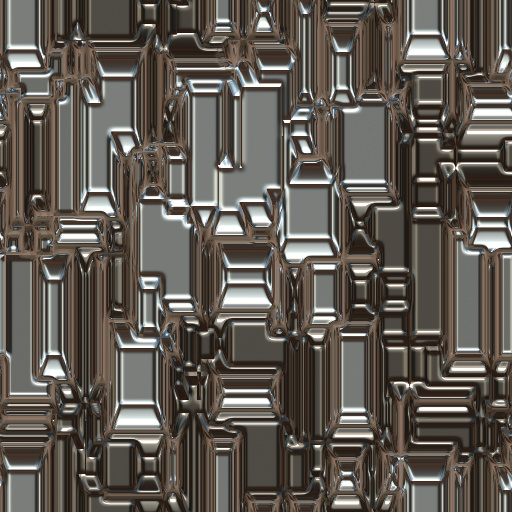
Wallpaper Gen v1 by Ghislaine
#10241. This wallpapers generator contains or includes several filters into one. The switch gives you a choice of six different patterns. Modes, shapes and many others controls let you create an unlimited number of wallpapers. Metallic or not. Come with 20 presets. Height contrast and Height radius controls fit with all patterns. Keywords: generator, wallpaper, maker, metallic, metal, patterns,. Controls: Pattern 1 Color 1, Pattern 1 Color 2, Pattern ...
This filter requires Filter Forge 1.0 or higher.
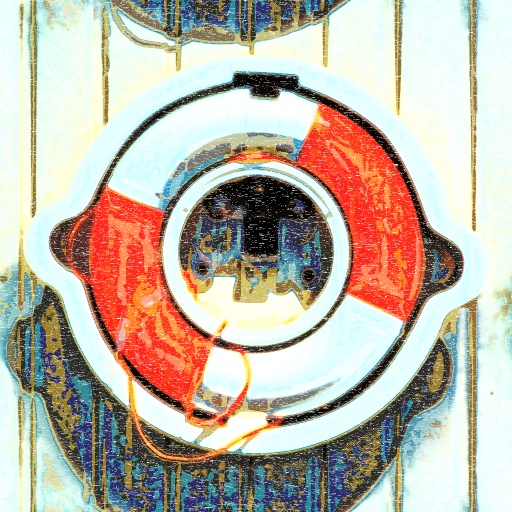
Colored Woodcut by Stefan Beckmann
..., B&W Balance Green, B&W Balance Red, Color 1 Position, Color 2 Position, Color 3 Position, Color Blend Mode, Color Contrast 1, Color Contrast 2, Color Opacity, Color Smooth, Color Threshold, Contrast Smooth, Details, Displacement, Displacing Angle, Numbers of Colors, Shadow Treshold, Style Blend 1, Style Blend 2, Style Mode, Woodgrain Scale, Select Woodgrain, Vertikal Woodgrain 1, Vertikal Woodgrain 2
This filter requires Filter Forge 4.0 or higher.
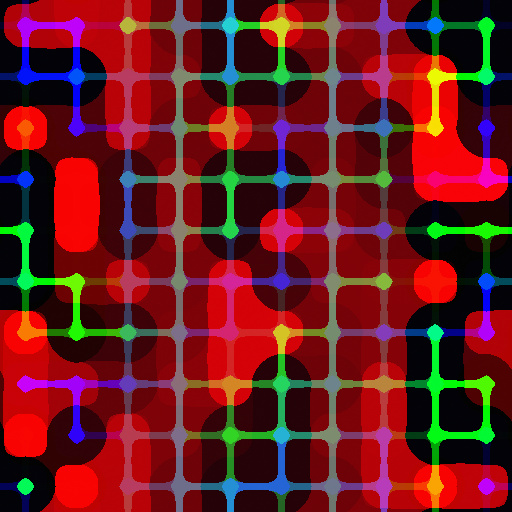
Colorful Scrapbook Patterns#4 v2.0 by DJI
#12570. This is my one Hunderd and Eighty-Ninth filter. I hope you like it and find it useful. Here's number four in my Scrapbook Patteners series. There are fourteen controls for this filter. All of which are clearly marked as to there function. However, one or two do need to be discussed. Darken colores can do great things for the image but it can blacken ...
This filter requires Filter Forge 4.0 or higher.
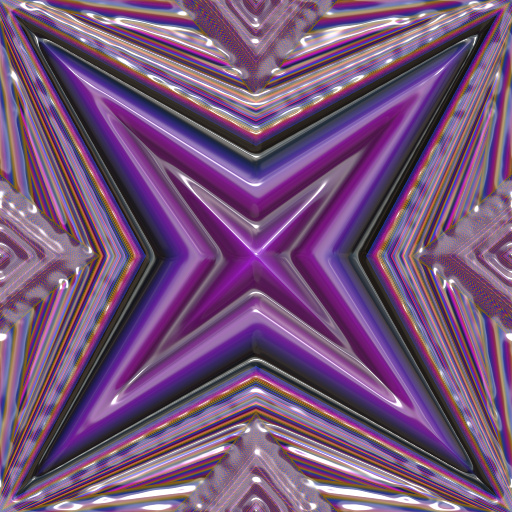
IKS-Pattern 5 by jhantares
... using MAP scripts. You can choose between 10 formulas and alter formula parameters by four sliders. Additionally the image/pattern can be altered by many other controls. Every control ist named by Sxxxx- there xxxx will be replaced by one or more numbers. There is one selection control that uses seven inputs. If one control is marked as S13- it means, that this control takes effect for input 1 and 3 of the selection control. This naming of the controls simplifies using them. Keywords: map, jhantares,...
This filter requires Filter Forge 4.0 or higher.
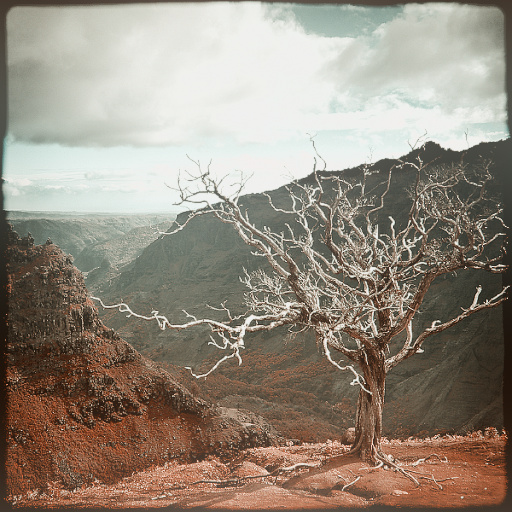
Retro Color Multitone by Maxstar
... usual Red, Green and Blue channels with another color. Intense&Inverse sliders determine the color mix. When set to the left (=1) it matches the color and gives a lighter image. When set to the right it inverses the color and makes it darker. When same numbers are used in all three sliders, the image becomes monotone. Keywords: retro, vintage, monotone, duotone, tritone, multitone, recolor, toning, glow, washed out, color, old, sepia, cyan. Controls: Color 1, Color 2, Color 3, Contrast, Brightness, ...
This filter requires Filter Forge 4.0 or higher.
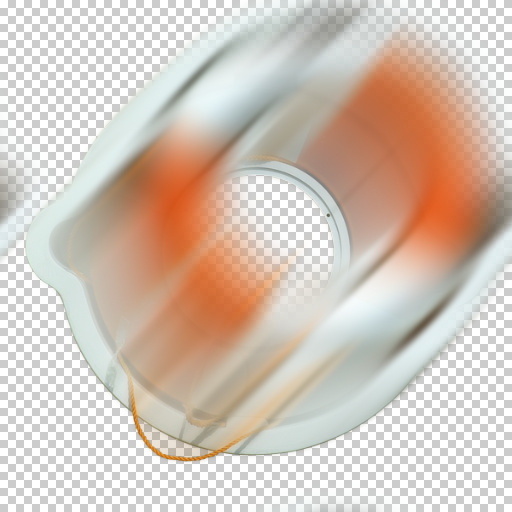
Wind Blur by Crapadilla
... blur effect. In contrast to the bidirectional motion blur, wind blur is unidirectional, blurring and fading out along a user-defined vector. Wind Blur uses a loop architecture to approximate a bitmap smudge effect. 'Trail Density' controls the number of iterative steps that make up the blur. 'Trail Blur' can be used to further reduce step artifacts. Channel masks can be used to further constrain the blur. Use 'Show Mask' to view and 'Mask Threshold' to tweak them. Color Models ...
This filter requires Filter Forge 1.0 or higher.
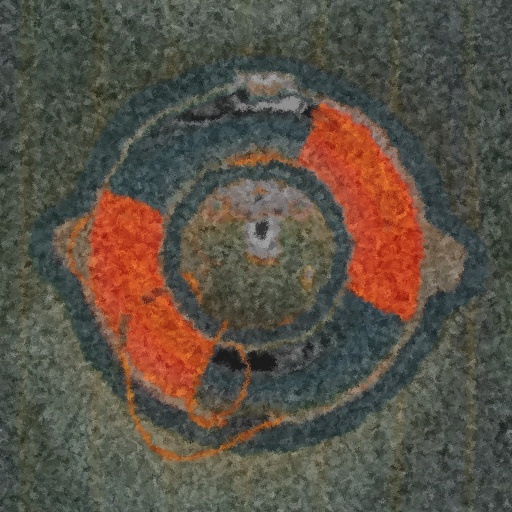
Tone Trash 1g by Kraellin
#2397. This is a toning filter. It uses a great number of curve type components which can add or alter tone to an image. It is intended to work with imported images or through a graphic editor as a plugin. However, I also added some features to the end of the component tree to give it ...
This filter requires Filter Forge 1.0 or higher.
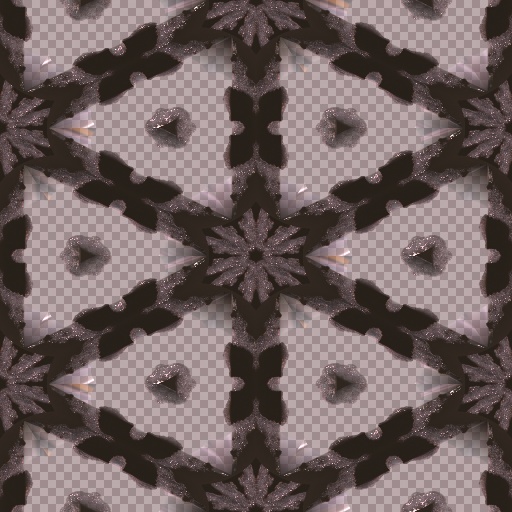
Color Etched Glass by Beliria
... is like a pattern underlay, and can change to look of the patterns you can create using the pattern picker. Anything that starts with just Pattern is only effected by the Pattern picker. Color 1&2 works with all Glass choice slider numbers (which is different glass etch patterns) Color 3 only works with Glass choice slider set on 4, 5 or 6. Some colors just don't really work together so I say experiment. Have fun and multiply! :). Keywords: color glass, etched fancy ...
This filter requires Filter Forge 5.0 or higher.
MC - 7 Colors by Ramlyn
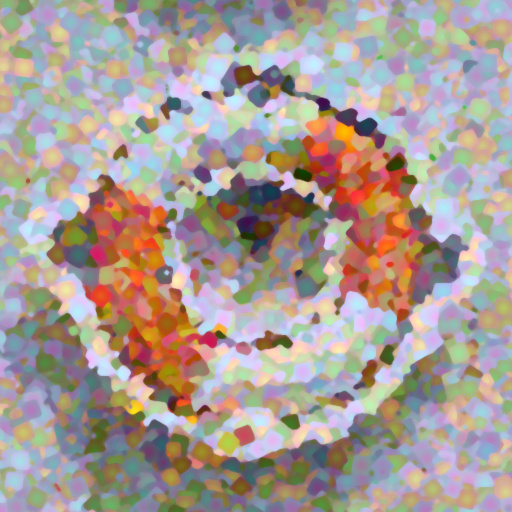
#13832. My first MC filter was based on the contrast of magenta and cyan. This new MC filter adds other 5 colors. There are 4 particles that can be customized in many ways ( color, color pattern, number of concentric squares, etc. ) and many options for the final result. Keywords: Magenta, Cyan, Green, Red, Orange, Yellow, Color, Contrast, Squares, Gradient, Art, Artistic, Painting. Controls: Result Selector, 1 Particle Chance, 1 Particle Design,...
This filter requires Filter Forge 1.0 or higher.
Patterns Unlimited by Mikita
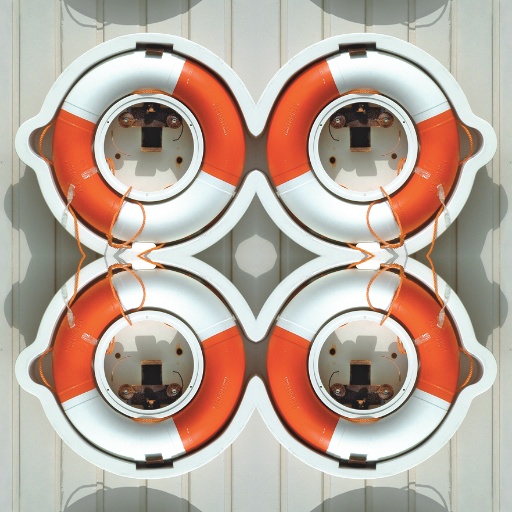
#5409. This Filter enables you to create patterns from any opened image i, e. Photograph - Painting - Drawing - Digital Art, or just another Pattern . The 10 user inputs makes it possible for you to create an unlimited number of patterns (colour or black and white) or just use the "Next Variant" selector to create random patterns for you. Tip for first time use - open an image into the fillter - use the random generator until you see a pattern you ...
This filter requires Filter Forge 5.0 or higher.
Wallpaper Group 8 p2gg by Rachel Duim
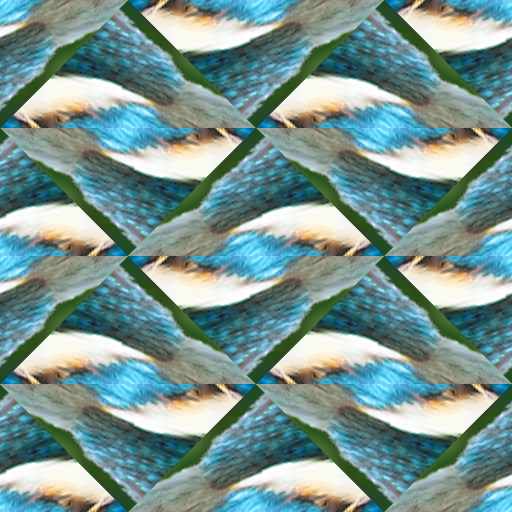
#13419. A tiling filter with kaleidoscope like effects. This is number 8 of the 17 Wallapaper Groups. The full Crystallographic Name for this wallpaper is p2gg. To use, set the # of Tiles to 1, then turn on the View Tile Seed? checkbox. This will show the shape of the seed and the part of the image it will ...


