Search Results
This filter requires Filter Forge 5.0 or higher.
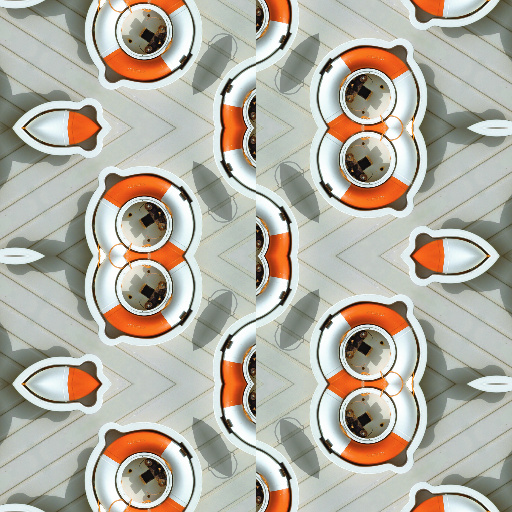
Wallpaper Group 7 p2mg by Rachel Duim
#13393. A tiling filter with kaleidoscope like effects. This is number 7 of the 17 Wallapaper Groups. The full Crystallographic Name for this wallpaper is p2mg. To use, set the # of Tiles to 1, then turn on the View Tile Seed? checkbox. This will show the shape of the seed and the part of the image it will ...
This filter requires Filter Forge 5.0 or higher.
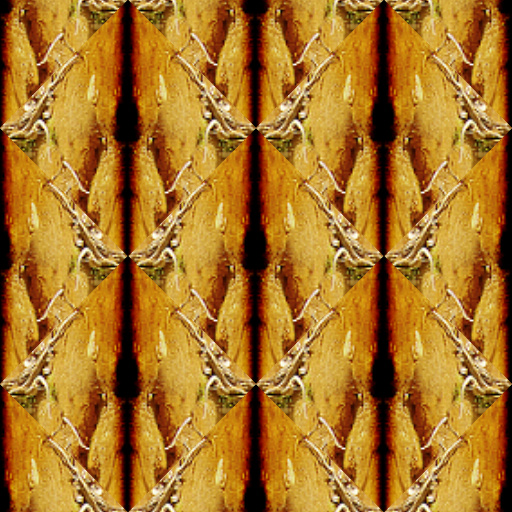
Wallpaper Group 1 p1 by Rachel Duim
#13418. A tiling filter with kaleidoscope like effects. This is number 1 of the 17 Wallapaper Groups. The short Crystallographic Name for this wallpaper is p1. To use, set the # of Tiles to 1, then turn on the View Tile Seed? checkbox. This will show the shape of the seed and the part of the image it will ...
This filter requires Filter Forge 5.0 or higher.
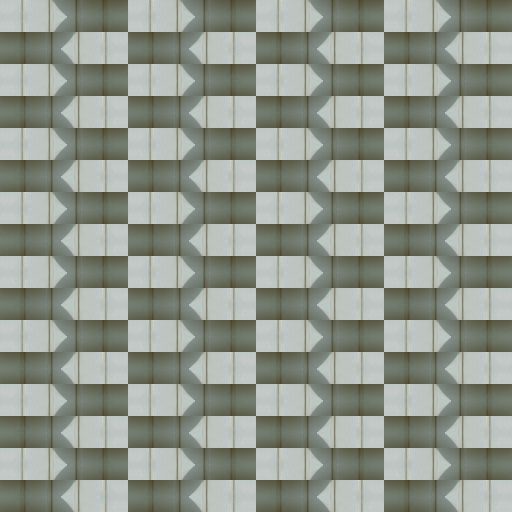
Wallpaper Group 4 pg by Rachel Duim
#13415. A tiling filter with kaleidoscope like effects. This is number 4 of the 17 Wallapaper Groups. The short Crystallographic Name for this wallpaper is pg. To use, set the # of Tiles to 1, then turn on the View Tile Seed? checkbox. This will show the shape of the seed and the part of the image it will ...
This filter requires Filter Forge 5.0 or higher.
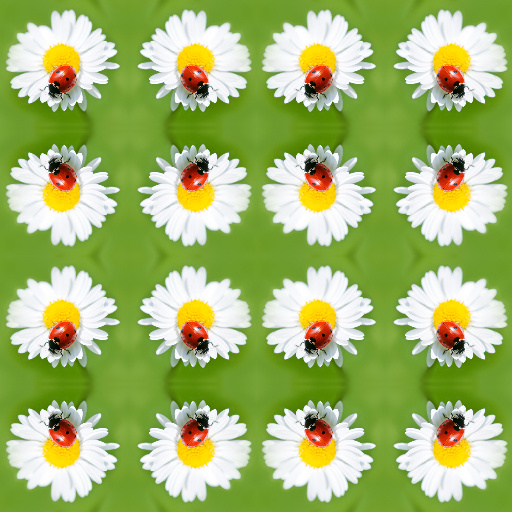
Wallpaper Group 3 pm by Rachel Duim
#13381. A tiling filter with kaleidoscope like effects. This is number 3 of the 17 Wallapaper Groups. The short Crystallographic Name for this wallpaper is pm. To use, set the # of Tiles to 1, then turn on the View Tile Seed? checkbox. This will show the shape of the seed and the part of the image it will ...
This filter requires Filter Forge 5.0 or higher.
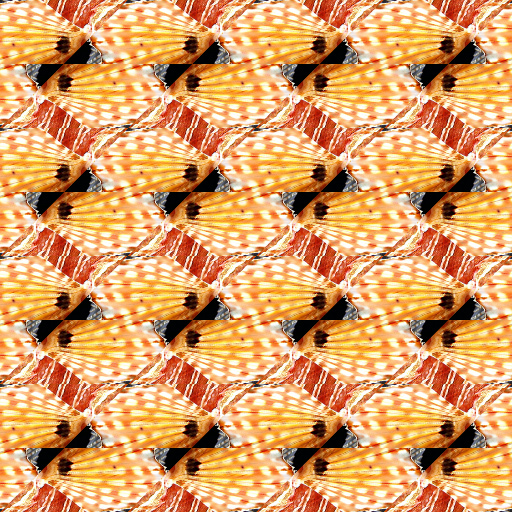
Wallpaper Group 2 p2 by Rachel Duim
#13362. A tiling filter with kaleidoscope like effects. This is number 2 of the 17 Wallapaper Groups. The short Crystallographic Name for this wallpaper is p2. To use, set the # of Tiles to 1, then turn on the View Tile Seed? checkbox. This will show the shape of the seed and the part of the image it will ...
This filter requires Filter Forge 5.0 or higher.
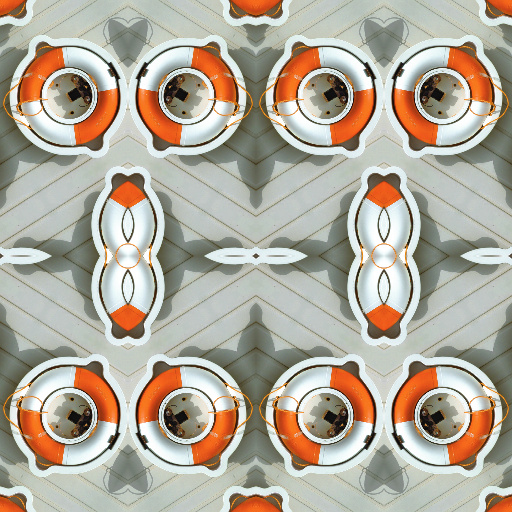
Wallpaper Group 6 p2mm by Rachel Duim
#13353. A tiling filter with kaleidoscope like effects. This is number 6 of the 17 Wallapaper Groups. The full Crystallographic Name for this wallpaper is p2mm. To use, set the # of Tiles to 1, then turn on the View Tile Seed? checkbox. This will show the shape of the seed and the part of the image it will ...
This filter requires Filter Forge 5.0 or higher.
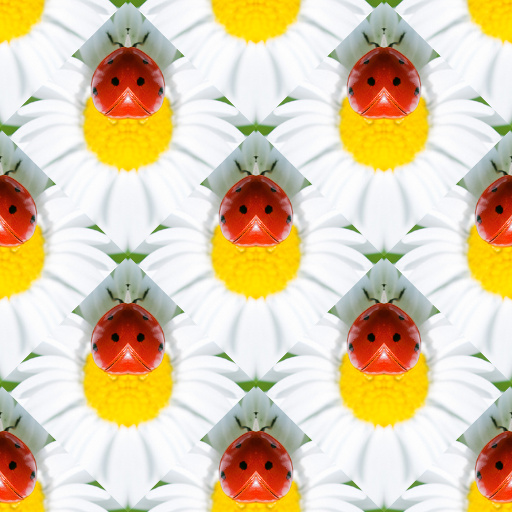
Wallpaper Group 5 cm by Rachel Duim
#13378. A tiling filter with kaleidoscope like effects. This is number 5 of the 17 Wallapaper Groups. The short Crystallographic Name for this wallpaper is cm. To use, set the # of Tiles to 1, then turn on the View Tile Seed? checkbox. This will show the shape of the seed and the part of the image it will ...
This filter requires Filter Forge 1.0 or higher.

SkyGen v2 by Betis
..., atomosphere, gen. Controls: Sky Color, Cloud Color, Cloud Cover, Cloud Size, Cloud Fluffiness, Cloud Roughness, Cloud Depth, Sun/Moon, Sun or Moon, Surreal Sun, Corona Strength, Sun/Moon Size, Sun/Moon Color, Sun Position X, Sun Position Y, Stars, Number of Stars, Star Size
This filter requires Filter Forge 5.0 or higher.
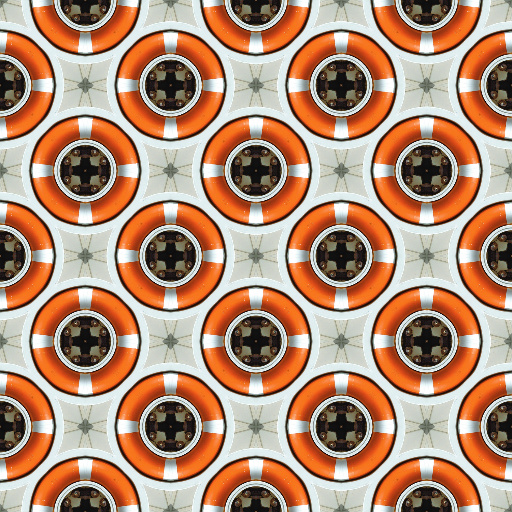
Wallpaper Group 9 c2mm by Rachel Duim
#13346. A tiling filter with kaleidoscope like effects. This is number 9 of the 17 Wallapaper Groups. The full Crystallographic Name for this wallpaper is c2mm. To use, set the # of Tiles to 1, then turn on the View Tile Seed? checkbox. This will show the shape of the seed and the part of the image it will ...
This filter requires Filter Forge 10.0 or higher.
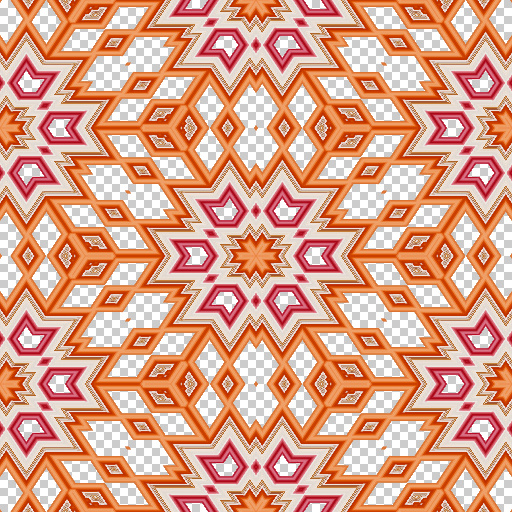
KaleidoGrad by westdale
... vert centre to choose partcular colours (only ''1'' useful for gradients) * The resulting pattern is fed into the kaleidoscope wh ere the mode can be set to square/hexagon etc * scale is very sensitive and it can be useful to enter high numbers with decimals ( FF doesnt have arithmetic for controls or I would add a fine tuninf control) *transparency in image can clip a pattern (I use for text from Affinity). Keywords: Kaleidoscope geometric pattern spectrum gradients. Controls: ...
This filter requires Filter Forge 4.0 or higher.
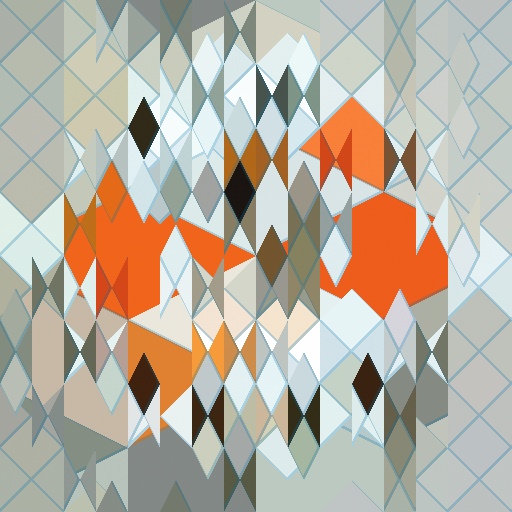
Triangles Again by Rick Duim
... triangles. Threshold 1, 2, & 3 determine how many triangles of each size to display. The Base level of triangles is always on. Triangle level 3 may use the Edge 3 checkbox to place the smallest triangles along the edges of the image. The number of triangles along the edges is controlled by Threshold 3. The Shape of each level can be changed to wide triangle, diamond, tall triangle. Each level may have Grout between the tiles. The Grout Color may have the alpha set less ...
This filter requires Filter Forge 3.0 or higher.
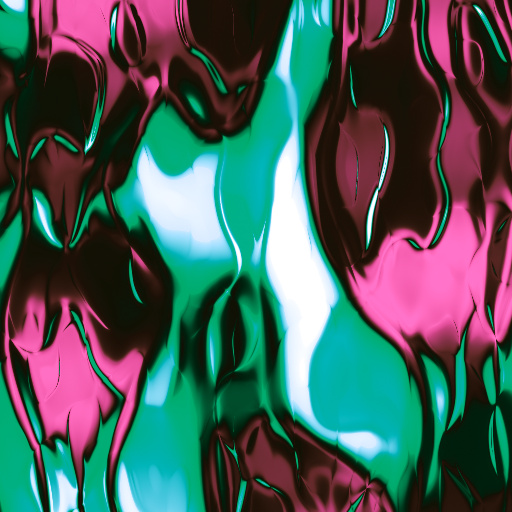
Abstract Pattern Synthesizer by Stefan Beckmann
... simple click if you want. Keywords: pattern, gift wrap, paper, art, print, wallpaper, complex, color, screen, background, design. Controls: Color 1, Color 2, Color 3, Color 4, Color 5, Result RotationAngle, Profile Select, Complexity 1, Structure Select, Number of GradColors, Result Hue, Result Saturation, Result Contrast, Result Gamma, Result Brightness, Result Invert Type 1, Result Invert Type 2, Structure Roughness, Gradient Profile, Structure Stretch, Structure Scale, Structure Formula 1, Structure ...
This filter requires Filter Forge 1.0 or higher.
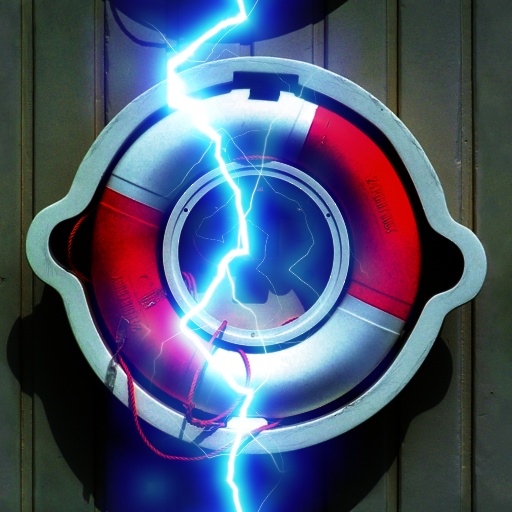
Lightning by ThreeDee
... experiments. Adjust to taste, color, glow, size, etc. Linearity controls how straight the bolt is. At 100, it is a straight line like a laser, at 0 pretty much all over the place. Note: Outer glow scale is twice inner glow scale, so the same number on both still keeps outer glow twice the size. Tip: Background darkening allows lightning to show up better. Besides, lightning from the clear blue sky is, I've been told, not that usual. Tip: Render on black background and compose in screen ...
This filter requires Filter Forge 4.0 or higher.
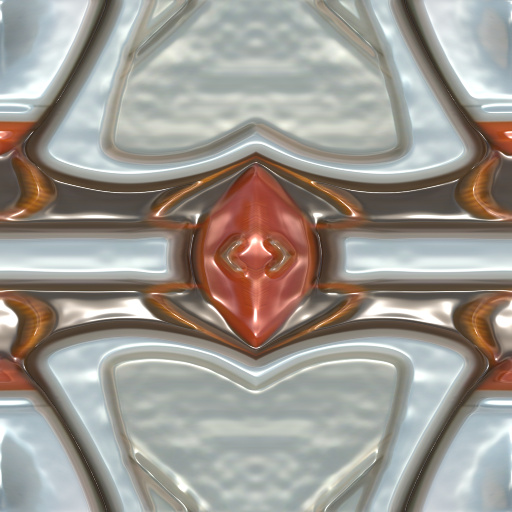
IKS-Pattern 4 by jhantares
... transformed using MAP scripts. You can choose between 10 formulas and alter formula parameters by four sliders. Additionally the image can be altered by many other controls. Every control ist named by Sxxxx- there xxxx will be replaced by one or more numbers. There is one selection control that uses three inputs. If one control is marked as S13- it means, that this control takes effect for input 1 and 3 of the selection control. This naming of the controls simplifies using them. Select "pattern ...
This filter requires Filter Forge 1.0 or higher.

LEARNING I - First steps by ALZHEM
... that, open the COMPONENTS section (the COMPONENTS button is in the upper right corner), select NOISE, and drag one of the noises and drop it into the nodes region. You could try with the CELLS noise component. Once added, you should repeat the step number 1. In the next LESSON we'll talk about controllers (the COLOR node at the right side of the Perlin Noise) Best Regards and Good Luck :-). Keywords: learning tutorial test ALZHEM alzhem aprendiendo beginner beginning. Controls: Noise ...
This filter requires Filter Forge 7.0 or higher.
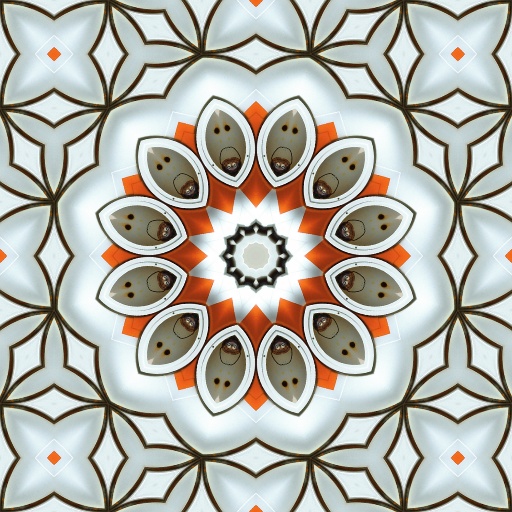
N-Uniform Tiles Set 1 by Rachel Duim
....com/filterforge-DRVG/NUniformSet1TileList.pdf Username: filter Password: forge. Keywords: kaleidoscope tile tiling pattern seed repeat n-uniform convex tessellation hexagonal triangular dodecagonal. Controls: View Tile Seed?, Square Tile, Tile Type, Number Quarter Tiles, Row Variation, Scale Seed, Seed Up-Down, Seed Left-Right, Rotate Seed, Portrait/Landscape
This filter requires Filter Forge 10.0 or higher.
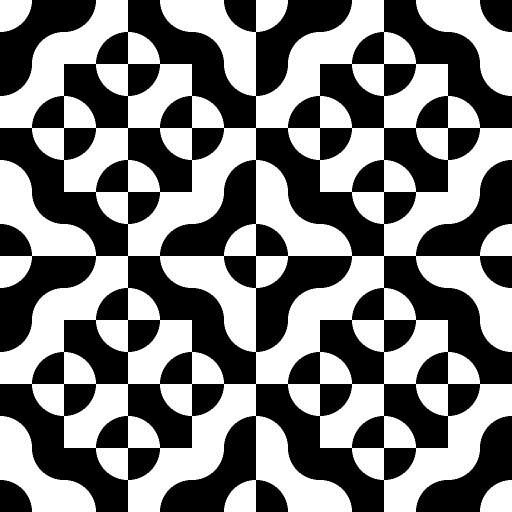
Makuhari Work by Ramlyn
#16006. A square filled with two quarters of circle and assembled in a set 4x4. It is used to create decorative design. Inspired by some patterns in the streets of Makuhari, Japan. The 16 squares of the set are horizontally ordered by number (1, 2,3, 4) and vertically ordered by letter (A, B,C, D). Then, first square on the top left corner is A1. Keywords: Pattern, Circles, Squares, Abstract, Decoration. Controls: Result Scale, Result Rotation, Result Offset X, Result Offset Y, View Result/Square,...
This filter requires Filter Forge 4.0 or higher.
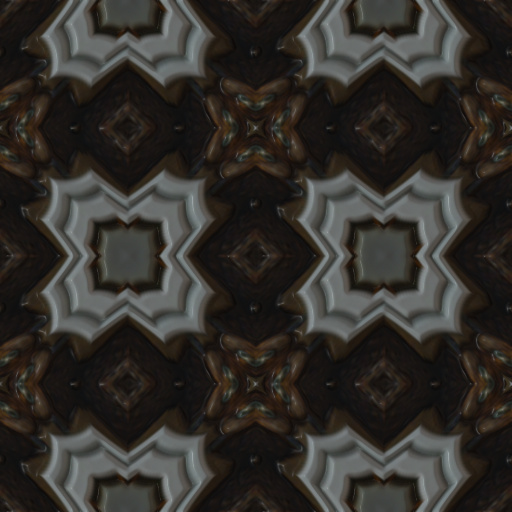
IKS-Pattern 3 by jhantares
... formula parameters by four sliders. Additionally the image can be altered by many other controls. There is a build in tiles pattern/Kaleidoscope also. Set selector to 2. Every control ist named by Sxxxx- there xxxx will be replaced by one or more numbers. There is one selection control that uses two inputs. If one control is marked as S12- it means, that this control takes effect for input 1 and 2 of the selection control. This naming of the controls simplifies using them. Keywords: map, script,...
This filter requires Filter Forge 1.0 or higher.
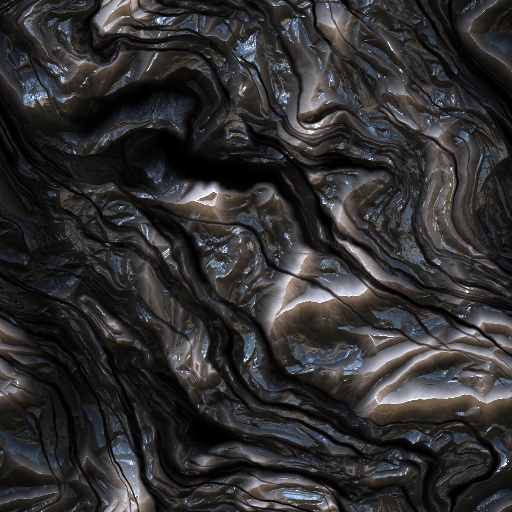
Sci-Fi Stone Metal by Ronjonnie by ronjonnie
#6920. Futuristic Sci-Fi stone metal. Endless combinations. Special attention to the Curve Selector, Selector & Impulse. 20 cool presets. Check out number 18. Special thanks to: Carl for the heads up in education, Crappadilla for the cool snippet "Noise Lab Scratches", Mike Blackney for the use of his snippet, "Mike's Favorite Noise", used in Selector 2 & the mapping ...
This filter requires Filter Forge 7.0 or higher.
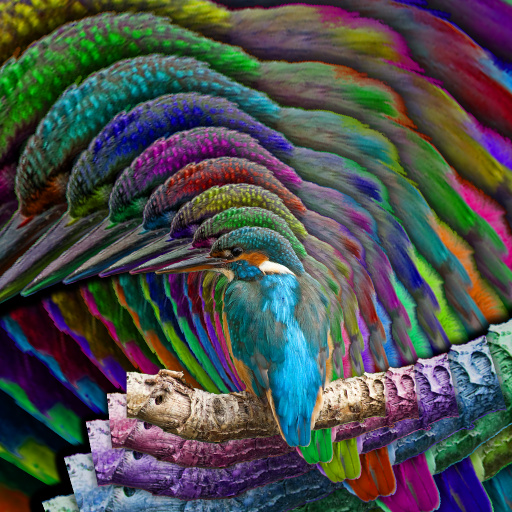
Echo Mask by Rachel Duim
.... The edge of the masked area can be Edge Adjusted to deal with contrast issues that the original masked edge may have with the next echo. Keywords: echo, edge, mask, repeat, color, saturation, lightness, layers, stacked, rotate. Controls: Image Scale, Number of Echoes, Echo Center X, Echo Center Y, Echo Size, Edge Adjust, Color Rotation, Saturation Change, Lightness Change, Rotation Change, Shadow Amount
This filter requires Filter Forge 4.0 or higher.
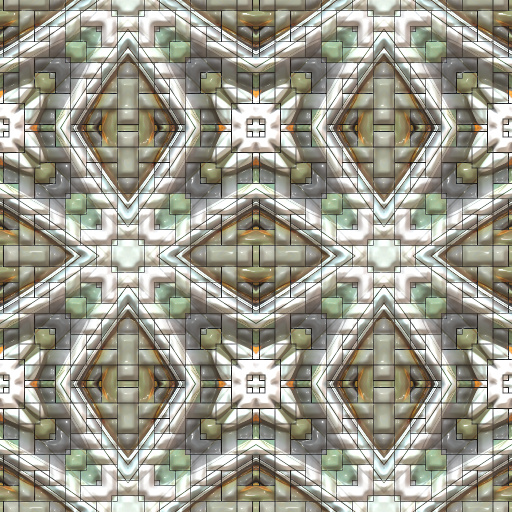
IKS-Pattern 6 by jhantares
... using MAP scripts. You can choose between 10 formulas and alter formula parameters by four sliders. Additionally the image/pattern can be altered by many other controls. Every control ist named by Sxxxx- there xxxx will be replaced by one or more numbers. There is one selection control that uses five inputs. If one control is marked as S13- it means, that this control takes effect for input 1 and 3 of the selection control. This naming of the controls simplifies using them. Keywords: map, effect,...
This filter requires Filter Forge 1.0 or higher.
Artistic Lines by Mikita
... the Vetical or Horizontal, or mix and match both to create more exotic designs. There are two sets of seven imput controls for Lines 1 and Lines 2 which consist of :- Colour imputs for a lines two gradiant colours. A Repeat input for the number of line repitions. A Rotate input for line direction 1 or 3 for Vertical - 2 or 4 for Horizontal. An Offset imput for adjusting image framing. An Opacity input for reducing or increasing transparency. A Mirror check box which mirrors ...
This filter requires Filter Forge 9.0 or higher.
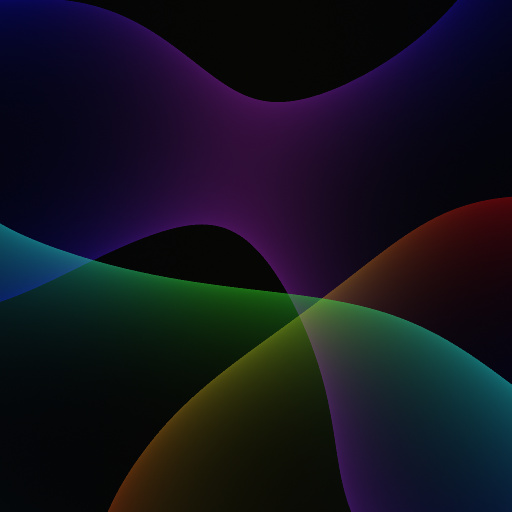
Multicolor Plasma Waves by mgreen
#15260. Based on Plasma Waves by Martin Naumann with expanded controls to fine tune a number of attributes. Global Controls: • Background color, including alpha channel and image upload • Invert shape forms (not color) • Scale Controls to customize each of the 3 shapes: • Gradient Colors and ...
This filter requires Filter Forge 3.0 or higher.
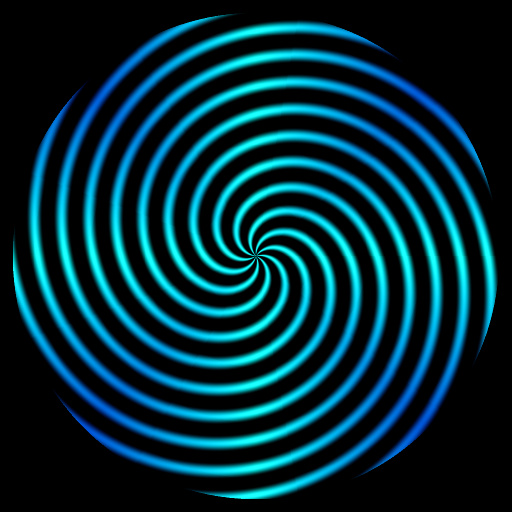
GF Spirogram Generator v8 by Ghislaine
... better see the colors of spirograms. But you can change for any color you want or put it in alpha. It is best to fully explore this filter to discover its many possibilities. Very fast filter. Come with 20 presets. Note that you must set the Type to number 1 if you want to spin the spirograms. With Types 2 and 3, the spirograms will not spin but you will be able to enlarge the spirograms. Keywords: spirogram, generator, colorful, form, geometrical, triangular, spirograph art, graphic, vector, brush,...
This filter requires Filter Forge 9.0 or higher.

Image Mandelbrot by Rachel Duim
... best results in lighting often use low (even .01 or .1) height values and high brightness values in the Lighting tab. Save Presets often when exploring. If you get lost, you can go back!. Keywords: Mandelbrot, fractal, color, zoom, image. Controls: Number of Iterations, Escape Radius, Tune Color X, Tune Color Y, Color Repeat, Color Variation, Color - Inner, Zoom, Super Zoom, Offset X, Offset Y, Fine Tune X, Fine Tune Y, Finer Tune X, Finer Tune Y, Finest Tune X, Finest Tune Y, Micro Tune X, Micro ...
This filter requires Filter Forge 5.0 or higher.
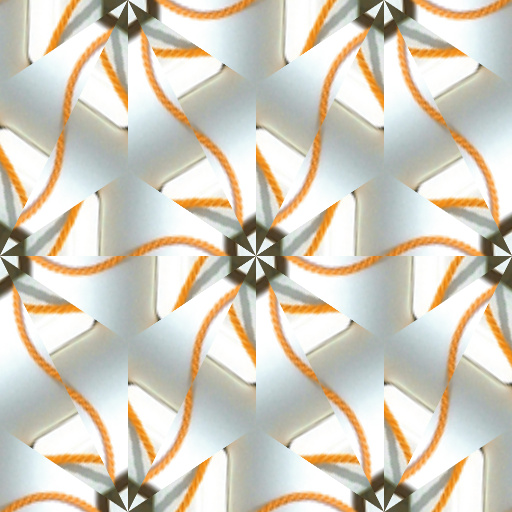
Wallpaper Group 16 p6 by Rachel Duim
#13425. A tiling filter with kaleidoscope like effects. This is number 16 of the 17 Wallapaper Groups. The full Crystallographic Name for this wallpaper is p6. To use, set the # of Tiles to 1, then turn on the View Tile Seed? checkbox. This will show the shape of the seed and the part of the image it will ...
This filter requires Filter Forge 5.0 or higher.
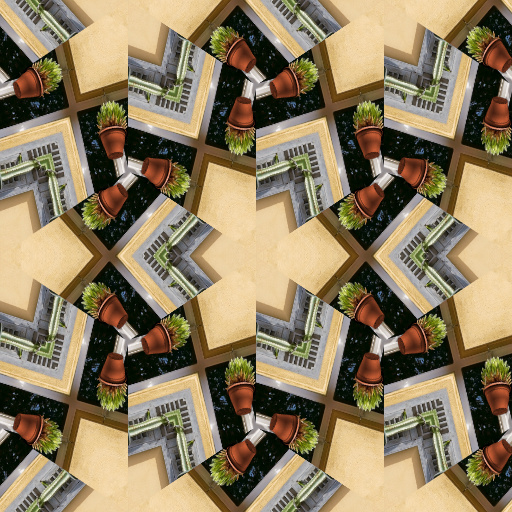
Wallpaper Group 15 p31m by Rachel Duim
#13424. A tiling filter with kaleidoscope like effects. This is number 15 of the 17 Wallapaper Groups. The full Crystallographic Name for this wallpaper is p31m. To use, set the # of Tiles to 1, then turn on the View Tile Seed? checkbox. This will show the shape of the seed and the part of the image it will ...
This filter requires Filter Forge 5.0 or higher.
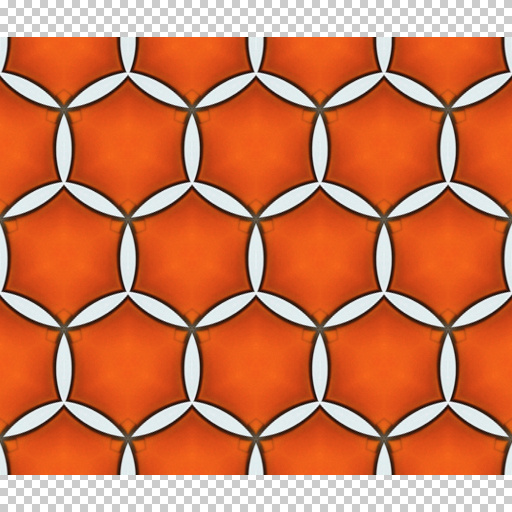
Wallpaper Group 14 p3m1 by Rachel Duim
#13423. A tiling filter with kaleidoscope like effects. This is number 14 of the 17 Wallapaper Groups. The full Crystallographic Name for this wallpaper is p3m1. To use, set the # of Tiles to 1, then turn on the View Tile Seed? checkbox. This will show the shape of the seed and the part of the image it will ...
This filter requires Filter Forge 5.0 or higher.
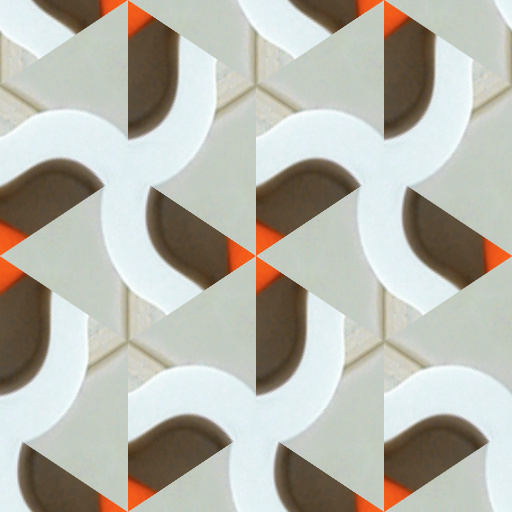
Wallpaper Group 13 p3 by Rachel Duim
#13422. A tiling filter with kaleidoscope like effects. This is number 13 of the 17 Wallapaper Groups. The full Crystallographic Name for this wallpaper is p3. To use, set the # of Tiles to 1, then turn on the View Tile Seed? checkbox. This will show the shape of the seed and the part of the image it will ...
This filter requires Filter Forge 5.0 or higher.
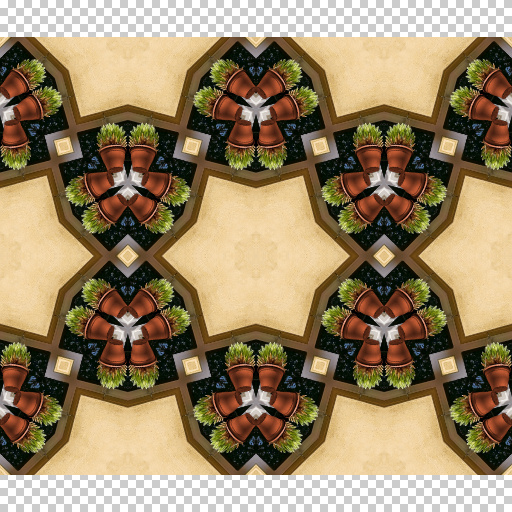
Wallpaper Group 17 p6mm by Rachel Duim
#13426. A tiling filter with kaleidoscope like effects. This is number 17 of the 17 Wallapaper Groups. The full Crystallographic Name for this wallpaper is p6mm. To use, set the # of Tiles to 1, then turn on the View Tile Seed? checkbox. This will show the shape of the seed and the part of the image it will ...
This filter requires Filter Forge 1.0 or higher.
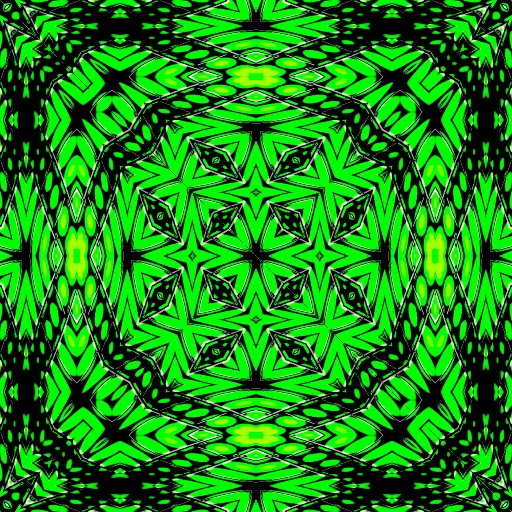
The Pattern Room by CFandM
... Gradient by uberzev HOW TO Everything above the Change Middle checkbox controls the color and overall color tinting of the patterns.. Everything below that controls the patterns themselves. Some settings need to be only moved one or two numbers up or down to work with other settings.. Use the Variation slider at the bottom to change the amount of color that the patterns contains, email me if you have any questions regarding this filter or its use.. Keywords: kaleidoscope, tiles,...
This filter requires Filter Forge 1.0 or higher.

100 year old Tugboat by Bongo51
#651. The side of a heavily rusted steel hulk. Or the back door. -Rust colour and paint colour -Paint Layer_eroder speeds time, the higher the number, the longer the rust has eroded the paint away. -Master Scale will scale both the paint and the erosion textures. -Staining% - will change how much staining over time from water draining over the rust -Bump and Specular Tone change the ...
This filter requires Filter Forge 1.0 or higher.
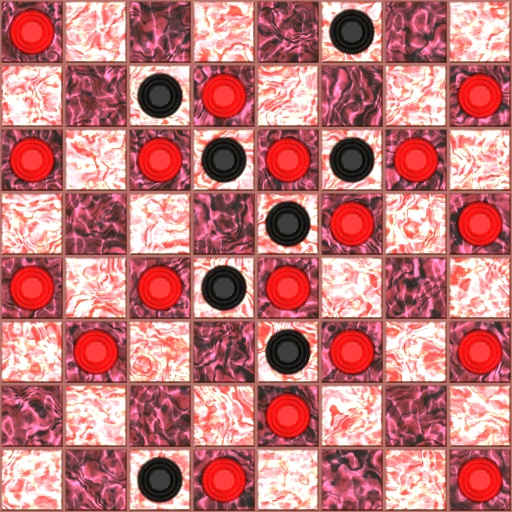
Checkerboard v3 by PixelDust
#6887. Create a wood or marble checkerboard with your choice of solid-colored or marbled checkers. Customize the number of rows, dark/light board colors, checker bevel, checker size, and more. NOTE: Higher values on the checker size slider make the checkers smaller, and lower ones make them larger. Keywords: checker checkers checkerboard marble wood game ...
This filter requires Filter Forge 1.0 or higher.
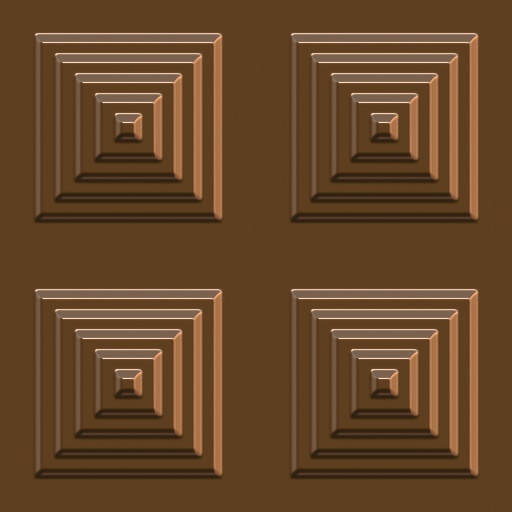
Panels R Us by ChrisP
... panels, wood, metal, cone, cones, pyramid, pyramids, ziggarat, ziggarats ,step, steps, stepped, chocolate. Controls: Colour, Wood Colour, Grunge Colour, Wood Grn>Colour, Wood Grain Style, Pattern Selector, Corners, Bevel Width, Mortar Width, Steps, Number of Steps, Sharp>Blobby, Shape, Invert, Metallic, Reflectivity, Reflection Blur, Grunge: Yes>No, Grunge Roughness, Grunge Scale
This filter requires Filter Forge 4.0 or higher.
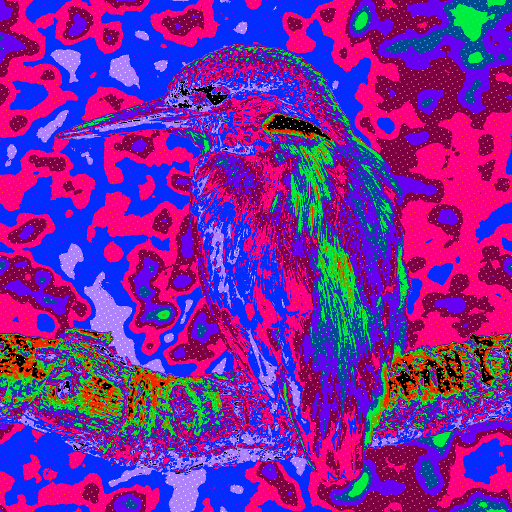
Psychadelic Rainbow Mesh by Ron Mock
... replace with other intense bold colors for Psychadelic Effect. Each color is isolated and can be spread or reduced in size and influence within the generated image. The grid lines can be thicken or thinned as desired and can increase or decrease in number. Each of two grids A and B can be rotated as desired . Play around with it and have fun with the various Modes of 19 avaiable. Keywords: Grid, Mesh, Psychadelic, Rainbow, Threshold. Controls: Black Color, Yello Color, Light Green Color, Cyan Color,...


