Search Results
This filter requires Filter Forge 2.0 or higher.
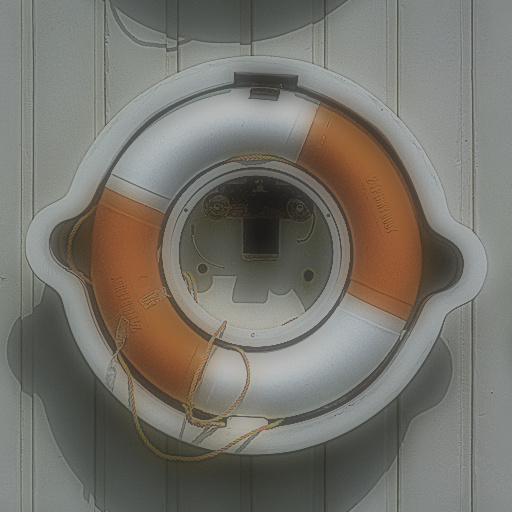
Orton by Withabix
#9907. Another Orton. You can control the varying aspects to leave you with a standard Orton effect or take it a few levels further and adjust Hue, Saturation, Lightness for some suprising effects. Controls: Opacity, Sharpness, Hue, Lightness, Saturation
This filter requires Filter Forge 2.0 or higher.
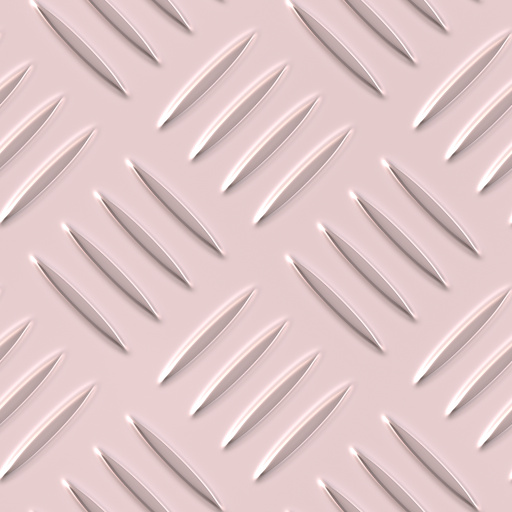
Chrome Diamond Plate v2 by m0jo
... filter by Vladimir Golovin. Keywords: metal, floor, panel, plate, diamond plate, industrial, treadplate, tread, aluminum, aliminium, chrome, bump, chrome wear, wear. Controls: Tread Width, Tread Length, Tread smoothness, Bumps per tread, Turn 45 degrees, Lighting Shadows, Lighting Variation, Lighting Detail, Chrome Wear Amount
This filter requires Filter Forge 1.0 or higher.

Moss-covered by FilterFox
#7356. My Second Filter. Cover something with moss. Keywords: moss, nature, organic, green,. Controls: Dark Moss Color, Dirt Color, Light Moss Color, Roots Color, Light Moss, Dark Moss, Roots, Old Roots Dirt, Demossify
This filter requires Filter Forge 1.0 or higher.
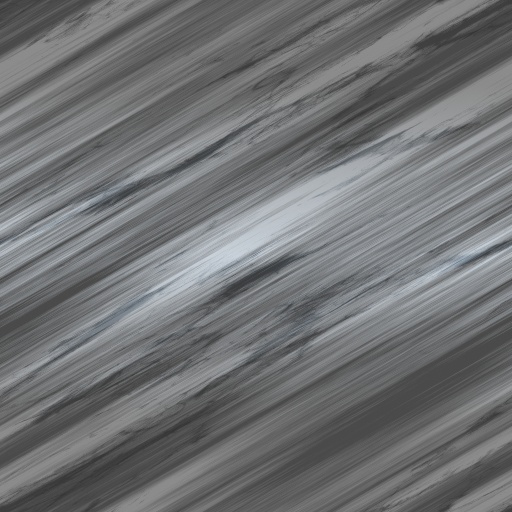
Brushed metal by Aron Granberg
#7170. Brushed metal filter with scratches. Oprions: Angle, Light Color, Dark Color, Scratches (true/false). Keywords: Metal, brushed metal, cold metal, scratches. Controls: Dark Color, Light Color, Stretch, Angle, Scratches
This filter requires Filter Forge 1.0 or higher.
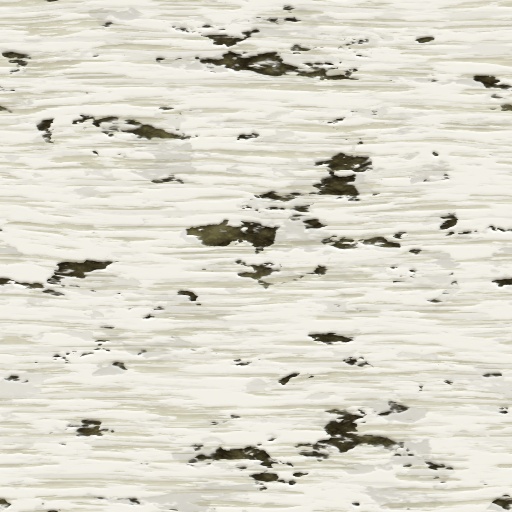
Birch Bark by Patrick Lichtenecker
#6825. Birch tree bark texture map. Keywords: birch tree bark. Controls: Hue, Lightness, Saturation, Area Variation, Bump Type, Stripe Areas, Stripe Lightness, Stripe Scale, Variation 1, Variation 2, Variation 3, Variation 4, Variation 5, Variation 6
This filter requires Filter Forge 1.0 or higher.
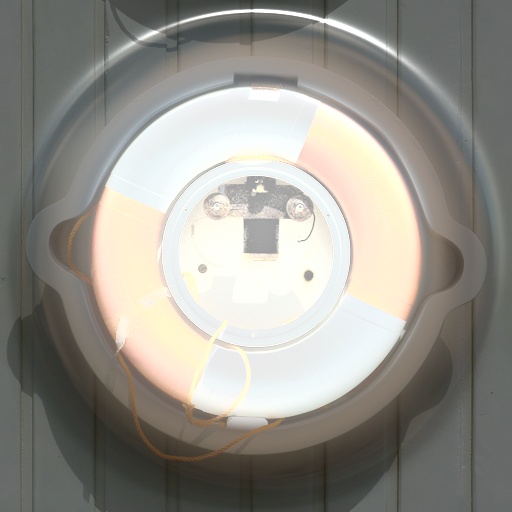
Center lighted circle by uuk
#3888. A Light formed in a shape of a circle to make the picture shine. Keywords: circle circles circulos shine photo standout. Controls: Background color, Circle color, Box factor, Noise distortion, Noise roughness, Size, Smooth, Array #
This filter requires Filter Forge 1.0 or higher.
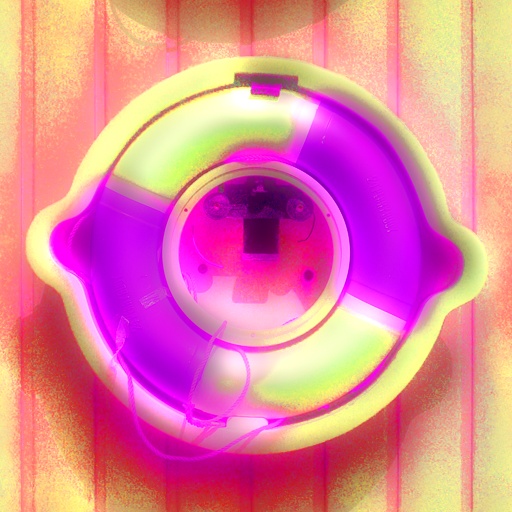
StevieJ's SoftSaturate by StevieJ
#2247. This filter creates soft saturation artistic effects. All lighting and controls are included to give it an extremely wide range of different effects. Enjoy :) NOTE: (1) Use the "Size, Pixels" control to adjust the desired amount of effect on your image, (2) Adjust the brightness of randomized ...
This filter requires Filter Forge 1.0 or higher.
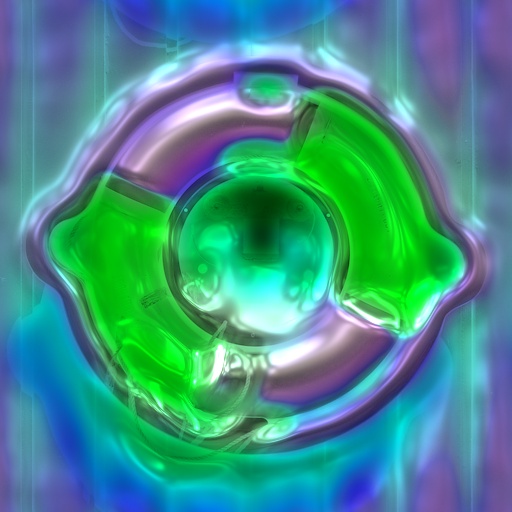
StevieJ's HardSaturate by StevieJ
#2256. This filter creates hard saturation artistic effects. All lighting and controls are included to give an extremely wide range of different effects. Enjoy :) NOTE: (1) Use the "Size, Pixels" control to adjust the desired amount of effect on your image, (2) Adjust the brightness of randomized ...
This filter requires Filter Forge 1.0 or higher.
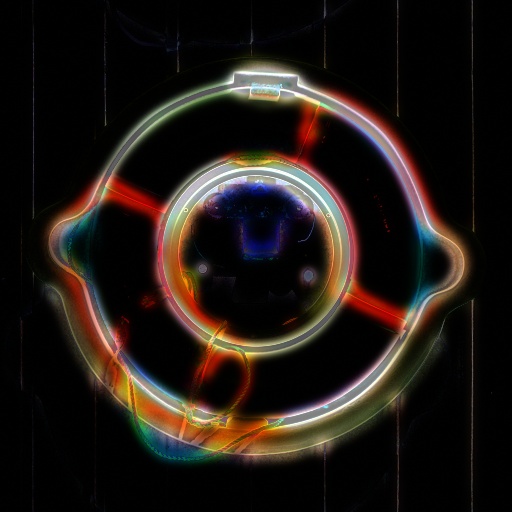
Neon Nights by CFandM
#638. This filter takes an original image and produces a neon glow. The amount of glow, color along with the brightness of the glow can be adjusted. Keywords: neon, glow, creative. Controls: Light Amount, Color, Contrast, Light Radius, Saturation, Brightness
This filter requires Filter Forge 1.0 or higher.
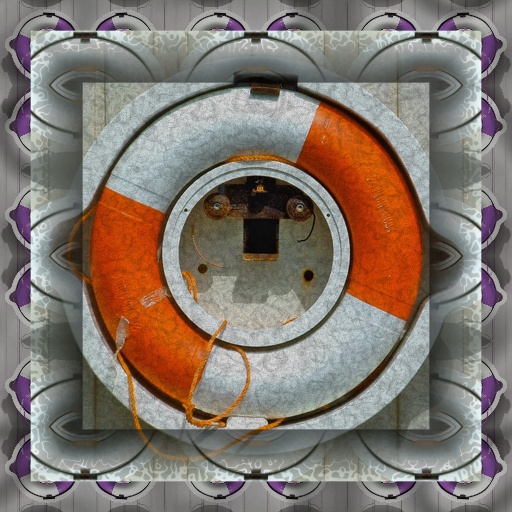
Grungy Kaleidoscopic by ChrisP
... appropriate Offset & Kaleidoscope Shape Size sliders. Keywords: Grungy Kaleidoscopic, grungy, grunge, kaleidoscopic, kaleidoscope, frame, frames, creative, artistic, gothic. Controls: Corners, Frame Width, Margin Width, Pic Hue, Pic Saturation, Pic Lightness, Orig. Pic >Grunge, Pic Grunge, Pic Grunge Scale, Pic Trans, Margin Hue, Mgn Saturation, Mgn Lightness, Mgn Kal/Grunge, Mgn Grunge, Mgn Kal Shape Size, Mgn Offset H, Mgn Offset V, Frame Steps, Frame Grunge, Frame Offset H, Frame Offset V,...
This filter requires Filter Forge 1.0 or higher.
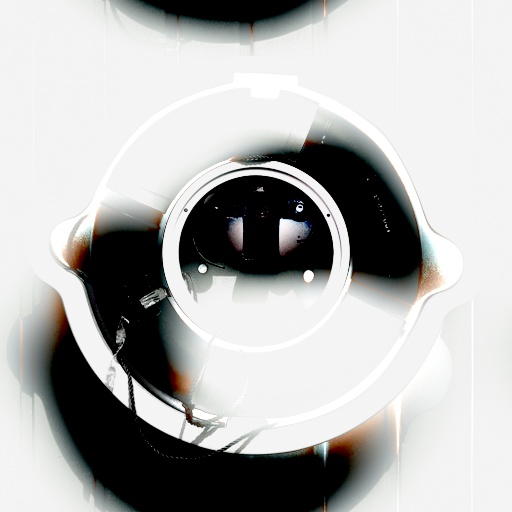
Apparition by jffe
#4055. Apparition is a *fast rendering* picture effect filter, that gives your pictures a ghostly appearance of sorts. Think "digitally pale", random light spots, over & under contrasted images, that kind of thing. The controls are listed top-to-bottom, in the order that they affect your picture. 20 presets are included to show you most of the range of this filter. Keywords: apparition, ghost, haunted,...
This filter requires Filter Forge 1.0 or higher.

Twin Shadow by insigna
#8050. More than one strong light source close to the object is sharp and the twin shadows occurs. This effect is based on the two light source. Also a few extra touches in photoshop to the object can give extra depth. + Separately for each shadow transparency control + ...
This filter requires Filter Forge 5.0 or higher.
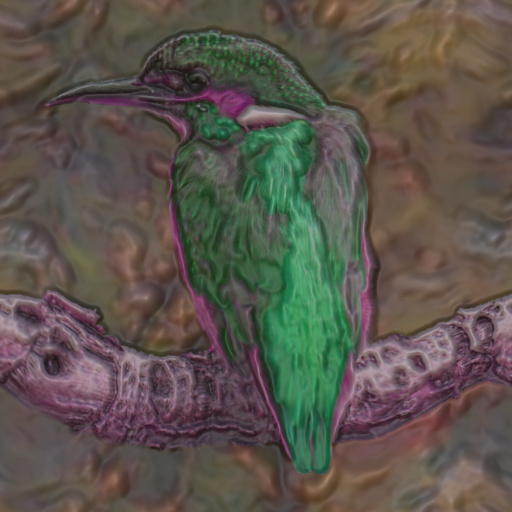
Clear Smooth & Cloudy Distorted Plastic 2 by gregasorous
... anyway it renders quicker and the controls are easy to use. The cloudy and clear look is better and you can get a metallic as well, maybe slightly more of an aluminium look if that makes sence for a plastic filter, probably not. Anyway Blur 1& 2 And light 1&2 go together and there is a three color gradient that works well and position controls too and if you don't want color just no saturation do not know what else to say just play around with the controls. Yeah and I have multi pass prievew off ...
This filter requires Filter Forge 1.0 or higher.
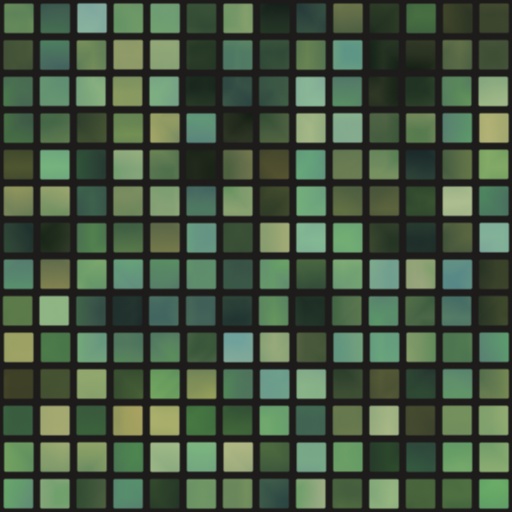
Tile, Dots, & Books by Reiveld
#5468. Tiles, Dots, Books, City Lights. Keywords: Tiles, Dots, Books, City Lights. Controls: Background, Mortar, Tiles, Chaos, Corners, L Range, Mortar Width, S Range, Variation, Contrast, Repeat H, Repeat V, Roughness, Row Shift, Solid Fill
This filter requires Filter Forge 1.0 or higher.
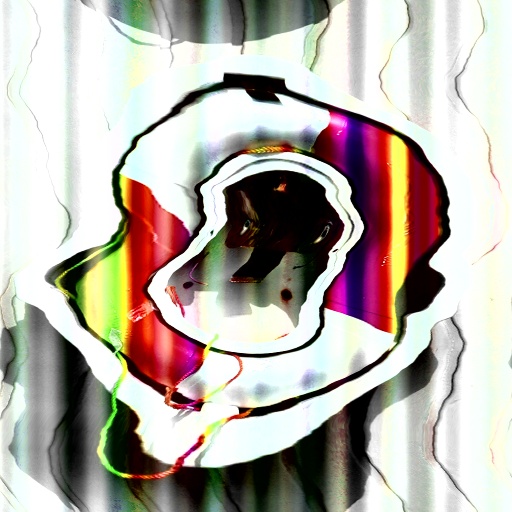
Wraptiers by Firemup
#683. Wraps the object in saturated light rays. Creates a distorted, granular, elongated tiered spiral effect. Keywords: Tiers, spiral, wrap, prisms. Controls: Distortion Angle, Hue Range, Lightness Range, Saturation Range, Contrast, Gradient Roughness, Distortion Roughness, Distortion ...
This filter requires Filter Forge 4.0 or higher.
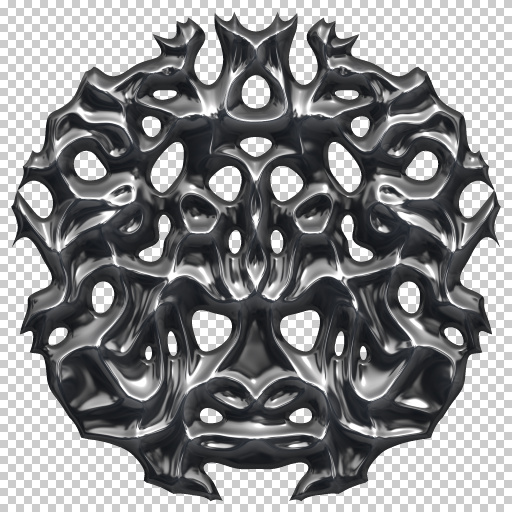
3D Reflective Kaleido-Filigree Metal Disk by DJI
#13204. This is my Two Hundred and Twenty-Fourth filter. I hope you like it and find it useful. When you make your user presets you'll be going to the lighting elements for each one to work with the saturation, lighting tint and changing the lighting environments to see what kind of metal finish you can put on your preset. Also your going to get a floater now and then. With the way I made the filter ...
This filter requires Filter Forge 2.0 or higher.

Shag Carpet by pixel8ted
... surface filter made with FF2. This filter creates a texture that resembles shag carpet. Controls: End Highlights: Sets Color of ends. Deep Shadows: Sets shadow color. Overall Color: Sets midtone color. When creating light carpets, I would recommend setting all three swatches to a light color tone. I would recommend using the Entrance Night surface lighting preset with this filter. Pattern can be adjusted using the variation sliders. Keywords: surface ...
This filter requires Filter Forge 7.0 or higher.

Cubik Fantasy by Ramlyn
#14217. Cubes art. Keywords: Cubes, Artistic, Art, Abstract. Controls: Total Rotation, Set A / Set B, Set A Rotation, Set B Rotation, Light 1, Light 2, Light 3, Light Position, 01 Cube Color, 01 Cube Scale, 02 Cube Color, 02 Cube Scale, 03 Cube Color, 03 Cube Scale, 04 Cube Color, 04 Cube Scale, 05 Cube Color, 05 Cube Scale, 06 Cube Color, 06 Cube Scale, 07 Cube Color, 07 Cube Scale,...
This filter requires Filter Forge 5.0 or higher.
Clear Smooth Cloudy & Plastic by gregasorous
#14059. This filter has clear, cloudy, and plastic looks to it and also has most componants like distort, blur, levels, sharpen, offset & hue light only not saturation or hue in the surface color and height and controled by one set off controls to each set. I did it just to see what would happen and the result was not bad. Play around with the lighting section as you get alot of movement when ...
This filter requires Filter Forge 2.0 or higher.
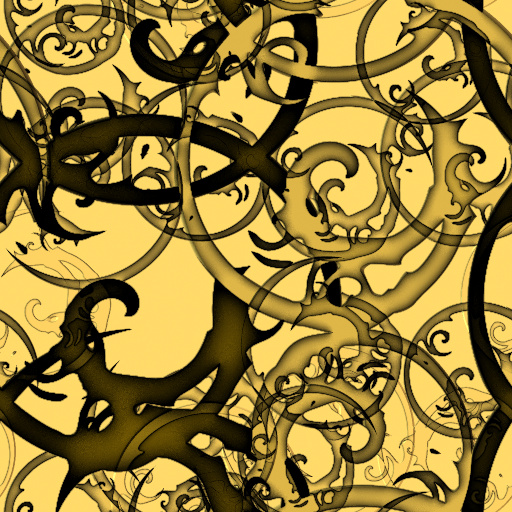
Vintage Twisted Thorns by cfree68
... effect for the bomber elements. This interacts with the color brightness depending on the layer mode: 1= normal, 2= darken, 3= multiply, 4= color burn, 5= linear burn, 6= lighten, 7= screen, 8 = color dodge, 9= linear dodge, 10= overlay, 11= soft light, 12= hard light, 13 = vivid light, 14 = linear light, 15 = difference, 16 = hue, 17 = saturation, 18 = color, 19 = luminosity B Particle Size = the particle starting size B Particle Repeat = the particle pattern repeat B "xxxxx" ...
This filter requires Filter Forge 1.0 or higher.
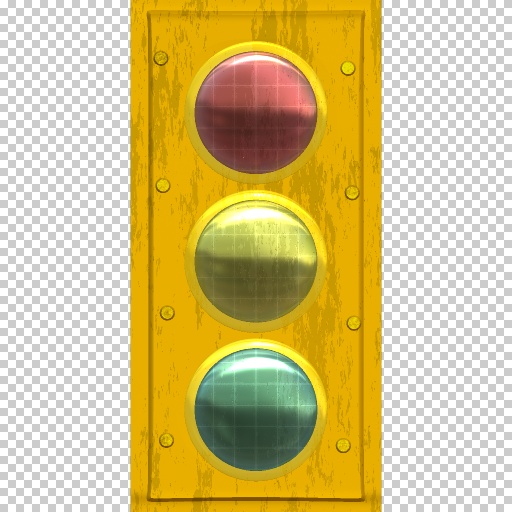
Traffic Light by Darth Axel 007
#3050. A city street trafic light. Inspired from NY City streets. Found it inteseresting plus no one had done it before so I decided to make it. If you are planning on checking it through the editor, don't it's really messy and big. I'm just really not organized. Thanks. ...
This filter requires Filter Forge 3.0 or higher.
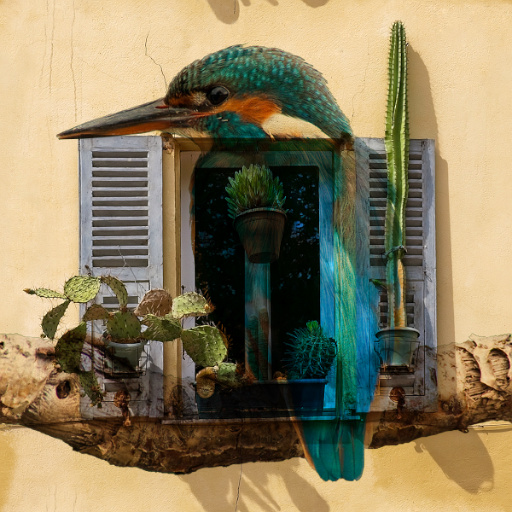
Blend Modes WITH names by SpaceRay
... modes, blend modes, multiblend. Controls: Foreground Image, Blend Opacity, –––––––––-, CHOOSE ONLY ONE, –-BLEND MODE–-, ––––––––––, Darken, Multiply, Color Burn, Linear Burn, Lighten, Screen, Color Dodge, Linear Dodge, Overlay, Soft Light, Hard Light, Vivid Light, Linear Light, Difference, Hue, Saturation, Color, Luminosity
This filter requires Filter Forge 3.0 or higher.
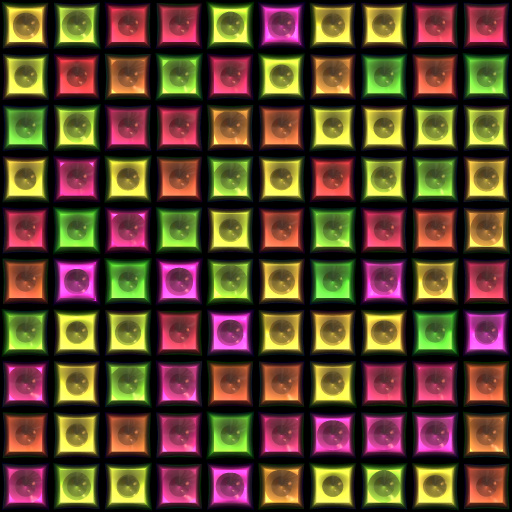
squares by simple but powerful
#11435. Make any kind of tiles or squares or you could use it for disco lights. Keywords: squares lights disco colorful tiles flashy eye catching. Controls: Tiles, Mortar, H Range, Radius, Reflectivity, Metallic, Mortar Width, Bevel
This filter requires Filter Forge 3.0 or higher.

Glowy by Sharandra
#11070. Makes things glow. Keywords: glow, light, beams, ray,. Controls: Edge Radius, Edge Threshold, Edge Softness, Glow Strength, Beam Intensity, Beams Offset X, Beams Offset Y, Background Blur, Background Darkness, Small Lights Size, Overlay, Overlay Mode
This filter requires Filter Forge 2.0 or higher.
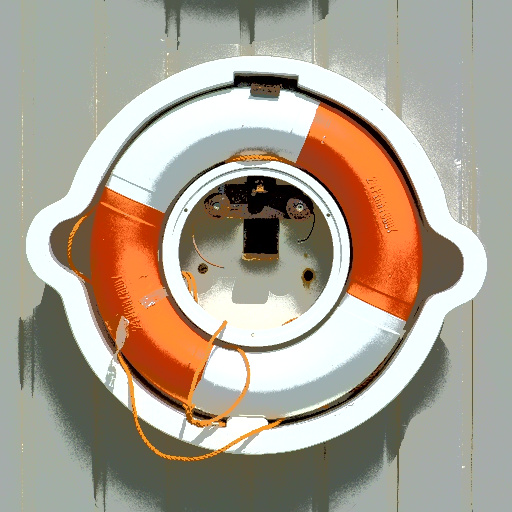
Posterize Lightness by Vladimir Golovin
#238. This filter posterizes only the brightness of the image (as opposed to the traditional posterization which modifies R, G and B channels). Has a parameter to soften the posterization edges. Keywords: posterize posterization quantization lightness luminance brightness. Controls: Balance, Soften, Steps
This filter requires Filter Forge 1.0 or higher.
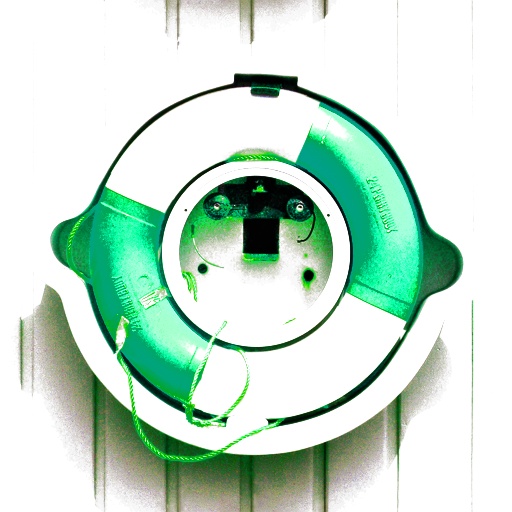
Strangeness Filter by Walpen
#7697. An odd looking filter, with the power to really tweak the colour balance of your image. Keywords: weirdness filter strangeness hue level saturation lightness average. Controls: Hue Power, Lightness Power, Saturation Power, Sharpen Amount, Auto-Level, Invert
This filter requires Filter Forge 1.0 or higher.
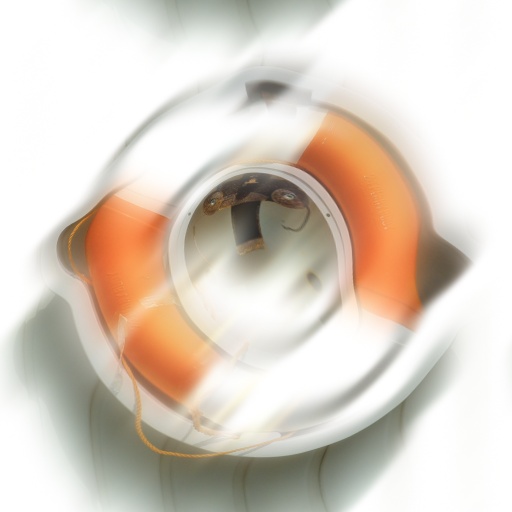
Bloom 2.0 by Indigo Ray
#6990. This bloom filter blurs the image with either lights or darks, changes brightness and contrast, and distorts the image. Keywords: bloom, blur, wind, brightness, motion, dreamy. Controls: Radius, Directional, Angle, Brightness, Contrast, Dreamyness, Lights/Darks, Preserve Color
This filter requires Filter Forge 1.0 or higher.
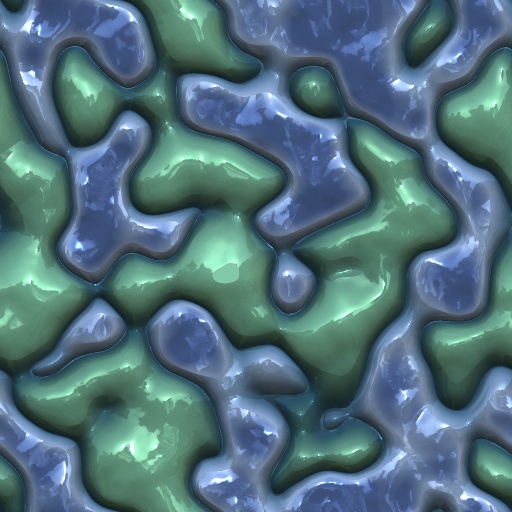
Blobular by Rawn (RawArt)
#4373. This filter creates fun blob mixes. Keywords: blob, organic, cellular, alien, RawArt. Controls: Base Hue, Lump Hue, Blob Scale, Blob Stretch, Blob Angle, Distortion, Base Lightness, Lump Lightness, Reflectivity, Shine, Seperation Depth
This filter requires Filter Forge 1.0 or higher.
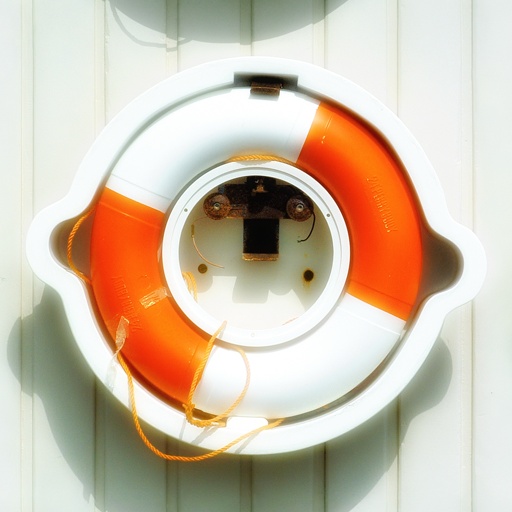
BloomMonster by Thorndraco
#1977. Multichannel bloom effect, achieves a very sharp and luminous effect. Slightly more complicated than my snippet so not as nice for injecting into other fliters, but better quality effect. Keywords: bloom light lighting intensity. Controls: Radius
This filter requires Filter Forge 1.0 or higher.
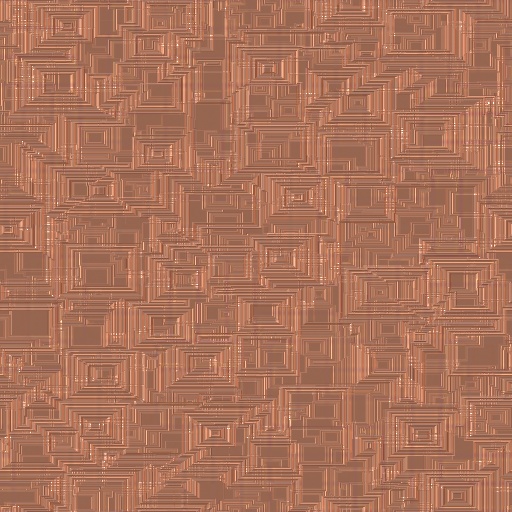
Brick_Boxes_light_copper by pbrod
#889. A boxy texture resembling small light colored copper bricks or boxes of varied size. Keywords: techno tech blocks boxes oblong shapes boxy bricks light copper metallic. Controls: Metallic, Variation, Background, Roughness, Radius, Scale, Stretch, Details
This filter requires Filter Forge 9.0 or higher.
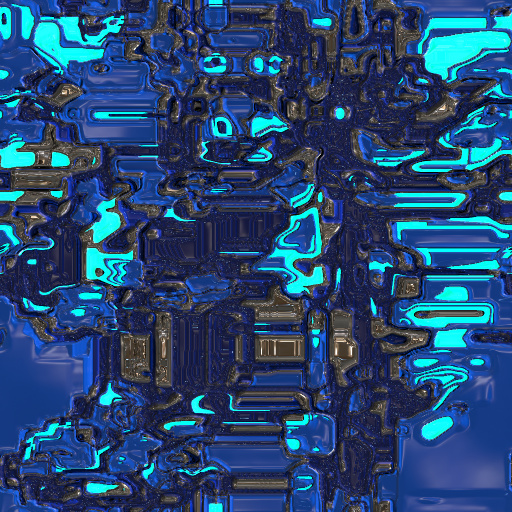
Technical Panels II by David Roberson
... texture surface 3D sci-fi industrial PBR material. Controls: Formula, Curvature, Major Complexity, Minor Complexity, Scale, Stretch, Vertical Stretch, Variation, Metal Morph, Alter Geometry, Height Split, Metal, Primary Hue, Primary Saturation, Primary Lightness, Primary Roughness, Primary Metallic, Secondary Hue, Secondary Saturation, Secondary Lightness, Secondary Roughness, Secondary Metallic, Tertiary Hue, Tertiary Saturation, Tertiary Lightness, Tertiary Roughness, Tertiary Metallic, Tertiary Emission,...
This filter requires Filter Forge 6.0 or higher.
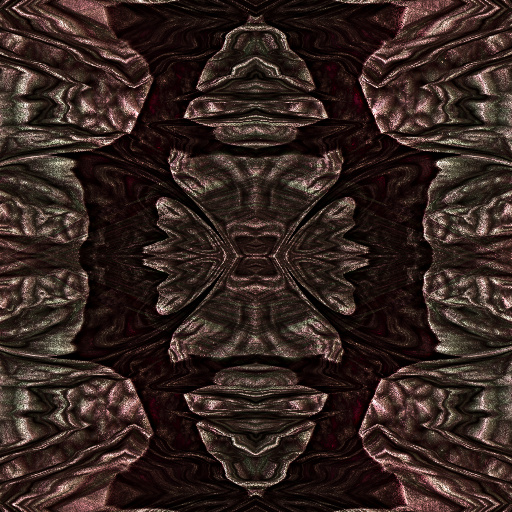
Sculpt by gregasorous
... creative filter & you can't put in an image but is stil good for backgounds borders only you can decide. You can get many different variations with the controls. The shaper controls are at the top of the so as to make it easier to shape first.All color and light controls at the bottom, that does not mean that the light controls won't change the look they will but not as much. Wave control and invert wave are interesting to play with as well as offset and scale wich changesit up again and you get another ...
This filter requires Filter Forge 9.0 or higher.
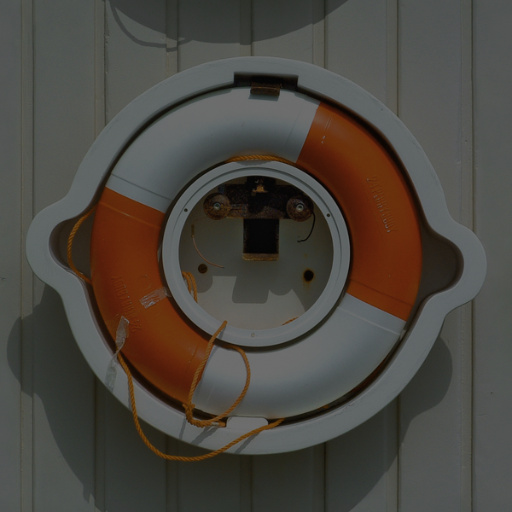
Four Blend Modes by jhantares
#15363. Use four blend modes: Mode 1 = Multiply Mode 2 = Overlay Mode 3 = Soft Light Mode 4 = Color Dodge. Keywords: blend mode, Multiply, Overlay ,Soft Light, Color Dodge. Controls: Top-Layer, Base-Layer, Blend Mode
This filter requires Filter Forge 1.0 or higher.
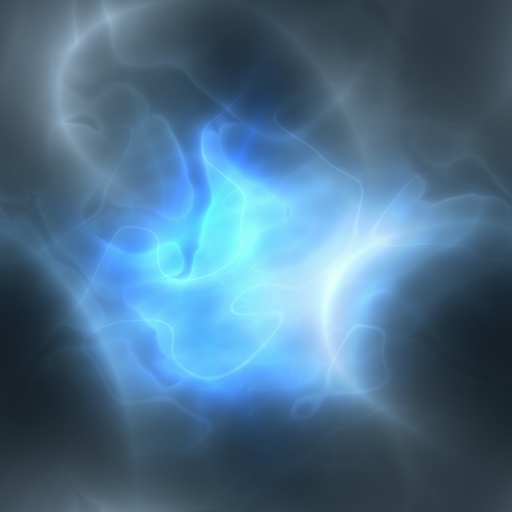
Energy_01 by Nic74
#4500. Energy SciFi filter for some nice effects. Keywords: Energy Plasma Effect FX Light SciFi. Controls: Color 1, Color 2, Bloom C.Doge, Color Bloom Intense, Cell Noise Opacity, Cell Noise Size, Scale, Variation, Black Point, Hue, Saturation, Lightness
This filter requires Filter Forge 4.0 or higher.
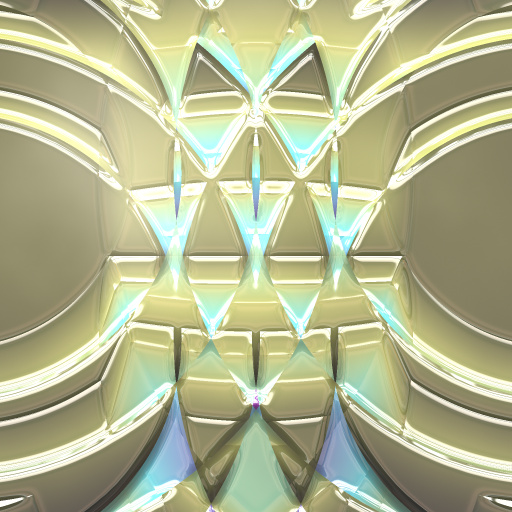
Replay's Churchglass I by CaliCoastReplay
#12413. Remix of DJI's "Wave Interference" snippet, itself owing to a Root snippet. Non-seamless (sadly!) But it makes GREAT centerpiece/altar glass. Tips: * Lighting lighting lighting! * Responds well to randomization! * Freely remixable! (All my presets are!) This one doesn't feel "done" to me; but my time constraints don't permit me to work much further on it; so I'd love the community ...


