Search Results
This filter requires Filter Forge 8.0 or higher.
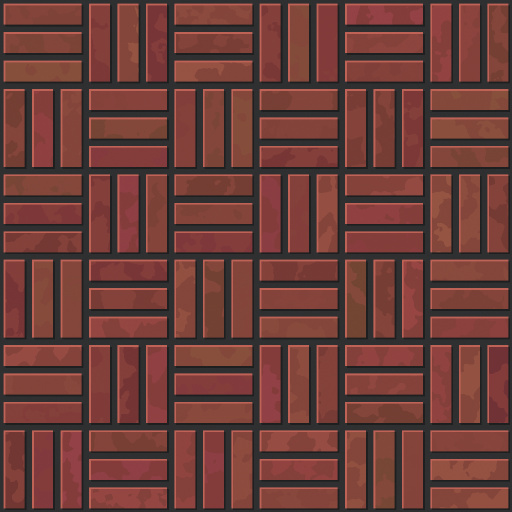
Cartoon Pavements by Nefily
#14957. Cartoon Pavements, with simplistic detail and optional highlighting. Keywords: Cartoon, Pavements, Simple, Brick. Controls: Chaos, Brick Color, Highlight Str, Brick Texture Str, Brick Sat, Brick Hue, Brick Hue Str, Mortar Color, Mortar, Mortar Sat, Mortar Hue, Mortar Str, Shadow Str, Bond, Repeat, Shadows ...
This filter requires Filter Forge 4.0 or higher.
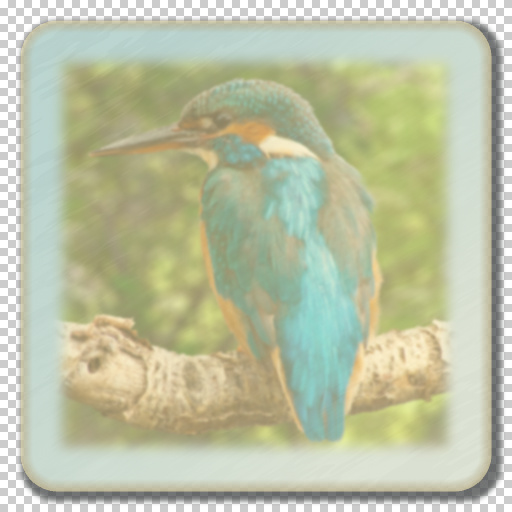
Universal Icon Maker by dennyishere
... Offset Y, Distortion, Distortion - Color, Distortion - Power, Distortion - Rough, Distortion - Scale, Distortion - Stretch, Distortion - Angle, Distortion - Opacity, Logo, Logo - Image, Logo - Scale, Logo - Opacity, Logo - Blur, Logo - Borders Blur, Highlight, Highlight - Type, Highlight - Color, Highlight - Opacity
This filter requires Filter Forge 1.0 or higher.
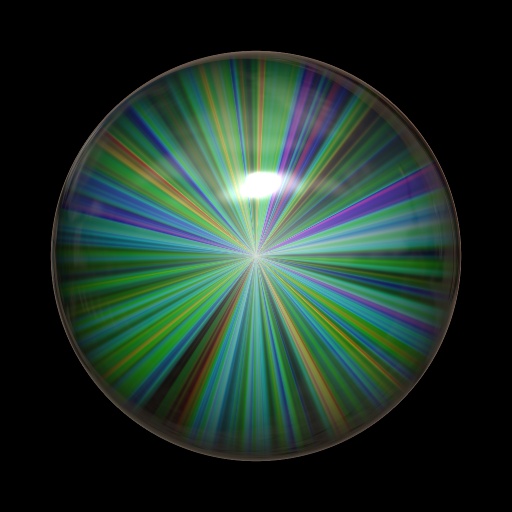
Magic Sphere by Dlaor
#7087. This adds a nice reflective sphere to your image. Lots of options, you can even create sun-like spheres!. Keywords: sphere marble 3d threedee reflect hdri gradient ball spheres highlight magical circle round. Controls: Base Color, H Range, L Range, S Range, Sphere Size, Highlight Size, Highlight Opacity, Reflectivity, Reflection Blur
This filter requires Filter Forge 1.0 or higher.
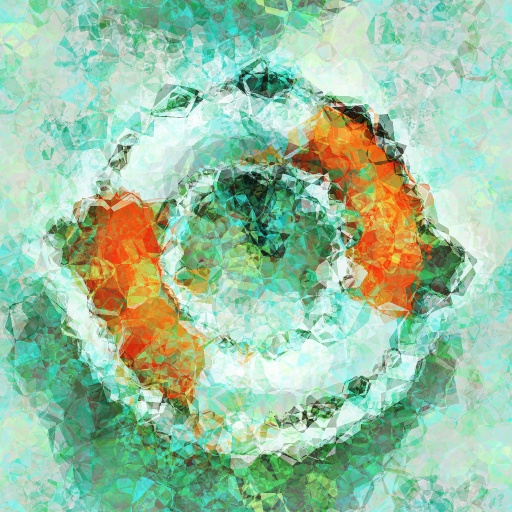
Crystal Cubism by pseudome
#4987. Cubist painting on faceted surface. Keywords: Abstract, Crystal, Noise Painting, Cubism. Controls: Ambient Color 1, Ambient Color 2, Highlight Color, Ambient Granularity, Ambient Roughness, Ambinet Contrast, Facet Blend, Facet Sharpness, Facet Size, Final Contrast, Highlight Intensity, Highlight Size, Original Color, Original Contrast, Original Saturaton, Color Profile, Facet Type ...
This filter requires Filter Forge 4.0 or higher.
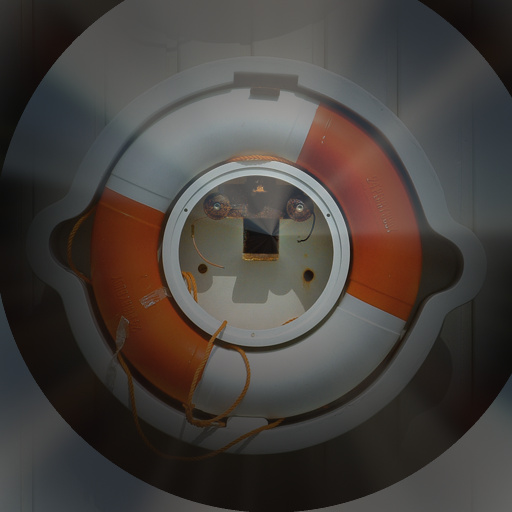
Image in Glass by tobesedated
#12239. Highlight an image in glass. Flat images look fine but any image with depth or a perception of look awesome. The glass is tintable to your preferences to make your image standout. Keywords: glass, image in glass, tinted, tintable, encase, enclose, depth,...
This filter requires Filter Forge 4.0 or higher.

Super Brushed Metal by raabix
... projects. Tip: When the parameter "Metal Hue Variation" has a high value, try several entering different seeds for variation to reach interesting results. Also to get a good looking surface, carefully balance the amount of "Highlights Amount" and the brightness of "Metal Color" and of course stick to plausible metal colors ;) If zou want to render bigger resolutions, make sure to decrease "Brushing Scale" and "Brushing Stretch" accordingly....
This filter requires Filter Forge 1.0 or higher.
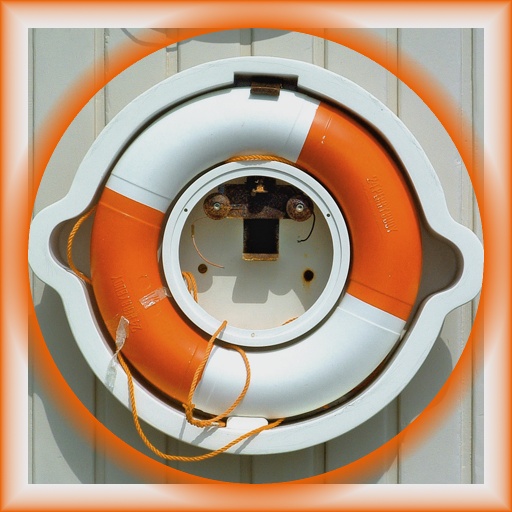
Framed Highlight by Revelation
#4094. This frame filter adds a new touch...an inner highlight! This highlight color matches the frame outer color and gives an interesting effect! Getting aggressive with the controls makes for some interesting combinations! Controls include: Outer Frame Color Inner Frame Color Outer ...
This filter requires Filter Forge 8.0 or higher.
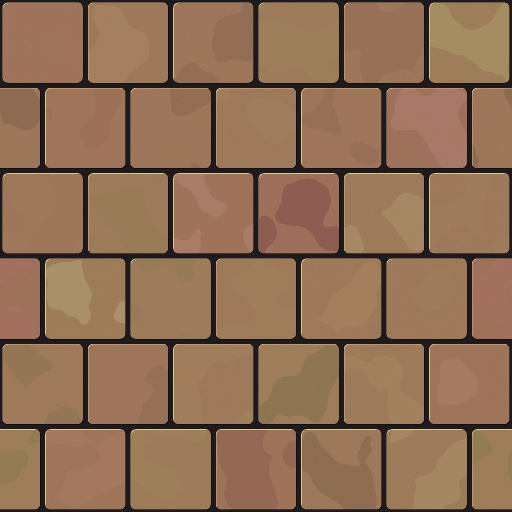
Cartoon Tiles by Nefily
#14958. Cartoon Bricks/Tiles Simple Detail level and Highlight controls for stylized Games. Keywords: Cartoon, Bricks, Tiles, Simple, Game,. Controls: Corners, Tile H, Tile V, Row Shift, Chaos, Tile Color, Highlight Str, Tile Sat, Tile Hue, Tile Hue Str, Tile Texture, Tile Texture Str, Mortar Color, Mortar,...
This filter requires Filter Forge 1.0 or higher.
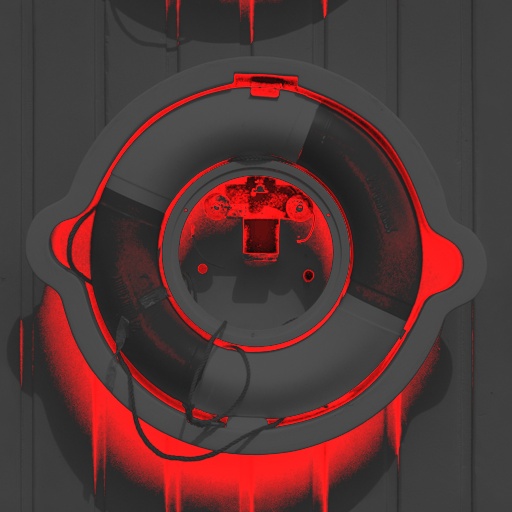
LavaSlide by GroundBreak3r
#4312. Want that Stenciled/Screenprinted look on your page? Here it is!. Keywords: Stencil. Controls: Highlights, Midtones, Shadows, Amplify, Highlight Level, Shadows Threshold, Smooth
This filter requires Filter Forge 1.0 or higher.
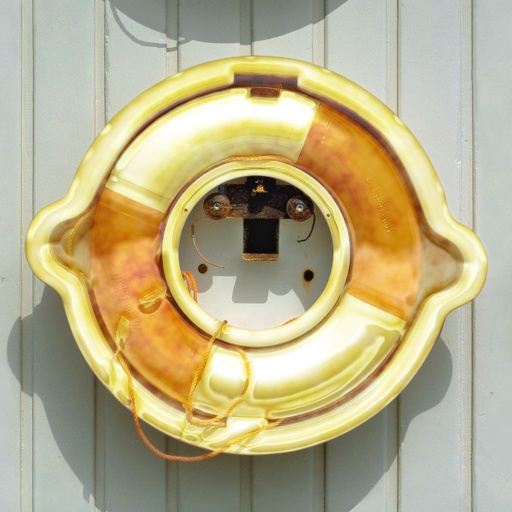
Midas by Mousewrites
#4982. Midas takes your selection and turns it to gold. Better examples of the effect in the comments. Does other metals, too, such as silver or brass. Works well on darker objects, or object with bright highlights rather than all white, as the highlight built in off of the object’s original highlight. This is a simple effect, not a surface filter, so it doesn’t use the surface controls at all. To change the look of the reflection, use the ...
This filter requires Filter Forge 6.0 or higher.
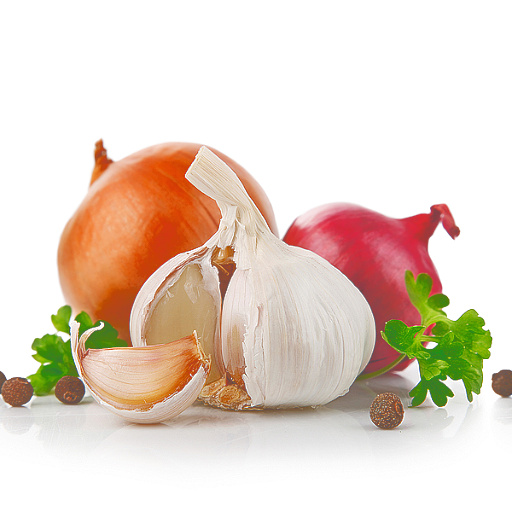
flatten light by simple but powerful
#14212. A simple filter that brightens shadows and darkens highlights. Keywords: light, neutral, flatten, remove, glare, shadows, highlights,. Controls: flatness, NeutralizeHighlights
This filter requires Filter Forge 2.0 or higher.
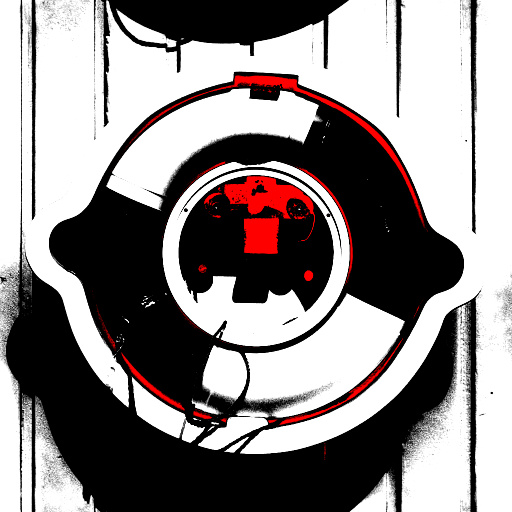
Tri-Color by Vladimir Golovin
#212. A color effect separating the image into three color areas. Works well with the randomizer. Controls: Highlights, Midtones, Shadows, Highlight Level, Shadows Threshold, Smooth
This filter requires Filter Forge 1.0 or higher.
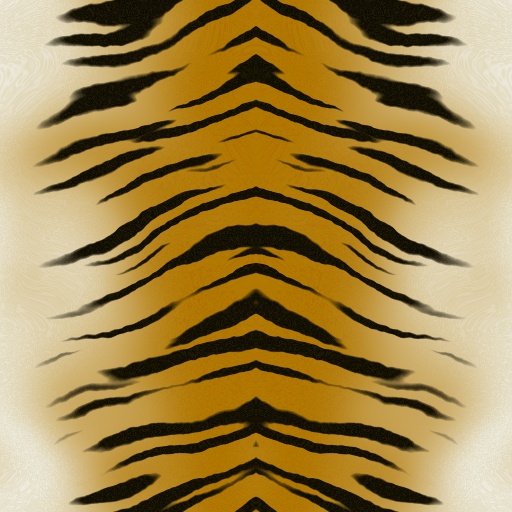
Tigress by selmo
#3344. Creates Tiger and Zebra stripes. Keywords: Tiger Animal Organic Fur Pelt Cat Tigress Wild Zebra Africa Feline Stripes Skin. Controls: Backbone, Stripe Color, Stripe Highlight, Stripe Angle, Stripe Scale, Stripe Density, Wavy, Wiggly, Stripe Length, Stripe Blending, Fur Edge, Fur Edge Highlight, Fur Center, Fur Center Highlight, Gradient position, Gradient Warp, Warp Scale, Fur Length, Fur Wavy, Fur Angle
This filter requires Filter Forge 8.0 or higher.
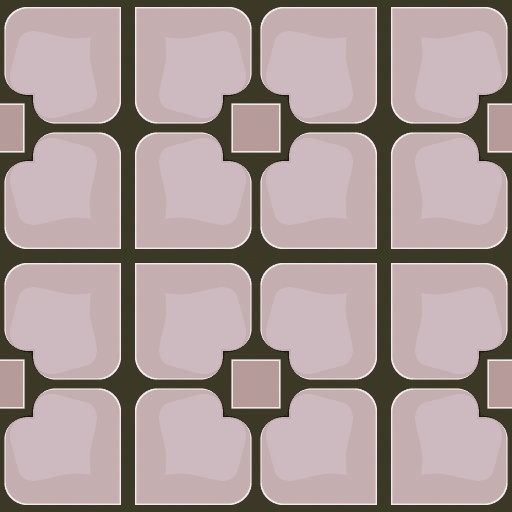
Cartoon Mosaic by Nefily
#14959. Cartoon Bricks/Tiles/Mosaic Simple Detail level and Highlight controls for stylized Games. Keywords: Cartoon, Bricks, Tiles, Mosaic, Simple, Game,. Controls: Corners, Tile H, Tile V, Row Shift, Chaos, Tile Color, Highlight Str, Tile Sat, Tile Hue, Tile Hue Str, Tile Texture, Tile Texture Str, Mortar Color,...
This filter requires Filter Forge 2.0 or higher.
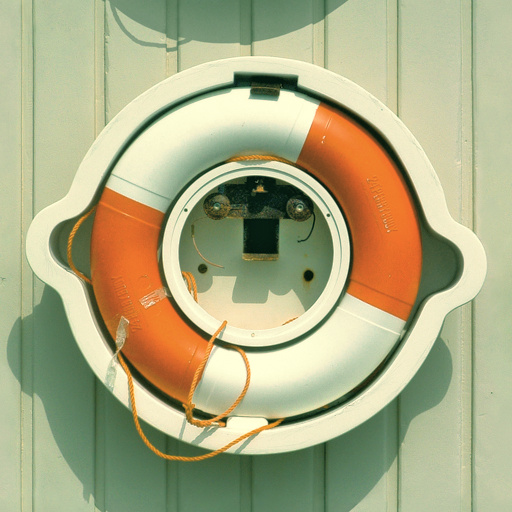
3 Way Color Correction by tinkerpixel
#9276. 3 Way color corrector using lift/gamma/gain (~shadow, midtone, highlight) Includes controls for highlight and shadow protection as well as input saturation. Pushes colors through hdr pipeline. Its for color grading photographs, to achieve filmic looks/styles while maintaining overall color balance. Based on ...
This filter requires Filter Forge 1.0 or higher.
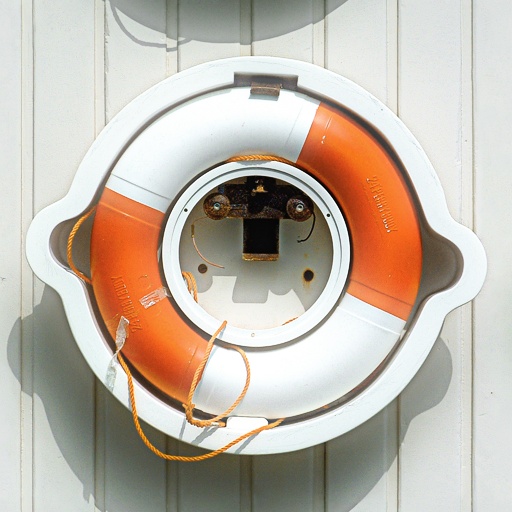
_T_Equalizer for images by MathOrWhat
#2294. With this filter you can boost your images to a new level. 1. You can increase or decrease sharpness 2. You can increase or decrease shadows and highlight You can also choose how big or small areast you want to boost. Keywords: sharpness, contrast, shadow, shadows, highlight, highlights, Boost, Image boost. Controls: 1. Sharpness Amount, 2. Blur Amount, Hi-Pass Size, Low-Pass Size
This filter requires Filter Forge 1.0 or higher.
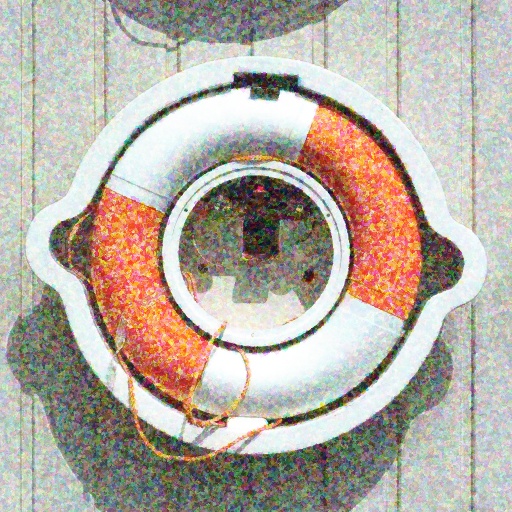
Seurat Painting Variations by Northernshadow
#939. From a dabbley Seurat to a soft watercolor, many painted looks are possible with the 4 color paint/dab controls and the 3 texture controls. Controls to adjust Highlights and Shadows will help to fine tune your painted effect. Keywords: artistic, paint, seurat, dab, watercolor, color, photoart. Controls: Color Dab Size, Highlight Opacity, Texture Size, Darken Shadows, Texture Darken, Color Variation, Texture ...
This filter requires Filter Forge 4.0 or higher.
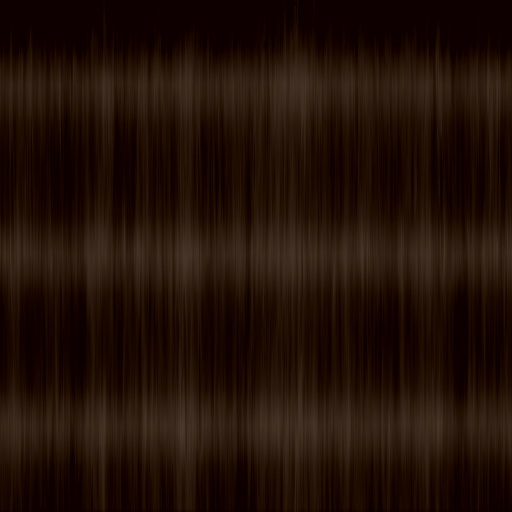
Long Hair by SuchieGirl
#13848. Hair texture for longer styles. Keywords: hair highlight long hairstyle IMVU. Controls: Strand Definition, Highlights, Low Shine, High Shine, Roots 1, Roots 2, Lightness, Hue, Saturation
This filter requires Filter Forge 2.0 or higher.
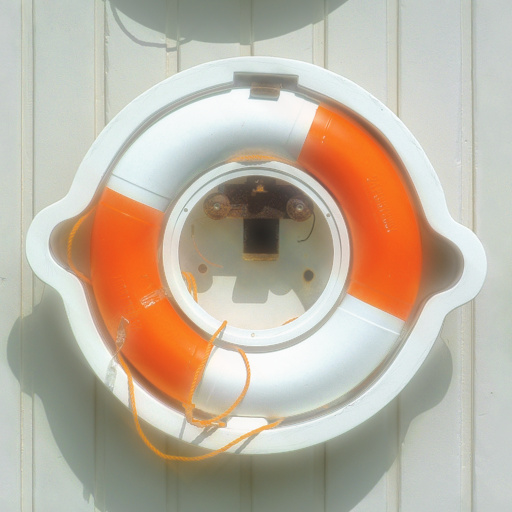
Soft Focus by Chachah
#9876. This filter simulates the effect of a soft focus lens which softens and diffuses the highlights of an image. Keywords: Soft, Softfocus, Highlight, Blur. Controls: Amount, Cross Star Effect
This filter requires Filter Forge 9.0 or higher.
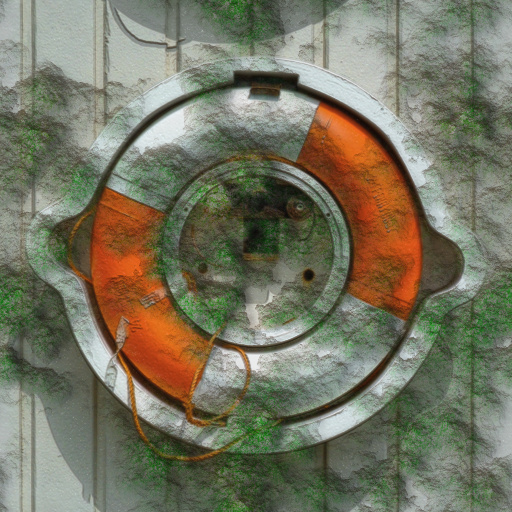
Coy''s SuperMoss (+highlights +shadows) by Coy (Wyvern Dryke)
#16121. Coy''s SuperMoss builds on my previous moss filters to cover an existing or new image with clusters of rippled moss. You can control moss colors. highlights, shadow, height, and much more. This filter is VERY detailed and thus runs slowly. (I have a decent machine and it takes a minute or so to build a 1024 image.) As a bonus, the normal/bump maps incorporate any image you plug in....
This filter requires Filter Forge 4.0 or higher.
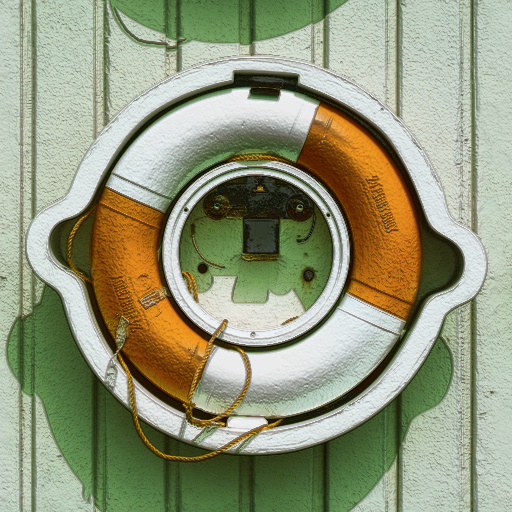
Waxy Rose Leaf Bumpy by tobesedated
#12165. This filter applies separate color tints to shadows, midtones and highlights of the source image, with adjustable colorization strength. Additionally, you can adjust the contrast of the result. ****This was created with inspiration from Rose Leafs. Hence the name. Unfortunately the image of the leaf was not included....
This filter requires Filter Forge 4.0 or higher.

Medium Hair by SuchieGirl
#13847. Hair texture for medium length styles. Keywords: hair highlight medium hairstyle IMVU. Controls: Strand Definition, Highlights, Low Shine, High Shine, Roots 1, Roots 2, Lightness, Hue, Saturation
This filter requires Filter Forge 1.0 or higher.
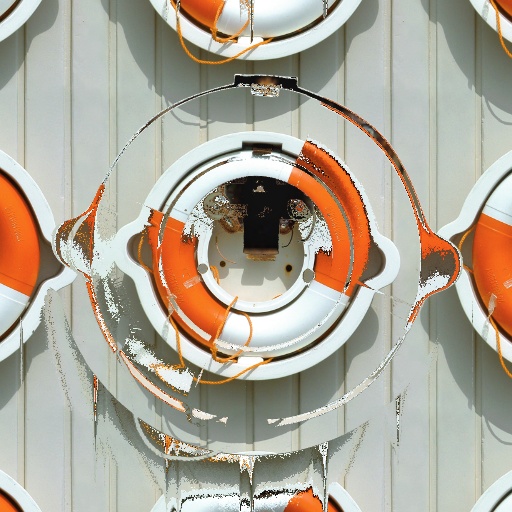
deform unto thyself 2 by voldemort
#3689. This filter will take your photo and deform it based upon the highlight settings that you choose. Keywords: highlight deform photo. Controls: Percentage, Smooth, Threshold, Invert
This filter requires Filter Forge 1.0 or higher.
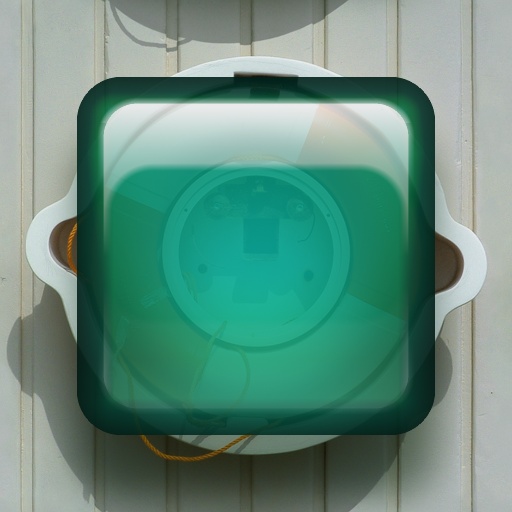
AquaButton by Zoltan Erdokovy
#1078. Simple aqua button. Keywords: Aqua, glass, button. Controls: Color, Roundness, Ambient strength, Opacity, Shadow strength, Shadow position, Fancy highlight, Roughness, Highlight size, Light transfer
This filter requires Filter Forge 9.0 or higher.
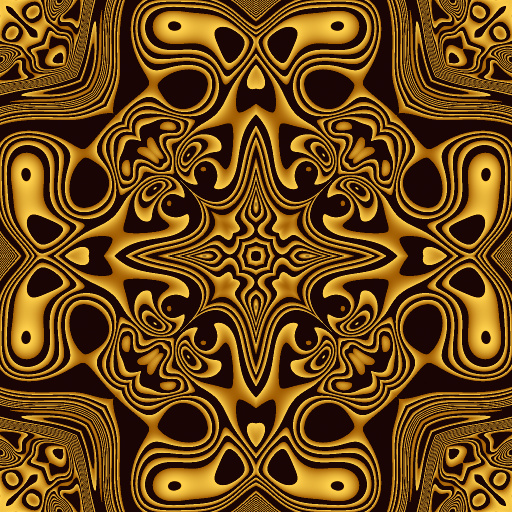
Big Kado by Boogie Jack
#15683. Big Kado is an interesting kaleidoscope (KAleiDOscope). It excels at making large patterns, but does a fine job on smaller patterns as well. There are modes: black & white, two color, and two color with a highlighter that allows a third color or a gradient to be introduced. Keywords: black and white patterns, kaleidoscope, black and white seamless tiles, kaleidoscope generator, two-color kaleidoscope, gradient kaleidoscope. Controls: Color 1, Color 2, ...
This filter requires Filter Forge 1.0 or higher.
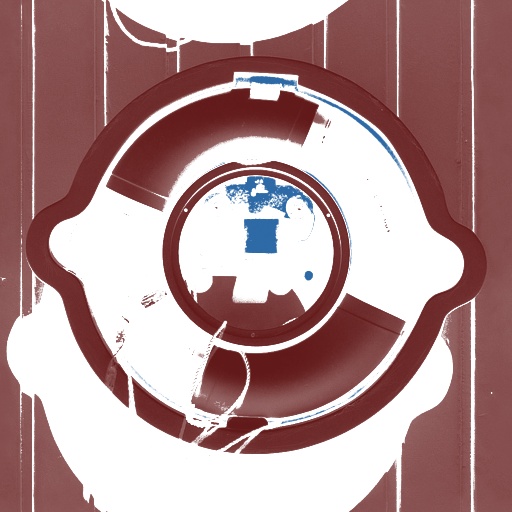
Blake Glow by Ki-Aura
#7638. A color effect separating the image into three color areas and adds a simple glow to your picture. Works well with the randomizer. Controls: Highlights, Midtones, Shadows, Highlight Level, Shadows Threshold, Smooth
This filter requires Filter Forge 2.0 or higher.
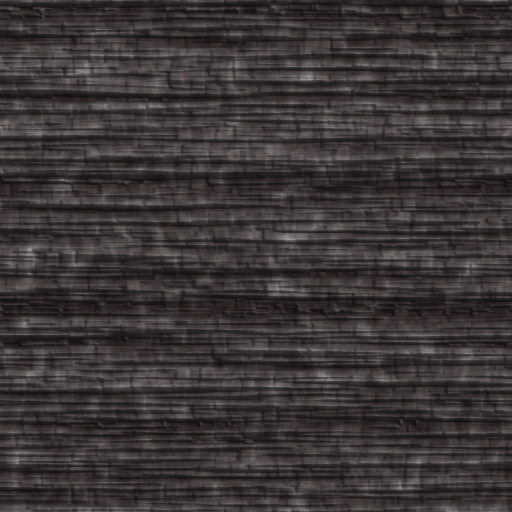
Charred by pixel8ted
#10021. This is a surface filter made in FF 2 that creates a charred wood pattern effect. Controls. Highlights controls highlight color. Midtones controls midtone color. Shadows controls shadow color. Striation Scale controls the layer depth of burnt wood layers. Distortion adds a wave to the striation layers. Use variation ...
This filter requires Filter Forge 2.0 or higher.
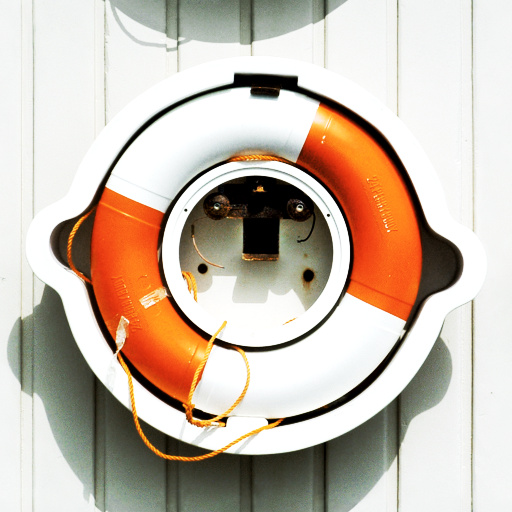
Bleach bypass by truman
#9262. A simple bleach bypass with an optional dreamy effect. Keywords: bleach, bypass. Controls: Highlights amount, Highlights Strength, Shadows amount, Shadows strength, Dreamy %, Dreamy radius, Dreamy passes, Black Point, White Point, Gamma
This filter requires Filter Forge 1.0 or higher.
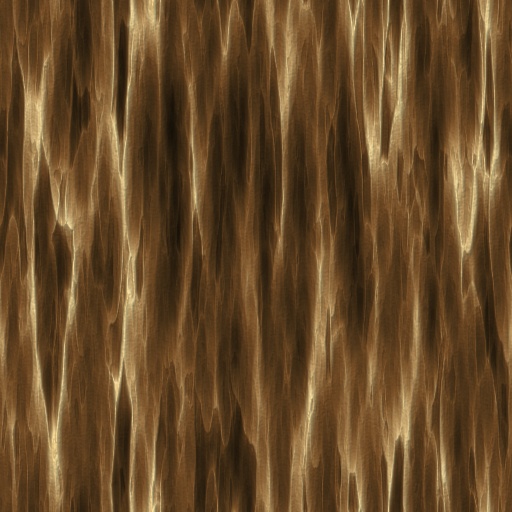
Mature Tree Bark FX by pixel8ted
#2674. This is a surface filter that creates bark textures. Controls: This filter includes controls for the bark texture's shadows, midtones, and highlights. Keep in mind, the Lighting effects also impact the color...particularly in the highlights. The "Scale Bark" slider controls the size of the bark clusters. The" Vertical Stretch" slider controls the amount ...
This filter requires Filter Forge 1.0 or higher.
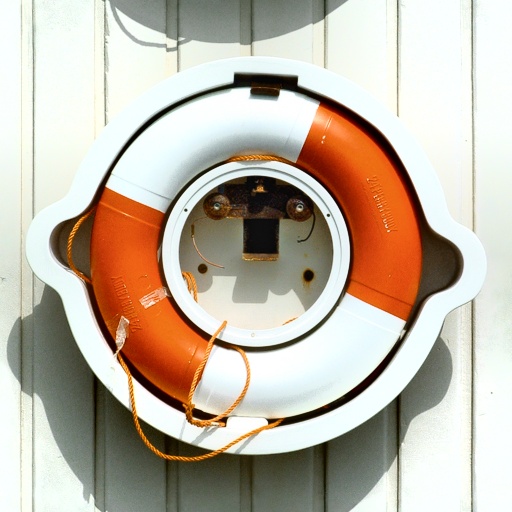
Side Shadowing 1i by Kraellin
#5476. Just a simple way to highlight or shadow from any side of an image. Keywords: Craig Kraellin Walters side shadow highlight mask darken lighten. Controls: Shadow Bottom, Shadow Left, Shadow Right, Shadow Top
This filter requires Filter Forge 1.0 or higher.
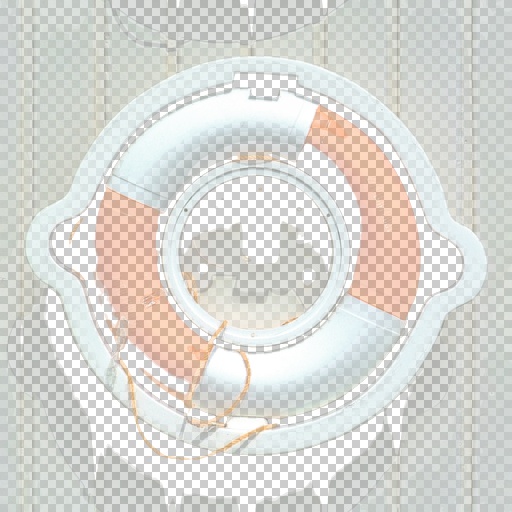
Posterize Alpha by socalboy
#541. This filter posterizes the image, then creates various alpha levels based on that posterization. Many controls let you isolate the darks, highlights, etc. Keywords: posterize, alpha, transparency. Controls: Invert, Steps, Threshold, Shadows, Highlights
This filter requires Filter Forge 9.0 or higher.
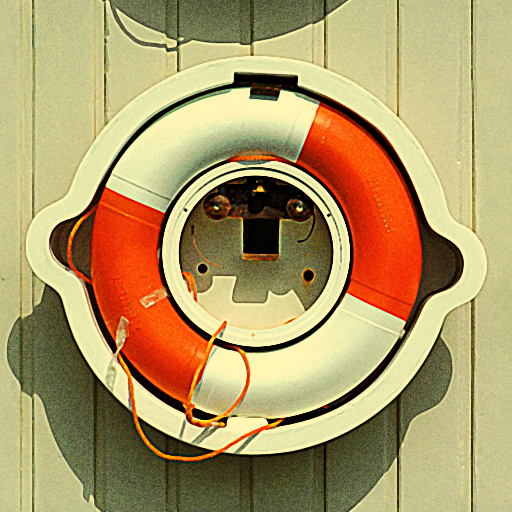
Pin Up Magazine by CFandM
... original image and turns it into artwork that is similar to that which can be seen on Pin-Up Girl Calendars, Posters, Postcards and Magazines. Most images can be used but not all images will give good results. I found the best are the images with highlights and brighter shades of make-up. To get a more painty look use the Smudge Image slider. Thanks to Kochubey for Vibrance which I have updated and used in this filter...... Keywords: pinup calendar postcard poster painty smudge old fashion ...
This filter requires Filter Forge 3.0 or higher.
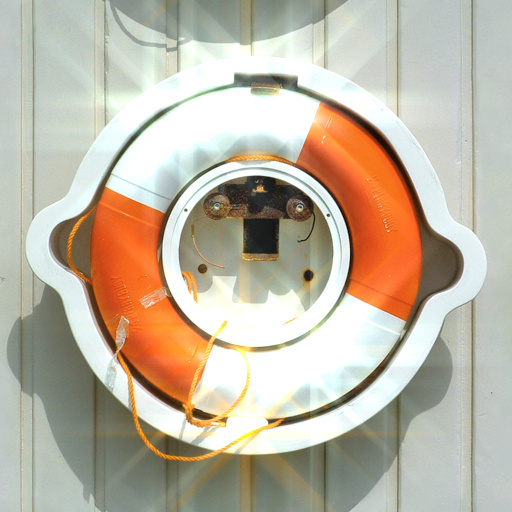
Streaks by Tim2501
#10106. Produces streaks form bright spots on the image Works best on high contrast images. Keywords: streaks glare photo lense shine highlight blur. Controls: Mix base image, Rotation, Highlight placement, Color & brightness, Treshold, Streak length, Saturation
This filter requires Filter Forge 5.0 or higher.
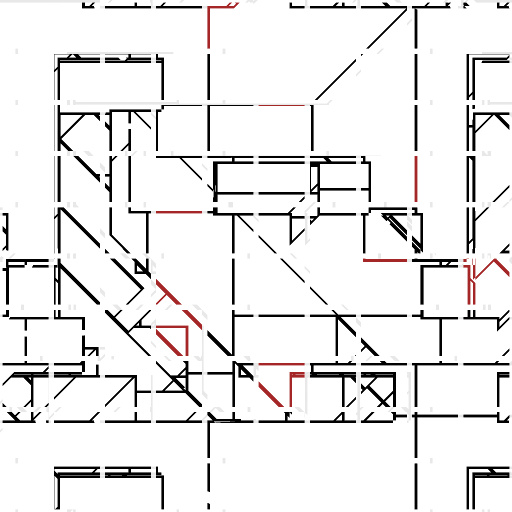
Strange Blueprint by Tim2501
#13729. Generates a clean, geometric structure, resembling imaginary Asian- looking characters. Generates interesting connected structures too. Enjoy :). Keywords: strange blueprint plan character geometric edge edges highlight array. Controls: CharacterTreshold, Character Spacing, Ghost Brightness, CharacterHighlights, Highlight Color
This filter requires Filter Forge 2.0 or higher.
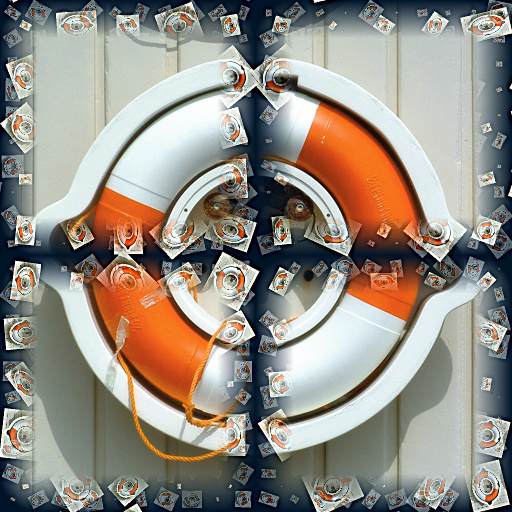
Photo Blizzard by Rowan54
#9799. This one will work either as a way to randomly show sections of the photo or artwork involved OR as a way to deliberately highlight up to sections of the photo or artwork by shifting the 4 sections around at your will. They only seem to move in a square area, though. The background/frame is the same photo as you're using, but as a blizzard. Keywords: photo, blizzard, sections ...


