Search Results
This filter requires Filter Forge 5.0 or higher.

Image Cube by ThreeDee
#13791. Image cube that rotates 360 degrees on Y axis. Keywords: cube, rotate, image, map, object, 3D, box. Controls: Rotation, Border Color, Border Width, Cube Face Color, Background, Gradient Background, Gradient Color 1, Gradient Color 2
This filter requires Filter Forge 4.0 or higher.

3D Cubes Inverse by ThreeDee
#12026. Inverse 3D cubes. Or really open boxes of various depths, the (open) front faces of which are at the same depth. Keywords: 3D, box, cube, cubicle, perspective, wall, image, stretch, extrude. Controls: Depth, Shading, Repeat
This filter requires Filter Forge 4.0 or higher.
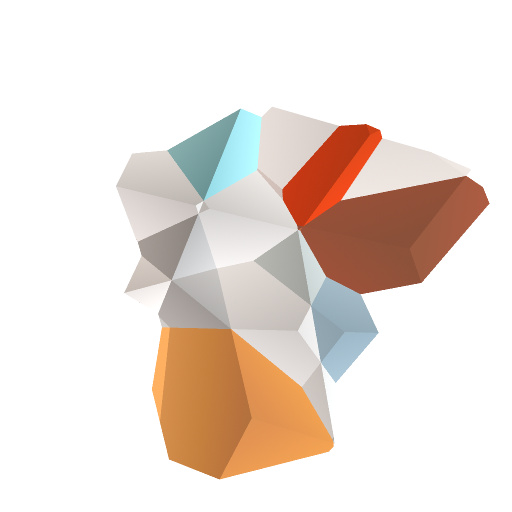
Polygons by Kochubey
#11750. This filter creates differently colored and shaded polygons. Tweak the lighting settings for more precise coloring. Keywords: color, block, face, stones, surface, crystal, 3D, crystals, edges, facets, polygons. Controls: Background Color, Polygon Size, Flat Background
This filter requires Filter Forge 9.0 or higher.
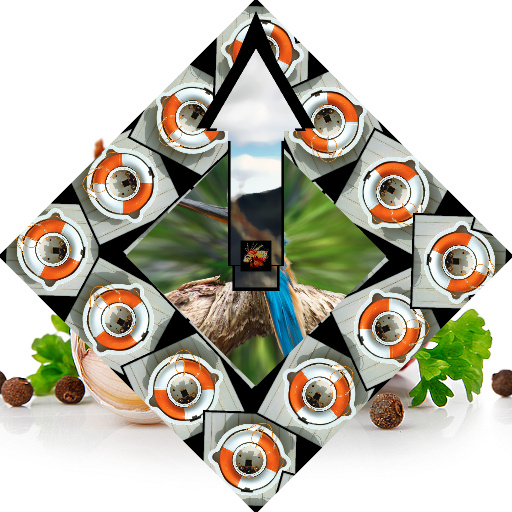
The_Clocker_2 by voldemort
#11325. A filter that converts your source material into clockwork. Keywords: clock time arm face hour minute photo. Controls: Clock_numbers, Arm src colors, Center Section, Center Pivot, Blur Arm colors, Time Large Arm, Time SmallArm, Clock Angle
This filter requires Filter Forge 1.0 or higher.
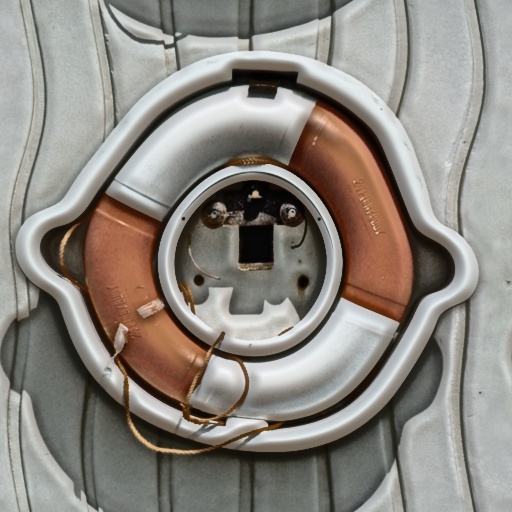
Caricature by rctdeclan
#8715. With this filter, you can make Caricatures! Download it to test it out with your own pictures! (The default picture isn't really the best example, is it?). Keywords: caricature filter depth distortion texture people faces wierd big nose thingy. Controls: Distortion, Depth
This filter requires Filter Forge 4.0 or higher.
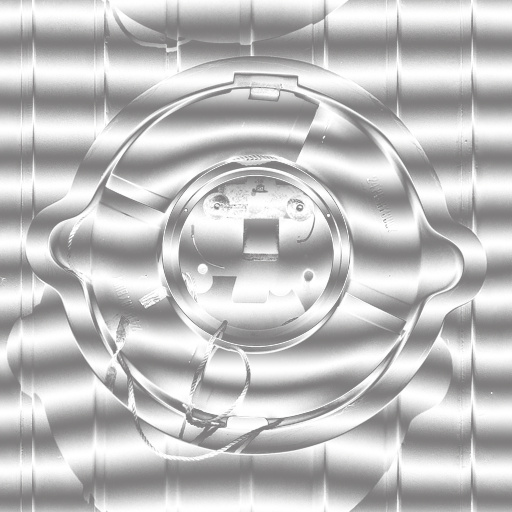
Banded Grayscale Portrait Distortion by DJI
#12096. This is my Thirty-Sixth filter. I hope you like it and find it useful. This filter is the second in a series I'm doing on Portrait or face distortion Like my first one " Photo Freakshow". Enjoy. Keywords: Photo distortion Picture distortion Photo manipulation Photo Enhancement. Controls: Opacity
This filter requires Filter Forge 3.0 or higher.
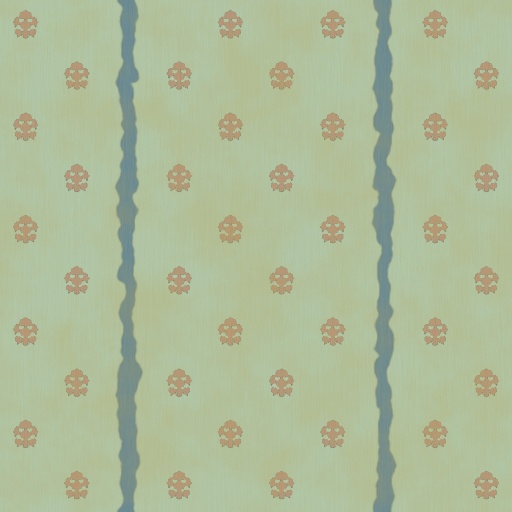
Retro wallpapper by Horus
#10881. Old wallpappers, like in my grandmother's house years ago. Keywords: wallpapper, old, oldstyle, retro, pattern, evil faces. Controls: Pattern, Pattern color, Pattern size, Pattern repeat, Pattern variation, Lines, Line Color, Line width, Line distortion, Line variation, Background color, Old
This filter requires Filter Forge 3.0 or higher.
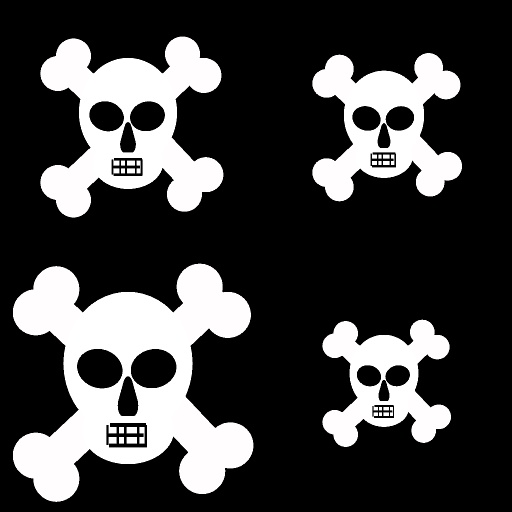
Skully by Mardar
... fun to hang around with but don't expect him to pick up the check because he is really broke. ;) Enjoy!. Keywords: Skull, patterns, bones, background, wallpaper, crafts, punk, scrapbook, pirate, tile, cartoon, graphics. Controls: Background, Bones, Face
This filter requires Filter Forge 4.0 or higher.
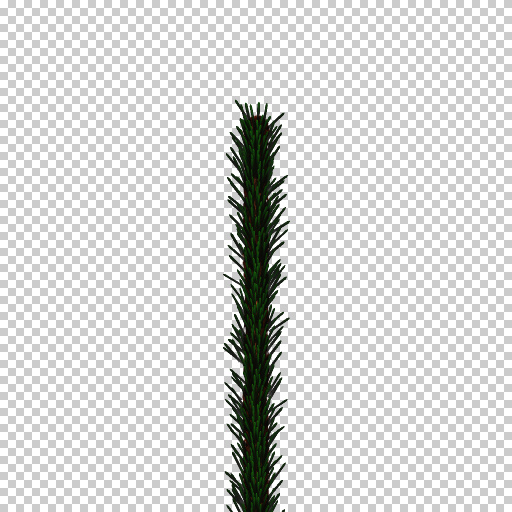
Needle by mitaywalle
#12695. Masked spruce single branch. Keywords: spruce pine needle branch with alpha masked png. Controls: Needles, Wood Face, Background, Wood Periphery, Branch Length, Branch Tickness, Needle Angle, Needle Amount, Needles Type, Branch Open, AO, AO Blur, Radial Shadow, Needle Smallness, Knobs Repeat
This filter requires Filter Forge 3.0 or higher.

Cats Meow by Mardar
... Meow. This purrrfect filter begs to be scratched behind the ears. Go ahead, she doesn't bite. Enjoy!. Keywords: Cat, pets, animals, background, wallpaper, paper, scrapbook, crafts, tiles, avatar, graphic, cartoon. Controls: Background, Bow tie, Eyes, Face, Nose/Ears, Whiskers
This filter requires Filter Forge 1.0 or higher.

Caste Concrete by Carl
#3445. A poured wood faced caste concrete, with variable texture, scarring, croute thickness and tone control. Set croute to zero for slab. Keywords: concrete cement texture pattern floor wall ceilling croute sci-fi building wood plank. Controls: Tone, Crout Width, Texture,...
This filter requires Filter Forge 1.0 or higher.
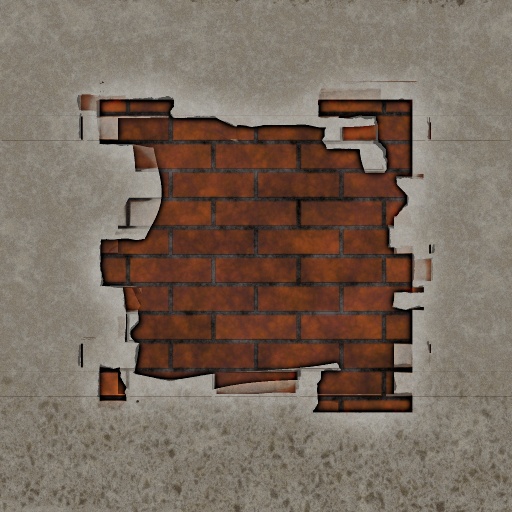
Old Wall by Rawn (RawArt)
#3304. The plaster crumbles and the wall shows its base....an ancient masonry behind a whitewashed face. Keywords: Brick, wall, hole, frame, plaster, old, aged, worn, RawArt. Controls: Brick-1, Brick-2, Grunge, Brick Colour, Brick Saturation, Brick Type, Hole Size, Mortar Width, Plaster Hue, Plaster Lightness
This filter requires Filter Forge 14.0

Pumpkin Heads by Rachel Duim
#16686. 4 different pumpkin heads. With animated flames. Keywords: halloween day of the dead pumpkin globe head animated flame. Controls: Pumpkin Face, Surface Scale, Front Color, Back Color, Background Color, Shadow Position, Shadow Right, Flame Amount, Flame Size, Inner Flame Color, Outer Flame Color
This filter requires Filter Forge 4.0 or higher.
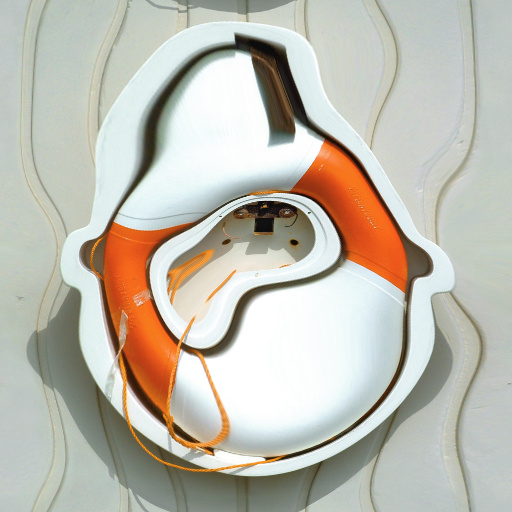
Luminance Bloat by Chris Goldthorpe
#13416. This filter will expand the lighter areas of an image and contract the dark areas unless in invert mode in which case it will do the opposite. Uses include creating a distorted look on faces and making tree branches more twisted. Keywords: bloat distort luminance. Controls: Strength, Offset, Radius, Invert Effect
This filter requires Filter Forge 1.0 or higher.
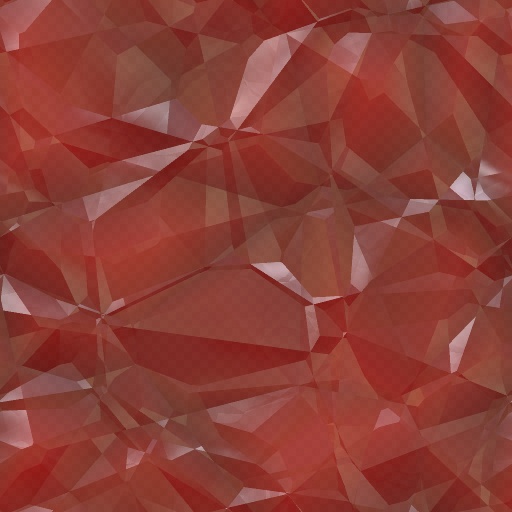
Cystal Clusters by Beliria
... filter. Transparency allows you to use an alpha base texture to create an semi transparent crystal texture. Set it to 1 and the texture will be solid. Keywords: Crystal clusters stone uncut gemstone. Controls: Crystal Color, Lustre, Crystal Face, Transparency
This filter requires Filter Forge 1.0 or higher.

Bricks and Tiles by tigme
#321. Bricks and tiles combonation. Create either a brickwall or a tile floor with this filter. Keywords: wall bricks tiles brick tile. Controls: Row Shift, Tile Color, Mortar Color, Face Grain Scale, Tile Repeat H, Tile Repeat V, Tile Chaos, Mortar Width, Tile Bevel Width, Tile Color Variation
This filter requires Filter Forge 9.0 or higher.

Color Polygons by Kochubey
#14549. This filter creates colored and shaded polygon surface. Select a surface type by Profile control. Tweak the lighting settings for more precise coloring. Keywords: color, block, face, stones, surface, crystal, 3D, crystals, edges, facets, polygons, noise, techno, pyramids, chaffs. Controls: Rotate Gradient, Color 1, Color 2, Profile, Polygon Size
This filter requires Filter Forge 1.0 or higher.
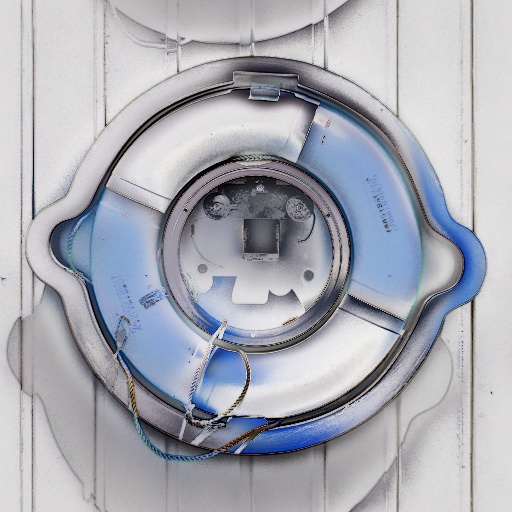
Metallic Pastels by ronviers
#3559. This filter gives an image the appearance of being made of metal and colored with pastels. It has an interesting impact on all images and especially on faces. Keywords: Shiny, metal, bright, pastel, pastels. Controls: Vary Effect, Brightness, Blend Mode, Blend Amount, Metalic, Shininess, Hue, Enhance Edges, Dark Field, Change Profile, Diffuse Color
This filter requires Filter Forge 6.0 or higher.
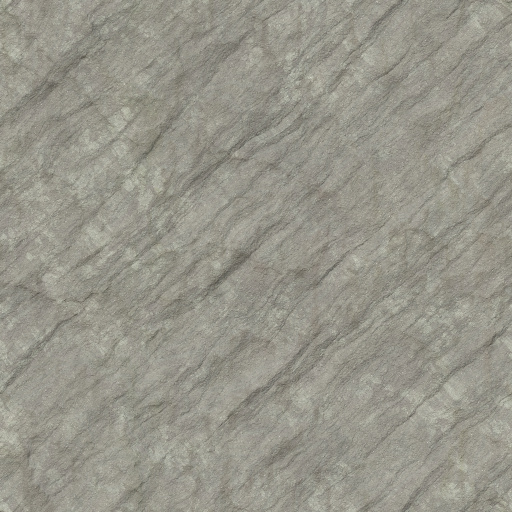
Smooth Cliffside by mx_finzl
#14315. Work-in-progress texture representing a smooth stone face with precipitation streaks. Keywords: stone rock cliff cliffside. Controls: SplotchColor, RockBaseColor, StreakBaseColor, FacetHeight, TextureFadeScale, TextureHeight, TextureGritAmount, TextureGritScale, TextureDistort, TextureDistortRough, TextureDepth,...
This filter requires Filter Forge 2.0 or higher.
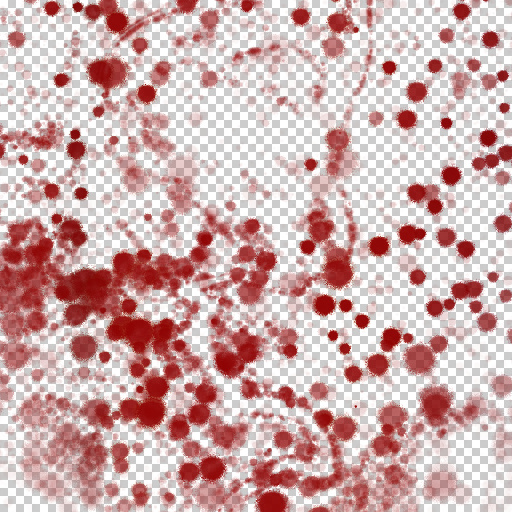
Nose Bleed by OOZZEE
#9359. Drip Drip ! The result of a SuckerPunch right in the schnoz is called a ?.... a bloody nose !! I put this on my face with PhotoShop and my wife asked me what happened !! A good thing we have Filter Forge to get this effect and not the real deal !!. Keywords: Blood, Drip, Nose Bleed. Controls: Area, Contrast, Density, Distortion, Continuation
This filter requires Filter Forge 1.0 or higher.
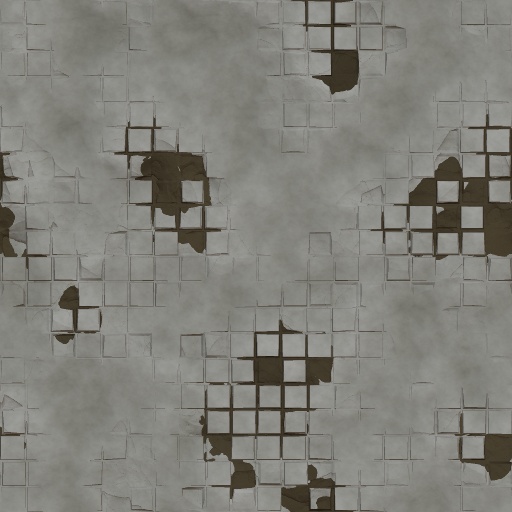
Plastered Tiles by your face
#5216. Many years ago, an attempt at plastering these tiles was made, but as you can see, it failed. These cracked plastered tiles were made for a game project. Keywords: plaster, cracked, tiles, wall, floor, worn, shattered. Controls: Hue of mortar, Hue of plaster, Mortar Width, Tile Shatter, Tile size
This filter requires Filter Forge 2.0 or higher.
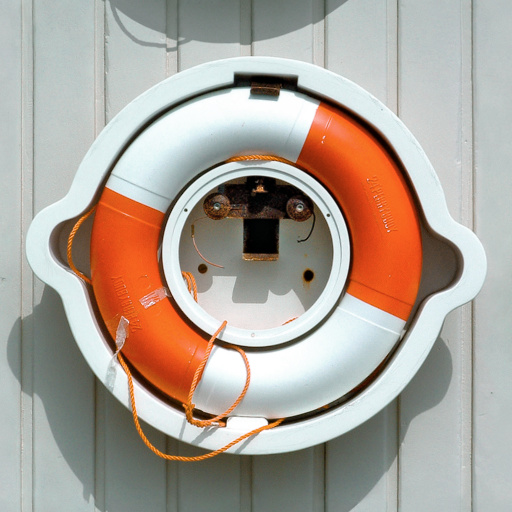
Yellow cust remover by Ali Baba
#9845. Remove yellow color cust from old photo. Also repair blur color. Make color of faces more live. Filter has auto level in every color channel (RGB). Keywords: old photo autolevel repair cust. Controls: Yellow Cust OFF, Black Level R, Black Level G, Black Level B, White Level R, White Level G, White Level B
This filter requires Filter Forge 1.0 or higher.
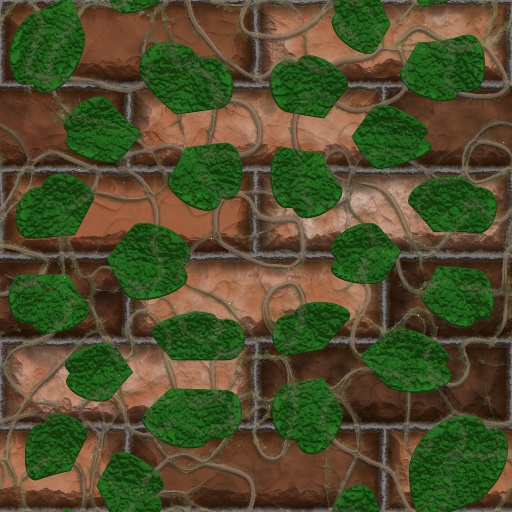
Vines on wall by your face
#5129. Leafy vines growing on an ancient brick wall. Keywords: vines, wall, brick, stone, ivy, rock, leaves, leaf,. Controls: Brick color, vine color, Bevel Smoothness, Brick Size, Brick Smoothness, Brick Type, Leaf Amount, Leaf Shade, Leaf Shape, Vine roots, Vine Size, Vine Thinness, Bricks? (slower), Glossy vines?, Ivy Leaves?
This filter requires Filter Forge 10.0 or higher.
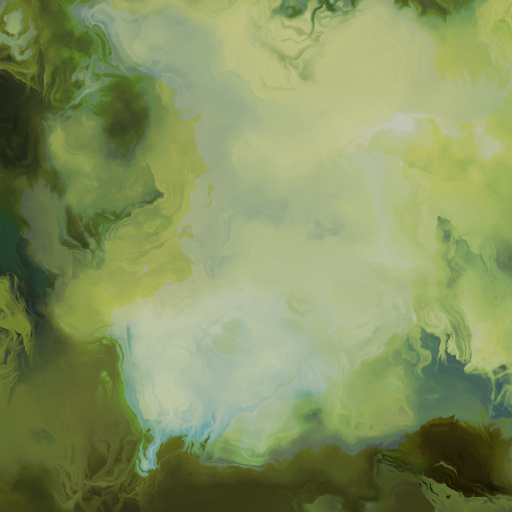
Faded Visions by Vanblam
#15900. Faded visions has an odd ability to draw images of random things, such as faces, dragons, eyes, figures etc. Much like finding pictures in clouds. It has 2 color controls, hue range and light range. See what visions you discover…. Keywords: Abstract, Wallpaper, Background, Art, Colors. Controls: Color 1, Color 2, Light Range,...
This filter requires Filter Forge 1.0 or higher.
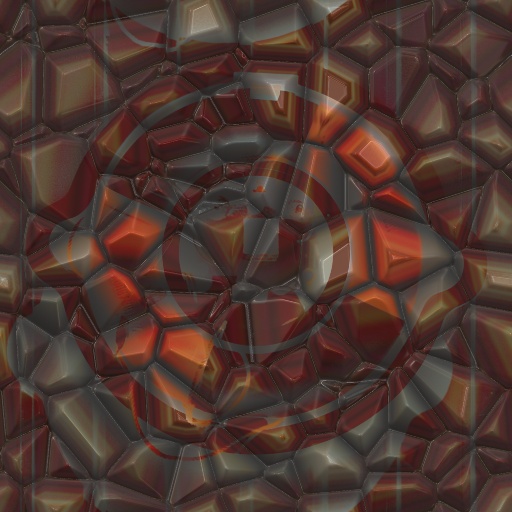
Stone Faced by voldemort
#1756. Blend your photo into a stone texture with a large selection of ways to do this. Keywords: stone photo rock. Controls: Base Color, Blend Opacity, Blur Height, Contrast, Metallic, Radius, Reflection Blur, Reflectivity, Roughness-rock, Scale Of Rock, Scale Tile Distortio, Scale-Gradient, Blend Mode Final, BlendMode, Variation, 4 grnd / bk grnd, Height stone or img, Tile Results
This filter requires Filter Forge 1.0 or higher.

Cartoon Eyes by meyendlesss
#6410. Simple cartoon-style eyes. Keywords: eye eyes eyeball cartoon cartoons toon simple animate animation organic organ organs body head face. Controls: Right Eye R-L, Left Eye R-L, Right Eye Up-Dwn, Left Eye Up-Dwn, Right Eye Offset H, Left Eye Offset H, Adjust Eye Width, Pupil Size, Soften Pupil Edge, Eye Outline, Reflection Blur
This filter requires Filter Forge 1.0 or higher.
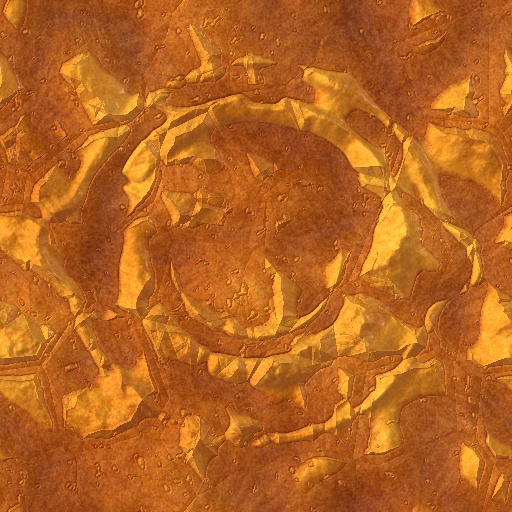
Cydonia by ThreeDee
#5112. Inspired by the "Face on Mars," this simulates Cydonia, the area of Mars that particular rock formation was found in. The rock formation is loosely based on the original image. (Sorry the satellite feed from Mars is a bit slow.). Keywords: Mars, rock,...
This filter requires Filter Forge 5.0 or higher.
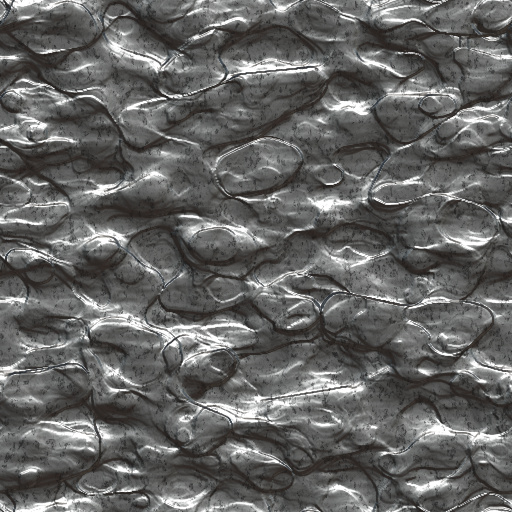
sculptured marble by gregasorous
... would be good for backgrounds as it looks like smooth sculptures in marble and if you turn up the setting you get a very good razor wire look or it changes into a wired lookintertwined in the marble in a few of the filters plus it also looks like faces and creaturs petrifid in it. Keywords: sculptured marble. Controls: Percentage, Width, Contrast, Reflectivity, Roughness, Saturation, Hue, Surface Color, Source A
This filter requires Filter Forge 5.0 or higher.
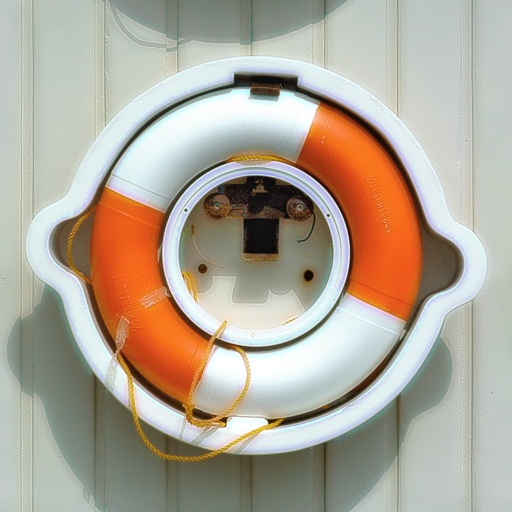
Skin cleaner by Andrey Mironov
... cleaning skin on photos. First, set "Skin color reference" as close to model's skin color as you can. Next, set Skin threshold to separate skin from other picture's elements. Finally, set an ammount of clearing. You're done!. Keywords: skin, face, cleaner. Controls: Skin color reference, Skin threshold, Skin cleaning force
This filter requires Filter Forge 2.0 or higher.
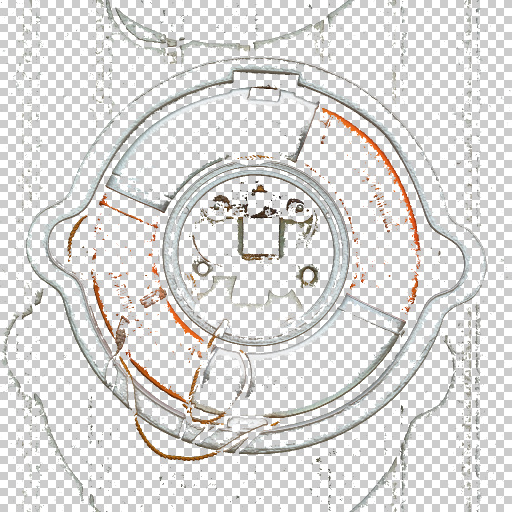
Edge Wear by your face
#9197. This simple filter finds the edges of an image and renders wear on them with a transparent background. This filter is specifically designed to add grunge paint wear to textures. Keywords: grunge paint chipping wear edge old ancient worn grime grimey grimy cracks chips. Controls: conform to edges?, edge contrast, wear amount, wear detail, Variation, Edges or Grime?
This filter requires Filter Forge 3.0 or higher.
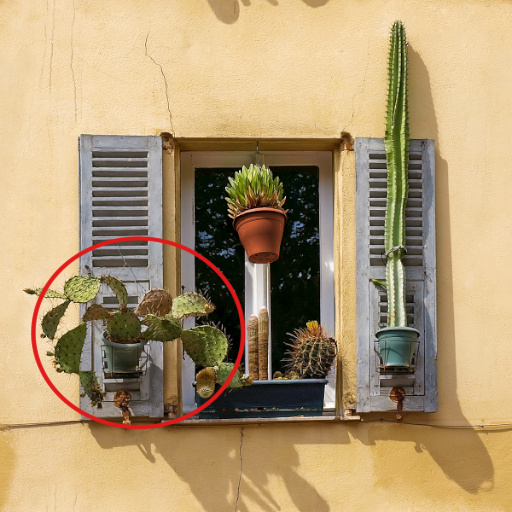
red circle/blur by simple but powerful
#11428. This filter you can blur out a certain spot or circle it so if you want to blur out someones face or circle somthing in a photo this is the filter for you. Keywords: blur circle photo snapshot pic picture red versitile. Controls: Color, Radius, Rotation, Squash, Bevel Width, blur amount, Origin X, Origin Y, ring/blur
This filter requires Filter Forge 1.0 or higher.
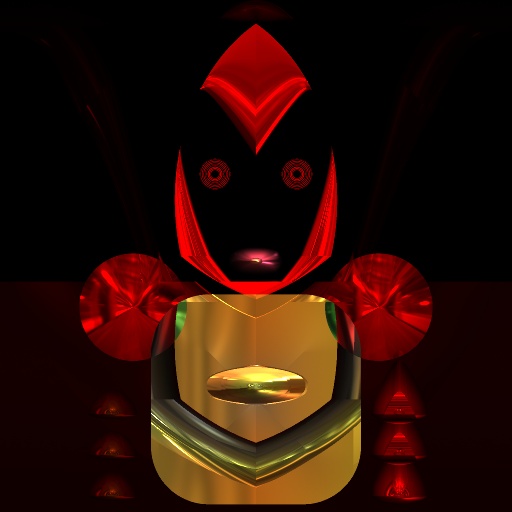
Droid prototype A-12 by Daniel Ramsey
... Intelligent Mechatronics. Keywords: Droid prototype Droid style #38 prototype protocol science fiction humanoid synthetic organism robot Intelligent Mechatronics. Controls: Color 1, Color 2, Color 3, High, Ncolor, arm a, arm b, arm c, torso a, torso b, face, Threshold, Armor Metallic, Armor Reflectivity, Selector limb/torso, Selector head
This filter requires Filter Forge 10.0 or higher.
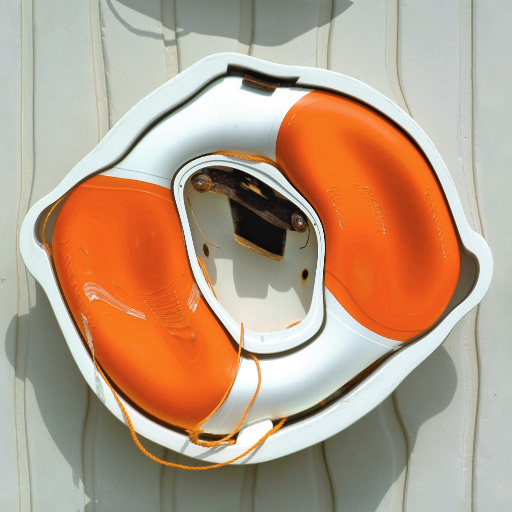
Color Bloat by Chris Goldthorpe
#15741. This filter will distort the image based on the brightness of the pixels and their surroundings. It is a more advanced version of the Luminance Bloat filter. It is very effective at creating grotesque distortions of human faces. The Next Variant button in the settings is a good way to explore what this filter can do. Keywords: bloat distort grotesque uglify ugly nightmare warp disfigure. Controls: red, green, blue, Offset, Radius
This filter requires Filter Forge 7.0 or higher.
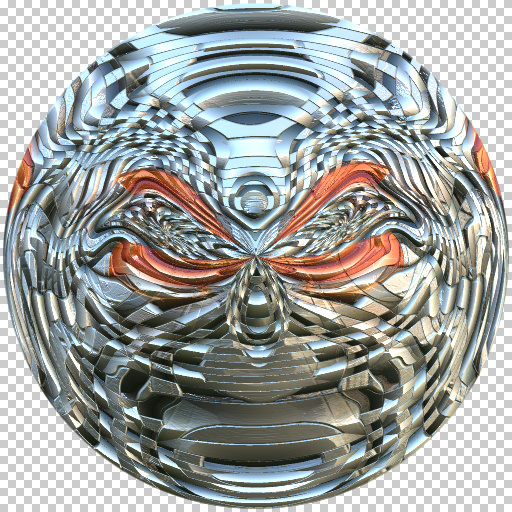
Spherical Weave by Wolfgang Halder
... image into a weaved metal sphere. It uses parts of Inujima´s Ornamented Ball filter. Thank you, Inujima. Have fun!. Keywords: metal, 3d, metallic, round disk, texture, mapping, sphere, spherical, ball, weave, abstract, distortion, symmetrical, robot face. Controls: Contrast, Refraction, Distortion, Swirl, Lookup, Lookup Variations A, Lookup Variations B, Invert Depth, Opacity Image, Reflectivity, Reflection Blur, Metallic, Rotation
This filter requires Filter Forge 4.0 or higher.
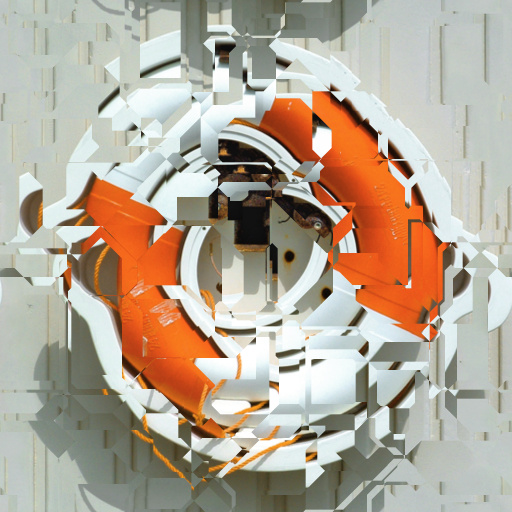
Photo FreakShow#7 (Prism Face) by DJI
#12532. This is my One Hundred and Seventy-Fourth filter. I hope you like it and find it useful. That's right folks. Here is yet another in my world famous Photo FreakShow series. This filter only has three controls so it's going to be a snap to use. Keywords: Distortion Photo filter Photo Enhancer Photography Abstract Texture Warp Bend Twist Patterns. Controls: Distortion, Distortion Variation, Repeat


