Search Results
This filter requires Filter Forge 1.0 or higher.
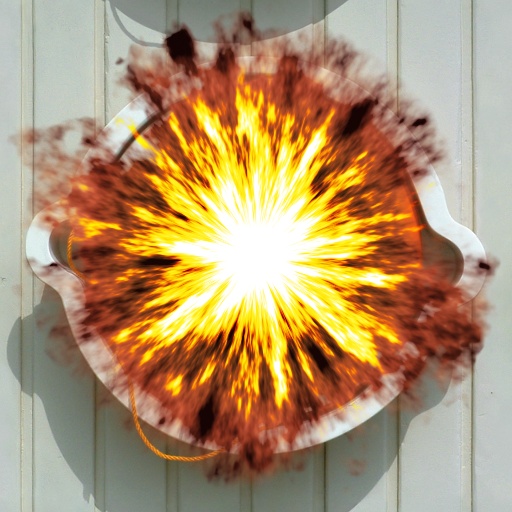
Blow 'em up by ThreeDee
#4965. The name says it all. Tip: Adjust explosion size by Explosion Size slider (using pixel size slider will blow it apart in a different way). For square images only. Keywords: explosion, fire, smoke, dynamite, cannon, bomb, explosive, flame, cloud. Controls: Explosion size, Contrast, Detail, Background image, Blaze
This filter requires Filter Forge 5.0 or higher.
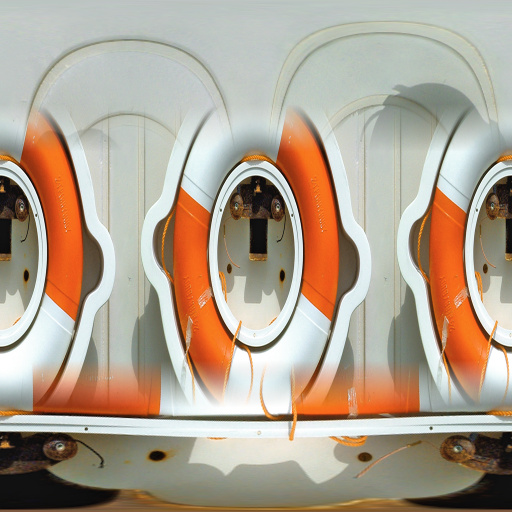
Smooth Remap to Sphere by Lareieli
#13617. Slight tweak of Remap to Sphere by TBH-1138. Added slider to control the thickness of the blended edge: "Remaps any flat, seamless texture to fit a sphere with minimal distortion. Make sure you enable seamless tiling. Based on a snippet by ThreeDee.". Keywords: remap to sphere seamless planet ball UV map. Controls: Transition Edge
This filter requires Filter Forge 4.0 or higher.
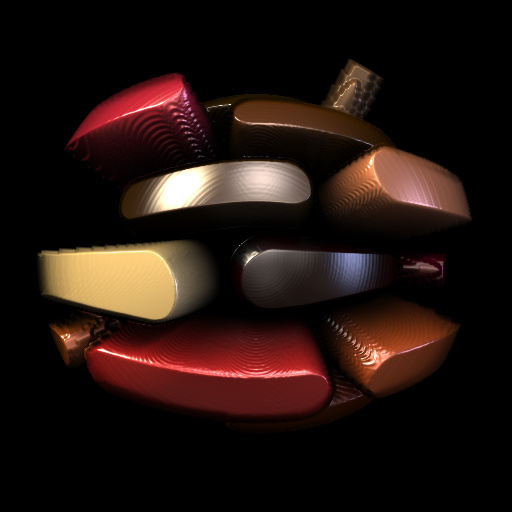
World of metal bricks by uglyboys
#12971. A dsiplacement map got from ThreeDee. A brick plgged in instead of image. useful for generating a world of brick effect. Keywords: 3D preview ball sphere displace bricks logo. Controls: Bricks, Saturation Range, Hue variation, Mortar Width, Round at Corners, Tapeing, Repeat,...
This filter requires Filter Forge 1.0 or higher.
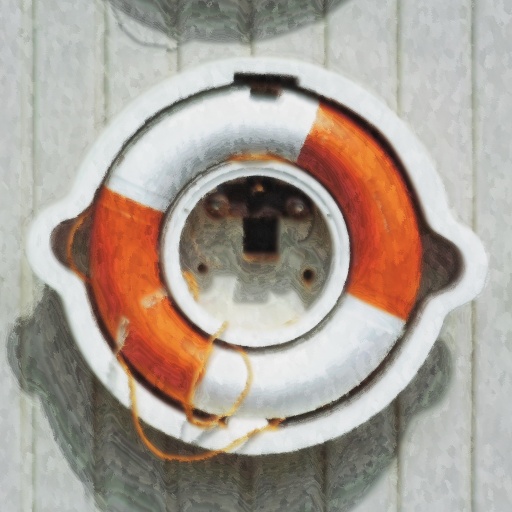
Oil painting by ThreeDee
#4938. Traditional oil painting. Exploration into making a digital paint brush to actually follow the contours of the shapes being painted. Directional strokes versus paint daubs balance and a couple of other controls provided for fine tuning. Keywords: oil, artist, traditional, canvas, acrylics, brush, stroke, painting, paint, fine, daub. Controls: Strokes vs daubs, Stroke visibility, Hue intensity, Dampen
This filter requires Filter Forge 1.0 or higher.
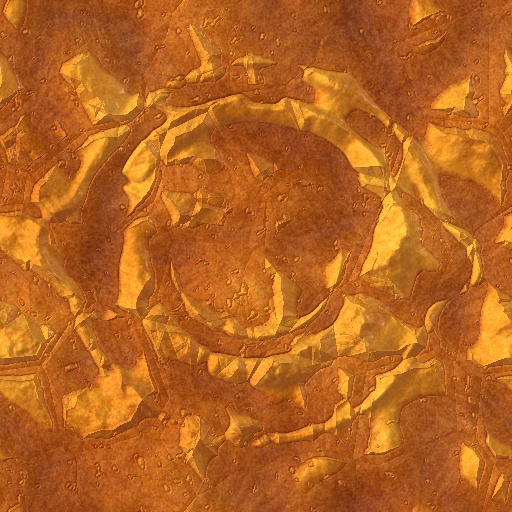
Cydonia by ThreeDee
#5112. Inspired by the "Face on Mars," this simulates Cydonia, the area of Mars that particular rock formation was found in. The rock formation is loosely based on the original image. (Sorry the satellite feed from Mars is a bit slow.). Keywords: Mars, rock, planetary, surface, stone, Cydonia, ancient, satellite, orbit, explorer, space, martian, sand, mountain. Controls: Image height, Image erosion, Image contrast
This filter requires Filter Forge 3.0 or higher.
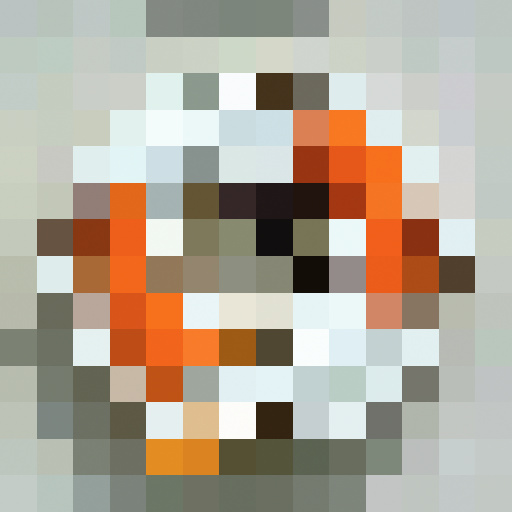
Tiling with Curves uberEDITION v3.0 by uberzev
#1916. This snippet demonstrates a square tiling effect similar to Photoshop's pixelize. The difference here is that a single point sample is taken as instead of an average. *Props to matrix and ThreeDee for their contributions to the fraction control. Keywords: mosaic tile tiled tiling curve profile offset square pixel pixelize snippet uber zev. Controls: Tiles, Fixed Size
This filter requires Filter Forge 1.0 or higher.
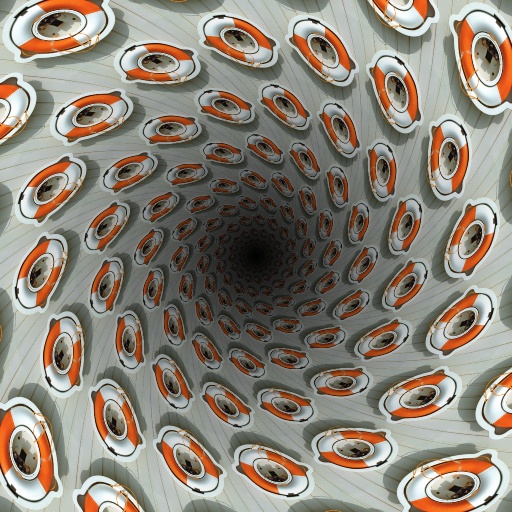
Circular Tunnel Perspective by Indigo Ray
#7222. A view from inside a tunnel. Rings aren't perfect but very close to it (see bias curve in filter). Spiral uses the same bias curve. Kudos to ThreeDee for the offset tricks and Sjeiti for the spiral. Keywords: tunnel, tube, circular, perspective, vortex, spiral. Controls: Repeat, Grid, Spiral, Spiral Direction, Shadow, In/Out Shadow, Shadow Size, Shadow Color
This filter requires Filter Forge 1.0 or higher.

Pixel-Based Grid Snippet by ThreeDee
#6671. This snippet demonstrates creating pixel-based calculations. The example shows a 100-pixel grid, optionally divided into 50-pixel and 10-pixel subunits. The grid is pixel-based regardless of image size. (This filter is limited to square images, 200 pixels or more, and "Size, Pixels" will break it.). Keywords: pixel-based, grid, calculation, image, size, pixel, based, snippet. Controls: Grid Type
This filter requires Filter Forge 1.0 or higher.
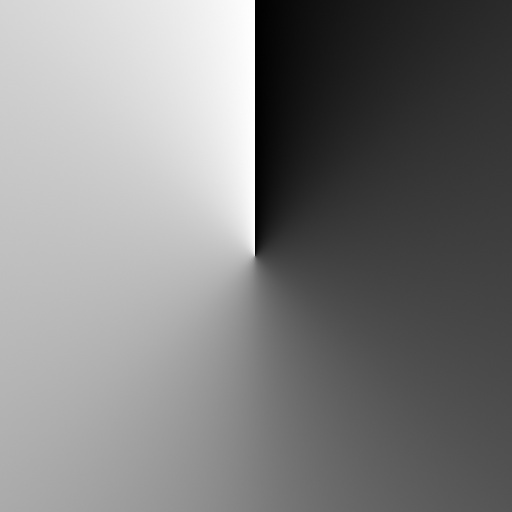
Angle Gradient Non-Square Edition by CFandM
#5838. Angular gradient snippet made specifically for non-square use. A huge Thanks to ThreeDee for the Proportional Gradient..Its the heart of the Non-Square ability of this snippet.... A special thanks to Uber for the Inspiration and the rotation part of this snippet.... If anyone wants to update this please do.. Keywords: Angle,...
This filter requires Filter Forge 1.0 or higher.
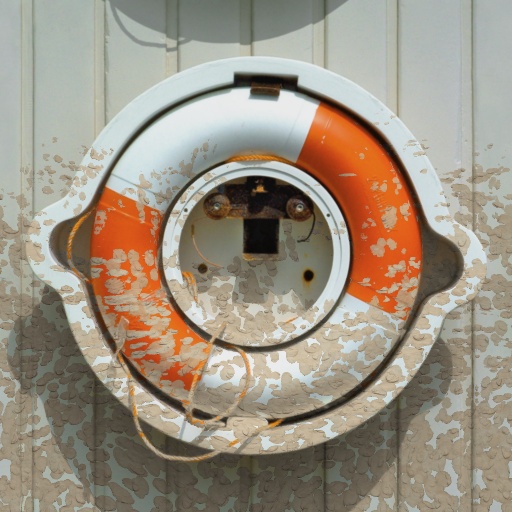
Mud splatter by ThreeDee
#4951. A day at the races. You be the car or bike – or an innocent bystander. But it ain't gonna be pretty. Unless you pull that slider all the way down. Keywords: mud, muck, filth, splatter, splash, spray, spatter, dirt, grime, dust, dried, off-road, bike, car. Controls: Mud lightness, Splatter amount, Splatter size
This filter requires Filter Forge 1.0 or higher.
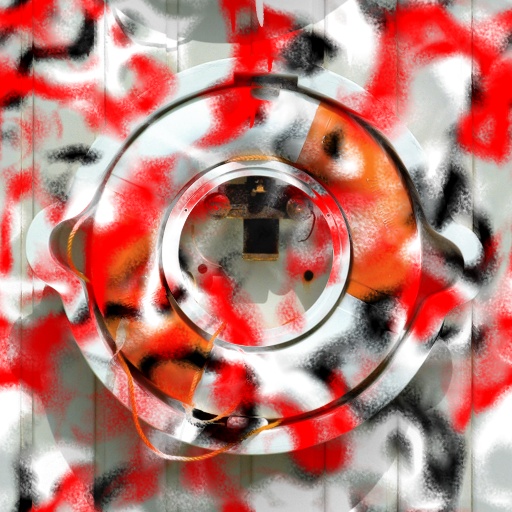
Graffiti by ThreeDee
#4950. Make a mess! One to three colors of your choice to do a hit-and-run graffiti anywhere, anytime. Round or "techno" style available. Drippy or nondrippy?. Keywords: graffiti, spray, paint, spraypaint, painting, drip. Controls: Spray 1 color, Spray 2, Spray 2 color, Spray 3, Spray 3 color, Techno style, Distort amount, Drip amount, Drip size, Spray coarseness
This filter requires Filter Forge 2.0 or higher.
Fill Proportionally Scrippet by ThreeDee
#8957. Fills the image proportionally with the repeat square content. Useful for making proportional filters. This version disables Size, pixels. To see how it works, create a filter with FF components and put the script as the last component before Result. Then make a non-square image. The result is non-square image filled proportionally with the (originally) square filter output. Keywords: scrippet, size, pixels, disable. Controls: Fill Proportionately
This filter requires Filter Forge 2.0 or higher.
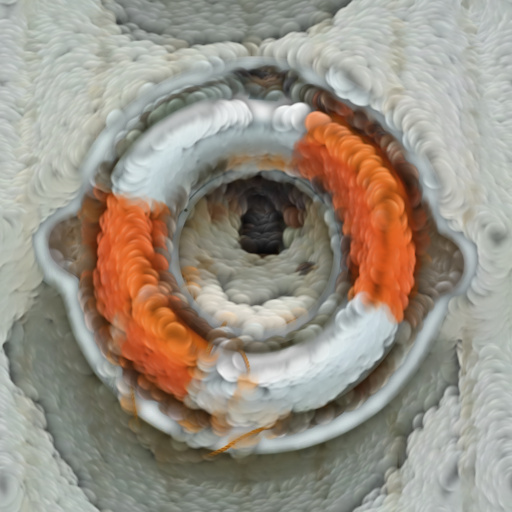
Puffy by BenBeckwith
#8437. Turns images in to fluffy blankets, storm clouds, and smoke monsters. Thanks ThreeDee for the paint strokes effect!. Keywords: puff puffy puf wool blanket soft cloud clouds cloudy fabric moss mold fluff fluffy fur furry smoke storm fog volume volumetric. Controls: Repeat, Detail, Density, Coverage, Invert Coverage, Rotation, Particle ...
This filter requires Filter Forge 4.0 or higher.

Curve Flattener Scrippet by ThreeDee
#12286. A scrippet that takes any curve and simplifies it to N segments of straight lines. For graphing, wireframe contructions and other quantized things. The scrippet is really just the script part, the rest of the filter is there to make its function visible. ("Flatness" term comes from Postscript function of similar kind.). Keywords: Scrippet, flatten, quantize, simplify, curve, segments, wireframe, graph, statistic, bar. Controls: Flatness, Curve
This filter requires Filter Forge 4.0 or higher.
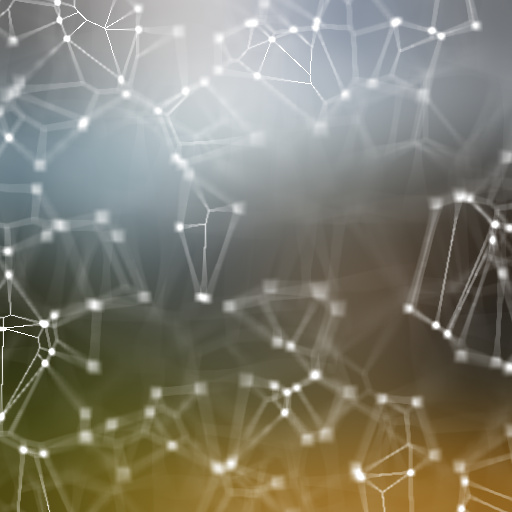
Plexus by ThreeDee
#12169. Simulation of the plexus effect with focal depth. Sphinx's True Variable Blur is used for focal depth. Keywords: plexus, points, lines, 3D, wireframe, vector, focus, depth, space, molecular, atomic. Controls: Plexus Color, Plexus Scale, Plexus Brightness, Line Thickness, Camera Aperture, Camera Focal Depth, Bg Image Gamma, Bg Blur Radius, Generated Background, Color 1, Color 2, Color 3, Solid Color Bg (2), Transparent Bg
This filter requires Filter Forge 1.0 or higher.
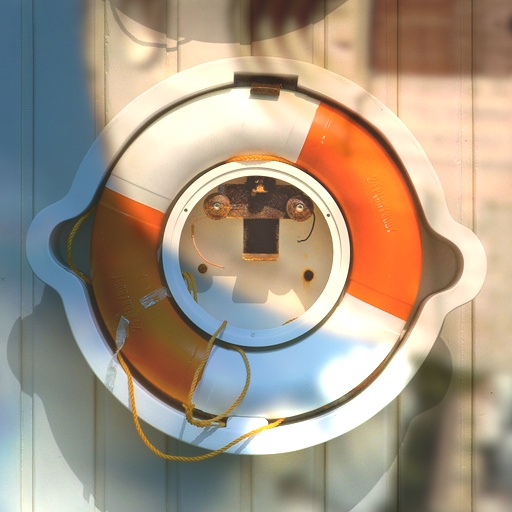
Add Atmosphere (non-square) by ronviers
... much like my other Add Atmosphere filter in that it changes the mood or feel of a photo but this one allows for more convenient handling of non-square images. The trade-off is that it there is less control over lighting. Thanks to Uberzev and ThreeDee for the 'Proportional Gradient' snippet. Keywords: atmosphere, mood, feel, shadows, lighting, stylize, ambiance, cast. Controls: Ambiance, Flip Lighting U/D, Flip Lighting R/L
This filter requires Filter Forge 3.0 or higher.
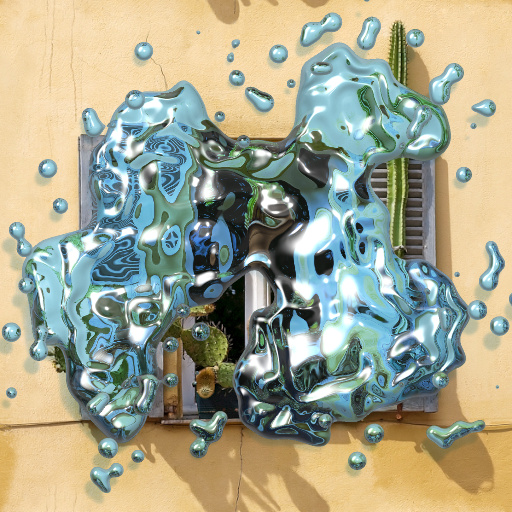
Liquid Splash by ThreeDee
#10880. Creates a splash of liquid of your choice based on your selection or a random pattern. Does water, paint, ink, quicksilver, most anything liquid. Reduce Size, pixels for increased details and closer adherance to original selection. Keywords: water, splash, drops, splatter, paint, liquid, airborne, quicksilver, ink. Controls: Use Selection, Liquid Color, Opacity, Background image, Transmission Blur, Reflection Blur, Metallicity, Reflectivity
This filter requires Filter Forge 1.0 or higher.
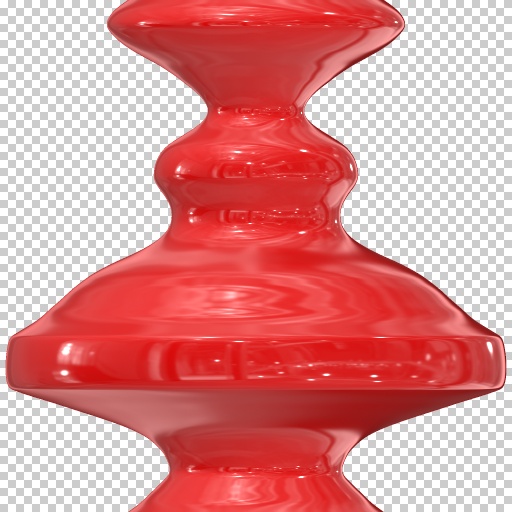
Lathe Internal Profile Snippet by ThreeDee
#6442. A snippet demonstrating using an internal profile for a "lathe" (or "revolve") operation. The example is a noise curve. You would likely want to build the profile with curves – with or without sliders attached – as you can see the shape, albeit rotated, in the Editor preview. Keywords: lathe, revolve, profile, 3D, object, round, vase, sculpt, model, snippet, internal, curve, gradient. Controls: Object Color
This filter requires Filter Forge 9.0 or higher.
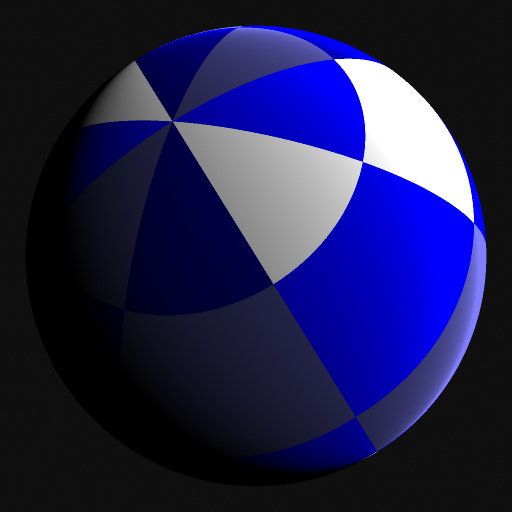
Rotatable Sphere by David Roberson
... for easy copy and paste transfer. Connect a Spherically Mapped texture to the primaty Source input. Test Source option is included for debugging. Use Tilt, Roll or Rotation to manipulate the sphere. Inspired by Rotatable Sphere Snippet V2 by ThreeDee. Keywords: rotatable 3D sphere, ball, orb, planet, mapping, texture, snippet. Controls: Tilt, Roll, Rotation, Vector Sphere, Test
This filter requires Filter Forge 3.0 or higher.
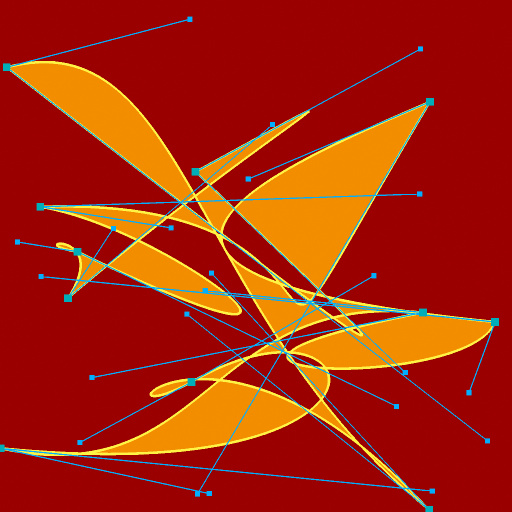
Random Bezier Shape by ThreeDee
#11553. A Script-based filter that generates a random bezier curve. Number of points and colors can be controlled, the shape cannot (except by random variation). Keywords: bezier, curve, path, cubic, vector, line, drawing, random, fill, color, control, anchor, illustrator, freehand, spline,. Controls: Number of Points, Line Weight, Accuracy, Background, Background Color, Line Color, Fill Shape, Fill Color, Show Control Points, Anchor Point Color, Control Handle Color
This filter requires Filter Forge 2.0 or higher.
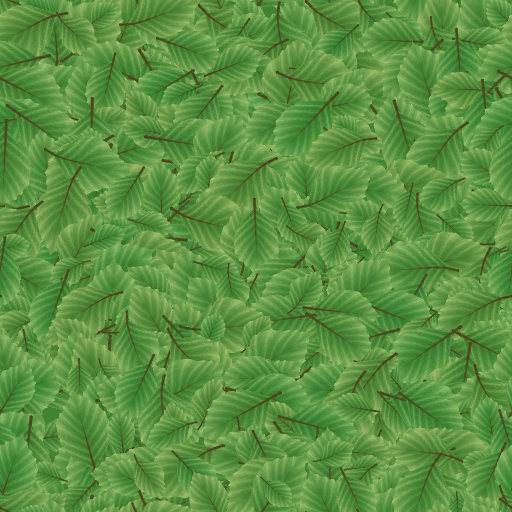
Leaf Pile by Lareieli
#9143. Leaf shape from Leaf filter by ThreeDee simplified and repeated to create realistic leaf pile patterns. Keywords: leaf, leaves, pile, piles, foliage, plant, plants, fall, forest, ground, cover, tiling, tileable. Controls: Stem color, Leaf main color, Leaf edge color, Vein frequency,...
This filter requires Filter Forge 1.0 or higher.
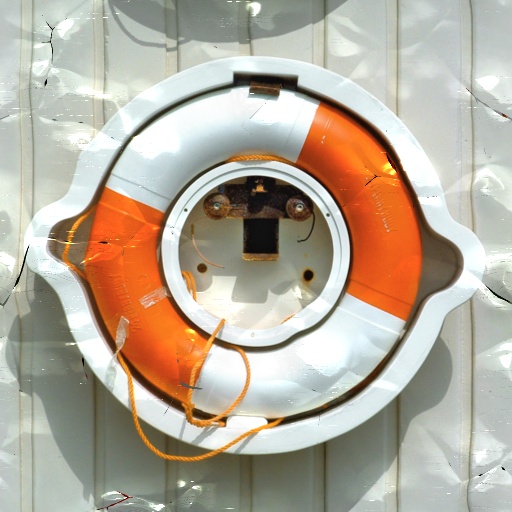
Fender Bender by ThreeDee
#6114. "Honey, what happened to the car?" "Oh, nothing much – you should see the truck!" Whatever the story, now you can wreck any vehicle or whatever else you feel like without having to worry about insurance payments. Keywords: collision, accident, fender, bender, car, crash, collision, metal, wreck, scratch, bent, cracked, paint, damage, ruin, toast, smash. Controls: Damage, Scratches
This filter requires Filter Forge 1.0 or higher.
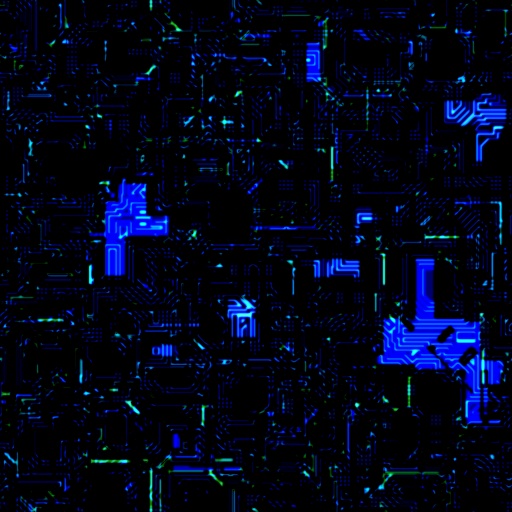
Circuitry by ThreeDee
#5452. A more non-literal approach to a circuit board, resembling the effect you get shining a light through a multi-layered circuit board from behind. The success with the various controls is rather experimentally-based due to the construction of the effect. The key to the look are the white-point and black-point sliders that provide the needed contrast. Keywords: circuit, board, circuitry, technical, computers, futuristic, techno, space-age, components, electronics, electricity, chips. Controls:..
This filter requires Filter Forge 1.0 or higher.
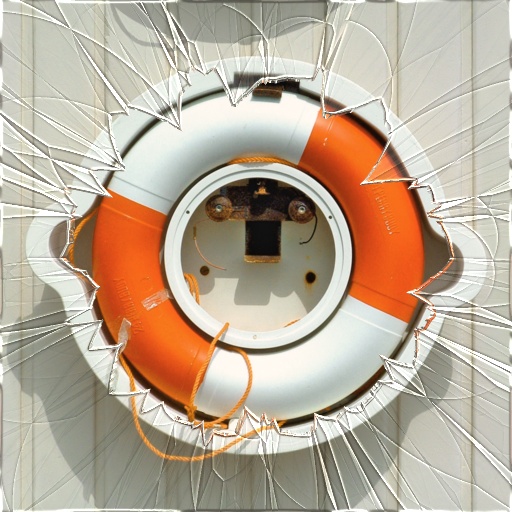
Shattered glass by ThreeDee
#4954. In case of emergency, break the glass... Coverage controls how much glass is left. Radial or flat fracture patterns. Glass complexity increases internal fractures. For faster rendering, decrease complexity. Checking Alpha checkbox will render with transparent background. Keywords: glass, broken, shattered, window, shard, fragment, smashed, windshield, falling. Controls: Glass color, Coverage, Complexity, Shard scale, Radial, Radial extent, Radial hole spread, Alpha
This filter requires Filter Forge 1.0 or higher.
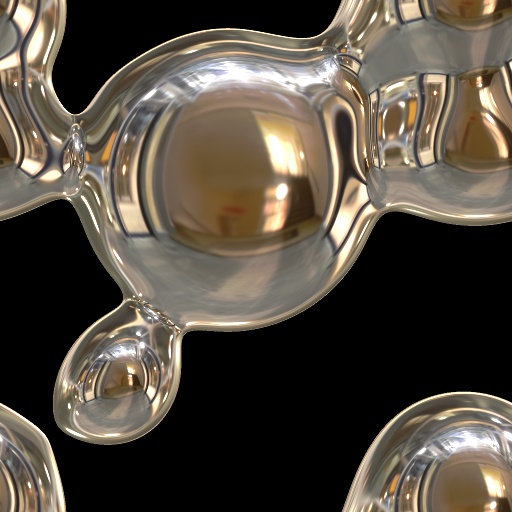
Metaballs by ThreeDee
#7005. Metaballs meld into each other as they come in close proximity. Keywords: metaball, 3D, sphere, ball, orb, melt, meld, liquid, metal, quicksilver, float, space, antigravity, object, sculpt. Controls: BALL 1, Ball 1 Size, Ball 1 Offset H, Ball 1 Offset V, BALL 2, Ball 2 Size, Ball 2 Offset H, Ball 2 Offset V, BALL 3, Ball 3 Size, Ball 3 Offset H, Ball 3 Offset V, BALL 4, Ball 4 Size, Ball 4 Offset H, Ball 4 Offset V, BALL 5, Ball 5 Size, Ball 5 Offset H, Ball 5 Offset V
This filter requires Filter Forge 1.0 or higher.
Planetary Noise Snippet V1 by ThreeDee
#5310. Snippet for creating planetary noise patterns. Made to be mapped on a sphere seamlessly and without scale distortion at the poles. Consists of two patterns mapped spherically, one for the top half of the planet and another for the bottom half, with a gradual overlap of the two at the equator. Credit for polar to rectangular mapping goes to ByRo. Keywords: snippet, planetary, noise, pattern, seamless, polar, sphere, spherical, mapping. Controls: Noise type, Scale, Contrast
This filter requires Filter Forge 2.0 or higher.
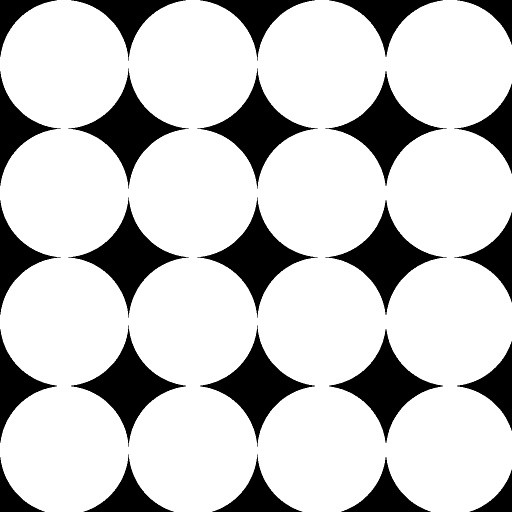
Make Proportional Scrippet by ThreeDee
#8956. Makes any internally created (natively square) input proportional to image dimensions. This version resizes with the Size, pixels control while getting its proportions from the image. To see how it works, create a filter with FF components and put the script as the last component before Result. Then make a non-square image. The result is non-square image filled proportionally with the (originally) square filter output. Keywords: scrippet, proportional, make, force, snippet, non-square..
This filter requires Filter Forge 1.0 or higher.
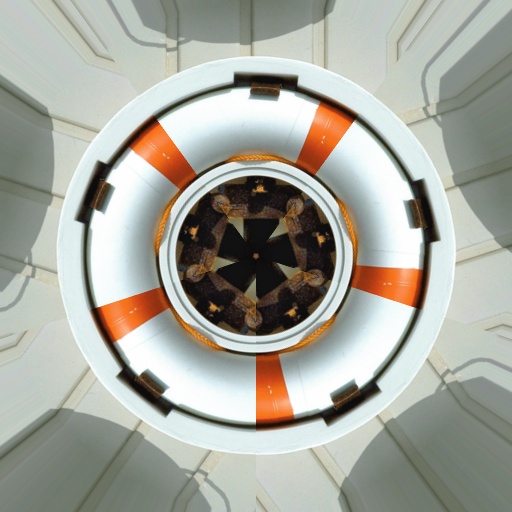
Radial repeat by ThreeDee
#6135. Repeats a slice of the image in a radial fashion any number of times. Something between a filter and a snippet. All fashion of star-like, spokes-like, fan-like and other circular and radial effects with controllable number of repeats can be built upon it. Uberzev/ByRo spherize/unspherize snippets used as the engine. Turning seamless tiling off and on interestingly enough changes the angle of the sector being repeated. Keywords: radial, repeat, slice, star, center..
This filter requires Filter Forge 4.0 or higher.
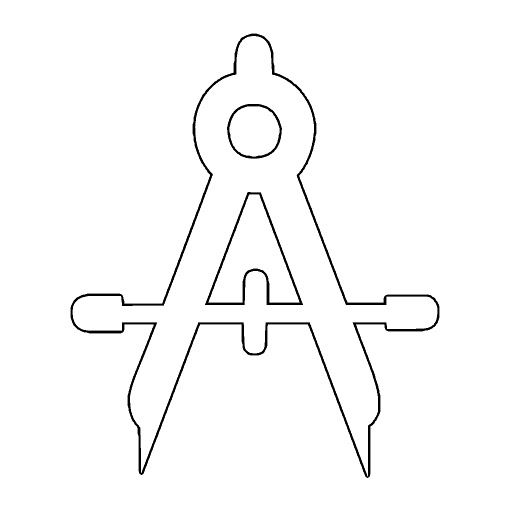
OctaDraw V0.5 snippet by ThreeDee
#12661. OctaDraw V0.5 Snippet uses the OctaDraw method of input to draw a bezier shape. This snippet is meant as a building block for new filters that use this method of drawing. The snippet simply fills and draws the shape from the input, and has controls for line weight, fill and stroke colors. Keywords: bezier, draw, drawing, logo, icon, letter, spline, shape, fill, stroke, outline, snippet. Controls: Drawing Input, Stroke Weight, Stroke Color, Fill Color
This filter requires Filter Forge 3.0 or higher.
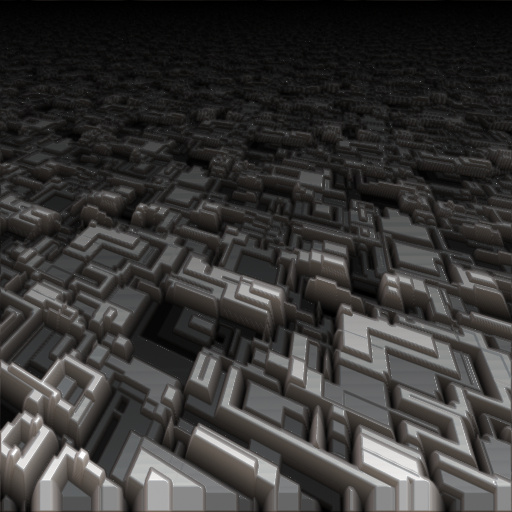
Greeblopolis by Burt
#11328. Based on ThreeDee's answer to my questions and Sphinx's improved Smear 3D sample on the forums. I submitted a simple Greebleville example but kept on working on it. I didn't want to overwrite the simpler filter as some may find it easier to understand so submitting ...
This filter requires Filter Forge 7.0 or higher.
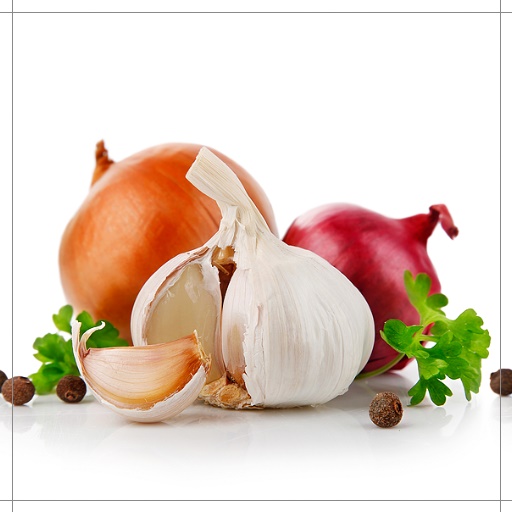
9-Slice Scaling External Image by ThreeDee
#15758. Use 9-slice scaling for your images and image elements. Useful particularly in interface design and page layout where images or elements need to retain edge features at a specific pixel size while stretching the content. Keywords: 9-slice, slice, scale, interface, button, gui, pixel, based, fixed, frame, layout, responsive, smart, flexible. Controls: Input Image, Guide Color, Top Slice Height, Bottom Slice Height, Left Slice Width, Right Slice Width, Show Guides
This filter requires Filter Forge 1.0 or higher.
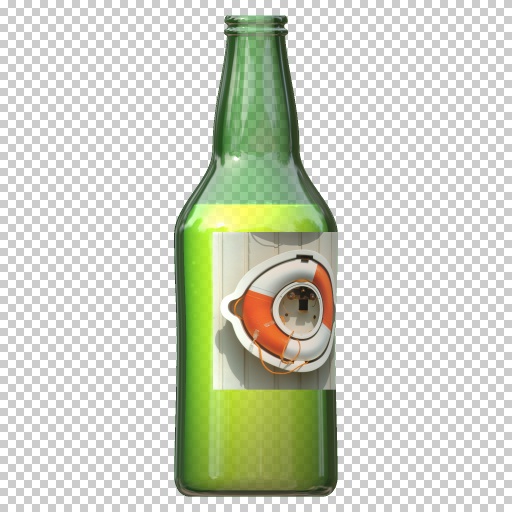
Mad bottle factory by Sjeiti
#6650. [ DRINK ME ] Snippets used in this filter: - Lathe by ThreeDee. Keywords: lathe, bottle, liquid, bubbles, beer, wine, poison, glass. Controls: Glass color, Liquid color, Position upper, Position middle, Position lower, Width top, Width upper, Width middle, Width lower, Width bottom, Bottom curve, Glass width,...
This filter requires Filter Forge 1.0 or higher.
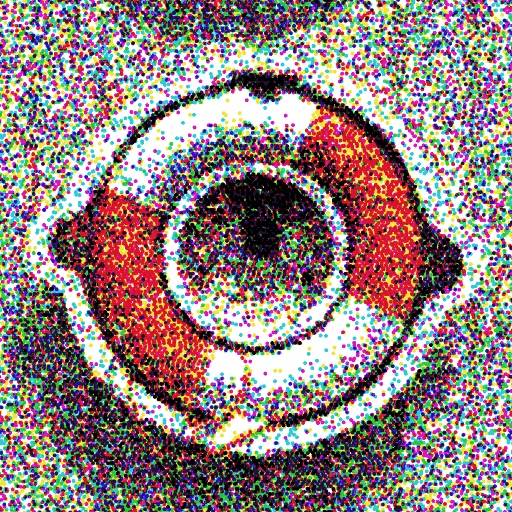
Inkjet by ThreeDee
#5045. Inkjet printing in CMYK colors. Tip: Printhead alignment helps offset the dots so that they are in less than perfect lines. It is intended to keep this setting above 0. 0 is "perfect" alignment which results in more visible horizontal striping. The higher you set Dot frequency, the lower you can set printhead alignment with good results. Keywords: color, ink, inkjet, printer, close-up, enlargement, CMYK, dot, pattern, stochastic, bubblejet, diffused, random, desktop. Controls:..
This filter requires Filter Forge 1.0 or higher.
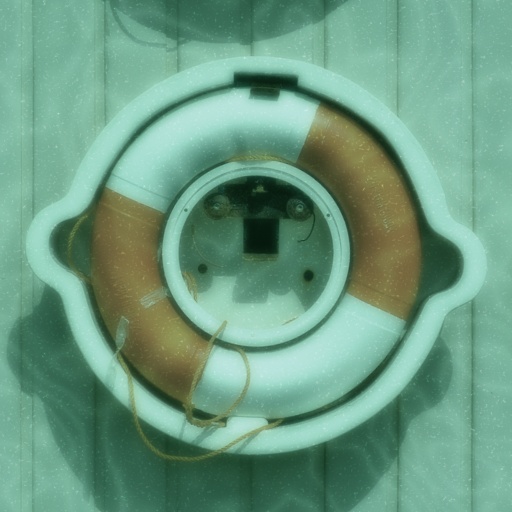
Titanic by ThreeDee
#4937. Underwater photography made easy. Water depth determines light diffusion while particles float around. Visibility of caustics can tell us how deep you've been diving, and the color of water what ocean this might be. Or is it your local swimming pool?. Keywords: underwater, water, sea, deep, diffusion, submarine, submerged, caustics, ocean, lake, bath, swim, swimming, pool, diving, diver, liquid, aqua, sink. Controls: Water depth, Particles, Water color, Caustics level, Caustics scale
This filter requires Filter Forge 3.0 or higher.

Cube Wall by ThreeDee
#11298. Extracts your image as random 3D cubes. Note: Due to the inaccuracy of using Smudge Component to extrude, there are two controls, Edge Fix X and Edge Fix Y which can be used to place the shadows and highlights more accurately manually. Keywords: 3D, cubes, wall, image, extract, depth, perspective, shadows. Controls: Cubes, Depth, Image, Edge Width, Edge Color, Shadow angle, Shadow Strength, Shadow length, Shadow gamma, Light Boost, Edge Fix X, Edge Fix Y


