Search Results
This filter requires Filter Forge 3.0 or higher.

Chinese Patterns I by Ray Edwards
#10147. It generates traditional geometric chinese patterns. You can select different types and you can even add ornaments to them. Keywords: chinese, China, traditional, pattern. Controls: Background, Color 1, Color 2, Gradient Color 1, Gradient Color 2, Ornament Radius, Ornaments, Pattern Selector, Ornament Offset Y
This filter requires Filter Forge 1.0 or higher.
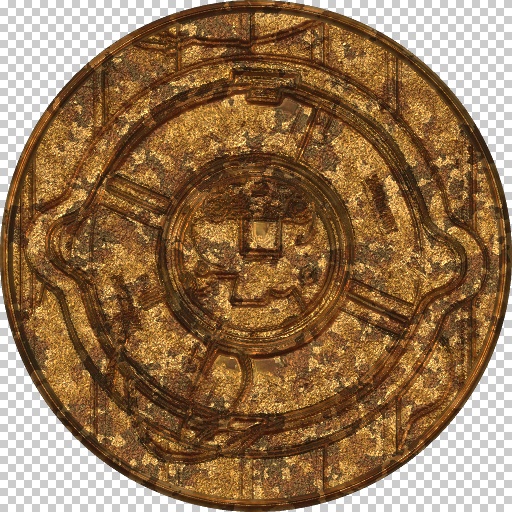
Bronze Coin by Indigo Ray
#6860. Makes any image into an ancient metallic artifact. Tip: Bevel comes into play when using an image with a completely flat background. Keywords: coin, money, bronze, brass, copper, silver, gold, metal, artifact, emboss. Controls: Metal Color, Age, Bevel
This filter requires Filter Forge 3.0 or higher.
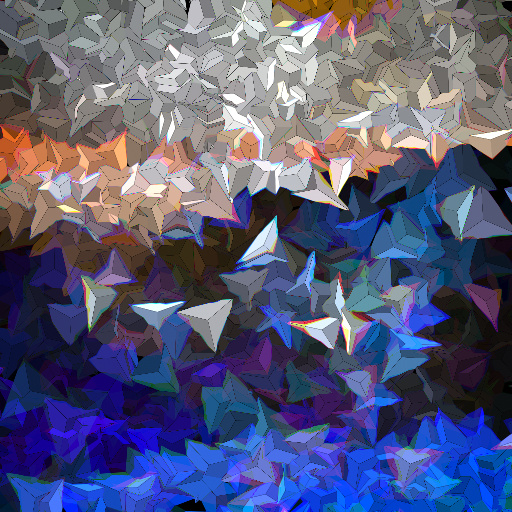
Tri by Indigo Ray
#11516. Breaks the image into triangular shards, with 6 cool blend modes. Special feature inside the filter editor! Thanks to user Uberzev for the inspiration and SpaceRay for helping with the controls. Keywords: triangle, shard, glass, 3d, shatter, polygon, jewel. Controls: Blend Mode, Sharpness, Hue (180=normal)
This filter requires Filter Forge 3.0 or higher.

Bokeh by Ray Edwards
#10775. Bokeh texture with 3 background variation: 2 color, 1 color, and a 3 color gradient. Keywords: bokeh. Controls: Color 1, Color 2, Color 3, Opacity, Opacity Chaos, Rotation Chaos, Size Chaos, Density, Tint Color, Tint Amount, Repeat, BG Selector, BG scale, BG GRAD repeat, Color Position 1, Color Position 2, Color Position 3
This filter requires Filter Forge 3.0 or higher.

Kaleidoscope Toy by Indigo Ray
#10755. I tried to mimic an actual "kaleidoscope"- that is, the toy, in this filter. Explore the built-in variants or try out your own photo or image!. Keywords: kaleidoscope, scope, toy, jewels, pattern, random. Controls: Scope Size, Colors, Positions/Spins, Sizes, Slide Me!, Import Image
This filter requires Filter Forge 1.0 or higher.
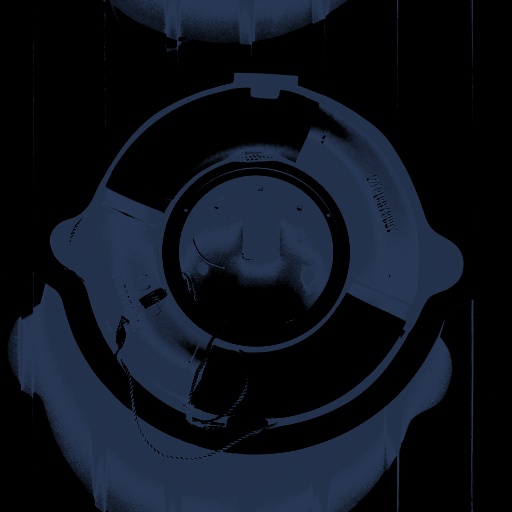
Duo Tone by Axelitus
#1307. Converts the input image into a duo tone image. It can convert the highlights into the tone and the shadows into black or the shadows into the color and the highlights into black. Sometimes it looks like an X-Ray image. Keywords: duo tone x-ray x ray. Controls: Invert, Color, Brightness, Contrast, Threshold, Smooth
This filter requires Filter Forge 1.0 or higher.
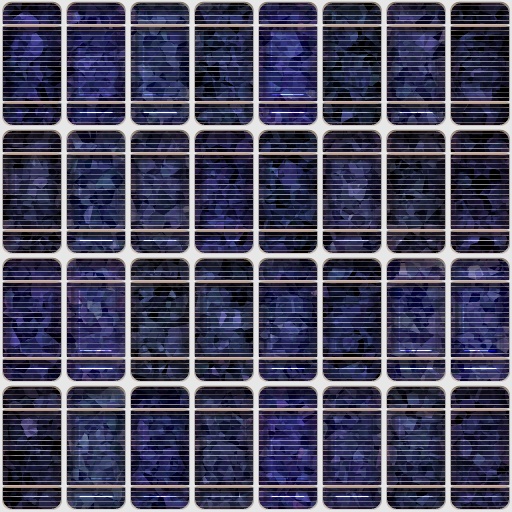
Solar Panels by Indigo Ray
#6667. Isn't it funny how the "green" movement can be so...blue?. Keywords: solar, panel, cell, silicon, technology, energy, crystal, metal, sun. Controls: Silicon Color, Line Color, Silicon Scale, Silicon Smoothness, Panel Size, Panel Roundness, Panel Color Variance, Minor Lines, Thin Stripes, Crystal Height
This filter requires Filter Forge 1.0 or higher.
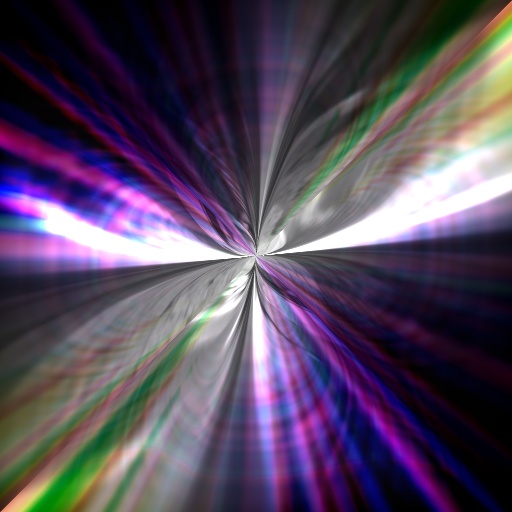
Singularity by Indigo Ray
#6249. -This is an experimental filter based on "Fancy background" -Genereates some cool fx and colors. Keywords: singularity, pole, color, twirl, spin, flower, abstract, background. Controls: Base Color, Repeat, Rotate, H Range, L Range, S Range, Scale, A Fan +, A Fan -, B Fan +, B Fan -, B Fan Invert, Invert Light, Height ON/OFF
This filter requires Filter Forge 1.0 or higher.
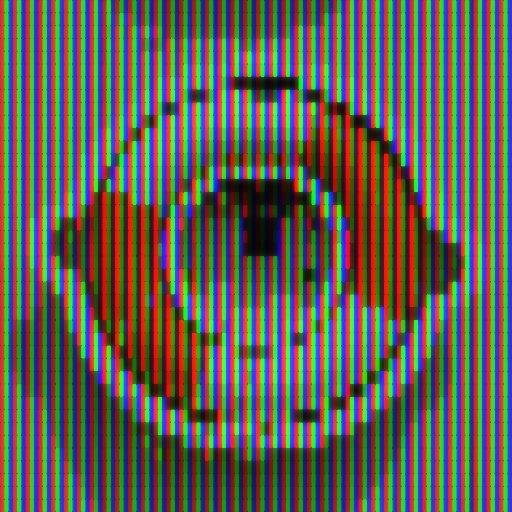
Monitor closeup by ThreeDee
#5046. "Look mom, I'm on TV!" How your monitor looks when viewed up close. Keywords: computer monitor, RGB, tube, television, TV, close-up view, enlargement, cathode ray, digital, raster image, screen, additive color, broadcast. Controls: Cell frequency, Cell separation, Cell corner round, Glow
This filter requires Filter Forge 9.0 or higher.
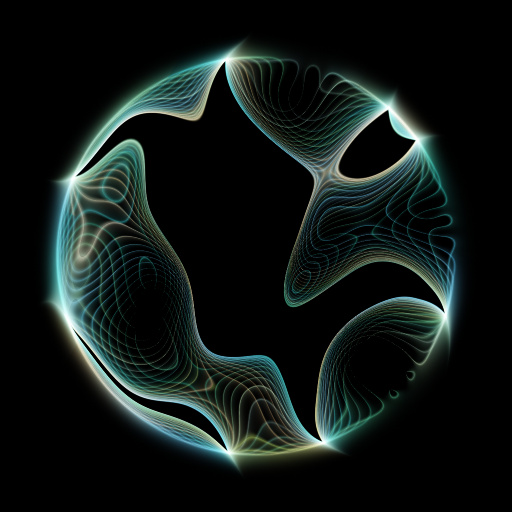
Spectre Frame by Pawprint
#15536. a Ghost light energy sphere...for framing art or making energy spheres...or just for effects. Keywords: spectre, frame, energy, ghost, ball, round, sphere, lines, frequency, noise, light, rays, chaos, light. Controls: Color, Use photo Colors, Color 1, Color 2, Color 3, Iterations, Chaos, Strand Energy, Radius, Rotation
This filter requires Filter Forge 9.0 or higher.
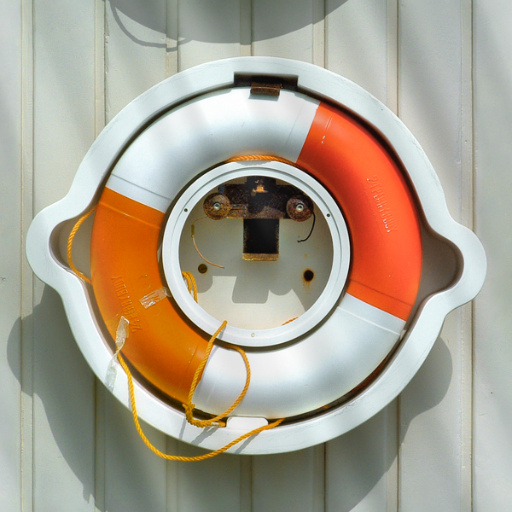
HLS Variator by Stilgar
#15489. Variator for HSL with different noise / curves. The filter is grouped, osu you can use it in your own filter. Keywords: HSL noise variator shadow light ray color. Controls: Image, Angle, Stretch, Profile, Blur Profile, H Roughness, H Contrast, H Scale, H Details, S Roughness, S Contrast, S Scale, S Details, L Roughness, L Contrast, L Scale, L Details
This filter requires Filter Forge 2.0 or higher.
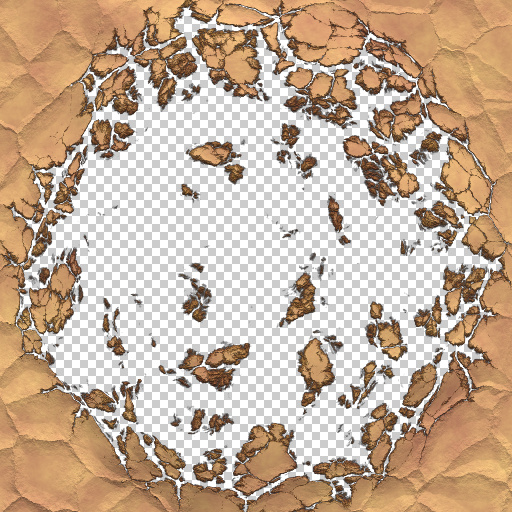
Smash Out! by Indigo Ray
#10574. Cracks widen in a fractal-like display as a dry mud/rock wall is shattered to pieces to expose the background behind. Keywords: smash, crack, mud, dry, rock, explosion, implosion, crackle, shatter, debris, fractal, frame, break. Controls: Color 1, Color 2, Force, Impact Radius, Implode/Even/Explode, Render Mode
This filter requires Filter Forge 1.0 or higher.
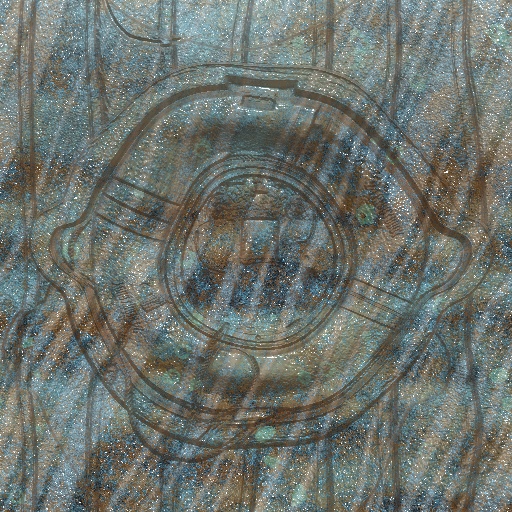
Under The Sea by Igotaway
... Water distortion water sea ocean metal wavy corrodion rust coral reef. Controls: Corrosion Color, Sea Plants Color, Corrosion Contrast, Corrosion Roughness, Image Distortion, Light Amount, Light Distortion, Metallic, Reflection Blur, Reflectivity, Light Rays Angle
This filter requires Filter Forge 1.0 or higher.
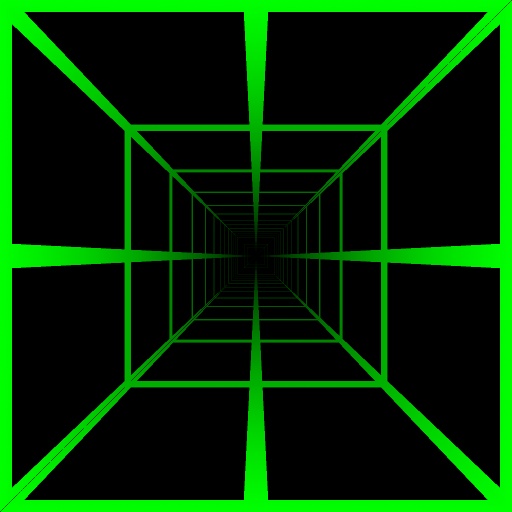
Tunnel Perspective by Indigo Ray
#7095. Can you see the light at the other end? Each wall of the tunnel is seamless with its adjacent walls, even for noises. Thanks to Quasimondo for the 90 degrees rotations. Keywords: tunnel, perspective, point, shadow, view. Controls: Grid/Noise, Shadow, Inner/Outer Shadow, Shadow Intensity, Shadow Color
This filter requires Filter Forge 1.0 or higher.
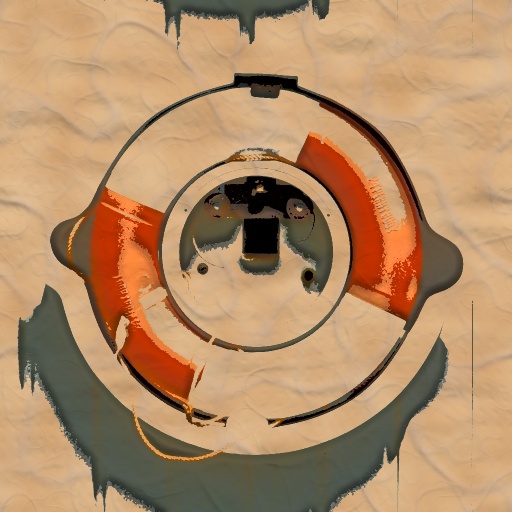
The Skin You're In by Indigo Ray
#6429. My attempt to make a sort of skin filter. Now with tattoos!!!. Keywords: skin, vein, pore, flesh, epidermis, wrinkle, tattoo. Controls: Skin A, Skin B, Dirt Color, Vein Color, Vein Value, Wrinkle Value, Pore Value, Dirty Skin, Dry Skin, Pos/Neg Tattoo, Tattoo Quality, Tattoo Threshold, Tattoo
This filter requires Filter Forge 2.0 or higher.
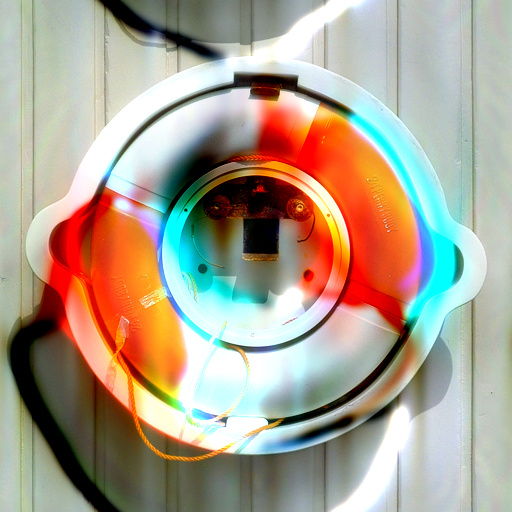
Aether by Indigo Ray
#9008. An abstract, mysterious filter that creates anything from vague black shadows to a colorful electric glow. Keywords: aether, ether, glow, shadow, color, saturation, light, dark, mystical, trippy, vibrant, clouds, electric, neon, blob, abstract, surreal, dreamy. Controls: Shadow / Glow, Intensity, Blur Radius, Angle, Saturation <50>, Hue Shift <50>
This filter requires Filter Forge 1.0 or higher.
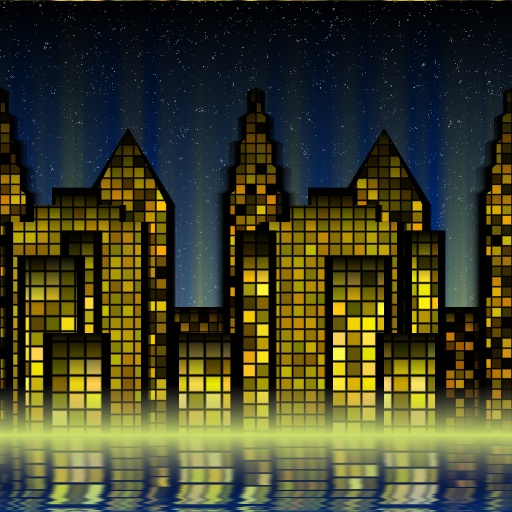
Gotham City by Indigo Ray
#6526. I did not copy and paste at all from Mousewrites' "Cityscape" in the making of this filter, but it was my inspiration and so the result looks similar, if not better. Comments are welcome. Keywords: city, gotham, waterfront, lights, window, electricity, night, building, skyscraper, scene, scape. Controls: Building Color, City Lights, Evening Sky, Building Layout
This filter requires Filter Forge 1.0 or higher.
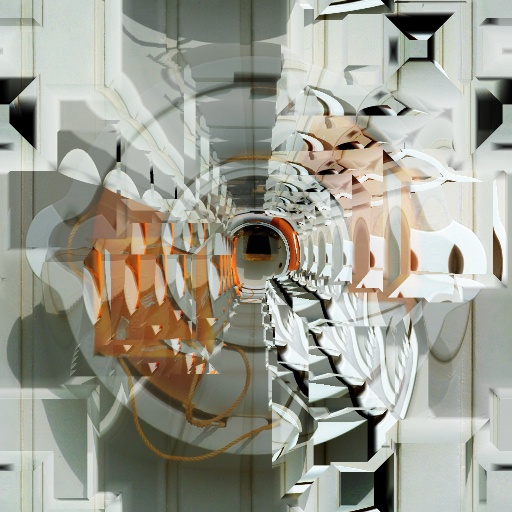
block tunnel by voldemort
#3630. This filter adds block based refraction to your photo and if you so choose a tunnel offset with the ability to shift the offset courtesy of reposition rays snippet. Keywords: block perspective refraction. Controls: add blocks offset, Move Right/Left, Move Up/Down, Refraction, Generations, Flat or Tunnel, flat style, Tunnel style
This filter requires Filter Forge 3.0 or higher.
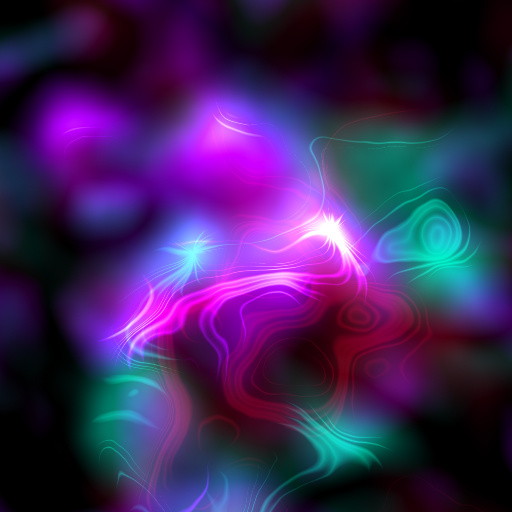
Plasmatic by TBH-1138
#11422. I was trying different ways to get ray craters for moons when this happened. Reminds me of magnetic fields or plasma. Unlike most of my filters, the randomizer gives great results, and I recommend using it. Keywords: plasma magnetic field lines glow psychedelic colors. Controls: Color ...
This filter requires Filter Forge 2.0 or higher.
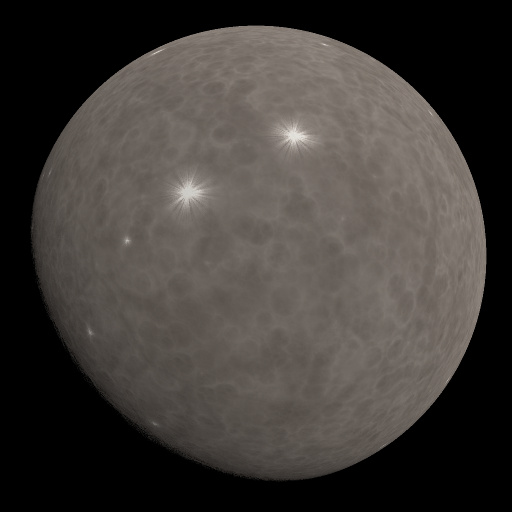
LunaGen by TBH-1138
... different settings, use LunaGen!. Keywords: moon moons luna lunar selene rock rocks dust dusty space planet planets sky night. Controls: Color, Bump height, Canyon depth, Contrast, Cracks, Crater density, Crater scale, Depth, Dustiness, Phase, Radius, Rayed craters, Light angle, Opaque background
This filter requires Filter Forge 2.0 or higher.

Water by Whitequill Riclo
#9110. This is my first submitted filter. It is very powerful, and you can make a lot of liquidy effects with it. Thanks to Vladirmir Goloven for Liquid, and Koshubey for Mithril. Also thanks to; Indigo Ray for Water Caustics. Keywords: Water, Liquid, Pool, Puddle, Ocean. Controls: Reflection Color, Water Color, Depth, Luminous, Reflections Floor, Reflections Surface, Reflectivity, Turbulance, Reflections
This filter requires Filter Forge 2.0 or higher.
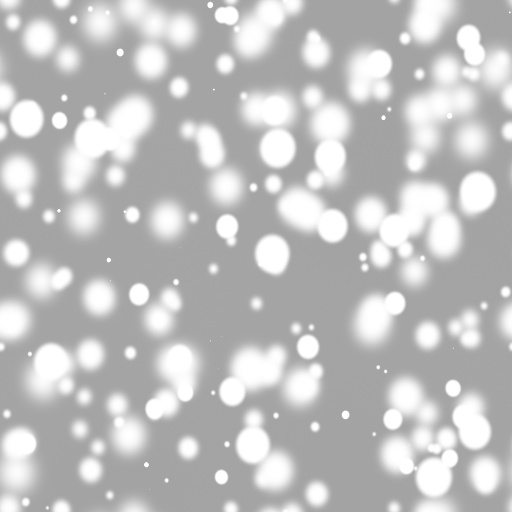
Tone Filter - Haze by Ray Edwards
#9508. Tone Filter - Haze. (Grayscale only). Keywords: comic, manga, haze. Controls: BG Blur Radius, BG Scale, BGBrightness, Blur radius dot #1, Blur radius dot #2, Blur radius dot #3, Blur radius dot #4, Blur radius dot #5, Dot size, Rotation dot #1, Rotation dot #2, Rotation dot #3, Rotation dot #4, Rotation dot #5, Dot Density, Dot Repeat, Dot Variation
This filter requires Filter Forge 2.0 or higher.
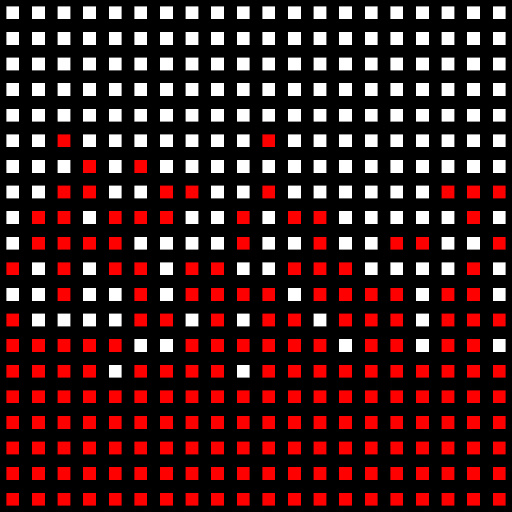
Particle Sorting by Indigo Ray
#8414. This snippet lets you choose exactly where you want each of two particles to be bombed, W/O any blank spaces. Just replace the "switch" component with a gray-scale range of your choice. Spread = How crisp you want the border Threshold = Where the border is. Keywords: snippet, bomber, particle, border, sorting, chance, selection. Controls: Threshold, Spread, Grad / Noise / Image
This filter requires Filter Forge 1.0 or higher.
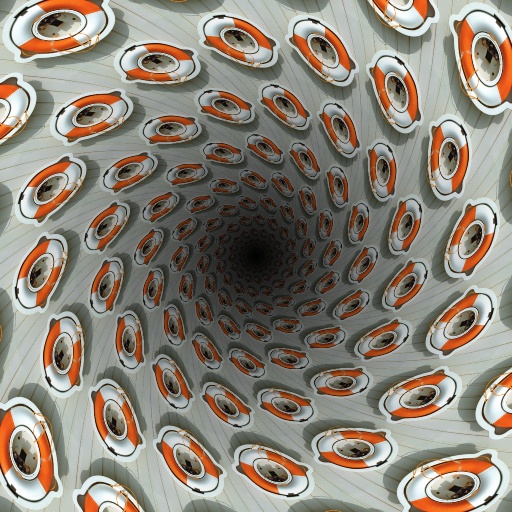
Circular Tunnel Perspective by Indigo Ray
#7222. A view from inside a tunnel. Rings aren't perfect but very close to it (see bias curve in filter). Spiral uses the same bias curve. Kudos to ThreeDee for the offset tricks and Sjeiti for the spiral. Keywords: tunnel, tube, circular, perspective, vortex, spiral. Controls: Repeat, Grid, Spiral, Spiral Direction, Shadow, In/Out Shadow, Shadow Size, Shadow Color
This filter requires Filter Forge 1.0 or higher.
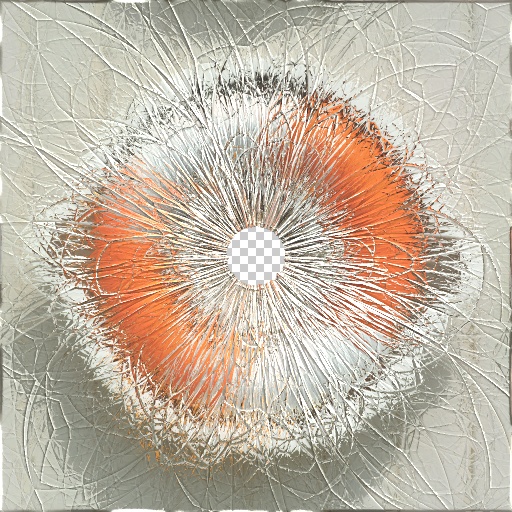
Crash! by Indigo Ray
#6638. And here's the pitch...he swings..and he HITS IT...wow what a great hit...that's going far...really far...towards the...oh sugar... *Kudos to 3d's shattered glass/broken mirror filters. Keywords: glass, broken, shatter, window, shard, fragment, smash, impact, bullet. Controls: Hole Size, Glass color, Crack Scale, Radial Stretch, Hole Shape, Complexity, Color Amount
This filter requires Filter Forge 6.0 or higher.
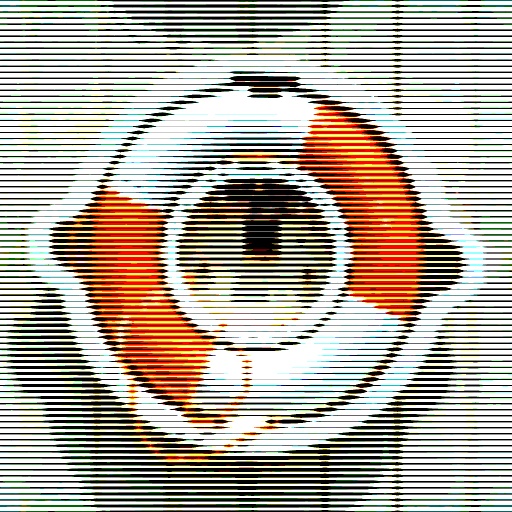
Color Scanlines by Rick Duim
... A look to the past when hi-definition was a CRT or an old TV screen. NOTE: Check the Non Square/Pixels checkbox if the image you are using is not square or the Size, pixels amount has been reduced. Keywords: scanline, scan line, CRT, cathode ray tube, TV, television, terminal, VHS. Controls: # of Scanlines, Smooth Scanlines, Vertical, Non Square/Pixels
This filter requires Filter Forge 2.0 or higher.

Chuck Close V2 by Indigo Ray
#8399. This filter is an attempt to replicate the paintings done by Chuck Close, which look like a bunch of colorful squares and circles up close but when viewed from a distance are a recognizable image. *There is no V1 in the online library. Keywords: chuck, close, square, circle, ring, color, crazy, pop, art, pixel. Controls: Circles Detail, Circles Variance, Crazy Colors
This filter requires Filter Forge 3.0 or higher.
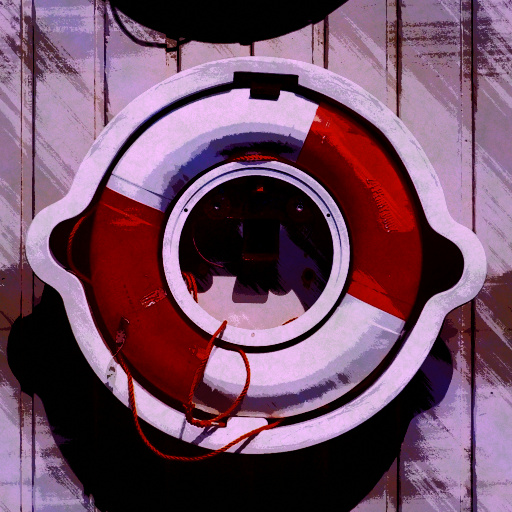
Vagabond by Indigo Ray
#11048. I was inspired to make a filter while reading the extremely artistic manga "Vagabond" by Takehiko Inoue, and this is the result.–––- <50> means the value "50" is centered. Keywords: vagabond, inoue, takehiko, manga, art, paint, watercolor, posterize, comic, stroke, atmosphere, vivid. Controls: Color 1, Color 2, Color Wash, Color Blending, Stroke Length, Image Hue <50>, Image Sat. <50>, Angle 1, Angle 2, Color Detail
This filter requires Filter Forge 3.0 or higher.
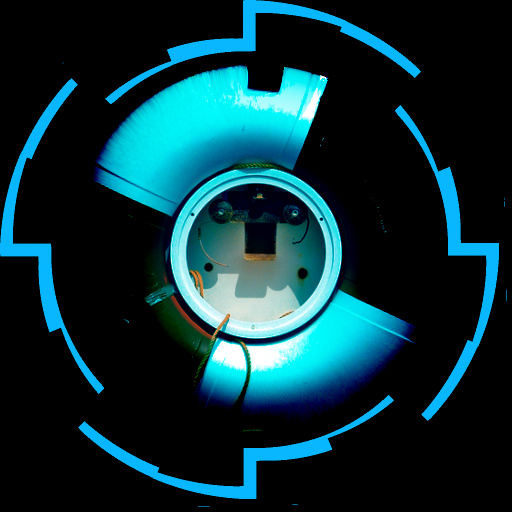
Glitch: Portal by Indigo Ray
#10043. Not all filter forge components act how one would think. The new "edge detector" is no exception. But sometimes it's the surprises that provide the most insipiration. Tip: When using non-square images, you may want to crop them to a square beforehand. Keywords: portal, edge, detector, frame, ring, glitch, circle. Controls: Color, Modifier A, Modifier B, Modifier C, Modifier D, Distortion
This filter requires Filter Forge 1.0 or higher.
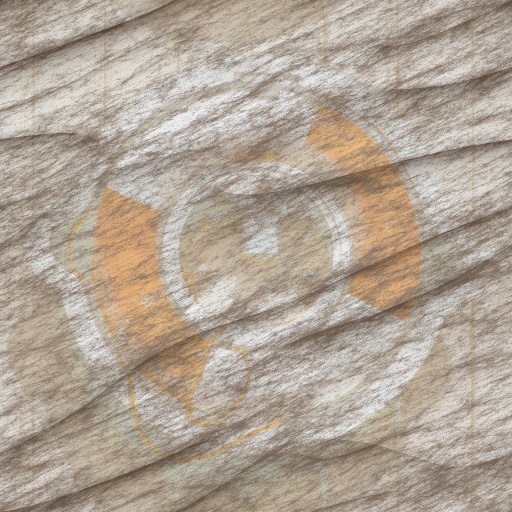
Monk's Handbook by Indigo Ray
#6276. My attempt to make a sort of worn-out, old, dusty image overlay from scratch (both meanings: haha funny not really). Apparently makes other cool fx as well. Keywords: dust, paper, parchment, old, aged, dirt, scratch, torn, crease, striation, must, ancient, antique, papyrus, wear, tear, mess. Controls: Dust Color, Dust Amount, Line Size, Roughness, Stretch, Angle
This filter requires Filter Forge 1.0 or higher.
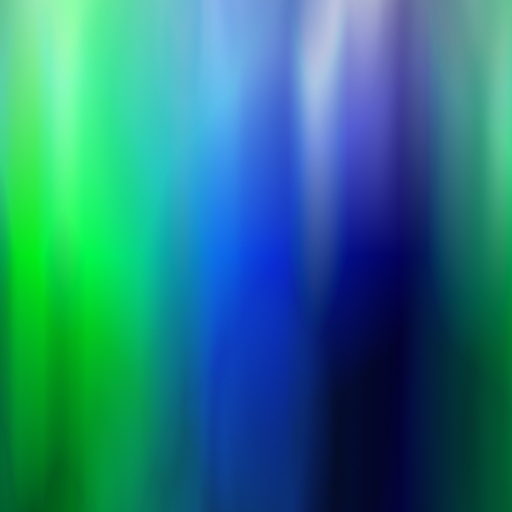
Aurora by Indigo Ray
#6167. Bring the north/south pole night sky to your own computer. Comes with a free snow cone. *This is my 1st filter :). Keywords: aurora, light, smooth, abstract, ambient, ambience, flame, cosmic, air, plasma, north, south, pole, sky, glow, Borealis, Australis. Controls: Color 1, Color 2, Color 3, Position 1, Position 2, Position 3, Cosmic DIstortion, Rotate Dist., Rotate Image, Shape, Offset, Repeat, Invert
This filter requires Filter Forge 1.0 or higher.
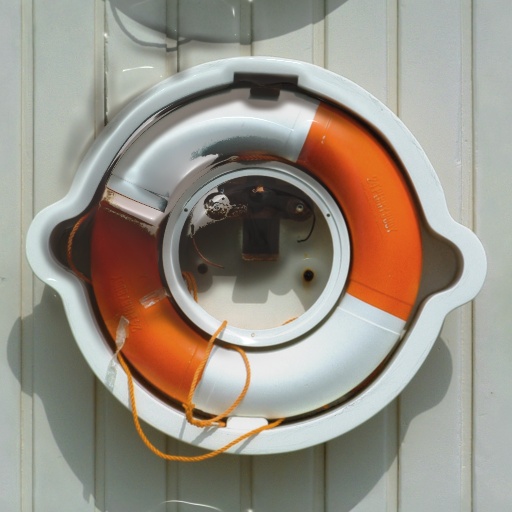
Pushed out and worn by voldemort
#3472. Pushed out and worn takes your photo and does a 3d extrusion based upon the highlights of your photo and then makes it look like the paint has worn off from that section from over stretching this filter borrows from the Reposition Rays snippet found at the FF site. Keywords: deform extrude worn fade. Controls: Blur gradient, Diameter of effect, Move Right/Left, Move Up/Down
This filter requires Filter Forge 2.0 or higher.
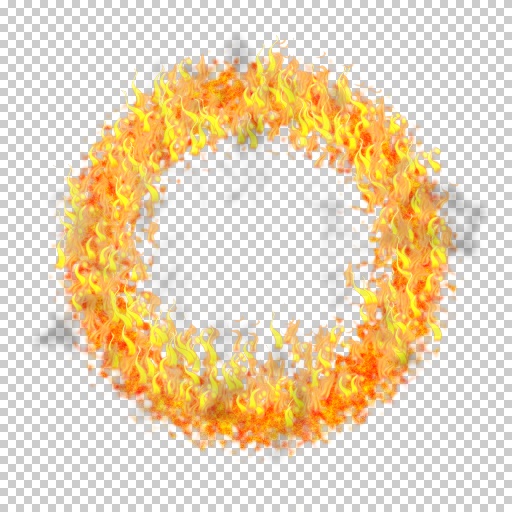
CircleOfFire by Totte
#9977. This filter creates a ring of fire and flames. It can be used to create explosion animations or just to have fun with. Burn it baby! The flames are based on the flame filter by Indigo Ray. Added an option to have the flames going up. Keywords: fire, flames, burn, smoke, destriction, explosion. Controls: Ring Width, Diameter, Edge Roughness, Edge scale, FlameBaseOne, FlameOne, FlameBaseTwo, FlameTwo, FlameRough, FlameDensity,...
This filter requires Filter Forge 1.0 or higher.
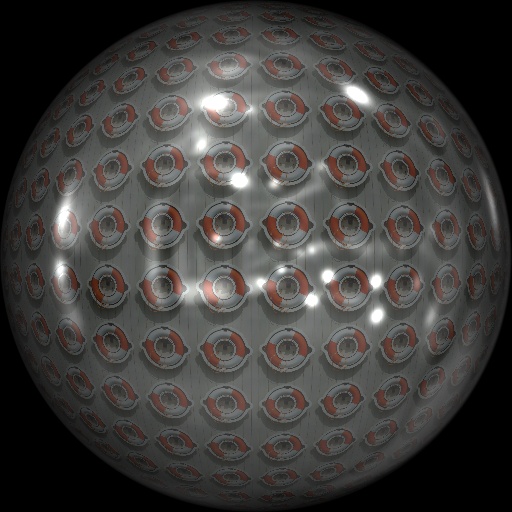
Circular Perspective by Indigo Ray
#6618. A simple way to do circular perspective based on my "circle perfected" snippet and the work of Voldemort. Now in 3-D!!! Tip: My golden refraction value is 10.6, for some reason that I can't remember. –-Someone please tell me if this is correct and why!. Keywords: circle, sphere, ball, round, circular, dot, perspective, illusion, copy. Controls: Quantity, Size, Refraction, Reflection Blur, Metallic, Shading, 3-D
This filter requires Filter Forge 7.0 or higher.

Cartoon Grass by Indigo Ray
#14740. Happy little triangles. ~~~~~Tip: Slide "directional" down to make more of a top-down view. Slide it up to make more of an angled view. ~~~~~Tip: Change the ground to a light color to give the appearance of straw or snow. Keywords: grass, ground, blades, green, earth, soil, plants, leaf, nature, kelp, cartoon, triangles. Controls: Grass 1, Grass 2, Grass 3, Grass 4, Ground 1, Ground 2, Grass Width, Directional, Squiggle


