Search Results
This filter requires Filter Forge 4.0 or higher.
Make Pixel-Based (X,Y) Scrippet by ThreeDee
#13130. Use this scrippet as part of any filter if you want to make the output size pixel-based, individually on the X and Y axis. Note: Disable "Size, pixels" control if you want to use external image component. Note 2: Enable "Seamless Tiling" if you want the external image to repeat in normal fashion, not mirrored. Keywords: pixel-based, size, resize, pixels, output, retain, control, independent, fixed, x, y, individual, non-square. Controls: Pixel Dimensions..
This filter requires Filter Forge 1.0 or higher.
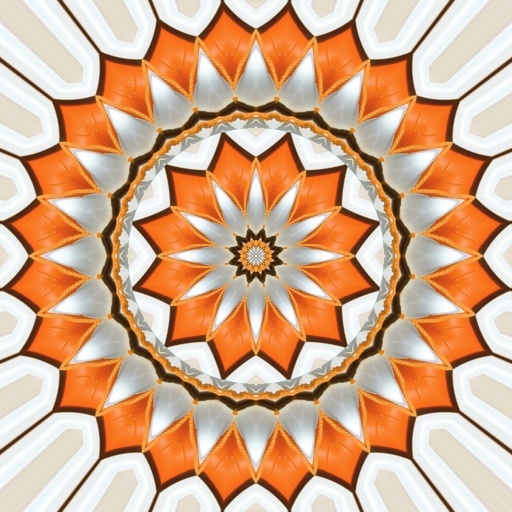
Mandalaic Tiling V2 by ThreeDee
#6140. An updated version of Mandalaic Tiling. Puts an increasing number of tiles on each consecutive circle as you go further from the center, for a true mandalaic experience. Tiling derived from from Uberzev/ByRo spherize/unspherize snippets. Note: Some combinations of Radial and Concentric Tiling break the vertical symmetry of the pattern. Keywords: mandala, advanced, tiling, radial, repeat, slice, star, center, spokes, circular, polar, flower. Controls: Concentric Steps, Radial..
This filter requires Filter Forge 1.0 or higher.

Atom by ThreeDee
#5006. A simulated atomic model. 1-4 electron shields, which can be smooth, patterned or filled with electrons. Electrons are symmetrically arranged or chaotic. Keywords: atom, nucleus, electron, model, science, physics, shield, nuclear, electronics, chemistry, microscope, particle, subparticle, subatomic, element. Controls: Nucleus color, Nucleus size, Shield color, Shield count, Shield location, Shield center fade, Shield pattern style, Shield pattern scale, Pattern strength, Electron..
This filter requires Filter Forge 1.0 or higher.
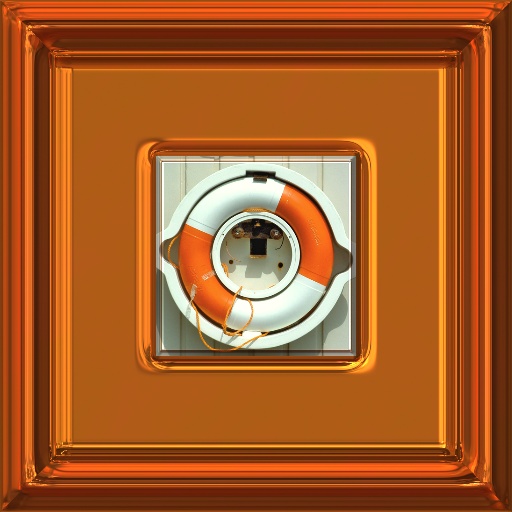
Copper and Silver Frames by CFandM
... hi-gloss frame. Choose your colors and shape the moulding to fit your mood... You can even use the image as the outside boarder.. Special thanks to Kraellin for the tweaks to this filter.. Snippets Used: Proportional Gradient from ThreeDee..... Keywords: frame, copper, silver, decorative, cfandm. Controls: Color 1, Color 2, Color 3, Image Size, Frame Width, Inside Frame Width, Moulding Amount, Moulding Shape A, Moulding Shape B, Moulding Shape C, Corrosion, Rotate
This filter requires Filter Forge 1.0 or higher.

Pixel-Based Circle Snippet V2 by ThreeDee
#6642. This snippet demonstrates creating pixel-based calculations. The example shows drawing a pixel-size-based circle. The background grid is relative to image-size. At default size (600x600), the grid unit is 10 pixels. The grid will change size depending on image size, but the circle will be drawn by pixel value. (This filter works with images down to 200x200 pixels, including setting "Size, Pixels" down to that size). Keywords: pixel-based, circle, calculation, image..
This filter requires Filter Forge 1.0 or higher.
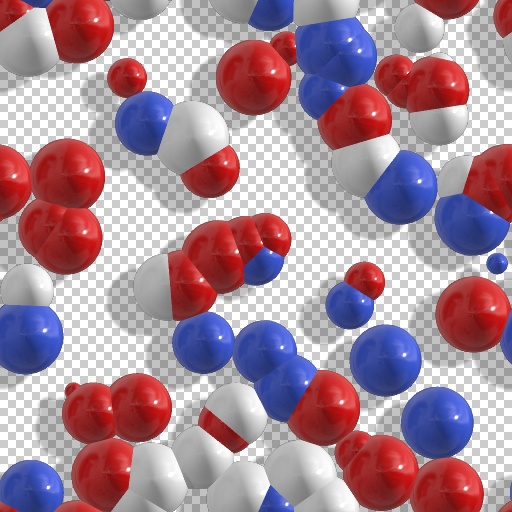
Molecular model by ThreeDee
#4985. Molecular models from high school. 1-4 colors of choice. Atom radius controls how closely packed the spheres are. Note on shadow placement: the shadows are directly behind the objects at 50 offsets (up-down, left-right). Keywords: molecule, molecular, model, atom, atomic, particle, subparticle, science, physics, chemistry, lab, sphere, ball. Controls: Atom types, Atom 1 color, Atom 2 color, Atom 3 color, Atom 4 color, Atom radius, Shadow strenght, Shadow softness, Shadow..
This filter requires Filter Forge 4.0 or higher.
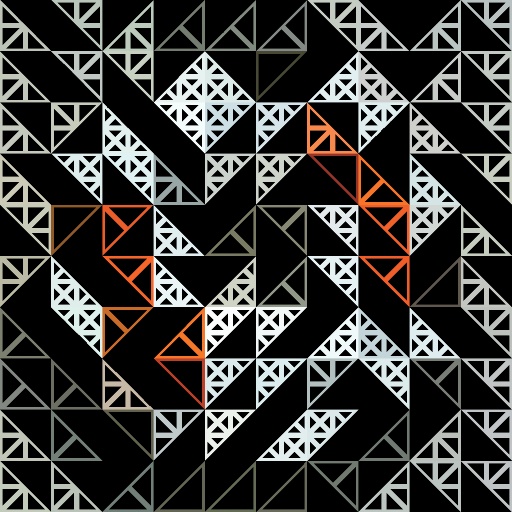
Triangulation by Rick Duim
... triangles, Treshold 4 has the smallest triangles. Setting the Threshold to 100 removes that particular pattern. A low # of Rows produces abstract patterns, values above 50 a "half toning" like pattern. Thanks to beto33, Skybase, & ThreeDee for their ideas and concepts that got this filter going!. Keywords: triangle, triangulation, pattern, grid. Controls: # of Rows, Threshold 1, Threshold 2, Threshold 3, Threshold 4, Direction Mode, Background Color
This filter requires Filter Forge 1.0 or higher.
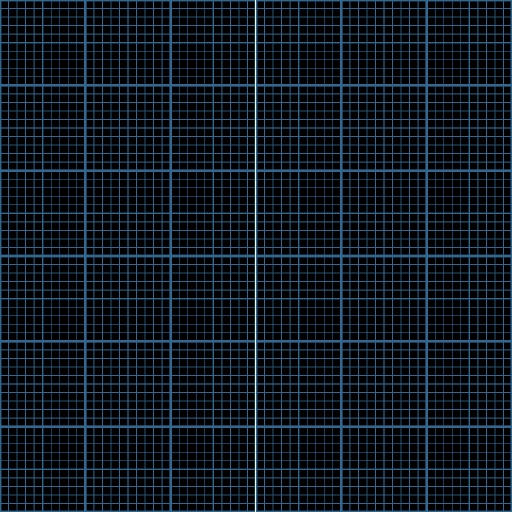
Pixel-Based Offset Snippet by ThreeDee
#6640. This snippet demonstrates creating pixel-based calculations. The example shows moving a line 1 pixel at a time with the Offset slider control at any image size. The background grid is relative to image-size. At default size (600x600), the grid unit is 10 pixels. The grid will change size depending on image size, but the line will offset by pixel value. To preview the effect on larger images, please ensure preview is set to "Actual Size.". Keywords: pixel-based, offset..
This filter requires Filter Forge 11.0 or higher.
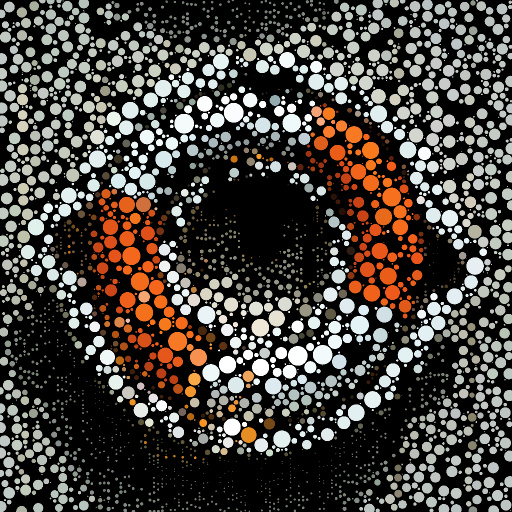
Circle/Diamond Packing by Rico
#16093. An update on ThreeDee’s exellent original, available in the forums only. This version uses a grid sampling system to make the table-building more efficient. So when buildng the data table and doing the rendering we only check adjacent grid cells instead of ...
This filter requires Filter Forge 1.0 or higher.
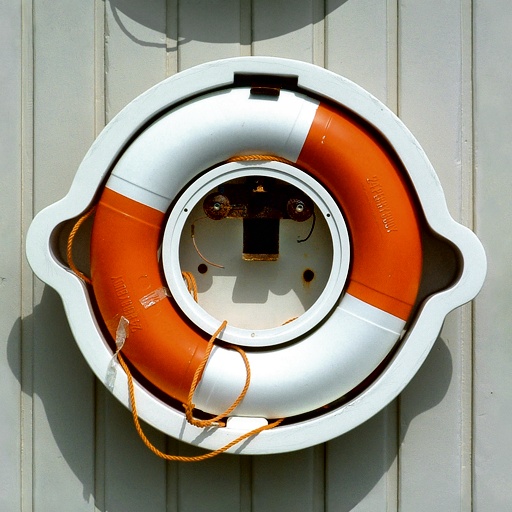
Auto Levels by Channel by ThreeDee
#7187. Retrieving Minimum and Maximum values per channel and using them to automatically color adjust image. Custom shadow and highlight cutoff points. Preserve Color -control for when you just want to adjust the tonal range without shifting color. Not limited to External Image, you can use it as a snippet to automatically enhance anything created in FF to full tonal range. Keywords: input, image, auto, levels, shadows, highlights, RGB, channel, tone,. Controls: Hilite cutoff..
This filter requires Filter Forge 1.0 or higher.
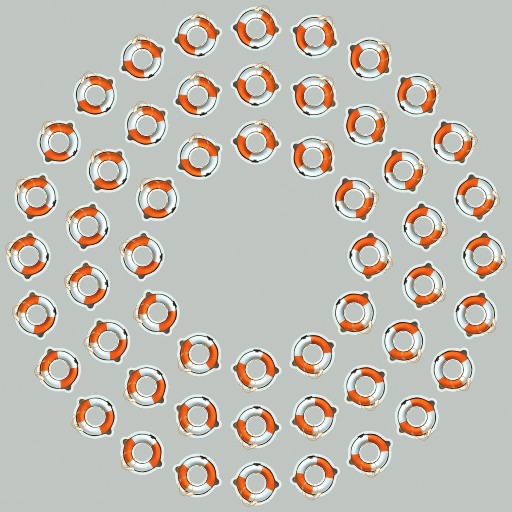
Circular Tiling by ThreeDee
#6151. Circular tiling of selection with no image distortion. Features: * 1-11 rings * 5 different angular frequencies * omit any number of rings from center * with or without background Tiling derived from from Uberzev/ByRo spherize/unspherize snippets. Good base for building drains, shower heads, etc. Keywords: circular, tiling, radial, repeat, center, polar, rings, central, around, circling, surrounding, concentric. Controls: Last Ring, Circular Frequency,..
This filter requires Filter Forge 1.0 or higher.
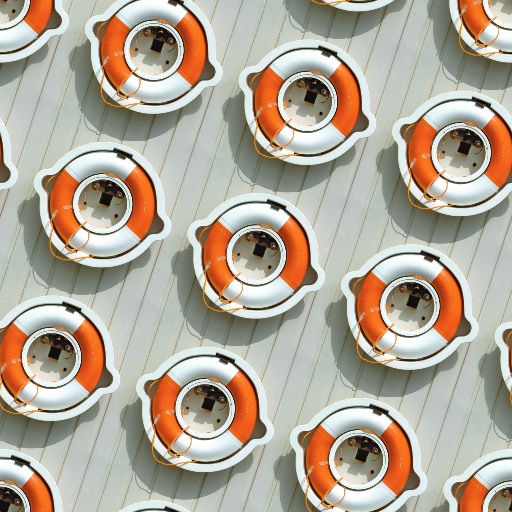
Seamless Tile Rotator by ThreeDee
#6454. Seamless tiling with rotate image. This mad-scientist quantized rotation only allows angle/repeat combinations which result in seamless tiling of the image. The number of angles available depends on the number of repeats of the original image: For example, at one repeat 8 angles are possible, at two repeats 12 angles are possible, at three repeats 16, etc. The closest available angle is chosen based on the angle and repeat combination. Uberzev Flex Tiling snippet used..
This filter requires Filter Forge 1.0 or higher.
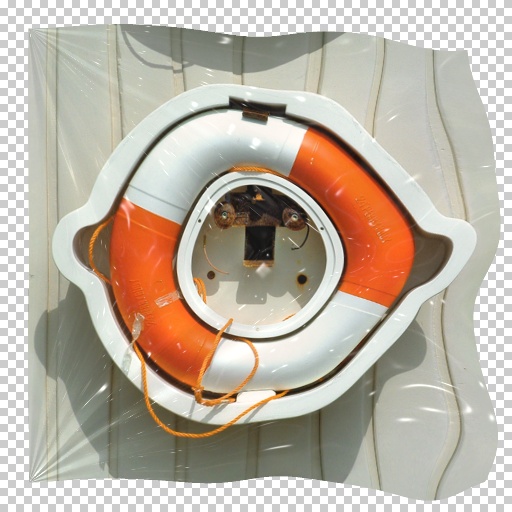
Flag Effect (non-square) by ronviers
... images with either horizontal or vertical flags. For increased reflections on the flappy end, increase the 'Surface Height' slider under the Lighting section. Please check the comments section for better examples of this effect. Thanks to ThreeDee and uberzev for their development of the 'Proportional Gradient' snippet. Keywords: Flag flags wave wind blow hang. Controls: Background Color, Wind Speed, Flag Thickness, Tighten Corners, Reduce Size, Shininess, Spread Reflection, Plastic, Hang ...
This filter requires Filter Forge 1.0 or higher.
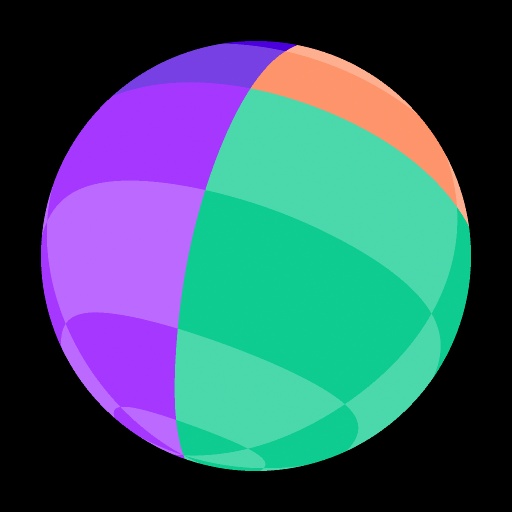
Rotatable Sphere Snippet V2 by ThreeDee
#6488. A snippet (a rather large one at that) for rotating a textured sphere in 3D on all three axes. For simpler implementation, X-axis and Y-axis are relative to the sphere, Z-axis is relative to the viewer. This is slightly counter-intuitive but you can still rotate the sphere to any angle. Special thanks goes to Uberzev, whose snippets are used for polar coordinate transformation and Z-axis rotation. Keywords: snippet, sphere, 3D, rotation, x-axis, y-axis, z-axis, dimension, object..
This filter requires Filter Forge 1.0 or higher.
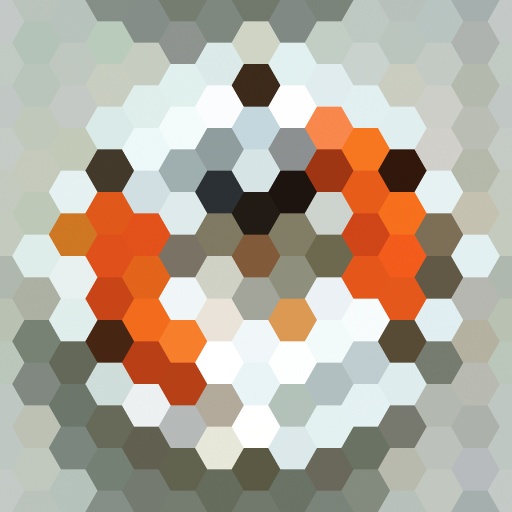
Filled Hexagonal Tiles by uberzev
... additional versions. One that does away with the independent H/V controls, and another that works exclusively with the 'Size, pixels' slider. **For extra fun try experimenting with the shape sliders on the impulse curve. ***Props to matrix and ThreeDee for their contributions to the fraction control.. Keywords: kaleidoscope noise random mosaic hexagon regular tile tiling pattern math order nature natural honeycomb snippet uber zev. Controls: Repeat H, Repeat V, Noise
This filter requires Filter Forge 1.0 or higher.
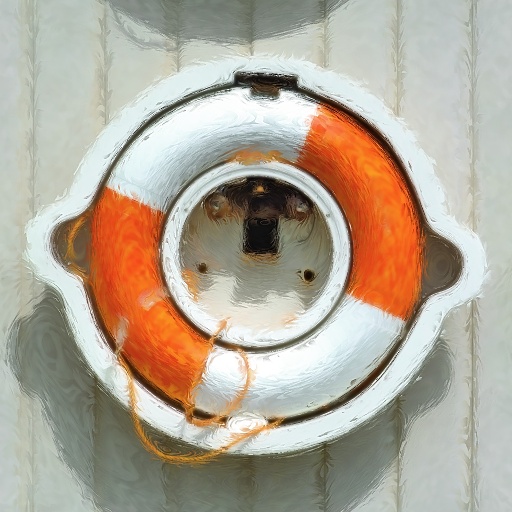
Smeary Oil Painting by ThreeDee
#5346. A new oil painting style with improved speed and a better method for creating directional brush strokes. The oil is smeary so spreads the image around, in the direction of the brush strokes, which in turn follow the shapes in the image. Increasing the value of Edge Retention helps in retaining the original image in high-contrast areas, those areas which define the outlines of shapes. Keeps the image clearer, as is the artist had gone back and painted more detail in to define..
This filter requires Filter Forge 4.0 or higher.
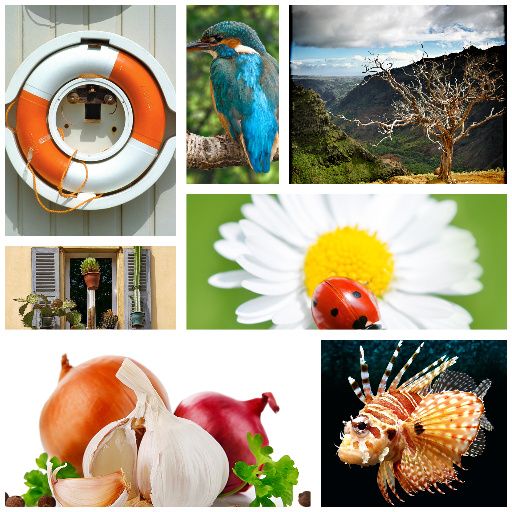
Auto Collage V0.3 by ThreeDee
#12630. Takes 1-16 images and arranges them in a collage, filling each rectangle with the image randomly but generally pleasingly. Images 8-16 have flat colors as placeholders in the presets, but you can load your images there. Primary limitation: Works with square images and square output. Keywords: automacatic, collage, montage, arrangement, layout, photo, album, photomontage, mosaic, frames, windows, cutout, sorted. Controls: Number of Images, Border Width, Border Color, Image 1..
This filter requires Filter Forge 1.0 or higher.
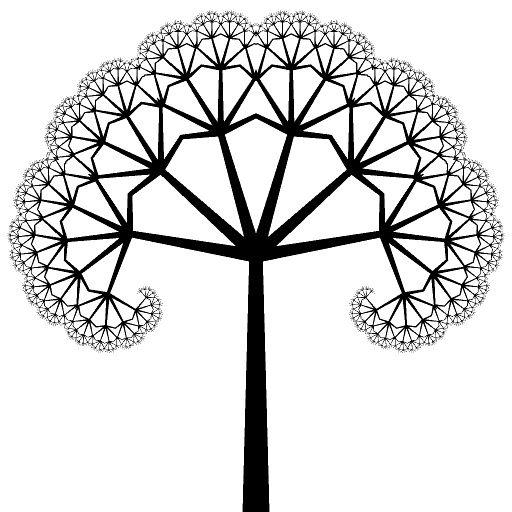
Fractal Tree Snippet by ThreeDee
#6186. Your basic fractal branching tree. From this snippet (If you can call it such, for it is The Slowest Snippet in the Universe) it is easier to see how a fractal effect can be produced if you want to try something similar. This is pretty much the same filter as Fractal Tiling, except that it uses the blend mode of Darken instead of alpha masking in composing the pieces, and the image being fractalized is a tapering vertical line, which makes it easier to follow what happens at..
This filter requires Filter Forge 3.0 or higher.
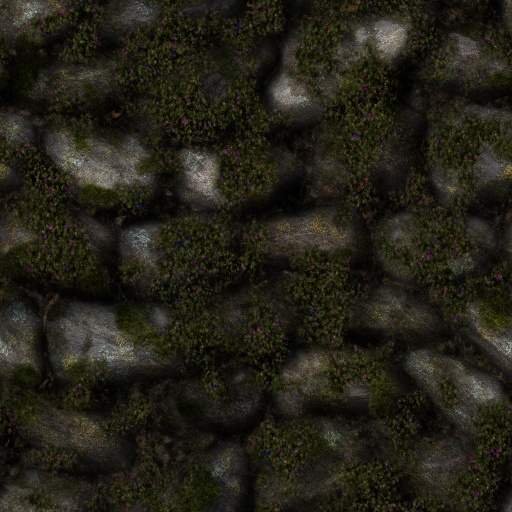
Boulder Wall by Sharandra
... natural looking boulder walls ranging from simple walls to overgrown blossoming garden walls. Hit the randomizer and have fun :-) Turning shadows off will improve render speed. For smaller stones turn the Size slider down. Uses ThreeDees Smudge Shadows. Keywords: Wall, boulder, stone, rock, garden, country. Controls: groutless, Stone Hue, Stone Chaos, Stone Saturation, Stone Color Variety, Lichen, Lichen Hue, Moss, Moss Hue, Moss Spread, Moss bump, Dry Leaves & Cobwebs, Small ...
This filter requires Filter Forge 1.0 or higher.

Proportional Gradient by ThreeDee
#5311. The ultimate Proportional Gradient. Most of the work is Uberzev's, who had come up with a faster method to accomplish this feature. I added the automatic detection of horizontal/vertical image. While I haven't bench tested them, in theory it is 3 to 4 times faster than my more complex approach. The last couple of steps demonstrate an easy way to add controls to the Proportional Gradient by mapping it to an elevation gradient. The main output of the snippet is really just the..
This filter requires Filter Forge 9.0 or higher.
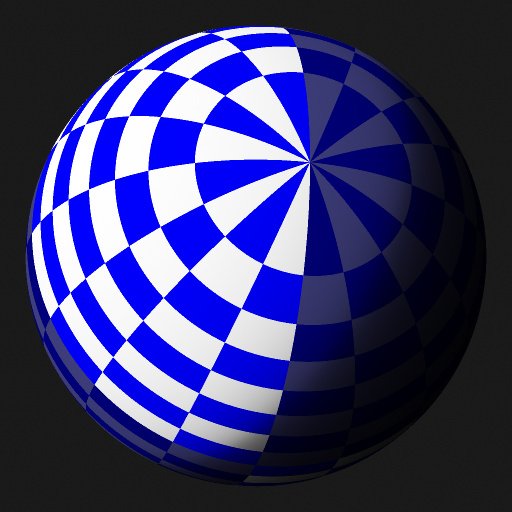
Rotatable 3D Sphere by David Roberson
... this snippet where you need it. Connect a Spherically Mapped texture to the primary Source input. Test Source option is included for debugging. Use Tilt, Roll or Rotation to manipulate the sphere. Inspired by Rotatable Sphere Snippet V2 by ThreeDee Planet Maker 3D by andyz. Keywords: rotatable 3D sphere, ball, orb, planet, mapping, texture, snippet. Controls: 1 : 1 / 2 : 1, Scale, Rotation, Tilt, Roll, Light Angle, Shadow Phase, Vector Sphere, Test
This filter requires Filter Forge 1.0 or higher.
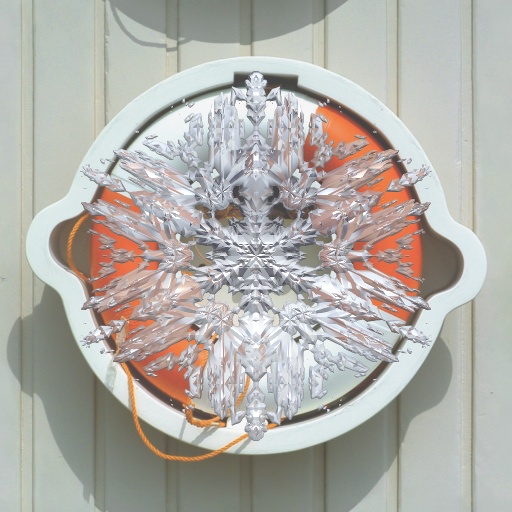
Snow crystal by ThreeDee
#4936. Let it snow! Beautiful snow crystals with detailed control over their look. Simple to complex, here are flakes for all occasions. Renders with or without background, but if you start with an image, you'll get better refractions. Tint, opacity, brightness are controllable. A few controls that may need explanation: "Random bias" controls the balance between "pure" crystals and chaotic (random) patterns. "Random main" controls larger..
This filter requires Filter Forge 2.0 or higher.

Natural Fur by Lareieli
#9087. Natural looking fur filter with seven pattern variations from leopard spot to tiger stripe to giraffe. Combining the best parts and taking inspiration from Animal Fur by Lily, Hair and Fur Studio by ThreeDee, Leopard by filter samurai, and Tigress by selmo. Keywords: animal fur skin nature giraffe dog tiger leopard giraffe bear lion stripe spot pattern. Controls: Dark Fur Color, Fur Highlight Color, Light Fur Color, Pattern Color, Pattern Highlight,...
This filter requires Filter Forge 3.0 or higher.
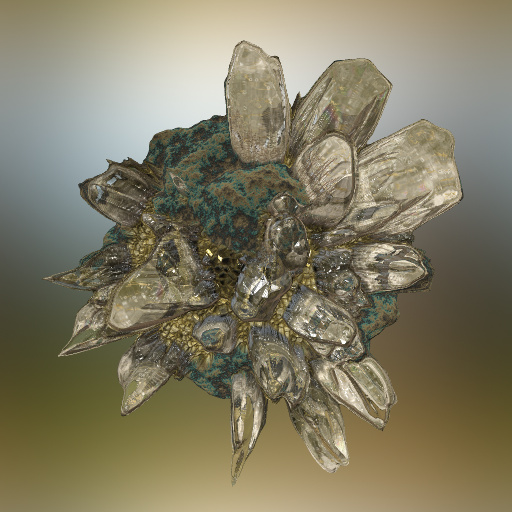
Crystal Collection by Sharandra
#11285. Feeling stressed? Render yourself a beautiful crystal and relax. Based on the Spherical displacement method by Threedee, many thanks! !!WARNING: Using the blur background option will slow the filter down a lot, especially on larger resolutions. !! Better blur it separately. I also recomend turning progressive preview off. Keywords: crystal gem gemstone ...
This filter requires Filter Forge 1.0 or higher.
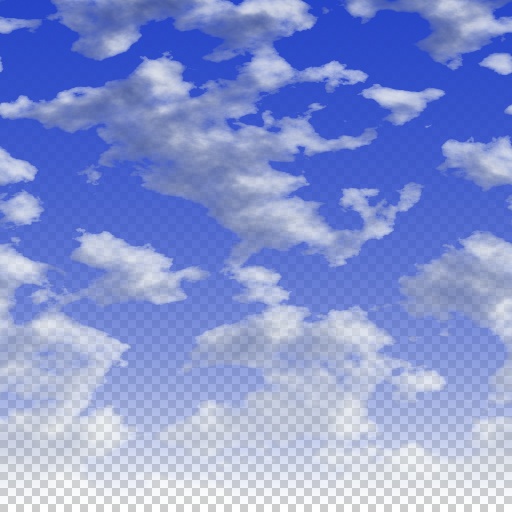
Sky and clouds by ThreeDee
#4935. Sky and clouds with a lot of user control, including sunlight direction. Yes, these clouds have highlights and shadows, too... One slider that may not be too clear is "Fade bias," which controls how close to the horizon the fade to haze or to transparency occurs. Suggest rendering on a layer with alpha fade turned on so can be composed with a photo more successfully. Keywords: sky, cloud, clouds, sun, haze, cumulus, altostratus, air. Controls: Cloud cover, Cloud size..
This filter requires Filter Forge 3.0 or higher.

Color Temperature Swatch Scrippet by ThreeDee
#11597. 6600K (66 on the slider) is neutral, downwards is warmer, upwards cooler. Example colors in original presets: (Preset, Temperature, Description) #1: 1700 K, Match flame #2: 1850 K, Candlelight, sunrise/sunset #3: 2800 K, Incandescent lamp #4: 3200 K, Studio lamp #5: 4100 K, Moonlight #6: 5000 K, Cool white fluorescent lamp #7: 5500 K, Daylight #8: 6500 K, Daylight, overcast #9,#10: 15000-27000 K, Clear blue sky A special thank you goes to Tanner..
This filter requires Filter Forge 1.0 or higher.
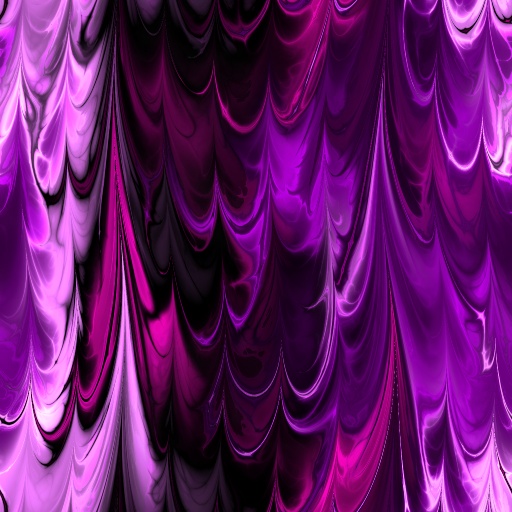
Fractal Marble 3 by Ronjonie by ronjonnie
#7445. Fractal Marble 3. Many combinations. Please, check out all 20 presets. Special thanks to Sphinx for the use of a modified version of his Marbled Paper filter & ThreeDee for the use of the Seamless Tile Rotator. Enjoy! Ronjonie. Keywords: Fractal marble paper. Radical. Cool. Wild. Creative. Bright. Colorful. Awsome. Drape effect. Controls: Angle, FM Angle 2, ROTATION, Invert, FM 4, FM 1, FM ...
This filter requires Filter Forge 1.0 or higher.
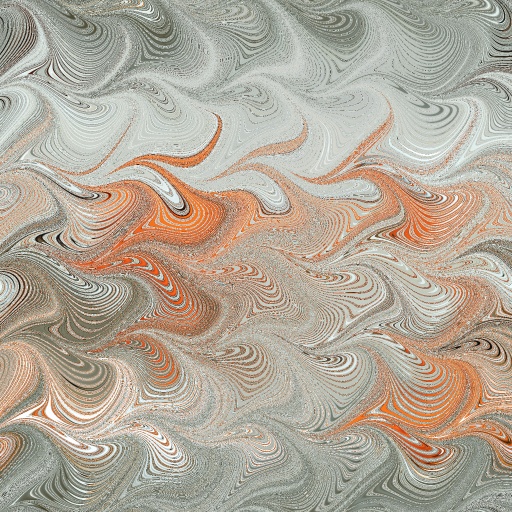
Marbled Papers by ThreeDee
#5475. Marbled papers are classic art papers used for book binding. This filter turns your image into one. Up to three rakes with independent controls are provided for creating a wide variety of patterns. Tips: Make one of the rakes high-frequency, others low-frequency. Keep "pull" amount fairly low. For smoother patterns, increase antialiasing settings. Keywords: marbled, paper, book, binding, classic, rake, oil, distort, pattern. Controls: Pre-stir, RAKE #1, Rake..
This filter requires Filter Forge 2.0 or higher.
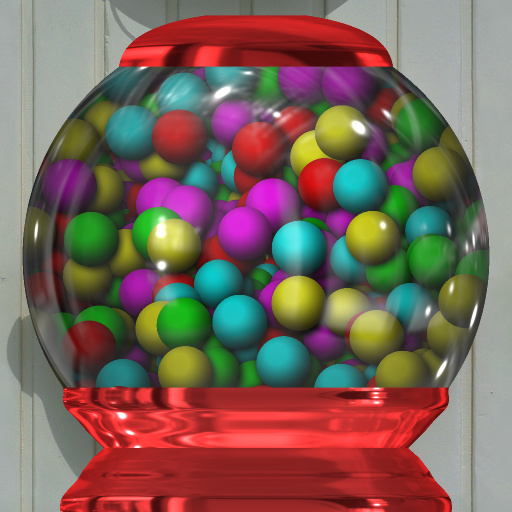
GumBall Machine by Morgantao
... the color of the machine! * GumBalls are based on Gene S Morgan's "Simple Sphere" filter. * Machine is a near clone of Amethyst's "Snow Globe" filter. * Designed to work with square images. Thank you to ThreeDee for sharing the Lathe snippet. Keywords: gum, ball, gumball, globe, machine, dispencer. Controls: Base Color, Base Shape, Cap, Reflectivity, Base Metallic, Gum Color 1, Gum Color 3, Gum Color 5, Gum Color 4, Gum Color 2, Light Direction X, Light ...
This filter requires Filter Forge 1.0 or higher.
Blur the Background by Selection by CFandM
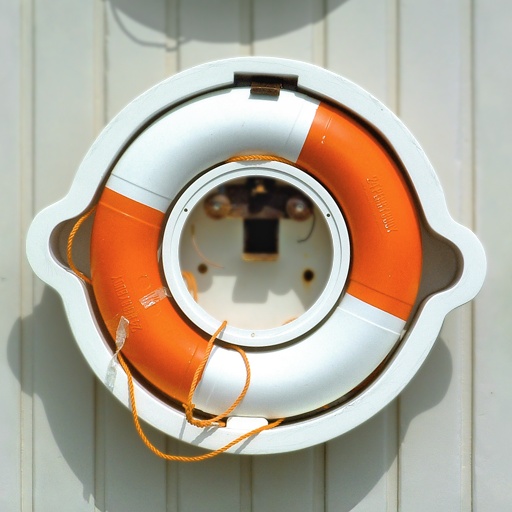
... graphics editor and select what you don't want to blur...Then the filter blurs everything that is not in the selection region... You can choose to flip the gradient or have the effect blur accross the horizonal or vertical planes. Thanks to ThreeDee for the great Proportional Gradient snippet.. Keywords: blur, background, gradient, selection, mask, lens, focus, depth, vignette. Controls: Blur, Gradient Height, Gradient Amount, Mask Color 1, Mask Color 2, Mask Ver/Hor, Flip Mask
This filter requires Filter Forge 3.0 or higher.
Color Temperature (sRGB) by ThreeDee
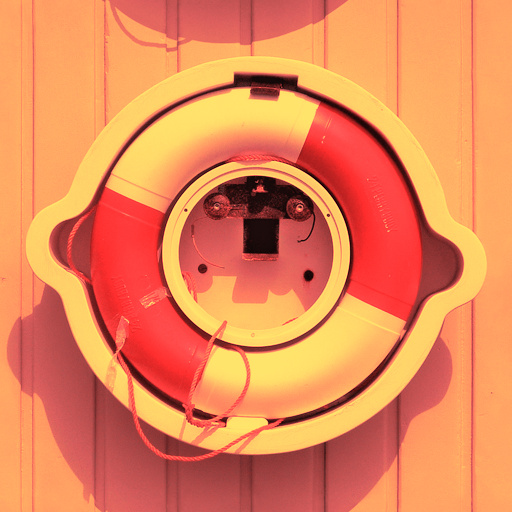
#11596. Change the (relative) color temperature of your photos. 6600K (66 on the slider) is neutral color which doesn't change the image, downwards is warmer, upwards cooler. Example colors in original presets: (Preset, Temperature, Description) #1: 1700 K, Match flame #2: 1850 K, Candlelight, sunrise/sunset #3: 2800 K, Incandescent lamp #4: 3200 K, Studio lamp #5: 4100 K, Moonlight #6: 5000 K, Cool white fluorescent lamp #7: 5500 K, Daylight #8: 6500 K, Daylight..
This filter requires Filter Forge 1.0 or higher.
Bump tool by Zoltan Erdokovy
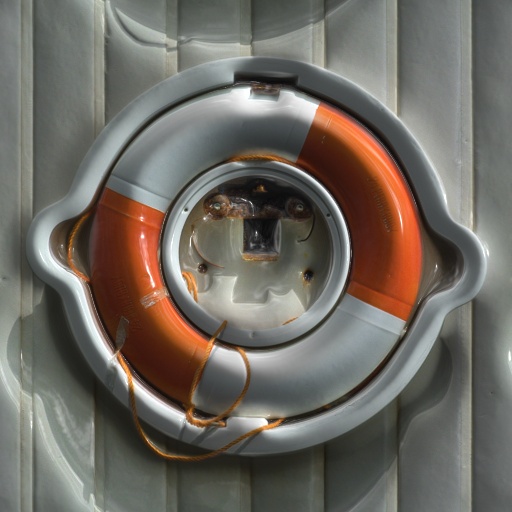
... the comment thread on this filter at http://www.filterforge.com/filters/discuss2110.html Credit goes to... * Sphinx * for the CMYK extractor * Mike Blackney * for his pixel color filter * uberzev * for the Curve to shape filter * ThreeDee * for the UnGauss and AutoLevels snippets. Keywords: bump normal specular texture map. Controls: Source channel, Source blur, Invert?, Offset of hills, Offset of valleys, Offset of slopes, Smoothness max, Smoothness weight, Preview mode, CrossSectionHoriz,...
This filter requires Filter Forge 1.0 or higher.
Fresh coat of paint V2 by ThreeDee
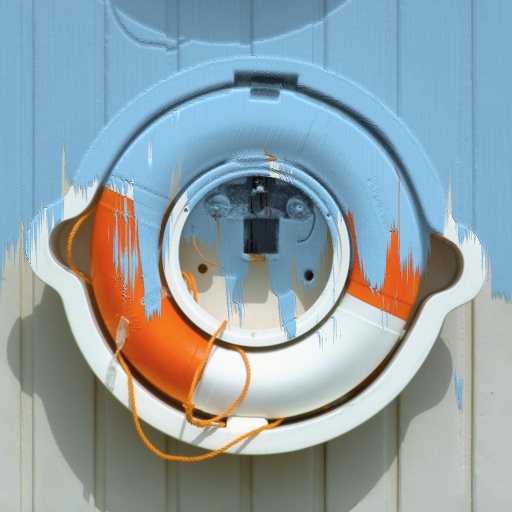
#4952. Put a fresh coat of paint, tint or varnish on that old – or new – wall, or on everything else that might need it: The sky, the lawn... Emphasis here is on the incompleteness of the painting, as well as on covering anything that comes your way. Change paint color, opacity, direction from which you started painting, or how far you got. Supports non-square images; check the Non-square Image checkbox and turn off Seamless Tiling. Keywords: paint, wall, fresh, new, incomplete..
This filter requires Filter Forge 1.0 or higher.
Vanishing Act by ThreeDee
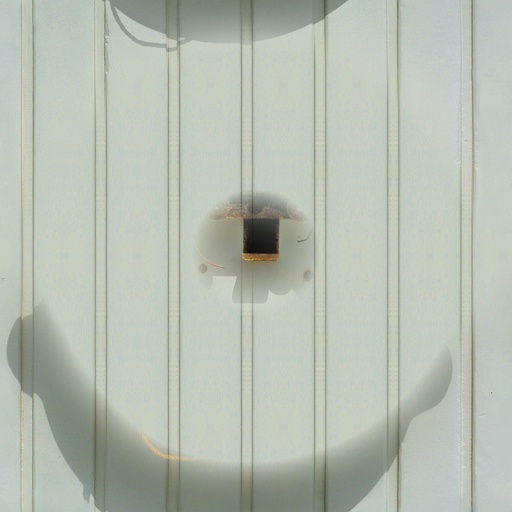
#5385. A newcomer into the series of "total waste of filtration"... Kaleidoscopic pattern used to replace selection content. Tip: To keep the pattern in the same scale as the original, the number of repeats and pattern shape size need to match up by multiplying to 100. For square pattern (Pattern Mode = 1), this means, that the pattern size of 20 with 5 repeats will keep the size the same, as 20x5=100. In other words, divide 100 by the number of repeats and you get the suitable..
This filter requires Filter Forge 1.0 or higher.
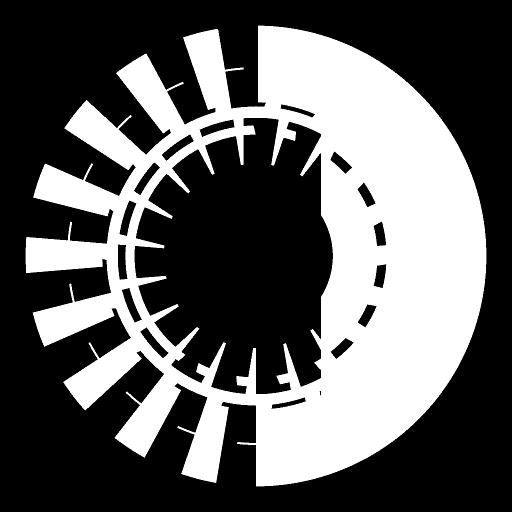
Tech Circle Designer by CFandM
... gamer in finding their way.. Use Tech Circle Designer for both or just for jazzing up that design that needs that special element to complete the work... Can also be useful for logos, icons and cursors... Snippets Used: Radial Repeat by ThreeDee Any Angle Rotate by Uberzev Note: On some designs the rotate element will not cause a big change in the design.. Choose a preset then hit the Next Varient button for more circle fun.... Keywords: cfandm, circle, tech, design, ...


