Search Results
This filter requires Filter Forge 4.0 or higher.
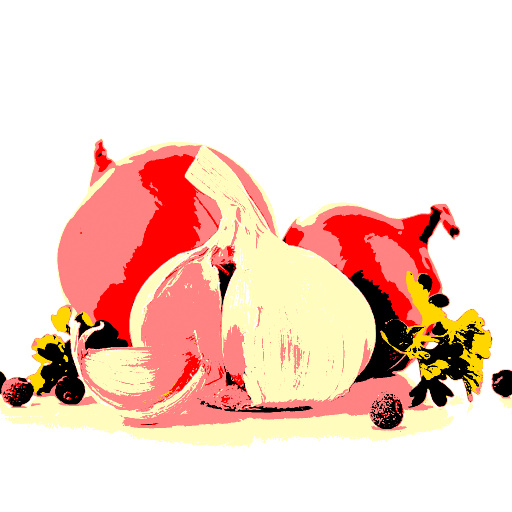
Blue Collar Palette by Indigo Ray
#12623. Puts my "Poor Man's Palette" to work! Automatically matches each pixel to the nearest color out of the set of 6. ~~~ Unfortunately, I cannot figure out how to do this for any # of colors in a loop. ~~~ If you see bright magenta where it shouldn't be, there's an error. Try changing one or more of the colors slightly. Keywords: coloring, palette, swap, match, printing, posterize, recolor. Controls: 1, 2, 3, 4, 5, 6
This filter requires Filter Forge 2.0 or higher.
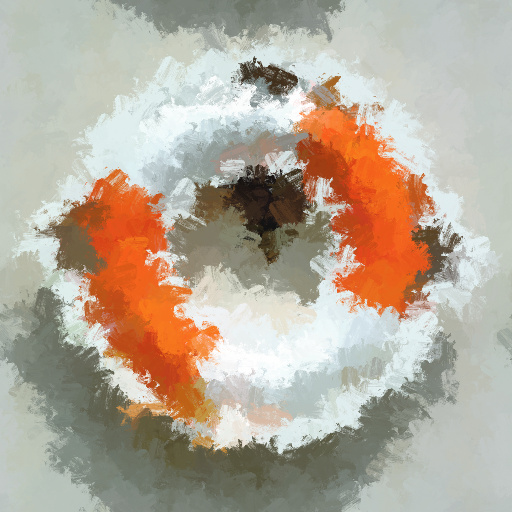
Brush Strokes by Indigo Ray
#8902. Versatile brush options, augmentable rotation, and pigment variance create a realistic oil painting simulation of your image. Tip: Direction mode 1: Use "stroke direction" slider 2: Based on original image (chaos still works). Keywords: brush, oil, paint, canvas, acryllic, painting, art, masterpiece, stroke, pigment. Controls: Pigment Variance, Brush Shape, Brush Distortion, Brush Roughness, Brush Dryness, Direction Mode, Stroke Direction..
This filter requires Filter Forge 1.0 or higher.
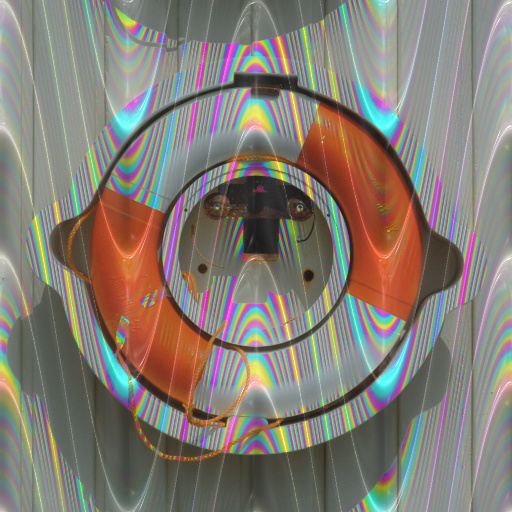
rainbow rays by voldemort
#1841. Add some fun colors to your photo use either a rainbow color set or a single color as the base. Determine if you want a height map with your photo as well. Keywords: rainbow color. Controls: Base Color, Black Point, Contrast- High Pass, Gamma, Metallic, Radius- High Pass, Reflectivity, White Point, Blend Mode, R / G / B select, Repeat effect, Height Y / N, High Pass Y / N, Invert R / G / B, Monochrome pass, Rainbow–color, RGB y / n, Use Levels y / n
This filter requires Filter Forge 7.0 or higher.
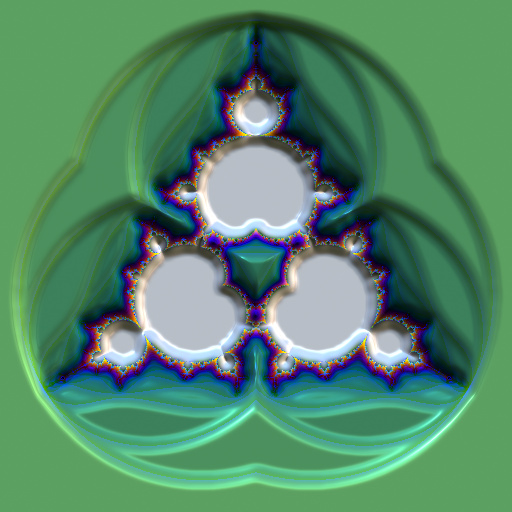
Fractals : FractaLite 05 by Ramlyn
#13107. Mandelbrot 3D Design Thanks to Indigo Ray for the help. Keywords: Fractals, Mandelbrot, kaleidoscope, artistic, graphic, art. Controls: Color Set, Height Set, Height Invert, Hue, Saturation, Final Selector, Result Offset X, Result Offset Y, First Selector, Rotation, Image Rotation, Image ...
This filter requires Filter Forge 2.0 or higher.
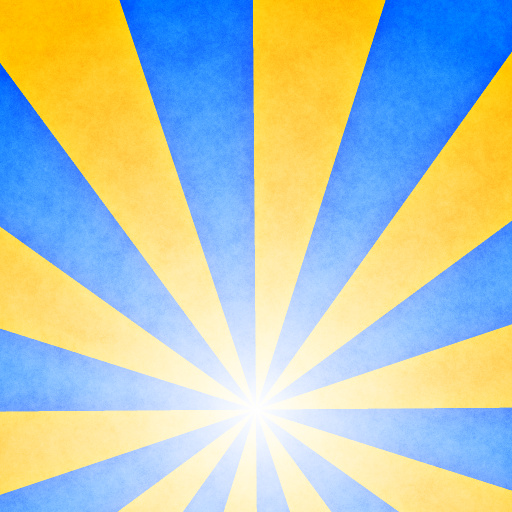
Sun Beams by Skybase
... inspired by Sixties Swirl a filter by Kochubey. Features simple parameters to easily and quickly create those "beams" which seemed to have come out of the web 2.0 style. This generator features grudge for stylistic purposes. Keywords: sunbeam, rays, design, vector, beams, line, minimalist. Controls: Color 1, Color 2, Line Number, Color Ratio, Color Random, Thickness Random, Color Weight, Wave Type, Start X, Start Y, End X, End Y, Whiteout, Invert Whiteout, Texture, Texture Style
This filter requires Filter Forge 4.0 or higher.
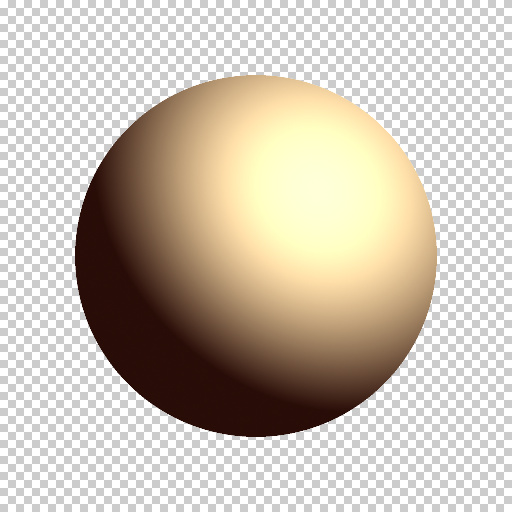
Sphere Illumination by Indigo Ray
#12333. ~~~"Azimuth" and "Altitude" control where the light is coming from. ~~~"Dispersion" simulates the scattering of light about planets due to their atmospheres. Keep it > or = 0. ~~~"Silhouette" gives nice moon phases. ~~~Try adding a spherically-mapped texture in place of "sphere glow". You can make the texture and map it all in Filter Forge!. Keywords: sphere, light, glow, planet, sun, reflection, geometry, atmosphere..
This filter requires Filter Forge 5.0 or higher.
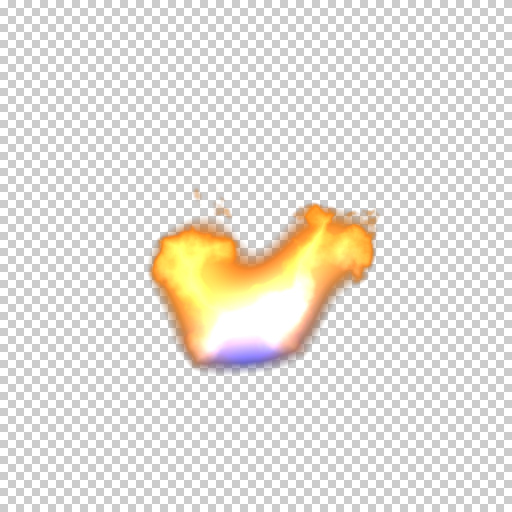
Fire Animation by mitaywalle
#13757. Fire animation, based on Candlelight by Indigo Ray. Change Frames Max value for change loop frames count. Change FramesSlider>NoiseDistortion>Angle remapped min / max values for change rotation speed Flicker- Slide this slowly to get a realistic animation Rage- How intense ...
This filter requires Filter Forge 1.0 or higher.
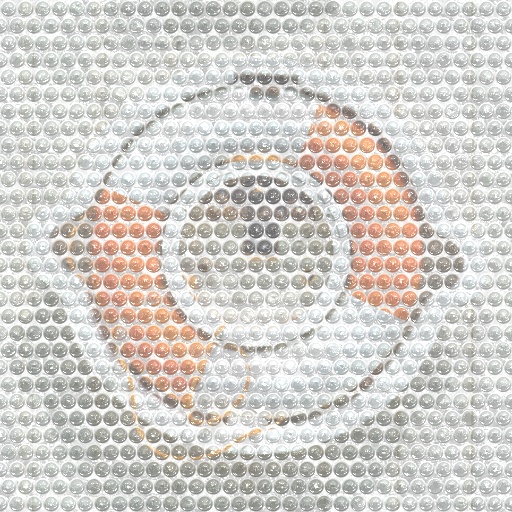
Super Bubble Wrap! by Indigo Ray
#6581. Want to ship your image to someone else but are too afraid to do it? Have no fear, because Super Bubble Wrap is here!!! Guaranteed to protect your image 110%! Caution: Do not feed to seagulls *A new and improved version of Lucato's "Bubble Wrap" filter. Keywords: bubble, wrap, packaging, industry, pop, tiling, texture, super. Controls: Bubble Wrap Color, Bubble Amount, Bubble Size, Image Opacity, POP THEM!
This filter requires Filter Forge 1.0 or higher.

Coarse Fabric 2.0 by Genie
#8309. Just what the tittle says! :) This version includes a lot more control and variations than verison 1. SPECIAL THANKS to Indigo Ray and Kraellin for suggesting the addition of more controls. Keywords: fabric, textile, old, rough, ruined, cloth. Controls: Color #1, Color #2, Stain Color, Thread Roughness, Thread Height, H Thread Distortion, V Thread Distortion, H Thread Scale, ...
This filter requires Filter Forge 1.0 or higher.
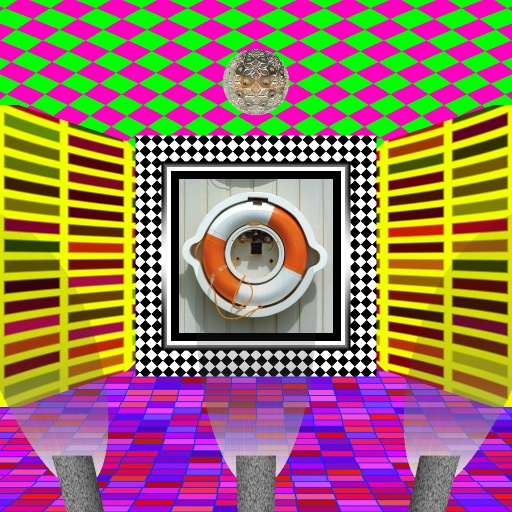
stage by voldemort
#1868. This filter creates a disco stage frame for your photo (I will be updating this filter once I figure out how to do the crystal ball rays of light properly Ive got a prototype in the works). Keywords: stage photo frame. Controls: Color 1 CT, Color 1 wall, Color 2 CT, Color 2 wall, Floor Color 1, Floor Color 2, Bev wall 1, Contrast, distort, H Range, L Range, mrt wall 1, Radius, Var ...
This filter requires Filter Forge 4.0 or higher.
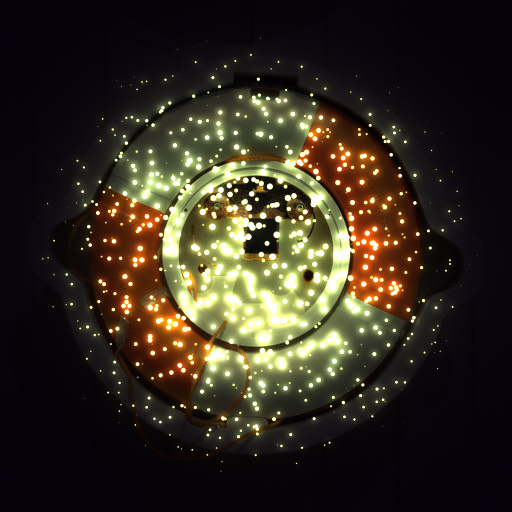
Snippet: Fireflies by Indigo Ray
#11892. If you blur the bright areas of an image and blend them over the original image, your image will appear to glow. This filter takes it two steps further. First, why stop at one blur? Multiple blurs at different radii make a more natural, aesthetic glow. Second, you can use a custom light source to illuminate your image. Keywords: glow, fireflies, lasers, star, sun, light, shine, illuminate. Controls: Light Color, Ambient, Light Spread, Light Source
This filter requires Filter Forge 1.0 or higher.
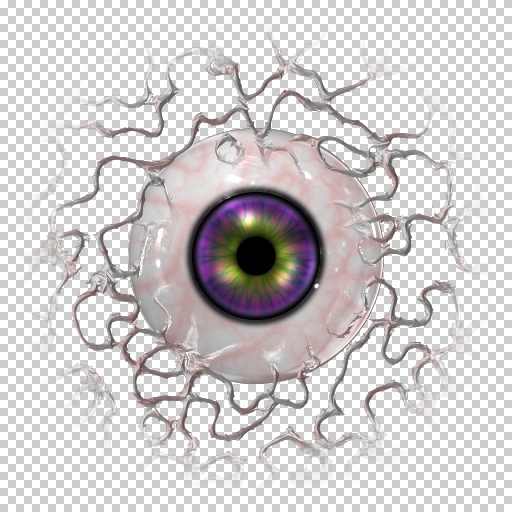
Oeil de Mutenerie by Indigo Ray
#6601. "Eye of Mutiny?", Mrs. Forge read from the menu posted right outside of a very expensive French restaurant in Kathmandu. "It would go well with with l'Escargot" answered Mr. Forge as the couple walked away towards the McDonalds across the street and bought some french fries. Keywords: eye, eyeball, evil, mutant, mutiny, vein, blood, iris, pupil. Controls: Eyeball Color, Vein Color, Iris In F, Iris In B, Iris Out F, Iris Out B, Iris Metallic, Iris Reflect Blur, Eye Metallic..
This filter requires Filter Forge 2.0 or higher.
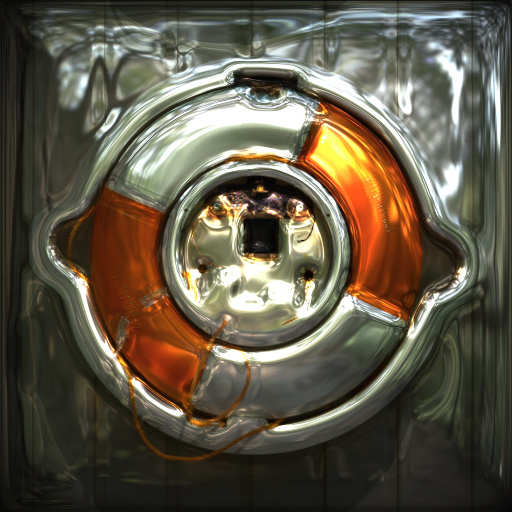
Natural Habitat V2 by Indigo Ray
#6838. Puts your image right where it belongs. Mode 1- Height but no color, looks like plsatic when non-metallic and glassy when metallic Mode 2- Height and color, extra lighting effects when non-metallic and part of the background when metallic Mode 3- Height and color with shading based on the bump map * Works with non-square images. Keywords: lighting, HDRI, glass, metallic, reflection, imprint. Controls: Metallic, Image Mode, Image Height, Reflectivity, Reflection..
This filter requires Filter Forge 3.0 or higher.
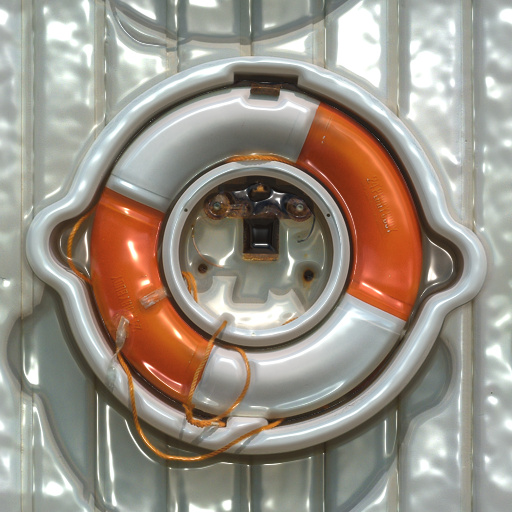
Colored 3D Emboss by Ron Mock
#11852. This Filter borrows from and was inspired by elements from # 3480 Pressed in Form by DoubleM and #10929 Image Band Collage by Space Ray. It is a Primative Emboss. You have to choose the same image twice to provide this filter with what it needs to perform its task. Choose the image once for the color to apply to the surface. Choose it again to allow it to create the Emboss surface ...
This filter requires Filter Forge 2.0 or higher.
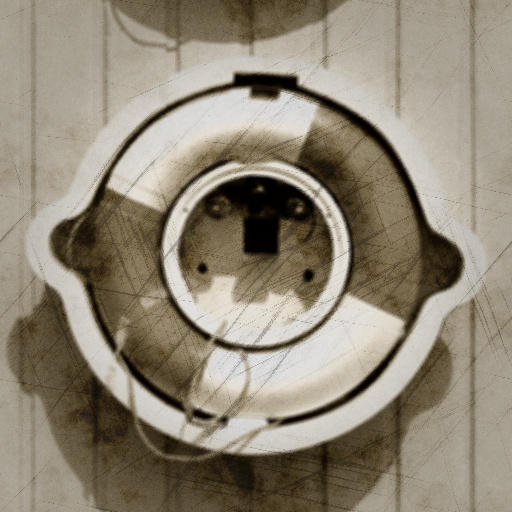
Memory Lane by Indigo Ray
#8793. Turns a modern snapshot into an old memory. Control Notes: Color Balance- Amount of saturation in darks/lights Limiter- Max/Min brightness Point- Low/high threshold for brightness. Keywords: old, picture, photo, tone, sepia, age, grain, focus, stain, antique, memory. Controls: Hue, Saturation, Original Colors, Graininess, Focal Blur, Stains, Stain Intensity, Scratches, Scratch Angle Var., Vignette, Black Color Bal., Black Limiter, Black Point, White Color Bal., White Limiter..
This filter requires Filter Forge 3.0 or higher.
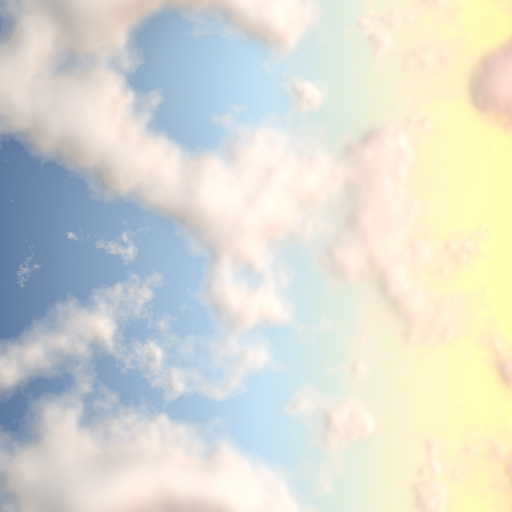
Puffy Clouds by Indigo Ray
#10471. Little boy: That cloud looks like a lion! Little girl: That cloud looks like a horse! Me: That cloud looks like a procedurally generated filter! Tip: If you want a uniform sky (no sun effect), copy + paste sky colors to make them the same (and cloud colors). Keywords: cloud, sky, weather, sun, light, day, cumulus, puffy, air, atmosphere, sunset, sunrise. Controls: Sky Nightward, Sky Center, Sky Sunward, Clouds Nightward, Clouds Center, Clouds Sunward, Scale, Side Lighting
This filter requires Filter Forge 2.0 or higher.
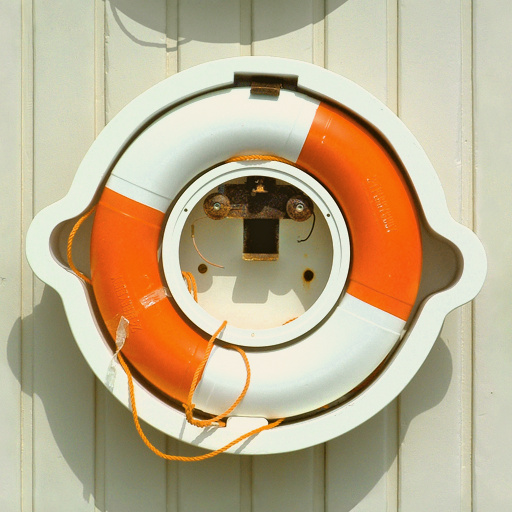
CMYK by Indigo Ray
#9857. By subtracting Red, Green, and Blue from the original image, you can get their opposites: Cyan, Magenta, and Yellow respectively. K (black) is simply the overall brightness. In other words, reflection is the opposite of absoption. The CMYK system is sometimes used when pigments are layered together, as by your ink printer. This snippet can extract C, M, Y, and K, and it can also add or subtract the "pigments". More creative alterations are an easy step from here. Keywords:..
This filter requires Filter Forge 1.0 or higher.
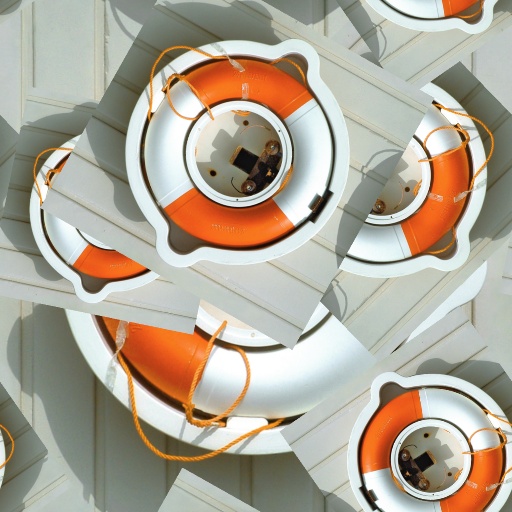
random stack by voldemort
#3668. Wow where do I begin this filter borrows from a bunch of snippets Reposition rays resize crop and move any angle rotate Grin Inc Combined to bring you a filter that randomly stacks itself There is an occasional artifact using this filter but its easy enough to just hit next variation to try another. I do hope ...
This filter requires Filter Forge 1.0 or higher.

Hit The Wall by Indigo Ray
#6762. Cool features: -Grainy mortar and variant brick color -Aging simulated by darkness of brick edges -Holes and dents in the bricks -Cracks in the mortar -All the brick layouts, lengths, and shapes *Do some graffiti on photoshop to further boost your results. Keywords: brick, mortar, wall, holes, cracks, building, stone, cement, clay, old, pitted. Controls: Bricks, Mortar, Brick Color V., Brick Age, Brick Pattern, Brick Length, Corners, Distortion, Hole Amount, Hole Depth..
This filter requires Filter Forge 5.0 or higher.
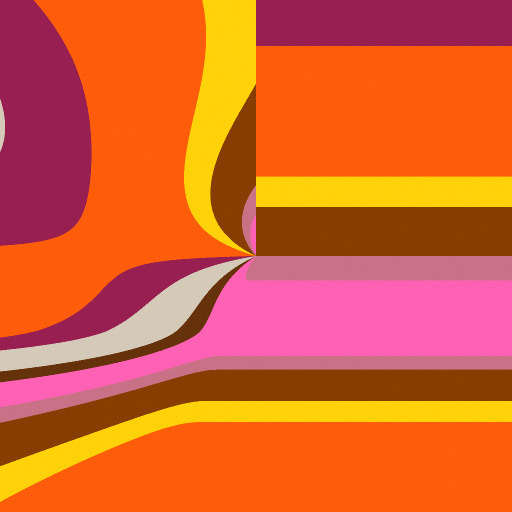
Janeway's Abstractions by Janeway
... comes with 20 presets. Special thanks to CFandM for Leaf Wallpaper, makes me to play with gradients and curves. I used a part of Leaf Wallpaper filter. Keywords: simple plain pure geometric colorful colors vibrant vivid pale pastel shades beams rays black and white BW B&W grey wallart. Controls: Base Color, H Range, L Range, S Range, Hue, Saturation, Lightness, Coloring, Rotation, Selector, Smooth *if Selector1, Origin X, Origin Y, Scale, Treshold on/off
This filter requires Filter Forge 3.0 or higher.
![[Snippet] Poor Man's Palette by Indigo Ray](/filters/10794.jpg)
[Snippet] Poor Man's Palette by Indigo Ray
#10794. Using just a "blend" (difference mode) and a "treshold", you can pick a single pigment, find other colors that look like that pigment in your image, and replace those colors with the pigment, all at once. I'm guessing you can do this all in photoshop, but filter authors may try incorporating this simple technique into more complex filters. Keywords: color, select, paint, palette, ink, print, snippet, posterize. Controls: 1st (bottom), 2nd, 3rd, 4th (Top), Background..
This filter requires Filter Forge 8.0 or higher.
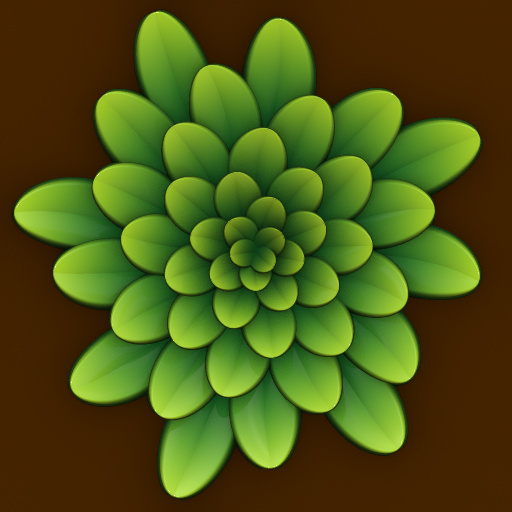
Phibonacci 1 - plants 0.1 by truman
... achieve a fibonacci-like distribution of leaves. The same concept is common to every filter in the Phibonacci serie. If the filter is slow, you can use “fast mode” to preview the overall look of the plant without shading. Thanks to Indigo Ray for his “Internal Min Faster” snippet.. Keywords: plant, fibonacci, phi, golden ratio. Controls: Color 1, Color 2, Background, Leaf width, Lanceolate leaf, Leaf main vein, Small leafs size, Leaf symmetry, Symmetry chaos, Chaos amount, Scale, Radius,...
This filter requires Filter Forge 1.0 or higher.
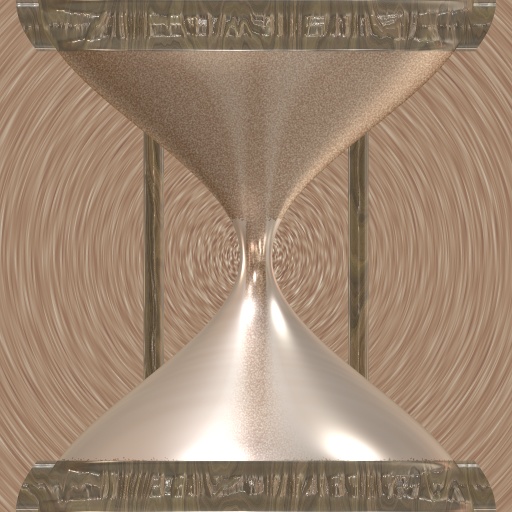
Hourglass by Indigo Ray
#6502. By using the "lathe internal profile snippet" by ThreeDee, I was able to create an hourglass-like apparatus with sand pouring down. Based on ThreeDee's recomendations, I pulled out an improved version out of the vortex of time. This time, the hourglass has wooden caps, two wodden support poles (thanks to Kochubey's "Wood"), dispersed sand near the poles, and an optional vortex background (thanks to Uberzev's "Radial Blur v4.1"). Also includes glass refraction..
This filter requires Filter Forge 3.0 or higher.
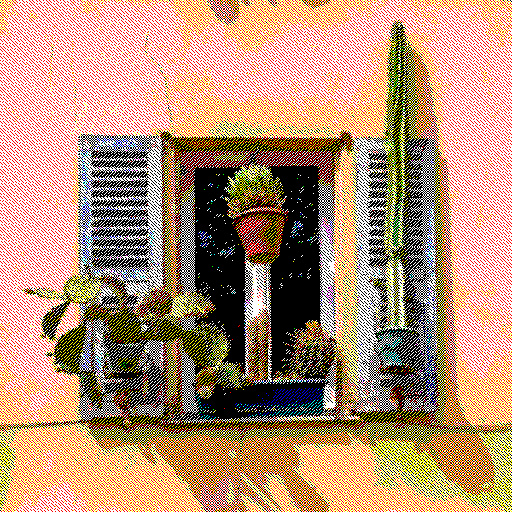
Hither and Thither we Dither by Indigo Ray
#11654. Dithering is using tiny pixelated patterns of few colors to give the illusion of many colors. For example, different shades of gray can be faked using different ratios of black to white pixels. ––- This filter has five such "shades" for each RGB channel. As long as Anti-Aliasing is off, the output contains only 8 colors (or just 2 if saturation is zero). ––- TIP: To get nice dithering patterns, set "pixel count" = the smallest image dimension, and turn..
This filter requires Filter Forge 2.0 or higher.

Light Streaks by JE Strange
... photographic realism and good image blending, adjust the blur, contrast, gamma, and white/black point sliders. These drive the intensity of just the light streaks, not the background source image. Keywords: light, streak, spill, bleed, glow, energy, ray, beam, laser, photo, film, exposure, grain, noise, lines, effect, fx, damage, dropout, scanline, sci-fi. Controls: Image / Texture, Streak Color, BG Color, Noise, Scale, Stretch, Blur, Contrast, Light Bleed, Light Bleed Blur, White Point, Gamma, Black ...
This filter requires Filter Forge 5.0 or higher.
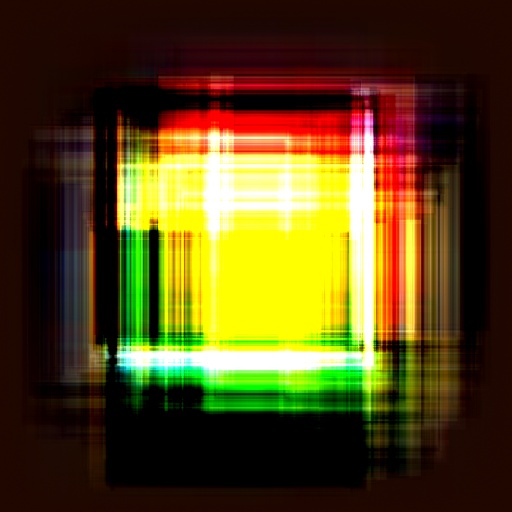
Convolution by Indigo Ray
#13850. An attempt to perform the mathematical function "convolution" in Filter Forge went very unexpectedly. Makes ethereal abstractions. ––- Tip: Feel free to use any combination of images, even if they are different sizes and shapes. ––- Tip: Experiment with a wide range of values for "multiply", including decimals and negatives. ––- Tip: Sources 1 and 2 are interchangeable if they have the same aspect ratio (width to height). ––- Tip:..
This filter requires Filter Forge 1.0 or higher.
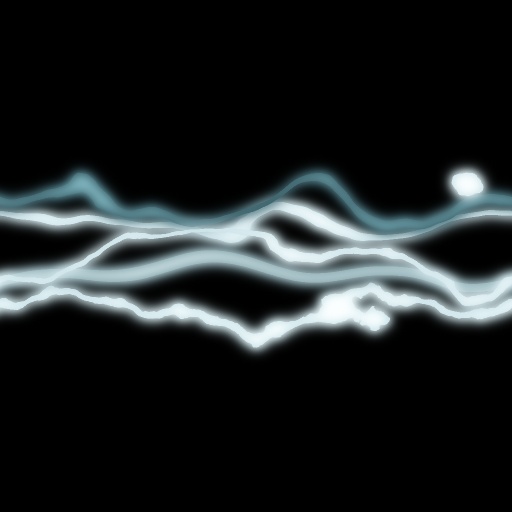
Plasma Streams by Genie
#5291. Higly customizable Plasma Streams. Keywords: plasma, energy, rays, electricity, electric, lighting, bolt, voltage. Controls: Stream 1 Color, Stream 2 Color, Stream 3 Color, Stream 4 Color, Stream 5 Color, Stream 1 Distortion, Stream 1 Opacity, Stream 1 Roughness, Stream 1 Up/Down, Stream 1 GlowOpacity, Stream 1 ...
This filter requires Filter Forge 1.0 or higher.

SkyGen by Betis
#6087. SkyGen quickly and realistically produces Sky images. Have stars fill up the night sky, or have rays of the sun beat down upon you. Make a gloomy overcast day, or spawn something from fairyland. Go to a Mars, or make your own strange planet. Make a vast Universe, or create a wicked sun. Customized Reality. Keywords: sky, stars, sun, clouds, night,...
This filter requires Filter Forge 1.0 or higher.
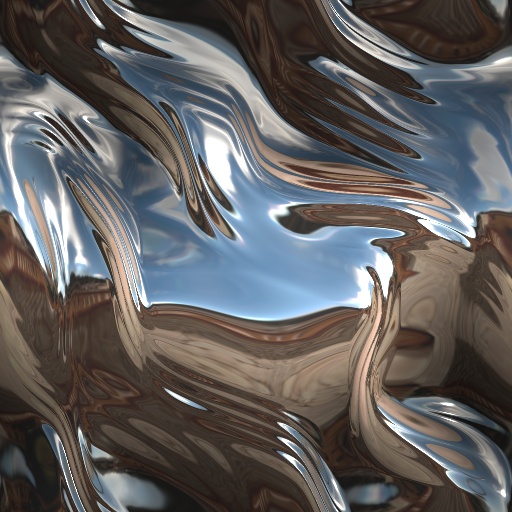
Metal Love by Ronjonie by ronjonnie
... must see all 20 presets! Enjoy! Thanks to all the Filter Forge authors, for all the great inspirational experiences! Special Thanks to Vladimir Golvin. Beliria, Stevie J, Crapadilla, Carl, Kraellin, Skaara, Redcap, Sjeiti, Indigo Ray, Betis, Blurtsmom & Jffe, for all your words of encouragement. Thank you all, Ronjonie. Keywords: Sci-Fi. Metal. Alien. Futuristic. Metal shapes. Controls: Love Adjust, Detail 1, Radius, Reflection Blur, Roughness, Angle, Contrast, Curve ...
This filter requires Filter Forge 1.0 or higher.
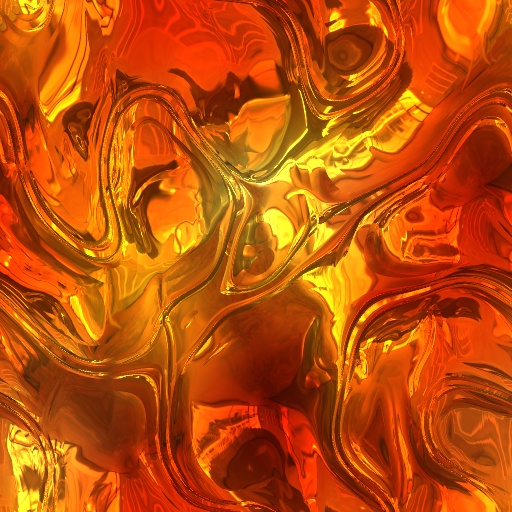
Hot Metal by Ronjonie by ronjonnie
#6557. Hot Metal by Ronjonie. 20 HOT metal presets! Two seperate Fire settings with the H.M. Fire Selector. Special Thanks again to Vladimir Golvin. Beliria, Stevie J, Crapadilla, Carl, Kraellin, Skaara, Redcap, Sjeiti, Indigo Ray, Betis, Blurtsmom & Jffe, for all your words of encouragement. Thank you all, Ronjonie. Keywords: Sci-Fi. Metal. Alien. Futuristic. Hot Metal shapes. Controls: Color 1, H.M. Adjust, Detail 1, Glow, H.M. Formula 1, H.M. Trail Length, Lightness,...
This filter requires Filter Forge 12.0 or higher.
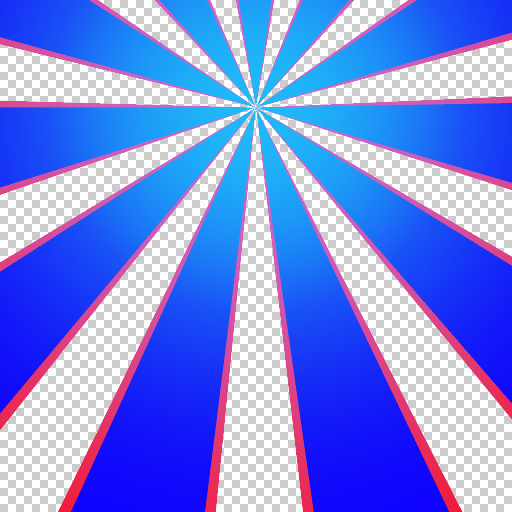
DoubleRays by westdale
... background colour, can be set transparent for various fade effects. Offset does what it says, Phase rotates the flares so they can be aligned to artwork. Spread of the fade can be useful especially when setting offset a long way from centre. Keywords: rays, burst, dawn, sunset, background, 1970s. Controls: Frequency, Background, Center Y, Center X, Phase, Rays1a, Rays1b, wave1, Invert1, WidthRays1, FadeRays1, SpreadFade1, Rays2a, Rays2b, wave2, Invert2, WidthRays2, FadeRays2, SpreadFade2
This filter requires Filter Forge 8.0 or higher.
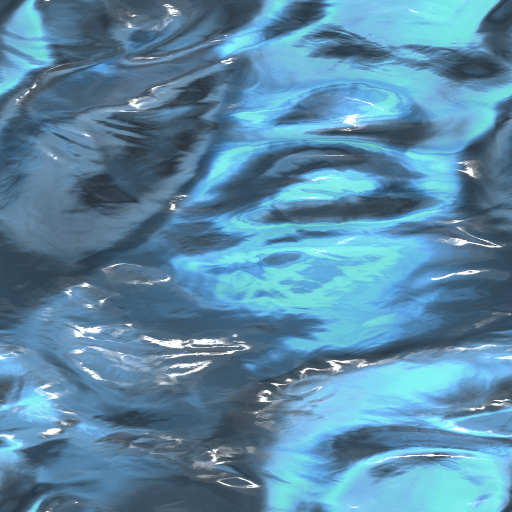
Unknown Substances by Brayla Sana
... With these changes, the filter has the ability to create a myriad of liquid substances. I updated all the filters and controls to the latest version. Thanks to Vladirmir Goloven for Liquid, and Koshubey for Mithril. Also thanks to; Indigo Ray for Water Caustics. Keywords: Water, Liquid, Pool, Puddle, Ocean, Oil, Blood, Beer, Slime. Controls: Image Desaturation, Image Opacity, Image Mix, Water Color, Reflection Color, Depth Color, Reflectivity, Turbulance, Reflections Floor, Reflections ...
This filter requires Filter Forge 1.0 or higher.
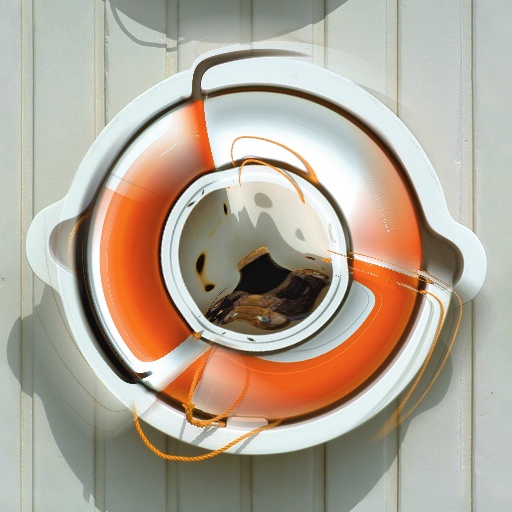
Swirl dedicated by voldemort
... majority of the components are borrowed from Uber and so my way of dedicateing it to his talent with out actually affilliating him with something he might not want affiliated with this filter borrows heavilly from several snippets from reposition rays rotate any angle and several others. Keywords: rotate swirl reposition blur blend deform distortion. Controls: Blend Black tweak, Blend Wthite tweak, Blur input, Blur swirl, Move Right/Left, Move Up/Down, Rotate input, Spoke intensity, # of Spokes,...
This filter requires Filter Forge 4.0 or higher.

Light Beams FX by raabix
... some time to get the feeling for how they work. Also "Glow Size" and "Glow Falloff" need careful tweaking. It's best to start with a preset you like and start going from there. Keywords: starburst, glow, starlet, lightbeams, beams, rays, explosion, light, starlight express, supernova. Controls: Origin X, Origin Y, Beams Pattern Type, Beams Pattern Scale, Light Beams Ctrl1, Beams Center Scale, Glow Size, Glow Falloff, Fine Fog Amount, Glow Tint, Glow Tint 2, Blur Glow
This filter requires Filter Forge 10.0 or higher.
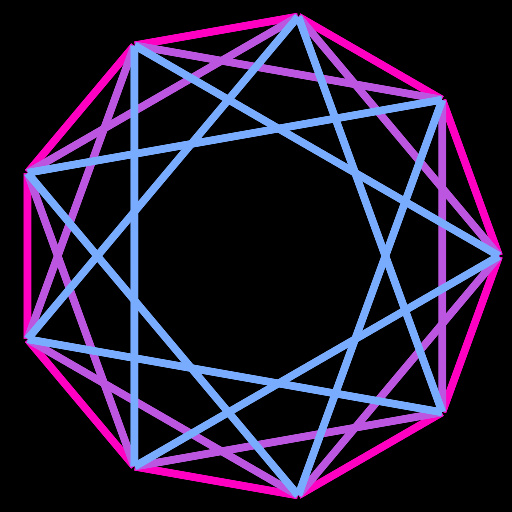
Polygram by Indigo Ray
#15737. Makes nested stars and polygons. ––- For the full effect, you will need to manually set the Stars control to: Stars = Sides / 2, rounded down (floor). Higher values will waste render time. Also set Skip to 1. ––- For a partial set excluding the inside, reduce Stars and keep Skip at 1. ––- For a partial set excluding the outside, reduce Stars and increment Skip accordingly. ––- For a single star, set Stars to 1 and increment Skip as desired. ––- Anti-aliasing..


