Search Results
This filter requires Filter Forge 1.0 or higher.
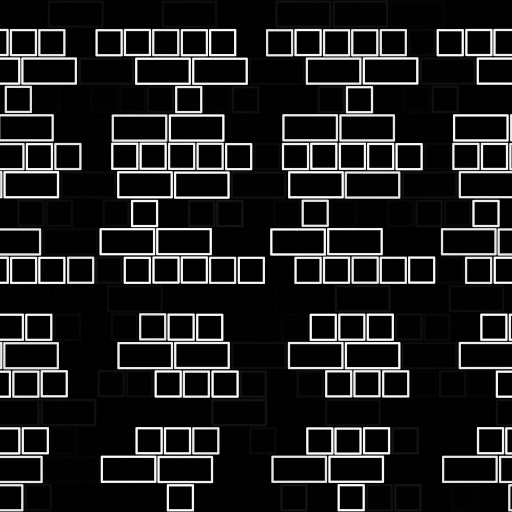
Just Brick It by 3Dillusions
#7708. A Sqaure Pattern Generator, on a solid Background. 3D Textures makers please merge all your textures with your final product before offering it for sale, DO NOT make Seamless tiles for sale in packs with any of my filters. Digital Scrappers you may make items for your kits as long as they are for your Customers Personal usage, no CU scraps may be made for other designers with my filters. Keywords: Black, White, Bricks,...
This filter requires Filter Forge 1.0 or higher.
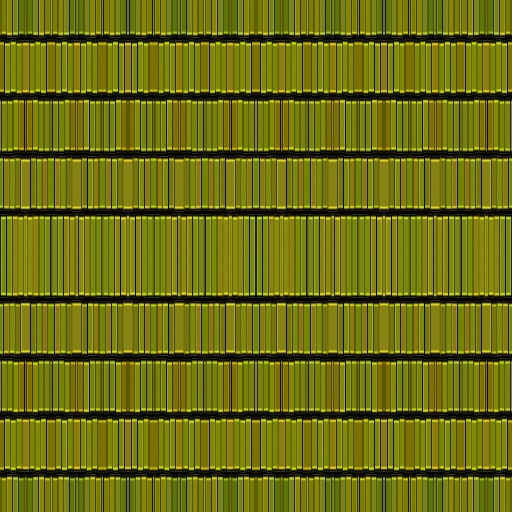
Lines Aplenty by 3Dillusions
#7533. A line Generator Pattern. TOS for my filters, merge all you projects before offering you final product for sale. No Seamless Tiles may be made for sale with any of my filters. Scrappers you may use my filters to make papers for their commercial kits for your customers personal use only. NO CU product for scrapping may be made with my filters. Keywords: Line, Lines, Pattern....
This filter requires Filter Forge 4.0 or higher.
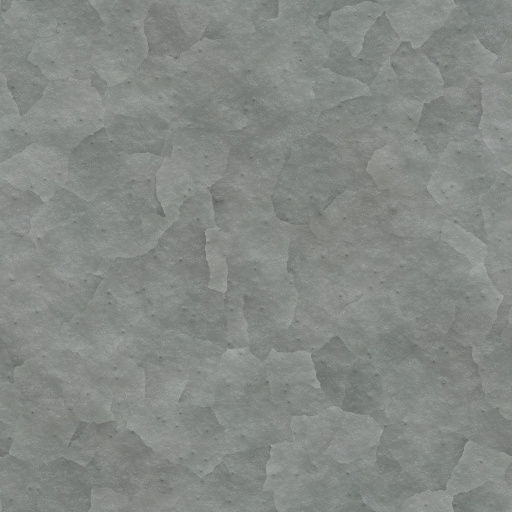
Zinc Galvanized by raabix
#12307. A Filter that reproduces a galvanized zinc surface. Dort and bumping impurities can be added. Tiling for seamless texturing. Keywords: metal zinc galvanized. Controls: Cell contrast, Metal Hue, Metal Saturation, Cell Distortion, Dirt, Impurities Amount, Impurities Scale
This filter requires Filter Forge 6.0 or higher.
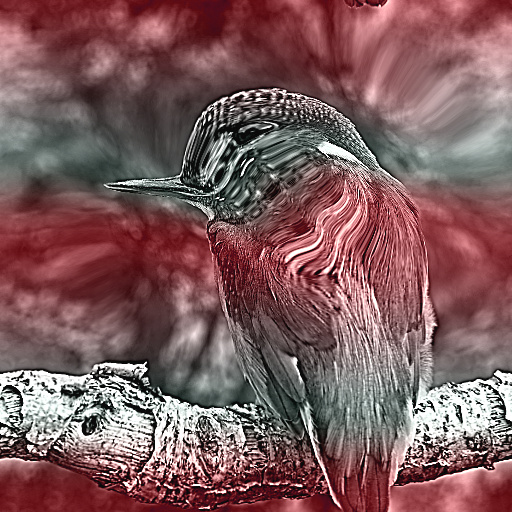
Funny Distortions by gregasorous
... too. I put in offset controls to centre the image or art work that you are working on and sharpen + sharpen radius. One thing though in seamless tilling like alot of my filters they look different, so you may need to adjust a bit more if you need a seamless tile, Ok. Hope some of you find it useful. Cheers. Keywords: Centre image, 3color gradiant, hue settings, distort without noise distotion, perlin noise+impulse for distortion, refraction, blur gradiant, blur image. Controls: Invert, Color 1, Color 2, Color ...
This filter requires Filter Forge 2.0 or higher.
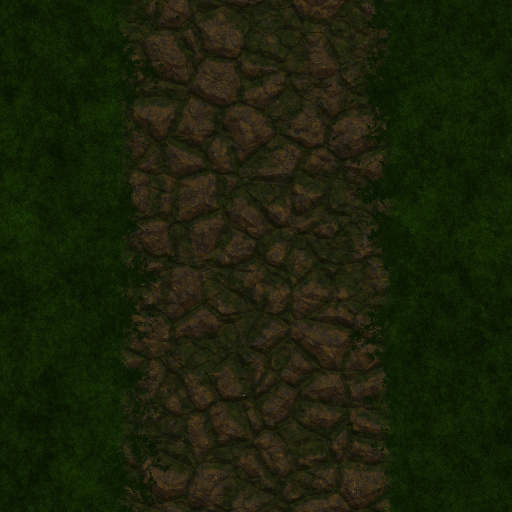
Rough Cobble Road by SuperDeathGuy
... cobblestone road. Options for light / dark grass are available, as well as the option to generate just the grass for matching tile sets. It is recommended to set the pixel size slider to max for best results. Square images work best for single road / seamless tile generation. Keywords: stone, cobble, road, grass, rocky, grassy, stoney, rough, cobblestone, flagstone. Controls: Cobble Color 1, Cobble Color 2, Grass Color, Gamma Adjust, Cobble Scale, Cobble Variation, Grass Only, Light / Dark Grass
This filter requires Filter Forge 1.0 or higher.
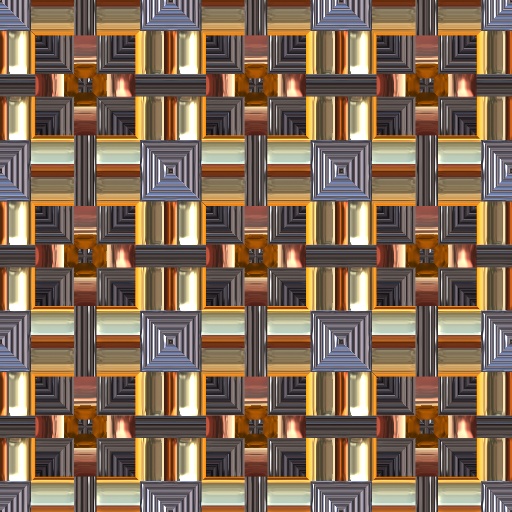
All that Glitters Tiles by MysticBlueRaven
#2899. All that Glitters are seamless tiles, that will be great for flooring, backgrounds, scapbooking. sci-fi, and textures, Comes with 20 presets. Keywords: flooring, backgrounds, scapbooking. sci-fi, textures, metal. Controls: Color 1, Color 2, Color 3, Color 4, Color 5, Color 6, ...
This filter requires Filter Forge 3.0 or higher.
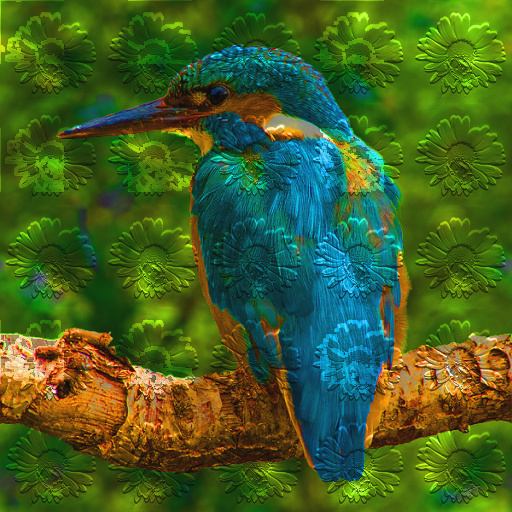
Homemade Paper Texture by Gene S Morgan
.... With this filter you can use any image to add an embossed background texture to your main image. It is kind of like painting on a textured paper. It is more versatile than the examples displayed because it works even better when the background is tiled seamlessly. It is best to use a square background image. There are many texture filters here in the library that would produce cool embossed background. They can be any resolution, but it is fun to experiment. Just remember to tile them. You can ...
This filter requires Filter Forge 1.0 or higher.
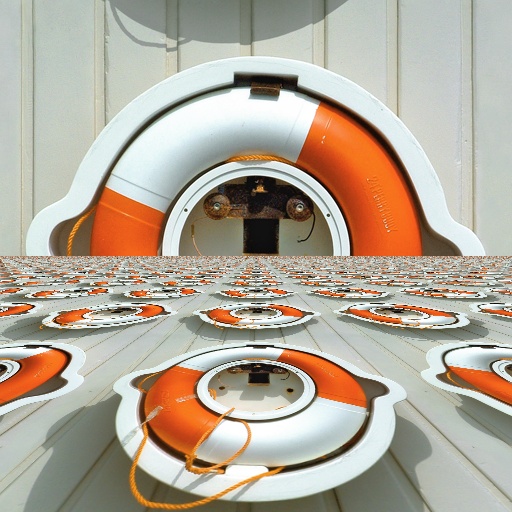
In Perspective by Indigo Ray
#7119. Using the perspective in ThreeDee's "On the Road Again", this filter takes an image and lays in down on the ground plane. Note that the copies of the image do not all have the same orientation. Does not seamlessly tile. Keywords: perspective, ground, image, point, plane. Controls: Fine Zoom
This filter requires Filter Forge 9.0 or higher.
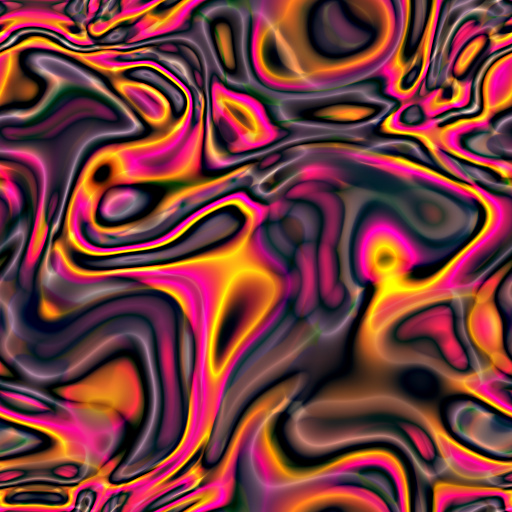
Iridescent Incandescence by Boogie Jack
... intricate kaleidoscopic patterns. NOTE: If you use images instead of colors, the only way to generate seamliess tiles is to use the kaleidoscope option. Keywords: iridescent, incandescent, glow, glowing, swirls, blobs, kaleidoscope, fantasy, seamless tiles, backgrounds, fancy patterns generator. Controls: Color 1, Color 2, Color 3, Color 4, Color 5, Use Default Colors, Scale, Sharpen, Edge Blossom, Artifact Enhancer, Add Artifacts, Add Shadows, Flux Capacitor, Secondary Carve, Add Kaleidoscope, Kaleido-Shape ...
This filter requires Filter Forge 9.0 or higher.
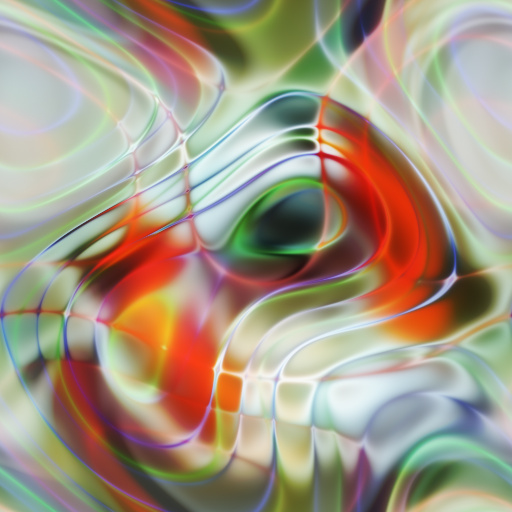
Art or Something Like It by Boogie Jack
#15502. Create slick and sinuous strands and blobs of color and confusion from images. Keywords: sinuous patterns, liquid shapes, colorful tiles, seamless wavy backgrounds, moire patterns. Controls: Layer Details, Heat Wave, Shading, Smooth, Soften, Offset, Intensify, Color Rush, Invert Shading
This filter requires Filter Forge 4.0 or higher.
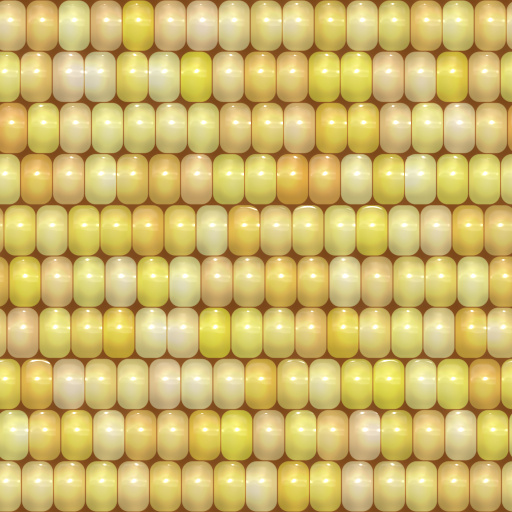
Corn Texture by fflew
#13373. This is just a basic corn on the cob texture filter. Good for using on 3D models. Keywords: corn, indian corn, fall, autumn, kernel, tiles, yellow, seamless, texture, maize. Controls: Kernel Color, Cob Color, Hue Varience, Contrast, Saturations, Spacing Size, Kernel Edges, Kernel Roundness
This filter requires Filter Forge 1.0 or higher.
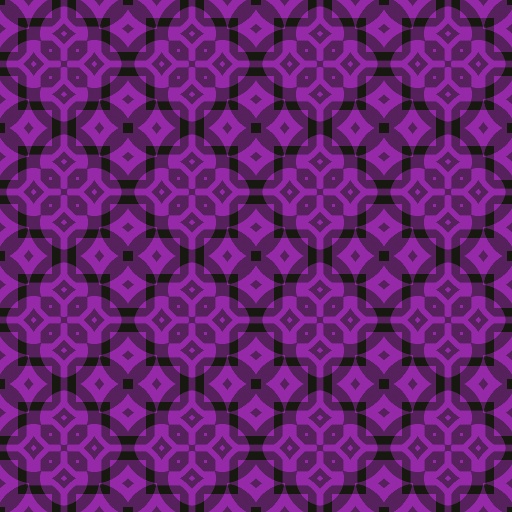
Squared Paper by fishfuzz
#1652. While these patterns can be used for anything, their original intent was to provide an easy way to generate digital scrapbook paper based on a square mesh. Keywords: paper, pattern, square, mesh, digital scrapbook, seamless, tile. Controls: Color 1, Color 2, Offset H, Offset V, Shape Size
This filter requires Filter Forge 1.0 or higher.
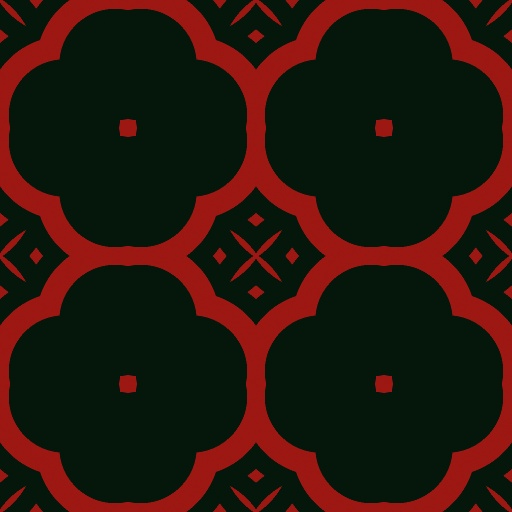
Concentric Paper by fishfuzz
#1639. While these patterns can be used for anything, their original intent was to provide an easy way to generate digital scrapbook paper based on a concentric circle. Keywords: paper, pattern, concentric, circle, digital scrapbook, seamless, tile. Controls: Color 1, Color 2, Offset H, Offset V, Shape Size
This filter requires Filter Forge 1.0 or higher.
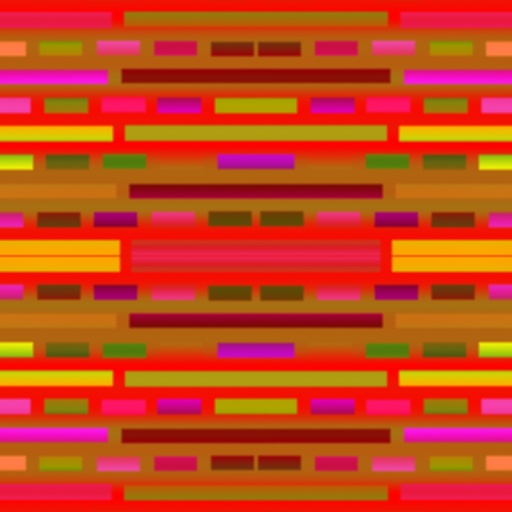
Color Jam by 3Dillusions
... products for you clients personal use only. Do not make CU Products for Scrap Designers with my filters this is not acceptable usage. 3D Artists, please use all my filters for you texture needs, merge your textures with your final product. No Seamless Tile Packs are to be offered for sale, please repect my terms. Keywords: Crazy, Patterns, Tiles, 2D, 3D. Controls: Color 1, Color 2, Repeat
This filter requires Filter Forge 9.0 or higher.
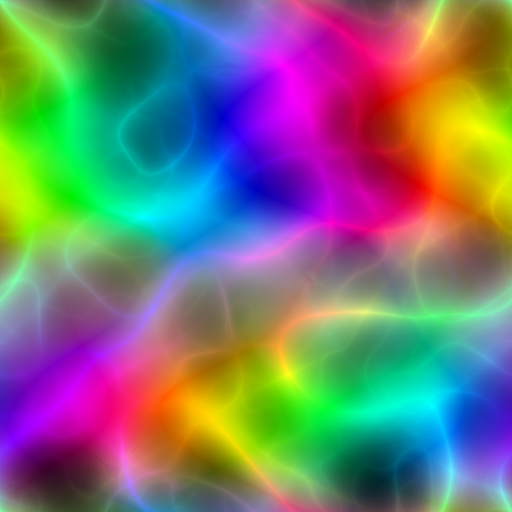
Rainbow Dancer by Boogie Jack
#15549. Create delightful full-specturm patterns in seven different color shapes. Cool fun for everyone!. Keywords: spectrum, colorful, color shapes, seamless patterns, background tiles, smooth textures, layers, layered color blends, plasma, wispy, translucent color. Controls: Hue, Saturation, Color Mutation, Sharpen, Shape, Scale
This filter requires Filter Forge 8.0 or higher.
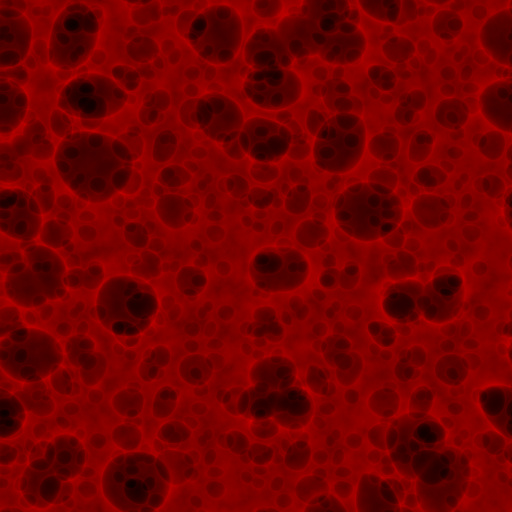
Noise Lab: RNA Craters by TBH-1138
#15178. Another try at recreating Genetica''s crater noise. Keep seamless tiling turned on, or you''ll get seams everywhere. Keywords: craters bubbles cells noise lab genetic why are you reading these. Controls: Scale, Size, Roundness, Distortion, Roughness, Craters, Genetic red
This filter requires Filter Forge 3.0 or higher.
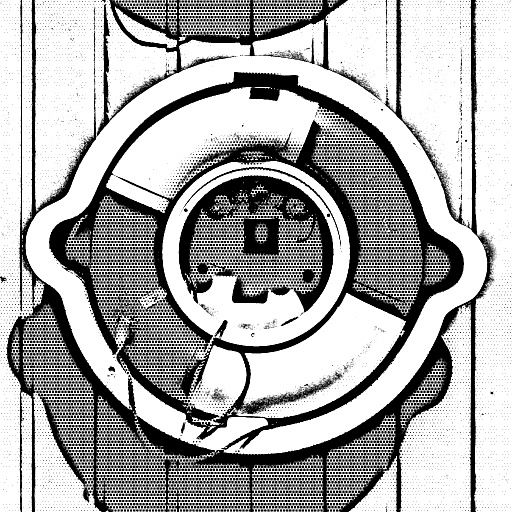
artistico Manga by Kostas T
#11134. Now your image is like manga ! You can Draw now your favorite portrait like a comic style . Turn off Seamless Tiling. Keywords: screentone, manga, outlines, lines, monochrome, drawing, comic, cartoon. Controls: Screentone Threshold, Outline Thickness, Threshold Smoothness, Sharpen, Dot Details
This filter requires Filter Forge 1.0 or higher.
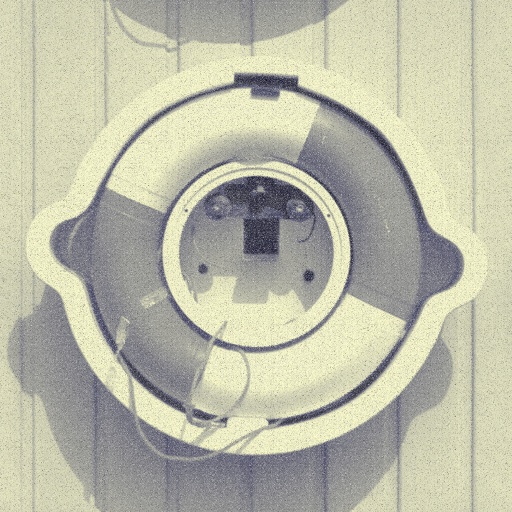
Old News by CFandM
#2299. Tired of that brand new shiney image? Give it an old newsprint look with this filter. Note: When using this filter it looks best with seamless tiling off. Keywords: newsprint, old, cotton, paper, black, white. Controls: Tint A, Tint B, Grain Mix, Grain Control
This filter requires Filter Forge 13.0 or higher.

OuterPixelClamp by BC_EZ
#16638. This filter masks the Outer Pixels of an image. Because of being a non seamless texture you can link the image to source 1. Use Case: the Unreal engine has the ability to set imported texture''s tiling method to ''clamp'', when the image strays from the uv''s 0 and 1 space it stretches the outer pixels of the image,...
This filter requires Filter Forge 1.0 or higher.
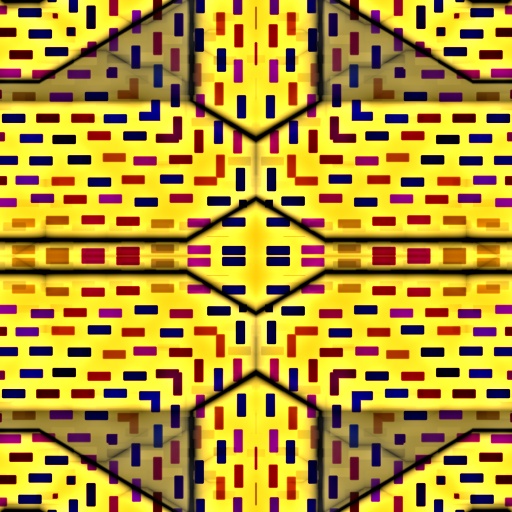
Chaos by 3Dillusions
#7218. A simple Chaotic Filter. 3D Texture Makers Do not make seamless tiles with my filters please merge all the texutres you make with your final product if you are going to make commercial products. 2D artists you may make free items with these filters for personal usage only. Commercial Scrappers do not ...
This filter requires Filter Forge 1.0 or higher.
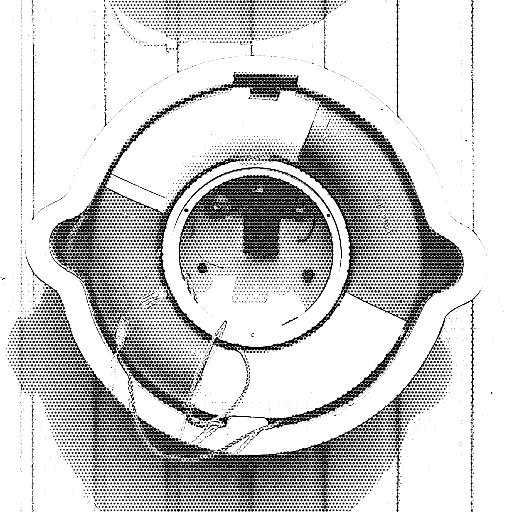
I Can Draw Manga by Skybase
#7750. It takes your image and makes it look like it's been drawn with a screentone over-lay! Yay! Now I can draw like manga too! Turn off Seamless Tiling. Keywords: screentone, manga, outlines, lines, monochrome, drawing, comic. Controls: Outline Thickness, Screentone Threshold, Threshold Smoothness, Dot Details
This filter requires Filter Forge 1.0 or higher.

Patternator by nck
#5025. Simple Pattern Maker. Pattern.Mode changes the style of patterning. Other controls are really intuitive, just try and see what's happening. :). Keywords: pattern tiling seamless hexagon mosaic. Controls: Gradient.Color 1, Gradient.Color 2, Gradient.Profile, Pattern.Mode, Pattern.Repeat, Hexagonal?, Hexag.Complexity, Hexag.Variation
This filter requires Filter Forge 4.0 or higher.

Mirror Mirror by DJI
#12145. This is my Fifty-First filter. I hope you like it and find it useful.ATTENTION: KEEP THE SEAMLESS TILING ON AS YOU ADJUST THIS FILTER. THE IMAGES CHANGES DRAMATICLLY OTHERWISE. Keywords: Mirror Glass Shiny Bright Glossy Waves Bends Folds Warps Abstract image. Controls: Scale, Angle, Stretch, Variation, Contrast, Repeat
This filter requires Filter Forge 7.0 or higher.
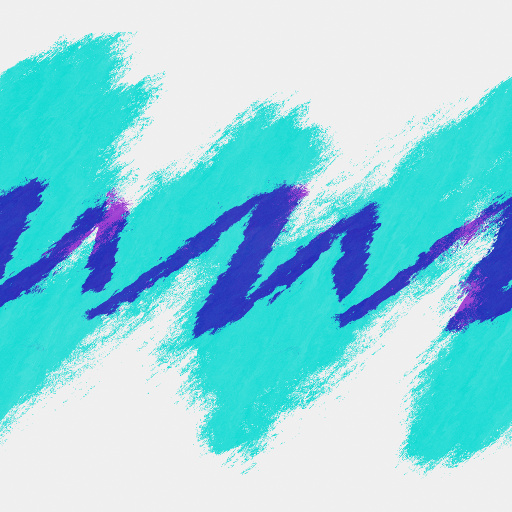
The 90's Cup by The_Funktasm
#14942. Recreation of the "Jazz" Dixie cup pattern common in the 90's, or in modern times on the internet. Seamlessly tiles and configurable in your choice of colors, it makes a good base for generic cups and packaging art. Keywords: jazz, 90's, cup, dixie, vintage, abstract, wave, design, pattern,. Controls: BG Color, Brush Color, Stroke Color, Blend 1, Blend 2
This filter requires Filter Forge 8.0 or higher.
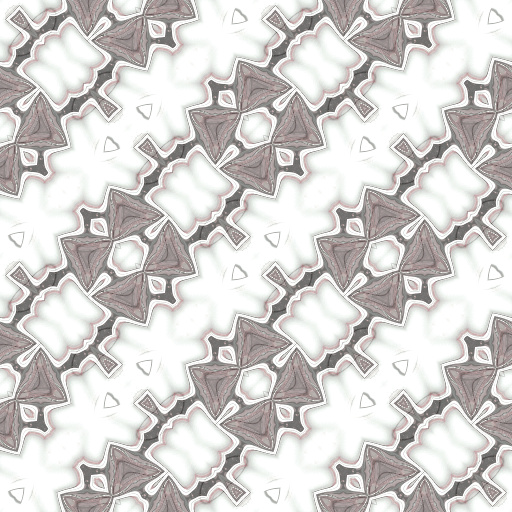
Kaleidoscopes Are Fun by Boogie Jack
#15141. Kaleidoscopes are fun, and this one has five different controls that change the pattern - six if you count the built-in variations control - that means endless pattern making fun!. Keywords: kaleidoscope, seamless patterns, background tiles, kaleidoscopic patterning. Controls: Hue, Saturation, Brightness, Contrast, Magic, Sorcery, Trickery, Alchemy, Subterfuge, Invert
This filter requires Filter Forge 2.0 or higher.
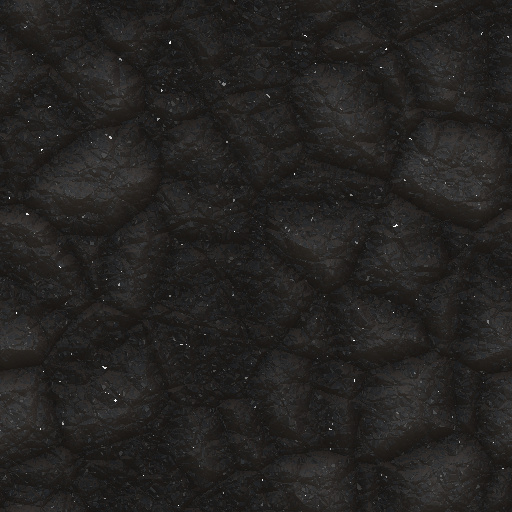
Simple crystal rock by Joseph100
#9289. Hello!!, this is my second filter, it is a crystal rock surface, you can change the roughness, reflection blur, noise level, matallic, color 1, and color 2. supports seamless tiling. Keywords: stone rock crystal filter surface second Joseph 100 rough. Controls: Stone color 1, Stone color 2, Metallic, Noise, Reflection Blur, Stone roughness
This filter requires Filter Forge 4.0 or higher.
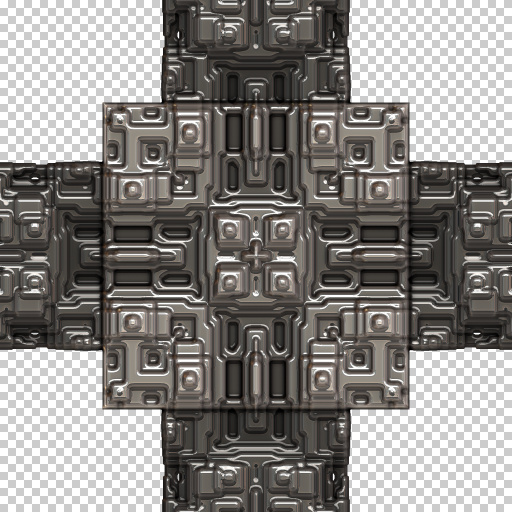
3D Metallic Kaleido-Grid With Nodes by DJI
#13218. This is my Two Hundred and Twenty-Seventh filter. I hope you like it and find it useful. This is my second grid filter and it was great fun to make. :D This filter has 16 controls that are easy to understand and use. If you don't have a seamless tiling plugin just go down to the Size, pixels slider and use that to tile your image. Keywords: Grid Lines Graph Paper Squares Circles Copper Brass Aluminum Steel Iron Absteact Art. Controls: Design Scale, Node Radius, Outer Node Corners, Grid Width, K-Mode, K-Shape Size, K-Offset Horizontal, K-Offset Vertical, Solid Fill ...
This filter requires Filter Forge 8.0 or higher.
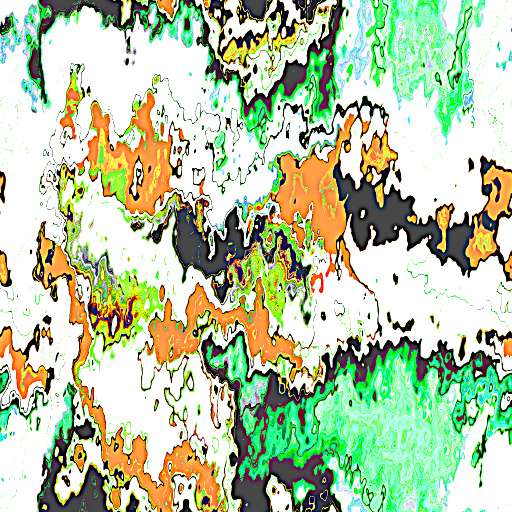
Image Hammer by Boogie Jack
... wholesale changes and use the Twitch slider for smaller changes. The fun is almost as endless as the designs you can easily make!. Keywords: distortion, distort images, kaleidoscope, patterns, textures, abstract art, distorted patterns, structured patterns, seamless tiles, tiling background. Controls: Hue, Scale, Distortion, Roughness, Saturation, Brightness, Contrast, Sharpen, Twitch, Details, Invert, Kaleidoscope
This filter requires Filter Forge 9.0 or higher.
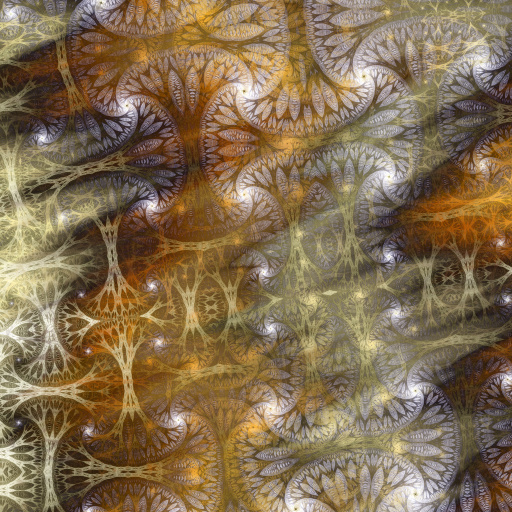
Ffixc Crash by sapa
#15305. Two abstract blends. Keywords: jagged gradients, blurry backgrounds, sharp color bands, crooked stripes, shifting patterns, seamless tiles. Controls: Angle, Rotation, Blur, Vertical Bias, Color 1, Color 2, Color 3, Color 4, Color 5, Base Color, Distortion, Roughness, Details, Scale, Stretch, Hue, Blur Amount, Contrast, Saturation, Sharpen, K Offset Y, K Offset X, Offset Y, Offset X ...
This filter requires Filter Forge 14.0
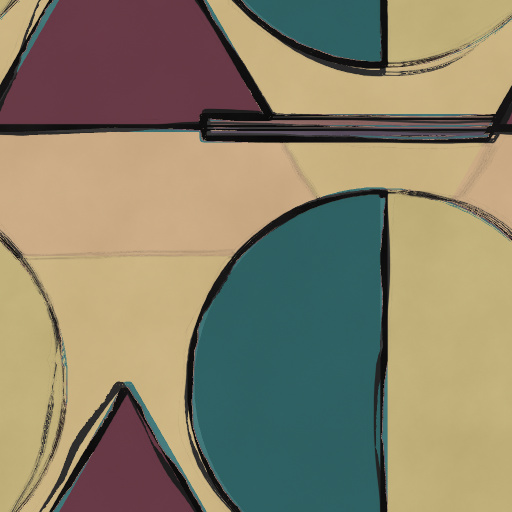
Simplistic Abstraction by CFandM
#16683. A very simple filter for creating abstracts with basic shapes. Just choose your colors and use the variations slider to change the designs. Use the "Next Variant" button to change the color and design. Uncheck the Seamless Tiling when using a non-square size. Keywords: abstract, abstraction, simple, design, decor, shapes. Controls: Color 1, Color 2, Color 3, Color 4, Color 5
This filter requires Filter Forge 9.0 or higher.
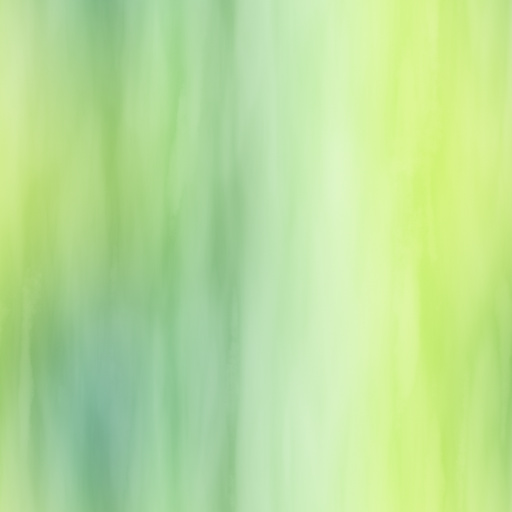
Gradient Background Star by Boogie Jack
#15399. This filter generates gradient backgrounds with or without smears and scuffs. It''s a simplification/modification of the very cool HIpster filter. Keywords: multicolor backgrounds, seamless tiles, background generator, smear, scuffs, gradient backgrounds, 4-color gradients, multicolor gradiant backgrounds. Controls: Color 1, Color 2, Color 3, Color 4, Smears, Scuffs, Heavey Scuffs, Color Shape On, Color Shape
This filter requires Filter Forge 3.0 or higher.
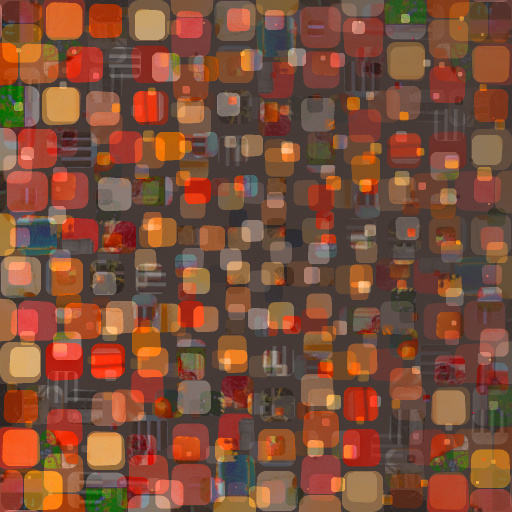
Image Based Random Backgrounds by Gene S Morgan
#10749. A simple background pattern generator which uses the inputted images to produce the pattern. This filter was developed using FF forum tips from Ghislaine. It is for backgrounds and will not seamless tile. Keywords: texture, pattern, background, random. Controls: Color/Image, Variation, Chaos, Shrink Pattern, Color Variation, Square/Circle, Hue, Saturation
This filter requires Filter Forge 1.0 or higher.
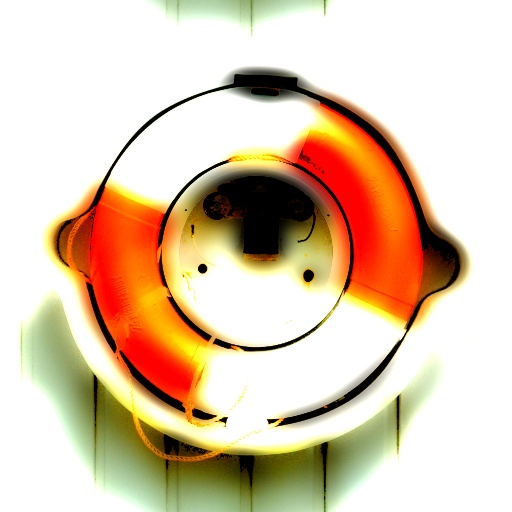
Hover and Glow by CFandM
#1904. This filter applies a smooth warm glow to an original image with a blur on the background giving it an illusion of hovering on top of a lighted background. For non-square images turn off Seamless Tiling. Keywords: glow, blur, warm, lighted, sign, hover. Controls: Blend 1, Blend 2, Blend 3, Fade 1, Fade 2, Shadow Amount, Shadow Coverage, Shadow Size
This filter requires Filter Forge 2.0 or higher.

3D Rope by Lareieli
#9129. A seamlessly tiling texture based on Totte's rope texture, with added grooves and fibers for application on 3D cylindrical surfaces to mimic real rope and metal cable. Keywords: rope, cable, cord, string, tie, 3d, realistic, hemp, metal. Controls: Base ...
This filter requires Filter Forge 3.0 or higher.
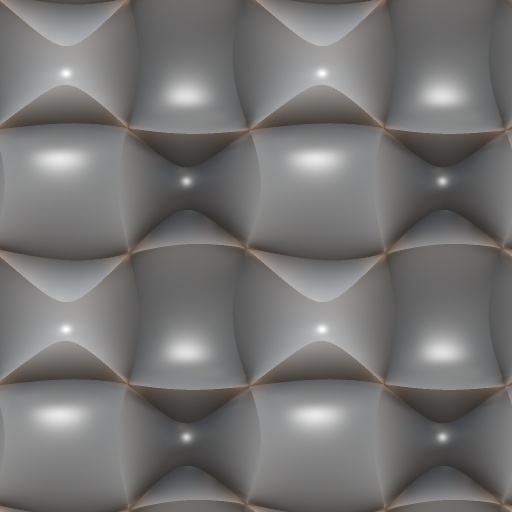
Smooth manifold surface by Tim2501
#11447. Creates an almost organic, smooth 3D-surface with some shading, based on my "Manifold Noise"-snippet. If you increase the "Cycle"-slider slowly, you'll see an interesting animation... ! SEAMLESS TILING MUST BE ENABLED FOR THIS TO WORK !. Keywords: Manifold noise cycle 3D Surface structure organic smooth sharp. Controls: Cycle


