Search Results
This filter requires Filter Forge 4.0 or higher.
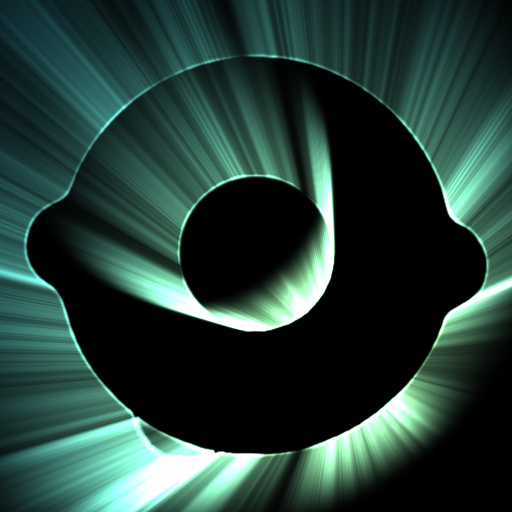
Light Burst by Crapadilla
#12155. Light Burst creates colorful rays of stark backlight "behind" the alpha of your source image. This filter uses a scale loop to approximate radial smudging. This approach has a quality advantage over using polar coordinate transforms on smudged bitmaps. However, ...
This filter requires Filter Forge 2.0 or higher.
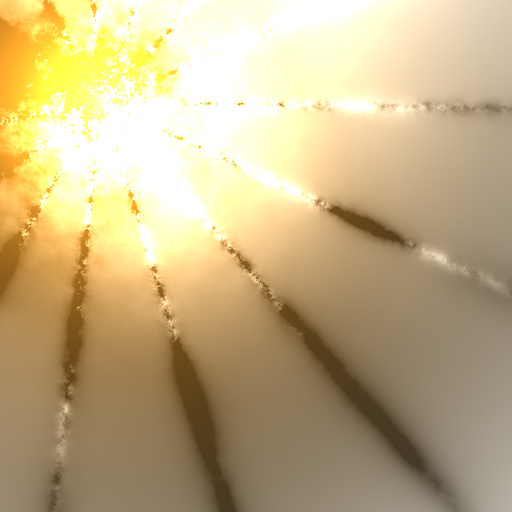
Sunburst by Vladimir Golovin
#8775. This filter demonstrates new non-seamless components, HDR colors, RGB Math components and Value controls introduced in Filter Forge 2.0. Keywords: sunburst sun rays solar divine heaven heavenly cosmic bright glow light. Controls: Glow Color, Side Color, Glow Brightness, Glow Radius, Ray Blur, Ray Thickness, Ray Rotation, Center X, Center Y
This filter requires Filter Forge 3.0 or higher.

Lens Flares TD by ThreeDee
... Extent, M-I Rotation, M-I Opacity, M-I Opacity Chaos, M-I Size Chaos, M-I Softness, M-I Edge Emphasis, M-I Variation, RING OPACITY, Ring Color, Ring Radius, Ring Width, STAR OPACITY, Star Color, Star Radius, Star Rotation, Star Spokes, Star Softness, RAYS OPACITY, Rays Color, Rays Radius, Rays Scale, Rays Variation, STREAK OPACITY, Streak Color, Streak Width, SPARKS, Sparks Color, Sparks Use Spectrum, Sparks Opacity, Sparks Opacity Chaos, Sparks Distance, Sparks Density, Sparks Size Chaos, Sparks ...
This filter requires Filter Forge 2.0 or higher.
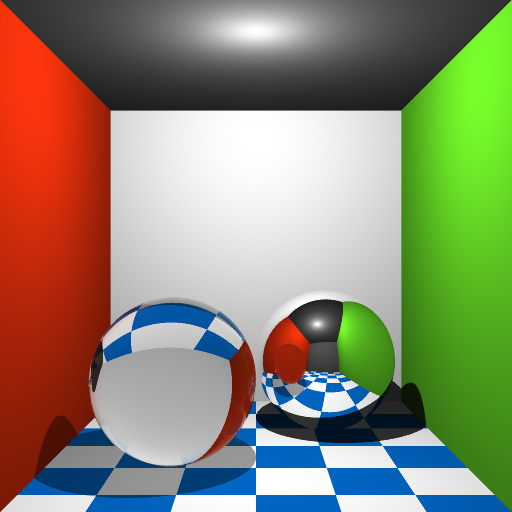
Raytracing by Egret
#8772. This filter implements a simple but functional raytracing-based renderer. In fact, Filter Forge's sampling architecture is very close to raytracers – we also shoot 'rays' into the 'scene', but unlike raytracers where rays extend from a single origin point representing viewer's eye, Filter Forge's 'rays' (called samples) are parallel, and Filter Forge's 'scene' is simply an infinite procedurally textured view-aligned ...
This filter requires Filter Forge 2.0 or higher.
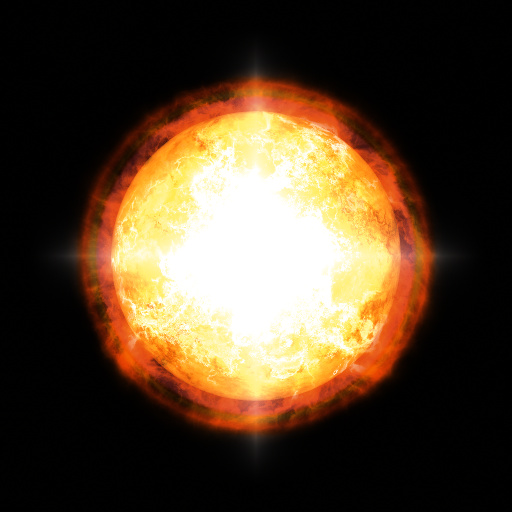
SolarGen by TBH-1138
... green or purple? Set Temperature Effect to zero. Keywords: sun solar solargen star fire explosion fireball flames flame flaming burning gas plasma. Controls: Flame color, Flare color, Star color, Sunspot color, Corona size, Flare color sat., Glare size, Ray details, Ray opacity, Ray width, Refraction, Spectral enhancement, Spectrum size, Spectrum size 2, Spectrum strength, Spectrum width, Sphere depth, Spike length, Spike strength, Star brightness, Star size, Temperature, Temperature effect, Transparency,...
This filter requires Filter Forge 6.0 or higher.

Firewatch 0.1 by truman
... color, 1:1 / 1:2 pic ratio, Clouds, Clouds elevation, Clouds brightness, Mountains, Mountain 2 Y, Mountain 2 X, Mountain 3 scale, Mountain 1 scale, Mountain 2 scale, Mountain 1 X, Mountain 1 Y, Mountain 3 X, Mountain 3 Y, Mountains X, Mountains Y, God rays, Godrays threshold, Godrays h threshold, Godrays opacity, Ray Blur, Ray Length, Godrays noise, Godrays origin Y, Godrays origin X
This filter requires Filter Forge 1.0 or higher.
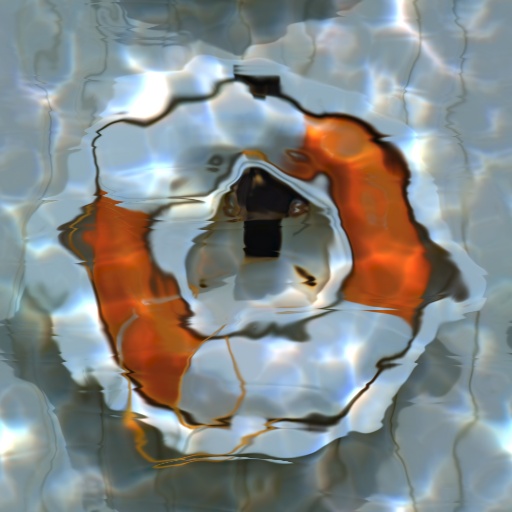
Water Caustics by Indigo Ray
#7651. A filter designed to submerge your image beneath the sea. Keywords: water, caustics, liquid, ocean, sea, refraction, wave, highlights, depth. Controls: Water Tint, Depth, Highlights, Color Highlights
This filter requires Filter Forge 2.0 or higher.
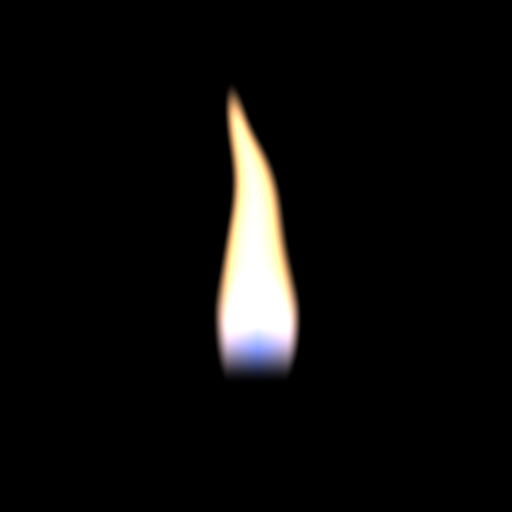
Candlelight by Indigo Ray
#8419. Relax to the flickering flame of a candle made possible in FF2 by HDR coloring. Flicker- Slide this slowly to get a realistic animation Rage- How intense you want the flickering to be. Keywords: candle, light, flame, fire, flicker, hot, glow, HDR, burn. Controls: Flicker, Rage, Background, Blue Base
This filter requires Filter Forge 2.0 or higher.
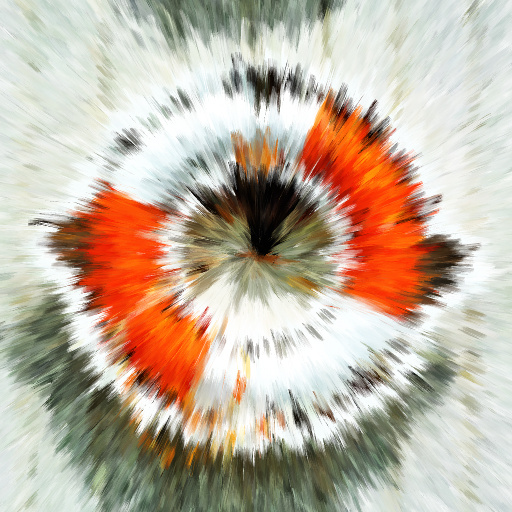
Radial Acrylic by Indigo Ray
#9024. A paint effect filter specializing in outward bursts, spirals, and rings. Rotation: 50=burst, < or > 50 = spiral, 0 or 100 = rings. Keywords: paint, radial, burst, spiral, swirl, ring, pigment, oil, acrylic, sun, art, explosion. Controls: Brush Hardness, Brush Roughness, Pigment Variance, Rotation <50>, Rotation Chaos, Pigment Var. Mode
This filter requires Filter Forge 5.0 or higher.
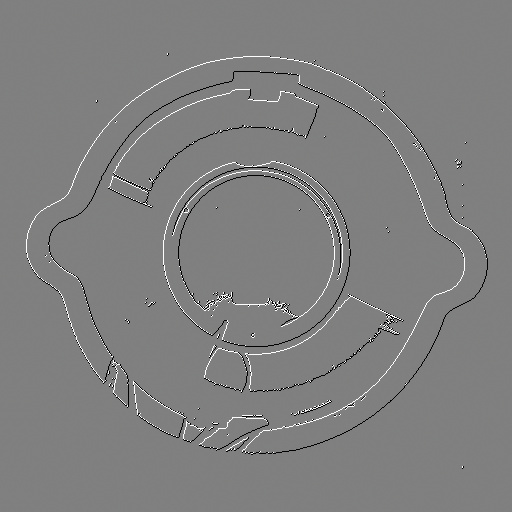
Pixel Bevel by Indigo Ray
#13364. Converts an image into a binary map (black/white), then creates a bevel that is a single pixel wide. You can modify this filter or use an external program to layer the bevel onto the image. ––- Tip: To invert the bevel, just use the opposite light angle. Keywords: pixel, bevel, shading, edges, retro, sprite, shadow. Controls: Threshold, Light Angle, Dark / Light / Both, Grays / BW
This filter requires Filter Forge 3.0 or higher.
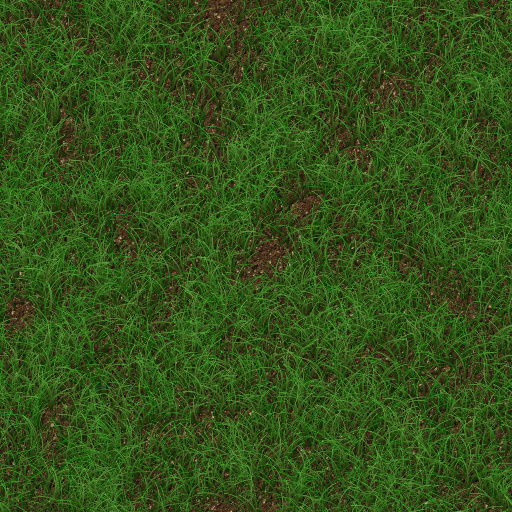
Grass V8 by Indigo Ray
#10270. A labor of love that started with Filter Forge 2 Beta. Includes fake 3d effect for the soil (using a derivative component) as well as drop shadows for the grass blades. There's a moss-like pattern at the bottom in the filter editor that didn't make it in to this version. I'm not satisfied with it just yet, but I left it there just for fun. Keywords: grass, ground, blade, green, earth, soil, plant, leaf, nature. Controls: Dirt 1, Dirt 2, Grass 1, Grass 2, Rock, Blade Width, Grass Curl..
This filter requires Filter Forge 3.0 or higher.
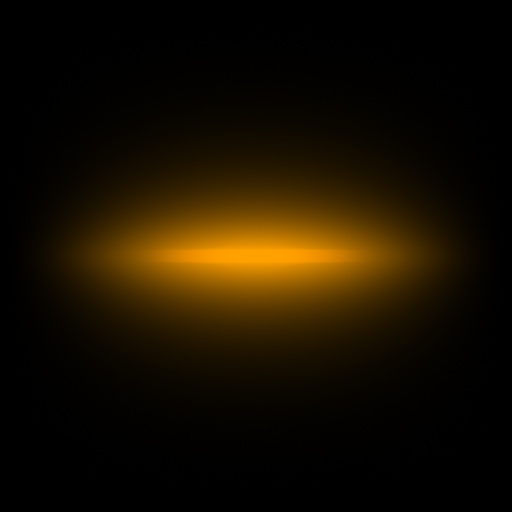
Linear Ray by neotecno
#10199. Ray for shoot simulation. Keywords: Shoot, bullet, fire, ray. Controls: Ray Color, Ray Cut Color, Sparkle Color, Sparkle Cut Color, Ray stretch, Sparkle stretch, Ray Cut Smooth, Ray Max Light, Ray Min Light, Ray Parts, Ray Smooth, Ray Width, Rays, Sparkle ...
This filter requires Filter Forge 5.0 or higher.
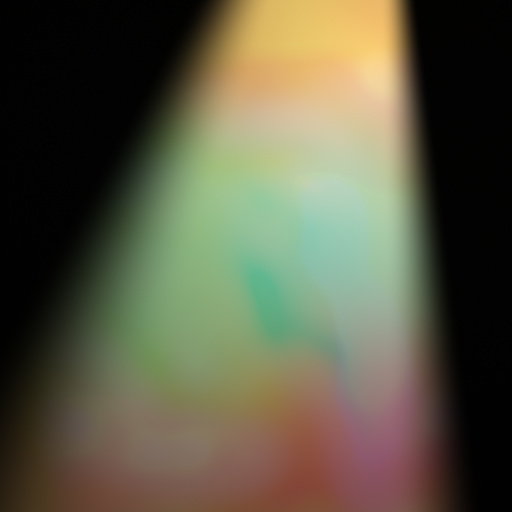
zxc Stage Light by Spokenrivers
#13608. Stage Lights. Keywords: Stage Lights Beams Rays. Controls: Colour 1, Colour 2, Colour 3, Colour 4, Colour 5, Colour 6, Hue Colour, Saturation Colour, Lightness Colour, Distort Colour, Variation Colour, Percent Colour, % Radius Colour, Blur Colour, Source Tint, X Tint, Y Tint, % Tint, Rotate Tint,...
This filter requires Filter Forge 7.0 or higher.
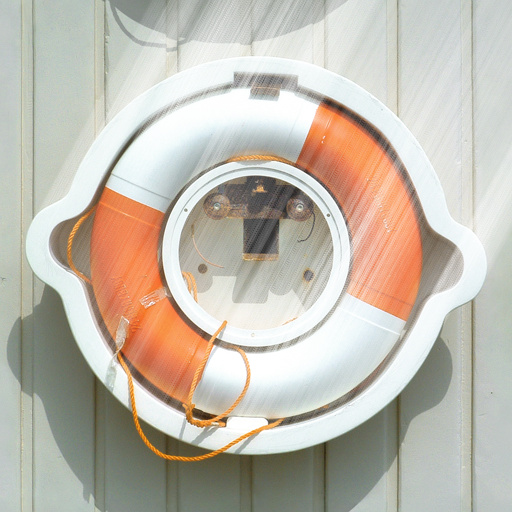
Rays by Wolfgang Halder
#14655. Adds rays of directional light to highlight areas. Update: Maximum rays length ist now 3000. It has now a blur function. Minor bugfixes. Keywords: rays, light, light beam. Controls: Blur Radius, Rays Angle, Rays Length, Threshold, Only Rays
This filter requires Filter Forge 9.0 or higher.
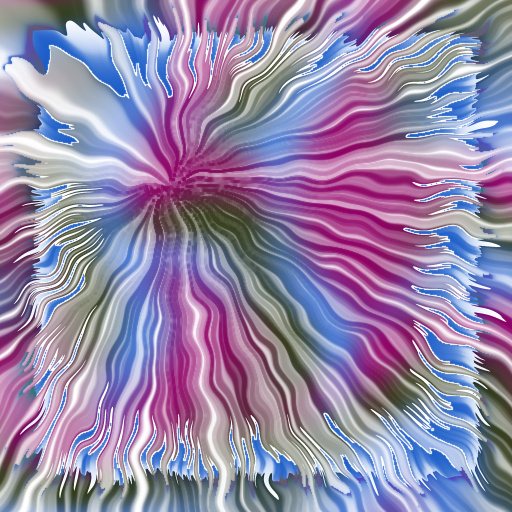
Waves of Color and Light by Boogie Jack
#15468. Create rays of color: straight raus, wobbly rays, or rays that appear weathered with age - it''s your choice. The "tint" color, if enabled, can be set from completely transparent to fully opaque, or anywhere in between. It can be used to create bordered ...
This filter requires Filter Forge 5.0 or higher.
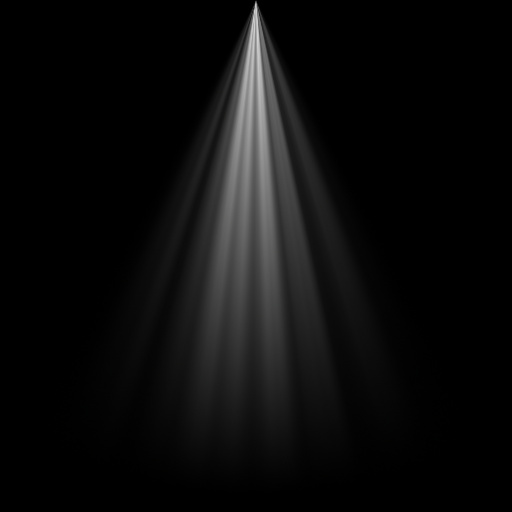
Light Rays by SteveO
#13592. Light rays for masking. Keywords: Light, rays, beam,. Controls: width, ray width, rotate, contrast, Fall Off
This filter requires Filter Forge 11.0 or higher.
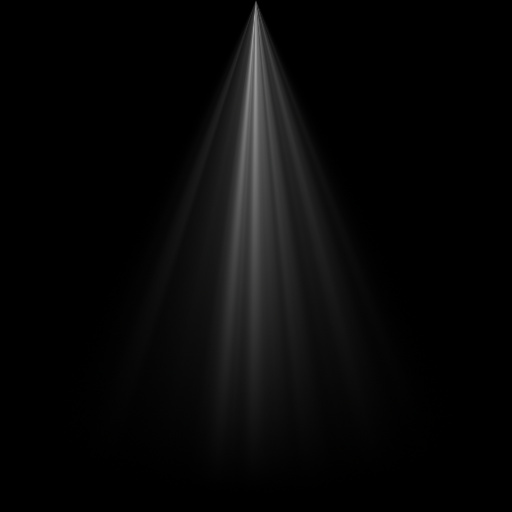
Scintillating Light Ray by SteveO
#16299. Light rays for masking. Keywords: Light, rays, beam, scintillating. Controls: width, contrast, Fall Off, ray width
This filter requires Filter Forge 8.0 or higher.
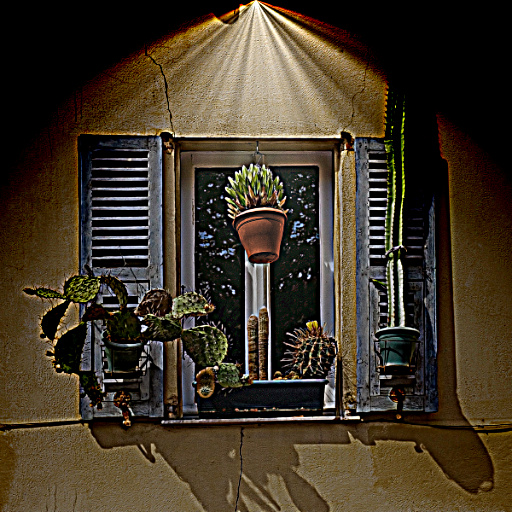
Spotlight and Light Rays by Boogie Jack
#15354. Create a spotlight effect on an image or turn the spotlight into multple rays of light from a single source. Nice effect for photographs. Keywords: spotlight, light rays, light beams. Controls: Hue, Saturation, Brightness, Contrast, Sharpen, Sharpen Radius, Feather Outer Edge, Ray Rotation, Ray Contrast, Ray Count, Spread ...
This filter requires Filter Forge 7.0 or higher.
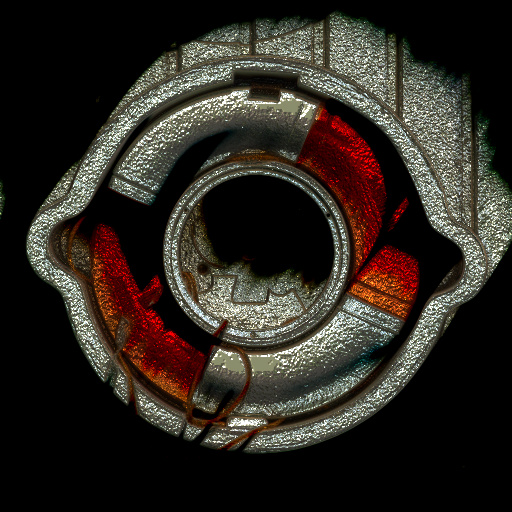
Dark Metallic Rays by Wolfgang Halder
#14822. Adds metallic rays to highlight areas and blends them twice into the original image. Darkens the image. Creates a surface with bump and normal map. Keywords: rays, light, light beam, metallic, dark, bump map, normal map, blend. Controls: Rays Angle, Rays Length, Rays ...
This filter requires Filter Forge 14.0
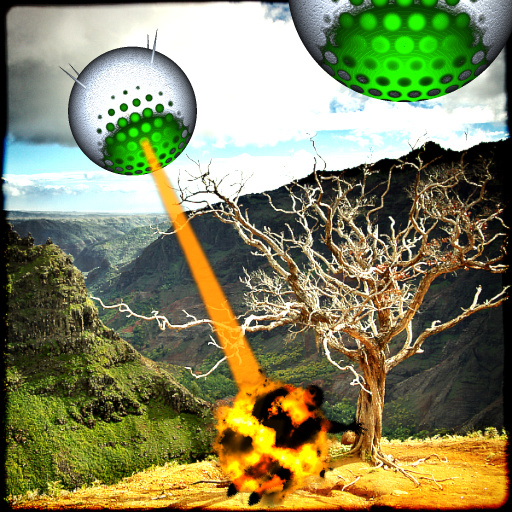
The War of the Droids by Ramlyn
#14406. The droids attak! Will you survive? The filter creates two identical droids. Droid 1 is set to have the chance to shoot a ray. The ray can also hit a man, create an explosion, or involve a man in the explosion. Droid 2 is in front of Droid 1. If you put all elements in the same area, starting from the back, they appear in this order : Droid 1, the ray, Droid ...
This filter requires Filter Forge 4.0 or higher.

Rays by Kochubey
#11759. A sunburst or aurora pattern for backgrounds. Keywords: sunburst, starburst, background, rays, radial, circles, stripes, aurora, halo, radial gradient, northern lights, sunset. Controls: Rays, Background, Radial, Number of Rays, Smooth, Center X, Center Y, Radius
This filter requires Filter Forge 14.0
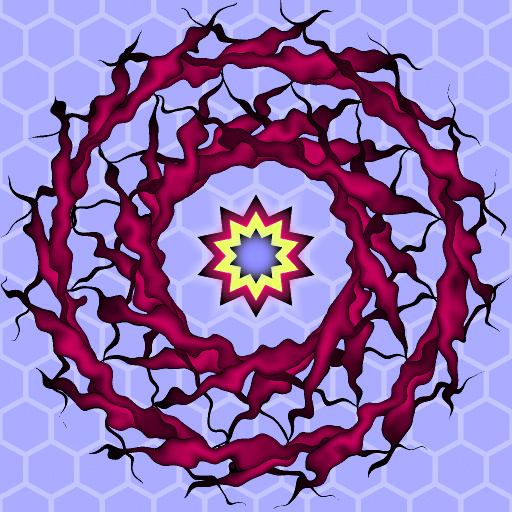
HexaSun by Ramlyn
#14472. Four sets of rays and a concentric polygon to create an abstract sun. Keywords: Sun, Star, Rays, Abstract, Art, Artistic, Decoration, Polygon, Hexagon. Controls: Result Offset X, Result Offset Y, Main Sides, Main Rotation, Color Polygon 1, Color Polygon 2, Color Polygon ...
This filter requires Filter Forge 4.0 or higher.
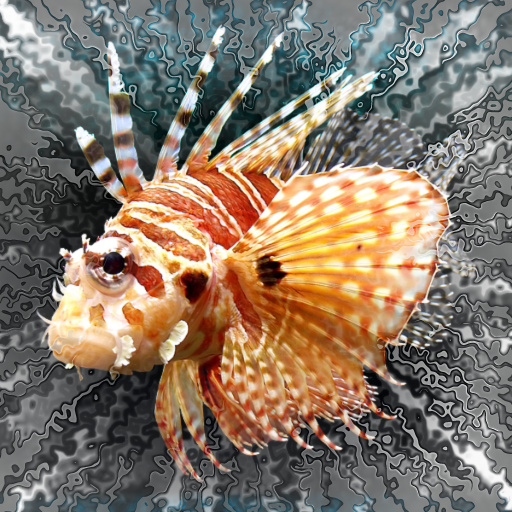
Artistic : NoisExplosioN by Ramlyn
#13056. A decorative .....dimensional explosion. :) The NoRays controls allow to select an area where the rays effect is weaker or absent. The =NoRaysArea Viewer= is useful to have a better understanding of the position of the NoRays Area. It deletes the rest of the picture, showing only the NoRays Area. Keywords: Explosion, artistic, rays, decoration,...
This filter requires Filter Forge 1.0 or higher.
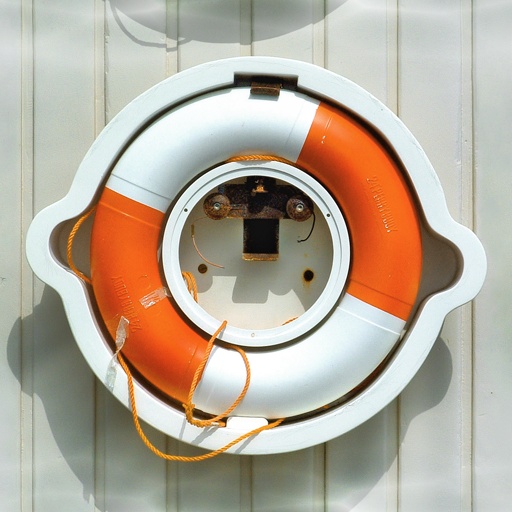
Caustics by Rawn (RawArt)
#4825. Add caustics to any photo to get that under sea feel. Keywords: water, waves, ocean, sea, tide, Rays, RawArt. Controls: Reflection length, Ripple Size, Rays Right/Left, Rays Up/Down, Ray Brightness, Caustic Brightness, Caustic amount
This filter requires Filter Forge 14.0
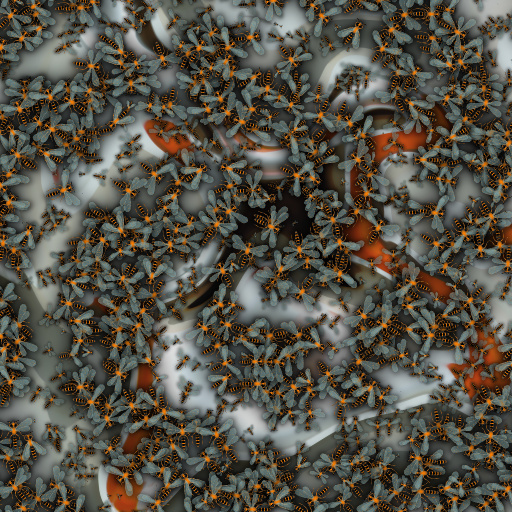
Insects Storm by Ramlyn
... Insects Shadow Y/N, Insect Type 1 Chance, Insect Type 2 Chance, Insect Type 3 Chance, Insect Type 4 Chance, Insect Type 5 Chance, Front Insects, Back Insects, Back Insects Scale, Insects Size, Insects Size Chaos, Insects Density, Insects Chaos, Storm Rays Y/N, Storm Rays Amount, Storm Rays Swirl, Storm Rays Rotation, Storm Rays Distort., Storm Rays Thickness, Rotation, Rotation Invert, Rotation Repeat, Rotation Chaos, Rotat. Centers Chaos, Background, Background as color, Darkness Control A, Darkness ...
This filter requires Filter Forge 3.0 or higher.
Rays by Mongoose King
#11743. Rays of light, enery beams, use them for whatever. Keywords: rays, light, beams, laser, xray, energy, sun. Controls: Noise, Background, Scale, Contrast
This filter requires Filter Forge 6.0 or higher.
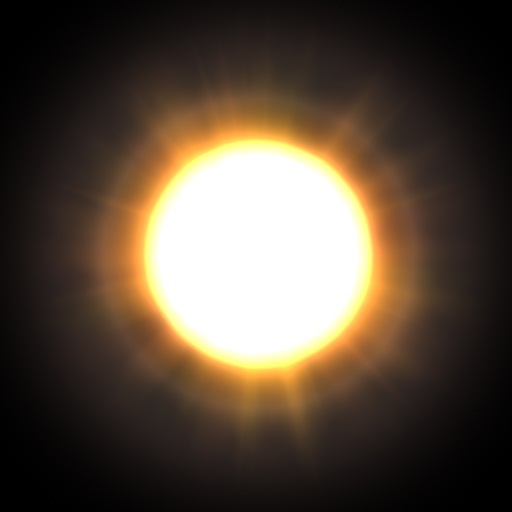
Sun by MerlinEl
#14282. This filter generates an effect similar to lens flare (but without secondary flares) using two Loop components, one for rings, and another one for the star rays. Keywords: star, rings, lens flare, space, optics, fx, lensflare. Controls: Ray Color 1, Ray Color 2, Ring Color 1, Ring Color 2, Ring Opacity, Ring Radius, Number of Rings, Ray Density, Offset X, Offset Y, Diameter, Sun Radius, Sun blur, Sun Color,...
This filter requires Filter Forge 13.0 or higher.
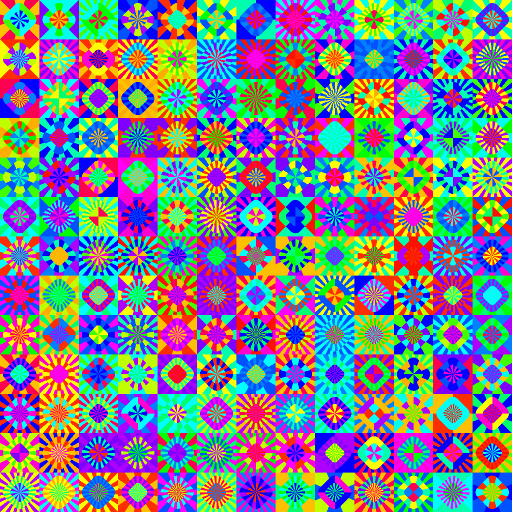
Groovy Rays by Ramlyn
#16569. Colorful pattern composed of rays and squares. Keywords: Rays, Colorful, Squares, Circles, Groovy, Retro, Seventies. Controls: Repeat, Middle Corners, Middle Rotation, Upper Corners, Upper Rotation, Rotation, Hue
This filter requires Filter Forge 4.0 or higher.

Simple Lens Flare by Vladimir Golovin
#11749. This filter generates an effect similar to lens flare (but without secondary flares) using two Loop components, one for rings, and another one for the star rays. Keywords: star, rings, lens flare, space, optics, fx, lensflare. Controls: Ray Color 1, Ray Color 2, Ring Color 1, Ring Color 2, Ring Opacity, Ring Radius, Number of Rings, Ray Density, Offset X, Offset Y, Diameter
This filter requires Filter Forge 3.0 or higher.
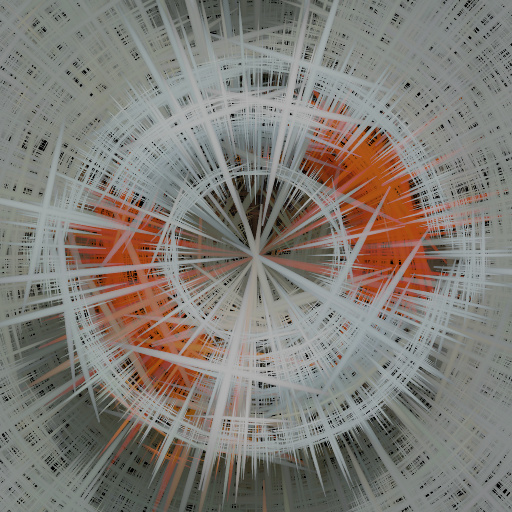
Radial Rays by Tim2501
#10988. Creates radial/ tangential rays. Supports multiple blendmodes, vortexes and a shiftable center. Keywords: radial tangential rays vortex blast. Controls: Center X, Center Y, Tangential/Radial, Vortex, Size inner, Size outter, Mix Blendmode, Mix Opacity
This filter requires Filter Forge 4.0 or higher.
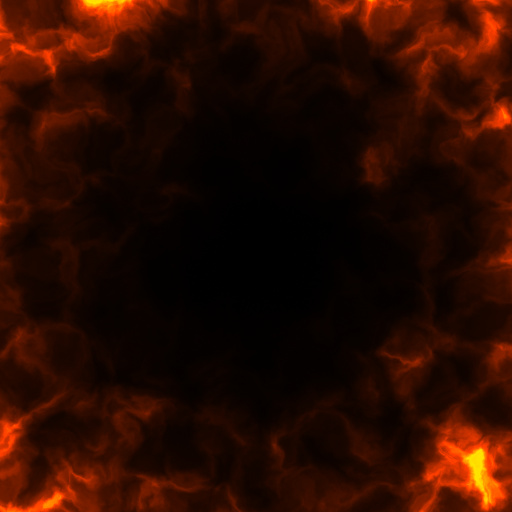
Particle Generator by mitaywalle
#11841. All'n'One Circle/Line/Ray Particle effect generator, for background, framing and game particles. Try, Enjoy!. Keywords: particle, background, frame, game, effect, flame, fire, light, lightning, electricity, ghost, fog, smoke, circle, line, ray, alpha. Controls: Background,...
This filter requires Filter Forge 5.0 or higher.
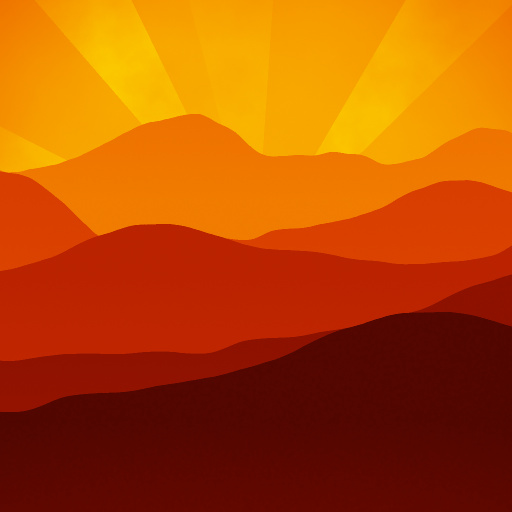
Mountains at Sunset by Kochubey
#13433. This filter generates a mountaineous region at dusk (or dawn). You can control steepness of mountains and position the sun manually. Keywords: mountains, hills, sun, sunset, sunrise, dusk, dawn. Controls: Color, Slope, Vignette, Rays, Rays X, Rays Y
This filter requires Filter Forge 4.0 or higher.
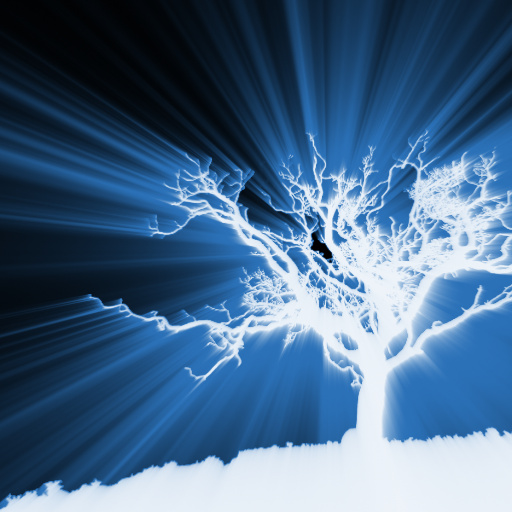
The Light of God by Walter Hackett
#15090. God's rays of light! Brighten up your day! WHYH. Keywords: good god ray light beams shine bright brighten volumetric glory heaven. Controls: Ray Color, Origin X, Origin Y, Attenuation, Normalization, Soften, Color Curve, Source Select, Destination Select
This filter requires Filter Forge 1.0 or higher.
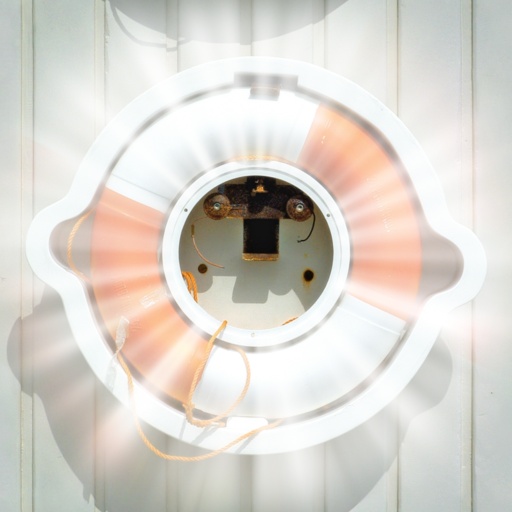
Light Rays by ThreeDee
#5451. Light rays emanating from the center of the image, shining through current selection. "Spikyness" adds variation to the radial spokes. "Illumination" increases the brightness of the light source (selection). "Contrast" ...
This filter requires Filter Forge 1.0 or higher.
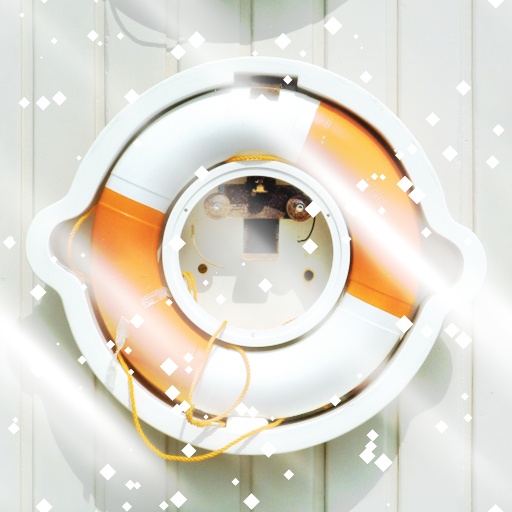
Diamond Dust by Zephos
... much fun as watching the dust float in the sunlight of your home, but with only half of the health deteriorating side effects! For when the darkness comes to eat your children, lighten things up with Diamond Dust!. Keywords: diamond dust light beam ray sparkle spark glimmer shimmer twinkle shine prism glow effect particle zephos xynthica. Controls: Light Color, Light Ray Power, Light Ray Size, Light Ray Fade, Light Ray Angle, Light Source Angle, Exposure, Reverse Exposure, Dust Color, Dust Size,...


