Search Results
This filter requires Filter Forge 1.0 or higher.
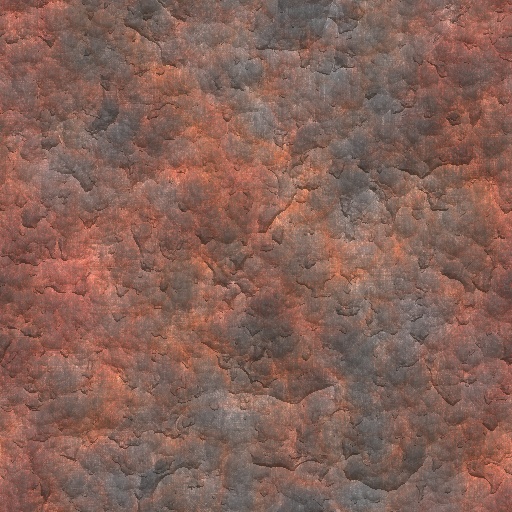
Super rust by Qender
#4483. Very rusted metal - This exports excellent bump and normal maps!. Keywords: Metal, rust, iron, steel, techno, industrial, heat, fired. Controls: Invert height
This filter requires Filter Forge 2.0 or higher.

Creepy by Vladimir Golovin
#214. A creepy-looking organic surface that can produce excellent normal/bump maps. Keywords: creepy organic tissue alien horror slime slimy veins vessels. Controls: Foreground, Noise
This filter requires Filter Forge 10.0 or higher.
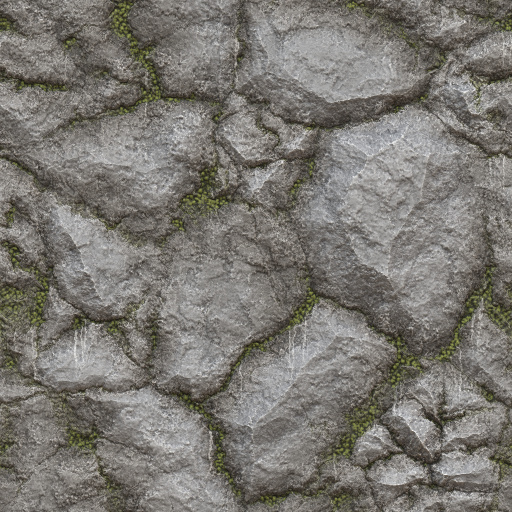
Veggie Rock by Vanblam
#15897. This is a simple rock with vegetation between the cracks. You only have to deal with 3 colors. The options will allow you to change albedo details that really bring out the effects of the normal map. I added water streaks for extra detail. Hope you enjoy. :). Keywords: Rock, Vegetation, Stone, Moss, Wall. Controls: Rock Color, Veggie Color, Dirt Color, Surface Height, Rock Shine, Edge Highlights, Edge Darks, Extra AO, Water Streak Opacity, Water ...
This filter requires Filter Forge 2.0 or higher.
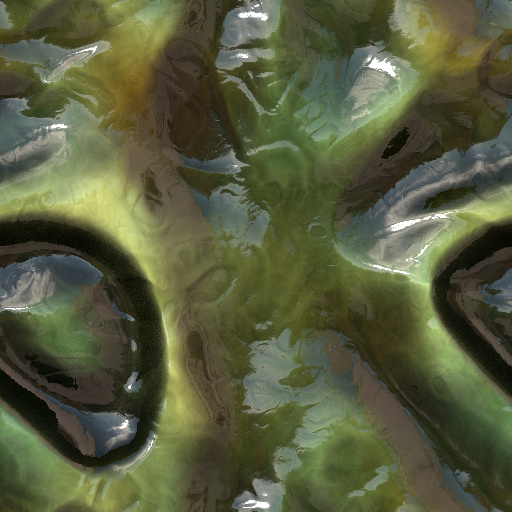
Organics by Vladimir Golovin
... me of the work of H.R. Giger in the famous sci-fi movie "Alien". I'm sure that game texture artists will absolutely love this filter, because making this kind of textures manually is very time consuming – especially when you need a normal map. Keywords: alien aliens skin tissue organic creepy giger slime slimy horror. Controls: Color 1, Color 2, Color Variation, Dark / Light, Detail, Frequency, Roughness
This filter requires Filter Forge 4.0 or higher.
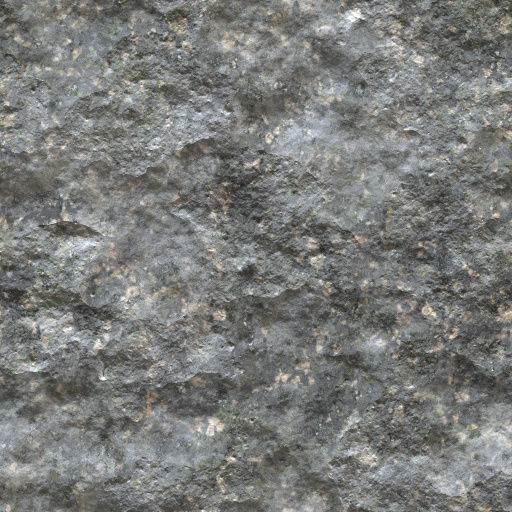
Fast Stone Surface by raabix
... filter. It offers simple yet powerful enough controls to create a rough to soft rocky surface. Play around with the mineral colors and the general color variations to achieve a rich variety of looks. The alternative structure checkbox changes the normal map of the rock surface. Keywords: rock stone mineral weathered limestone quartz rockface rockwall natural tiling. Controls: Minerals Tint, Quartz Color, Colored Rock Amount, Saturation Variation, Stone Roughness A, Stone Roughness B, Stone BG Contrast,...
This filter requires Filter Forge 1.0 or higher.
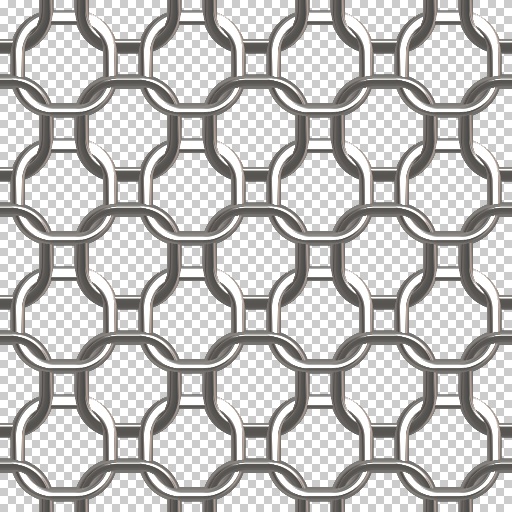
Simplest Chainmaille by jffe
... really, Constantin did chainmaille first with FF and the credit for 51%+ of this filter goes to him without a doubt. Note : Updated version changes = Changed the 'Low' control to read 'Ring Color', and removed the Height input threshold to correct the normal maps (thanks to Crapa for that suggestion). Keywords: chainmaille, chainmail, chain mail, chain, armor, suit, sword fighting, dungeons and dragons, LOTTR, whatever etc. Controls: Ring Color, Round - Square, Surface: Shiny-Dull, Over-Under Invert
This filter requires Filter Forge 3.0 or higher.
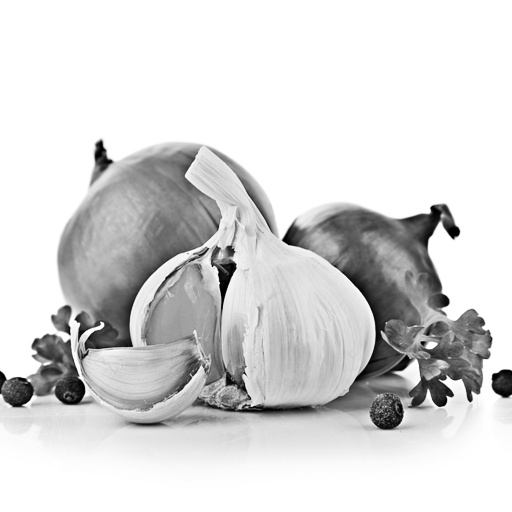
mw_Height / Normal Map by marwyn
....> Switch for a Normal Map ...> (Normal Map Channels by R.Bartlett). Keywords: Height, Normal, 3d, Texture, mw. Controls: Diffuse Map, High Pass > Radius, High Pass > Contrast, Painted Height Map, Level > Gamma, Height > Normal Map, Normal Strength
This filter requires Filter Forge 2.0 or higher.
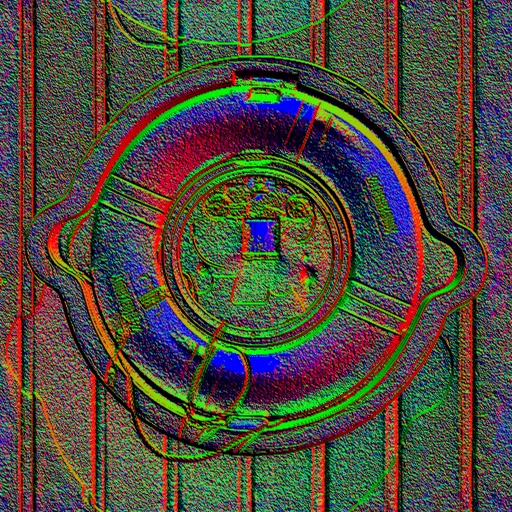
HDR Normal Map by jitspoe
#9463. Sometimes it's useful to have a properly normalized normal map that uses values from -1 to 1. Use this snippet to convert your bump maps to high precision HDR normal maps. This filter can also generate standard normal maps for quick comparison. Keywords: normal map derivative component hdr. Controls: HDR
This filter requires Filter Forge 5.0 or higher.
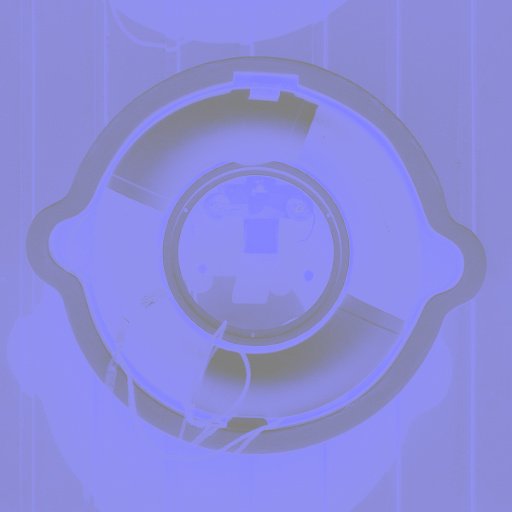
DreamLight_Normal-Map-Maker by Scazzino
... simulated ambient occlusion map. A tutorial that explains the process used can be found on our blog post – How to Create Normal Maps from Photographs. http://dreamlight.com/how-to-create-normal-maps-from-photographs/. Keywords: Create Normal Map, Normal Map, Normals, Ambient Occlusion Map, Occlusion Map, DreamLight, Michael Scaramozzino, Photographs. Controls: Top Image, Right Image, Bottom Image, Left Image, Occlusion Brightness, Normal or Occlusion
This filter requires Filter Forge 1.0 or higher.
Directional Light by Mike Blackney
#6771. This simple (non-surface) filter applies a directional light to an image and is intended for use on normal maps or high-quality height maps. The filter creates a light vector and calculates the dot product between the surface normal and the light. Normal map generation based on "Normal map Assembler" filter created by Sphinx. Keywords: ...
This filter requires Filter Forge 5.0 or higher.

PBR Normal Map Adjuster by TomFra
... the strength of your Normal map with a slider, Invert(Flip) R/G channels. A very simple, but efficient tool for your texturing workflow. Keywords: Normal Map, PBR, Intensity, Strength, Flip, Invert, Green, Red, Channel. Controls: Input Normal Map, Normal Stength, Flip Green Channel, Flip Red Channel
This filter requires Filter Forge 1.0 or higher.
Invert Channel / Convert Normal Map by Darkish
#6261. This is a simple snippet that will convert colors in an image on a per-channel basis. I first started with a simple filter to convert DirectX normal maps to OpenGL normal maps (and vice-versa). Filter Forge complained that it needed controls, so I figured I'd make it a per-channel invertion snippet. To convert OpenGL normal maps into DirectX normal maps, simply check "Invert Green" ...
This filter requires Filter Forge 1.0 or higher.
Normal by MichaelTannock
#9071. I created this filter a very long time ago, to convert my bump maps to normal maps, and my normal maps to specularity maps. And I decided it was about time I submitted it to the library. I hope some find it useful. Keywords: height bump normal specular specularity map mapper mapping remapper remapping converter convert light shadow ...
This filter requires Filter Forge 4.0 or higher.
Normal Map Flipper by Duke of Frags
#14764. Please note, this filter will not generate a normal map, it is for flipping one or more dimensions of a normal map that you open into it. This filter flips the directional components of a normal map. I made this as I found that most normal maps in filterforge actually render inverted in some engines ...
This filter requires Filter Forge 1.0 or higher.
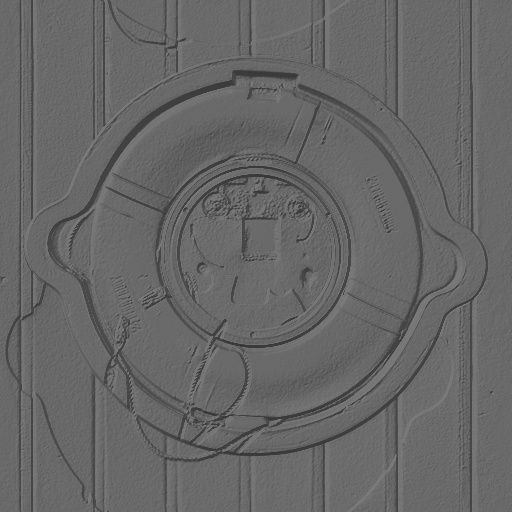
Normal map via lightness by LigH
#924. Just the simple Normal Map generator; height information is derived from the overal lightness. ========== Important: Distributed with "Render Maps: Off" – switch to "Render Maps: Normal Map" for yourself! ========== Note: Unfortunately, the Filter Forge bump mapper seems to be based on the quite edgy and powerful Sobel 5x5 filter, you would probably want to reduce the bumping impact by reducing the contrast of the ...
This filter requires Filter Forge 5.0 or higher.
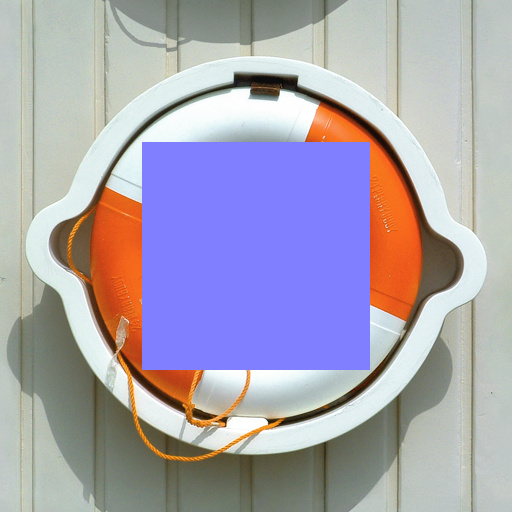
PBR Tiled Normal Overlay by TomFra
#14803. This is a small utility to overlay some 'Decal-type' normals on a Background Normal map. Controls: - Overlay Tiling - Overlay Scale Usage: 1. Load Backround Normal map 2. Select Overlay Normal Map (with Alpha if needed). 3. Set the controls (Tiles, Scale) Forum/Usage: https://www.filterforge.com/forum/read....
This filter requires Filter Forge 1.0 or higher.
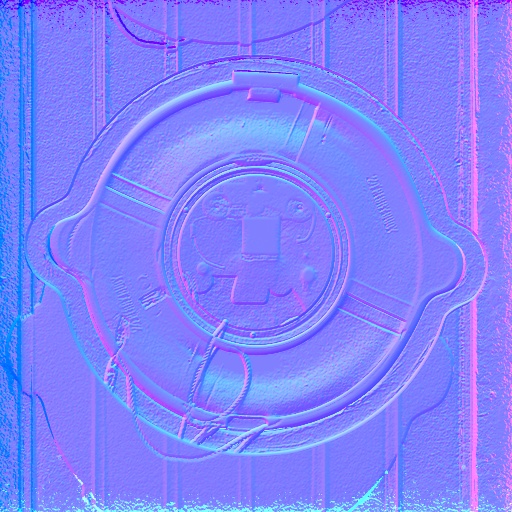
Normal Map Channels are Offset Maps by Richard Bartlett
#1477. ** Not intended for use on photos like depicted in the example on the left. ** Takes a height map and converts it into a normal map. In all reality, this filter is useless as a normal map filter. The results aren't great due to the way the refraction component samples from outside the bounds of the source. When a height map is used as the source image (what you should ...
This filter requires Filter Forge 2.0 or higher.
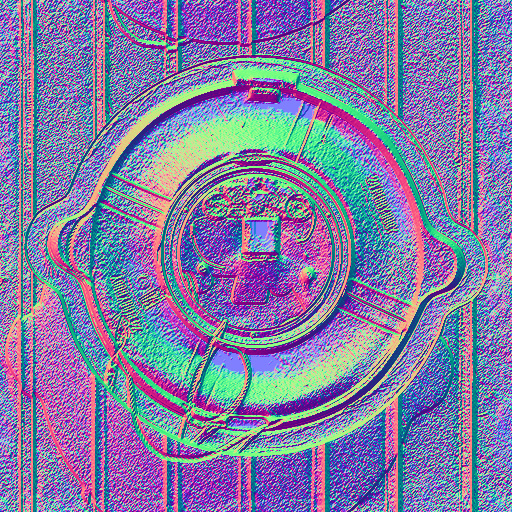
Normal Map by Egret
#8774. This filter converts the brightness of image pixels into height values and generates normal maps for use with 3D packages and game engines. The maps are fully consistent with those produced by the Result component in Surface mode. Keywords: normal map. Controls: Surface Height, Flip Y
This filter requires Filter Forge 1.0 or higher.
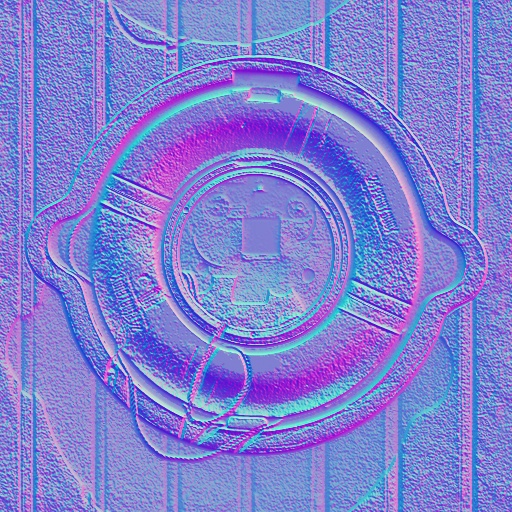
Bump to Normal Map by Jim Niehues
#8297. Bump maps go in. Normal Maps come out. Fixed issue with bad borders based on http://www.filterforge.com/filters/1477.html. Keywords: Normal map fix bump. Controls: Strength, DirectX>OpenGL, Show Clipping
This filter requires Filter Forge 1.0 or higher.

Normal map via Alpha by LigH
#923. Just the simple Normal Map generator; height information is derived from the Alpha channel. ========== Important: Distributed with "Render Maps: Off" – switch to "Render Maps: Normal map" for yourself! ========== Note: Unfortunately, the Filter Forge bump mapper seems to be based on the quite edgy and powerful Sobel 5x5 filter, you would probably want to reduce the bumping impact by reducing the contrast of the ...
This filter requires Filter Forge 1.0 or higher.
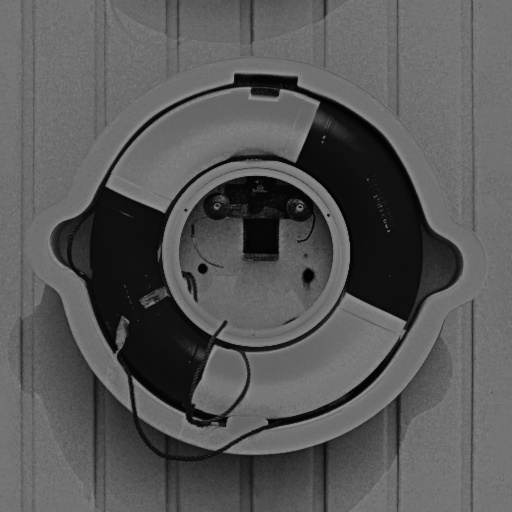
Normal Shading Extraction by ArGh
#1084. Used to extract some shading information from normal maps. Can be useful to bake some shading in the Diffuse Map. Apply the filter on your normal map, then blend it with the diffuse using Overlay or Soft Light at low opacity (from 5 to 25). Keywords: Normal Map Shading Extraction. Controls: ...
This filter requires Filter Forge 6.0 or higher.
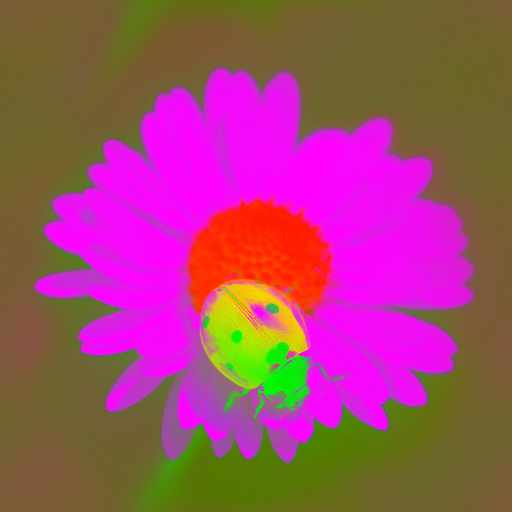
Rey's Swizzle 1.1 by Chin Rey
#14180. This filter is intended for editing normal maps so the preview images don't really make much sense.<p>Swizzle incompatibility is a common problem for normal maps. The swizzle coordinates determine how the colors of the map affect the normals and unfortunately different applications do that ...
This filter requires Filter Forge 1.0 or higher.
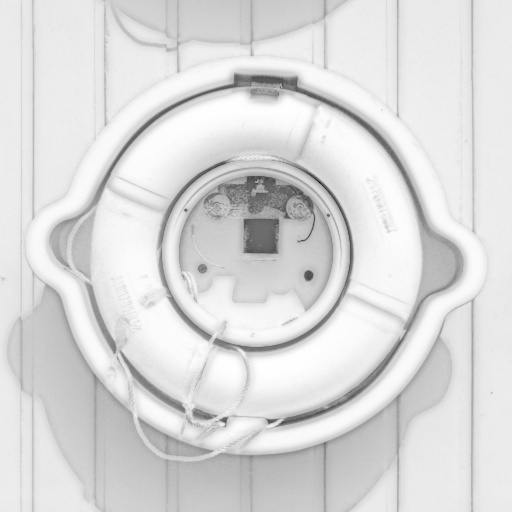
Ambient Occlusion by Mike Blackney
#4517. Use this filter on a normal map to generate a simulated ambient occlusion (self-shadow) map. You can also create an ambient occlusion map using photos, textures and heightmaps. Keywords: Ambient, occlusion, shadow, game, texture, bump, normal, shader. Controls: Blur, From Normal ...
This filter requires Filter Forge 1.0 or higher.
Normal Converter by KarimD
#2207. This is a simple but quite efficient filter that allowes you to convert any of your bitmaps into a normal map. Since the last 24 houres, I converted 30 of my owne pictures into normal maps. Tunigs are not relevent when you start tuning but be sur that you'll have a better understanding after few tests. I suggest you to keep all the presetes icons ...
This filter requires Filter Forge 4.0 or higher.
Normalize by MichaelTannock
#12745. The Normalize filter is designed to fix Normal maps that are either incorrect or incomplete. Keywords: normal bump vector render height strength direction colour color light texture mapping channel fix invert rendering opengl directx game shader shading. Controls: Base (1=R, 2=G, 3=B), Base attenuation,...
This filter requires Filter Forge 2.0 or higher.
RealNormalMapper by Mike Blackney
... Create extremely high quality, high and low frequency normal maps using the new Derivative component. This snippet shows how to compute your blue channel from your red and green, and gives a one-pass normal. Keywords: Games, texturing, normal, map, normals, snippet. Controls: Initial Blur, Height
This filter requires Filter Forge 11.0 or higher.
DKS-AmbiSketcher by Myrrdraal
#16243. Makes them into pretty sketches. Keywords: Ambient, shadow, texture, bump, normal, shader, sketch, pencil, drawing, drawn. Controls: SoftStroke Threshold, Sharpen Normal Map, Soften, Stroke Variation, From Normal Map?, Soft Strokes, Invert Soft Strokes
This filter requires Filter Forge 4.0 or higher.
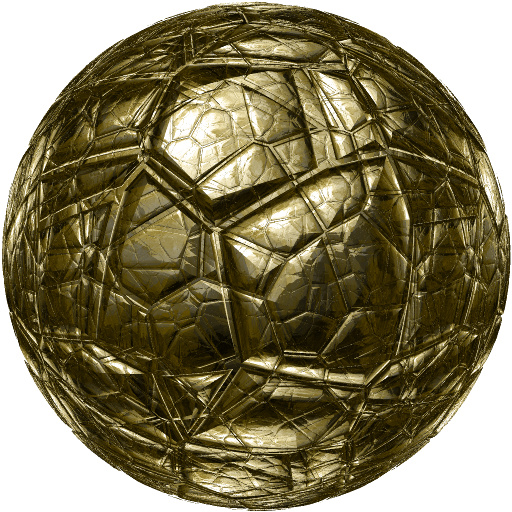
The Nugget by ___
#16297. A rock texture with an interesting look. Normal mapping used. Keywords: rock texture normal mapping. Controls: Foreground, Selector, Ball / Flat
This filter requires Filter Forge 4.0 or higher.
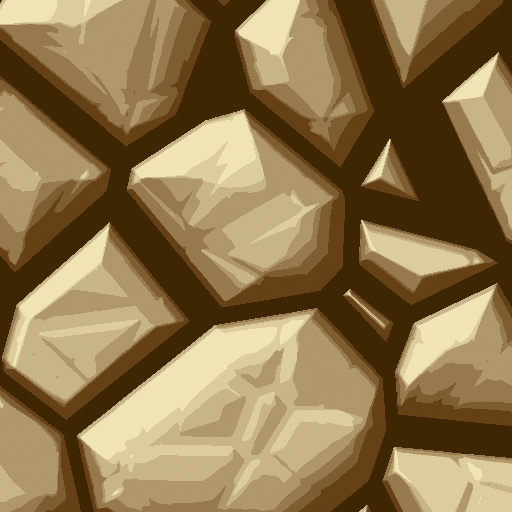
Toon Rock by ___
#16294. Uses normal mapping and color uqnatization to create anice cartoon rocky effect. Keywords: cartoon rock stone normal map. Controls: Hue, Surface Height, Blur Off/Median On
This filter requires Filter Forge 2.0 or higher.
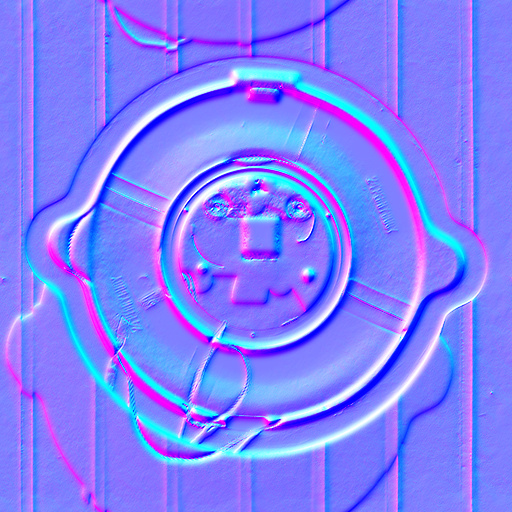
RealNormalMapper_ABMod by angelboiii
... ______ Create extremely high quality, high and low frequency normal maps using the new Derivative component. This snippet shows how to compute your blue channel from your red and green, and gives a one-pass normal. Keywords: Games, texturing, normal, map, normals, snippet. Controls: Height, Height Smoothing, Initial Blur, Sharpen Amount, Sharpen Radius, Switch Left/Right, Switch Top/Bottom
This filter requires Filter Forge 2.0 or higher.
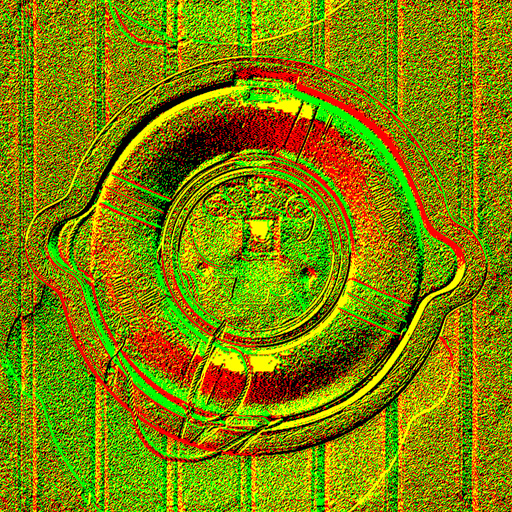
Du/Dv map by Spockjedi
#9557. This filter converts the brightness of image pixels into du/dv maps for DirectX 8 refractions. It also converts regular normal maps into du/dv maps. For pure yellow, green, red and black du/dv maps, set Anti-Aliasing to Off and Smooth to 0. Use "Size, pixels" to change the intensity of the result. Keywords: du/dv dudv height refraction normal map normal2dudv game normalmap ...
This filter requires Filter Forge 7.0 or higher.
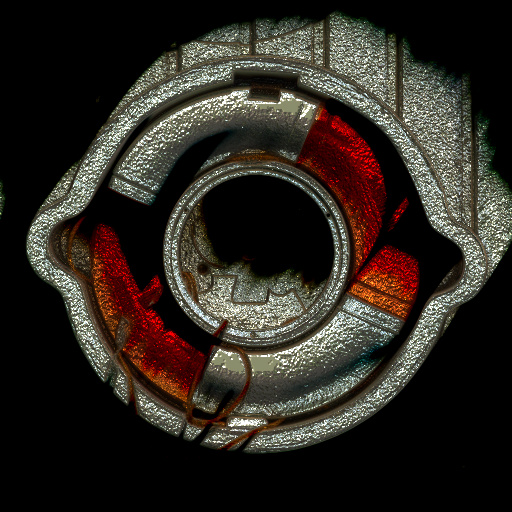
Dark Metallic Rays by Wolfgang Halder
#14822. Adds metallic rays to highlight areas and blends them twice into the original image. Darkens the image. Creates a surface with bump and normal map. Keywords: rays, light, light beam, metallic, dark, bump map, normal map, blend. Controls: Rays Angle, Rays Length, Rays Threshold, Blending Mode A, Blending Mode B, Blur Depth
This filter requires Filter Forge 6.0 or higher.
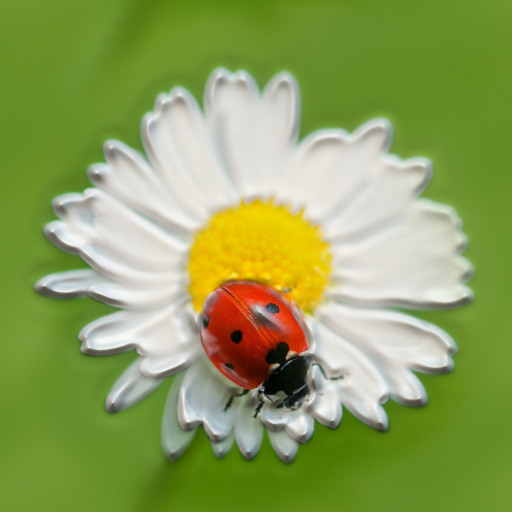
3D Embossing by AlienConception
#14195. Give a 3D effect to image and enable "Normal Map" and "Bump Map" in the desired way. Check Box for "Up or Down", it can be adjusted with the control of "Surface Height" in "Lighting". Keywords: 3D embossing embossed effect image enable normal map bump ...
This filter requires Filter Forge 2.0 or higher.
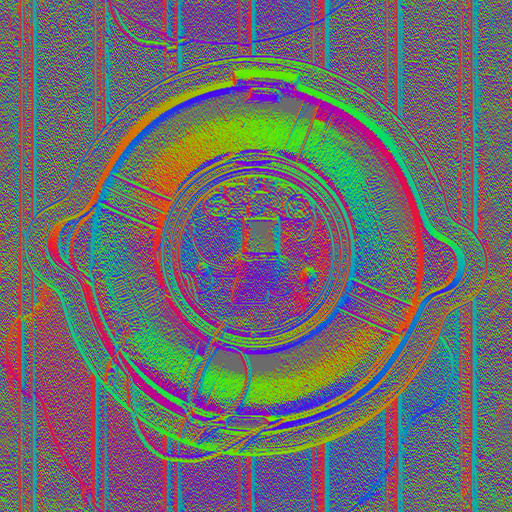
Self-Shadowed Bump Map (SSbump) generator by Spockjedi
#9643. This filter generates Self-Shadowed Bump Maps for VALVe's Source game engine. It can also convert regular normal maps into SSbumps, which are faster to render and can be edited as a common image. Those maps are compatible with Half-Life 2 and its episodes, Counter-Strike Source, Team Fortress, and Portal series. More information about SSbump here: http://developer....
This filter requires Filter Forge 1.0 or higher.
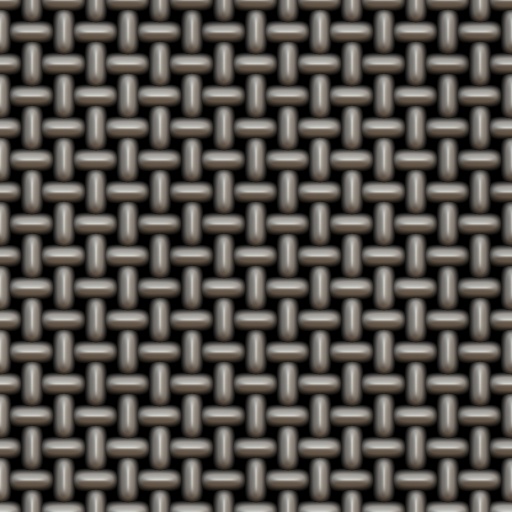
Weave by Jon Watte
#7149. Creates a warp/waft weave with some variations. Great for generating normal maps to map on top of some other picture, or generating a picture of an empty canvas. Different size/repeat available. Keywords: weave, warp, waft, canvas, cloth, surface, cotton, linen, coarse, bump, normal. Controls: Color 2, Surface Color, Spottiness,...


